
TL;DR
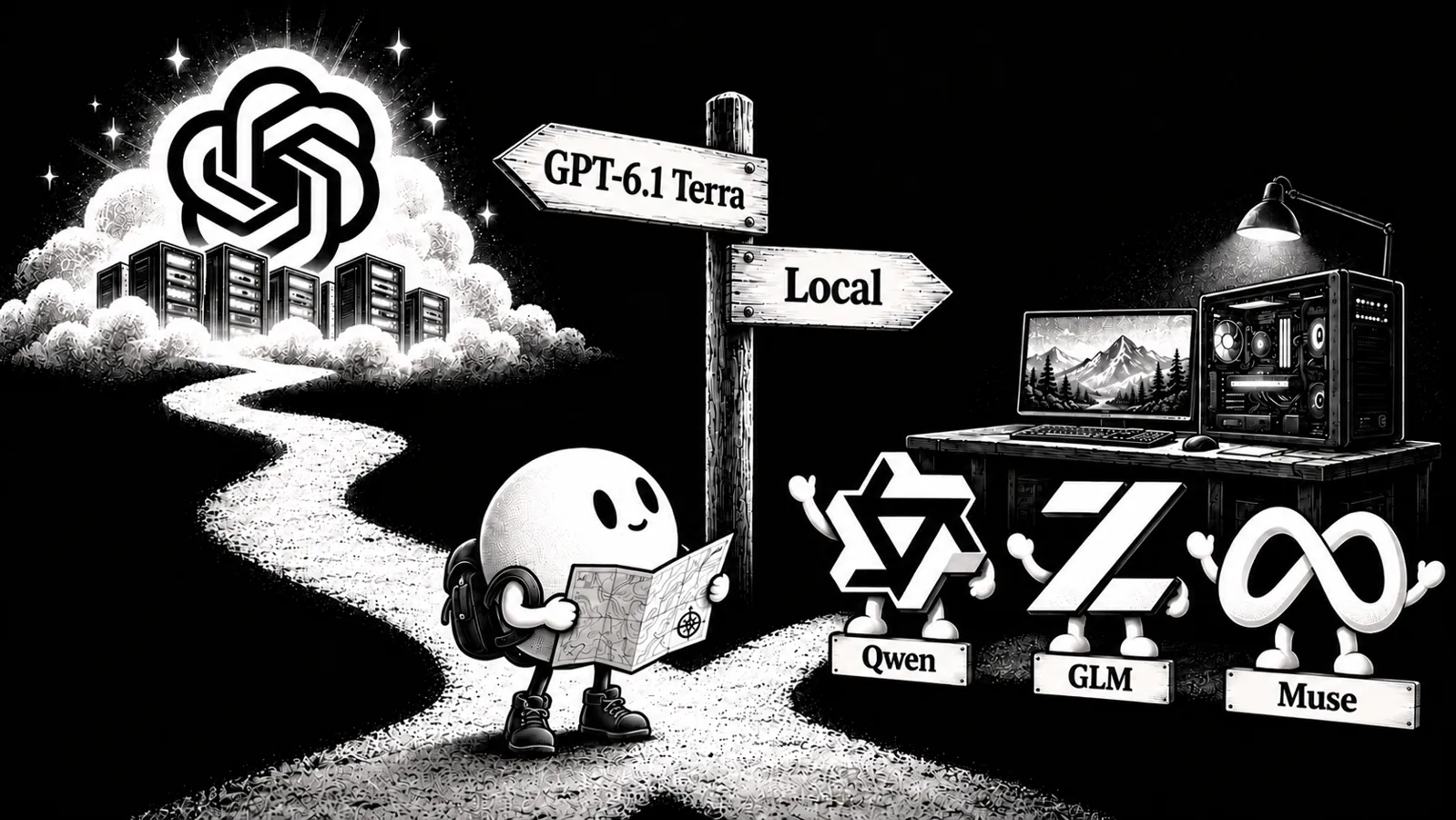
A local AI agent setup runs the agent and its model on your computer. Your prompts and tool results go to your own model server instead of a cloud inference API, and there is no per-token API bill. The app can still contact update servers, analytics, messengers, or remote tools.
- An AI agent is not the model. It's the loop around the model: it hands the model tools (read file, edit code, run a command), executes what the model picks, and feeds results back until the task is done.
- All eight have a local-model path. Most accept an OpenAI-compatible server such as Atomic Chat or Ollama. Claude Code uses Ollama's Anthropic-compatible endpoint instead.
- "Local" has four separate layers: execution, inference, storage, and outbound traffic. A local model does not make your Telegram bot or remote MCP server private.
- Aider and Continue need a 2026 caveat. Aider's last listed release is from August 2025; Continue's repository says it is no longer actively maintained. Both still appear in older best-of lists.
- Atomic Agent is our local-first pick. Its loop, memory, and approval gates are built for local operation. It comes from the Atomic ecosystem, so this is our editorial recommendation, not an independent benchmark result.
What is a local AI agent?
An AI agent is software that turns a language model into something that acts. The agent gives the model a set of tools (reading and editing files, running terminal commands, controlling a browser), then executes whatever the model picks and returns the result, looping until the task is complete. A chatbot answers you; an agent analyzes the repo, edits the code, runs the tests, reads the errors, and tries again.
For a local setup, the model must run on your hardware too. Claude Code, for example, runs terminal commands locally in its usual setup but sends model requests to a cloud provider. Pointing an agent at localhost changes the inference path; it does not turn off analytics, messengers, or remote MCP tools.
Why run an AI agent on a local model?
Four reasons, in the order you tend to notice them:
- Cost. Every tool step can resend instructions, source files, and earlier output. That adds up quickly on a metered API. Local inference removes the per-token bill; you still pay for the hardware and electricity.
- Privacy. A coding agent can read source files,
.envfiles, and command output. With a local model, inference stays on your machine. The permissions you give the agent and its other network connections still matter. - Offline. Once the model is downloaded, the loop works on a plane or an air-gapped box, minus any tools that inherently need the network.
- Control. You choose the weights, quantization, and context allocation instead of accepting a hosted model's usage cap. Your RAM, VRAM, and patience become the limits.
How we picked, and what "local" actually means
Roundups in this space tend to blur three different things: agents you can use, frameworks for building agents, and chat apps with a tools menu. We limited this list to working agents you can install and hand a task today. No SDKs, no waitlists.
We compared four locality boundaries:
| Boundary | The question it answers |
|---|---|
| Execution | Do the agent loop and its tools run on your machine? |
| Model | Can a locally served model power it, and how first-class is that path? |
| Storage | Where do sessions, memory, and config live? |
| Telemetry | Does it phone home by default, and can you switch that off? |
Almost every agent below runs tools where your files live. The real differences are where the model request goes, where sessions are stored, and which other connections are enabled. "Runs locally" is not the same claim as "stays offline."
Each pick has a documented local-model route and an installable agent, not just an SDK. This is an editorial comparison of workflows and documented defaults as of September 16, 2026, not a benchmark of eight agents on one task.
The 8 best local AI agents in 2026
1. Atomic Agent: best local-first setup
Atomic Agent puts the loop, persistent memory, and approval gates on your machine. It starts with a local llama.cpp model server and can use cloud providers if you configure them. It comes from the same Atomic ecosystem as Atomic Chat; that relationship is why we know the product, and you should weigh our pick accordingly.
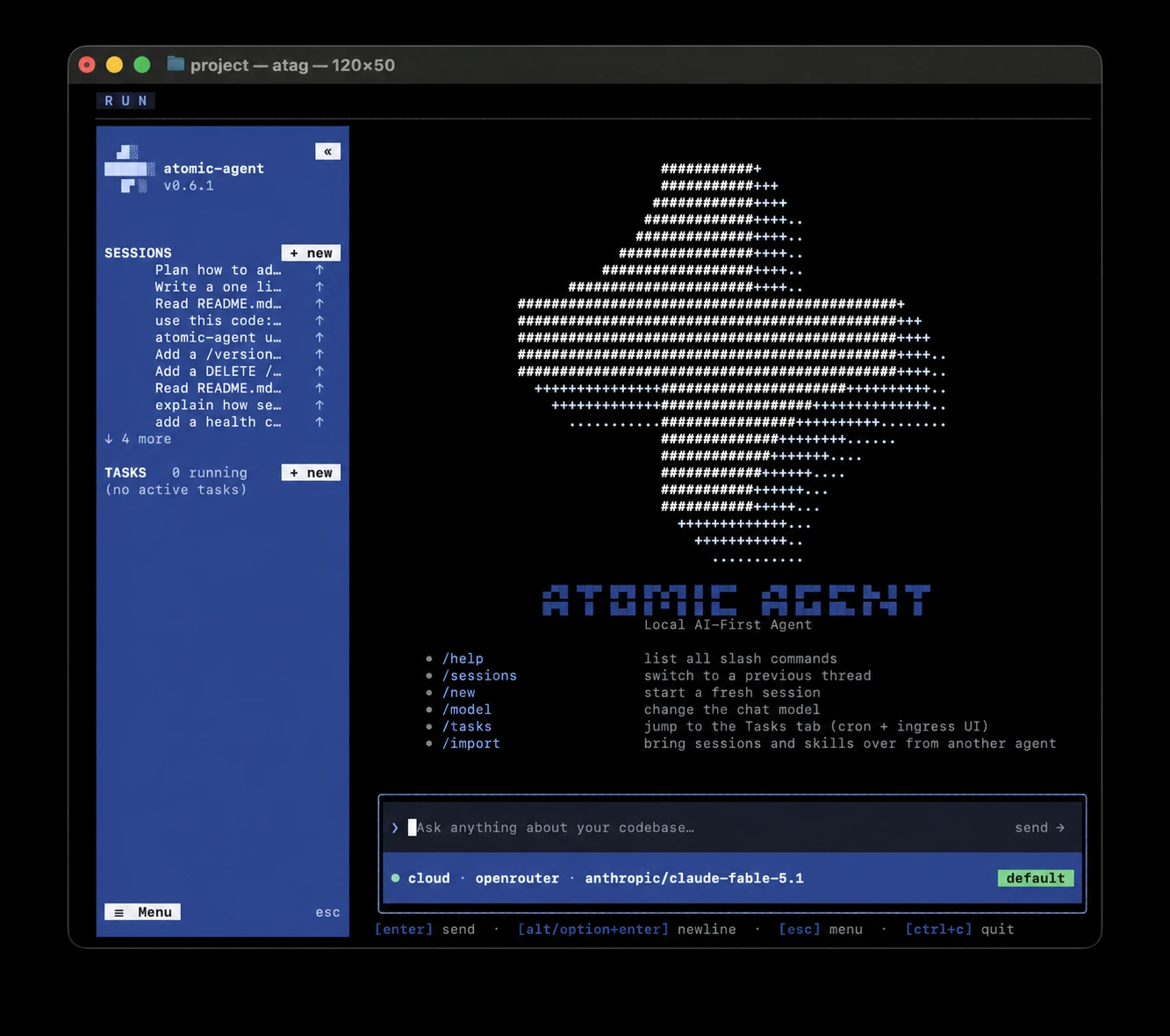
Its README lays out the contract: the model proposes an action; the runtime controls validation, approvals, state, and when to stop.
In practice, that means:
- A disciplined loop. The model returns tool calls as structured JSON, validated against a grammar before anything executes. Malformed calls get rejected instead of run, which is exactly the failure mode that stalls smaller local models in other agents. A built-in loop detector stops the "tries the same thing five times" spiral.
- Tools for actual work. Files, git, shell, browser, documents, tasks, and MCP servers. The browser reads compact accessibility state instead of requiring screenshots for every step; vision is optional.
- Memory that persists. Five layers in a local SQLite database (facts, searchable notes, a link graph, distilled lessons, and reusable procedures), so the agent remembers your projects between sessions without a cloud sync.
- Approval gates by default. Shell commands, file writes, and HTTP requests wait for your confirmation, and obviously destructive commands are blocked outright.
- Skills. The current README lists 17 starter skills. The Markdown playbooks are editable.
Atomic Agent is MIT-licensed, with builds for Apple Silicon, Linux x64/arm64, and Windows x64. If you are moving from another agent, the import command previews selected data before migration. It is still a developer preview, so expect integrations to move. See atomicagent.io.
Privacy catch: anonymous analytics and crash reports default to on. You can opt out. Update checks, web tools, messaging, cloud models, and remote MCP servers have their own network paths.
Best for: anyone who wants an agent designed around local models from day one.
2. Kilo Code: best IDE and CLI choice for Atomic Chat
Kilo Code follows you across VS Code, JetBrains, and the terminal. It has modes for different kinds of coding work and a dedicated Atomic Chat provider, alongside Ollama and LM Studio. That is a better fit if you switch editors but want one agent configuration.
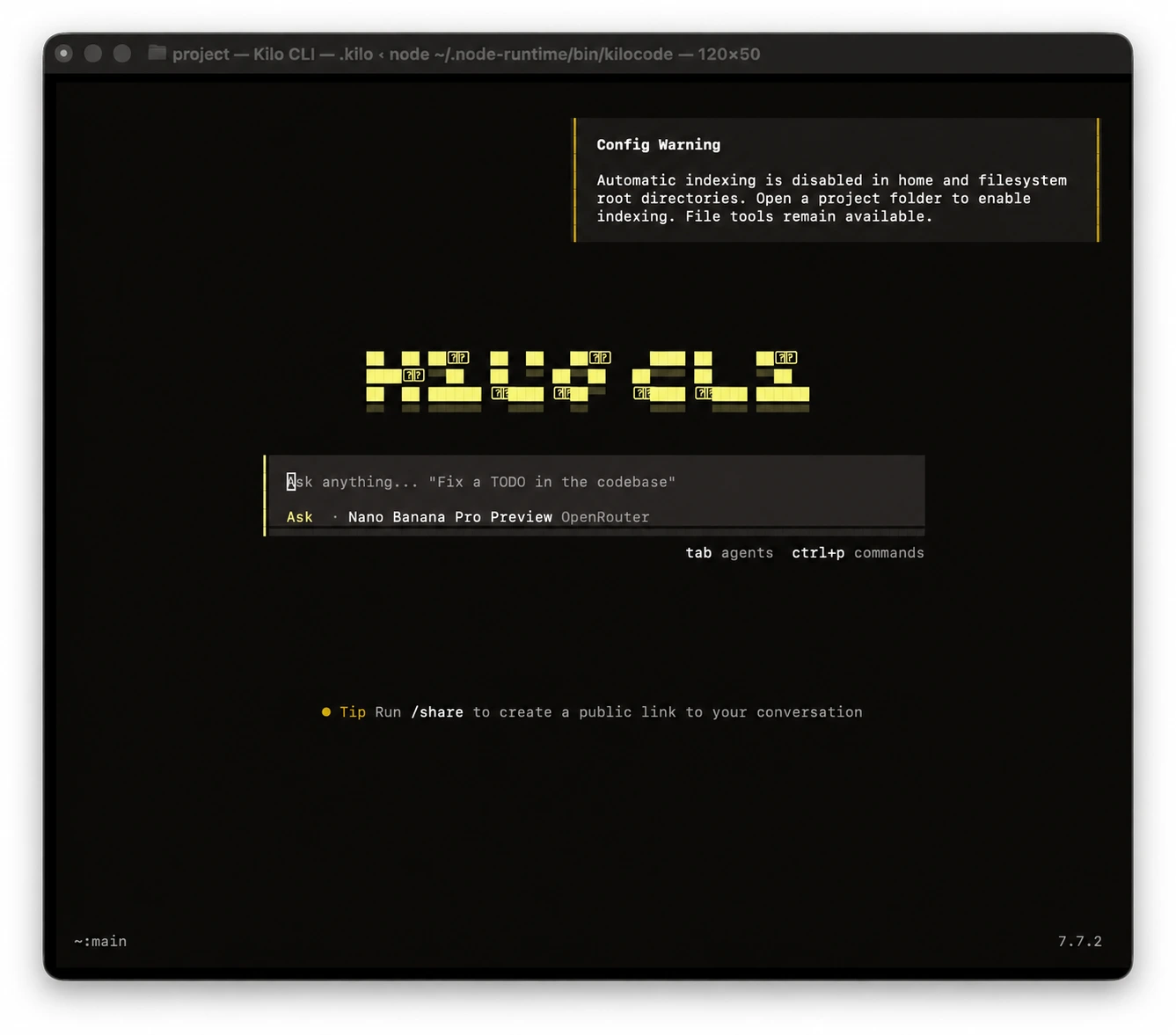
Kilo Code is our top pick for coding with a local model. It can search a repo, edit files, run tests, and show the resulting diff. You can require approval for edits or commands and roll back a task with checkpoints. That gives you a coding workflow where you can inspect and undo the agent's changes.
Select atomic-chat/... or configure provider.atomic-chat to connect to Atomic Chat's local API. The docs say Kilo does not probe localhost until you choose that provider; the usual endpoint is 127.0.0.1:1337/v1. With a local model, inference has no hosted token fee. Kilo's optional cloud services are a separate choice.
One agent covers the coding workflow. Use Plan to scope a feature, Code to edit the repo, and Debug to trace a failing test. Kilo remembers your model choice for each agent, so you can keep your local model in the editor or terminal as the task changes.
Best for: day-to-day coding with a local model across your IDE and terminal.
3. OpenClaw: best assistant in your chats
OpenClaw lives where you already talk: WhatsApp, Telegram, Discord, Slack, and iMessage. The gateway runs on your machine; your messages still travel through those services even if the model runs on localhost. This is the agent for an always-on assistant, not an air-gapped coding box.
Ollama is a documented provider, so you can replace cloud inference with a local model without replacing the gateway. The update check sends version and platform information; feature statistics are opt-in. Its release history lists v2026.9.4 on September 11, 2026.
The risk is the gateway. Security researchers found tens of thousands of internet-exposed OpenClaw instances. Keep yours off the public internet and limit the accounts and tools it can use. Our OpenClaw local setup guide covers the model connection.
Best for: an always-on personal assistant living in your messengers.
4. Hermes: best for persistent memory and skills
Hermes, from Nous Research, makes memory the point of the product. It keeps conversations and reusable skills between sessions and can revise a skill as it works. Review those revisions before you let a learned procedure touch a sensitive project.
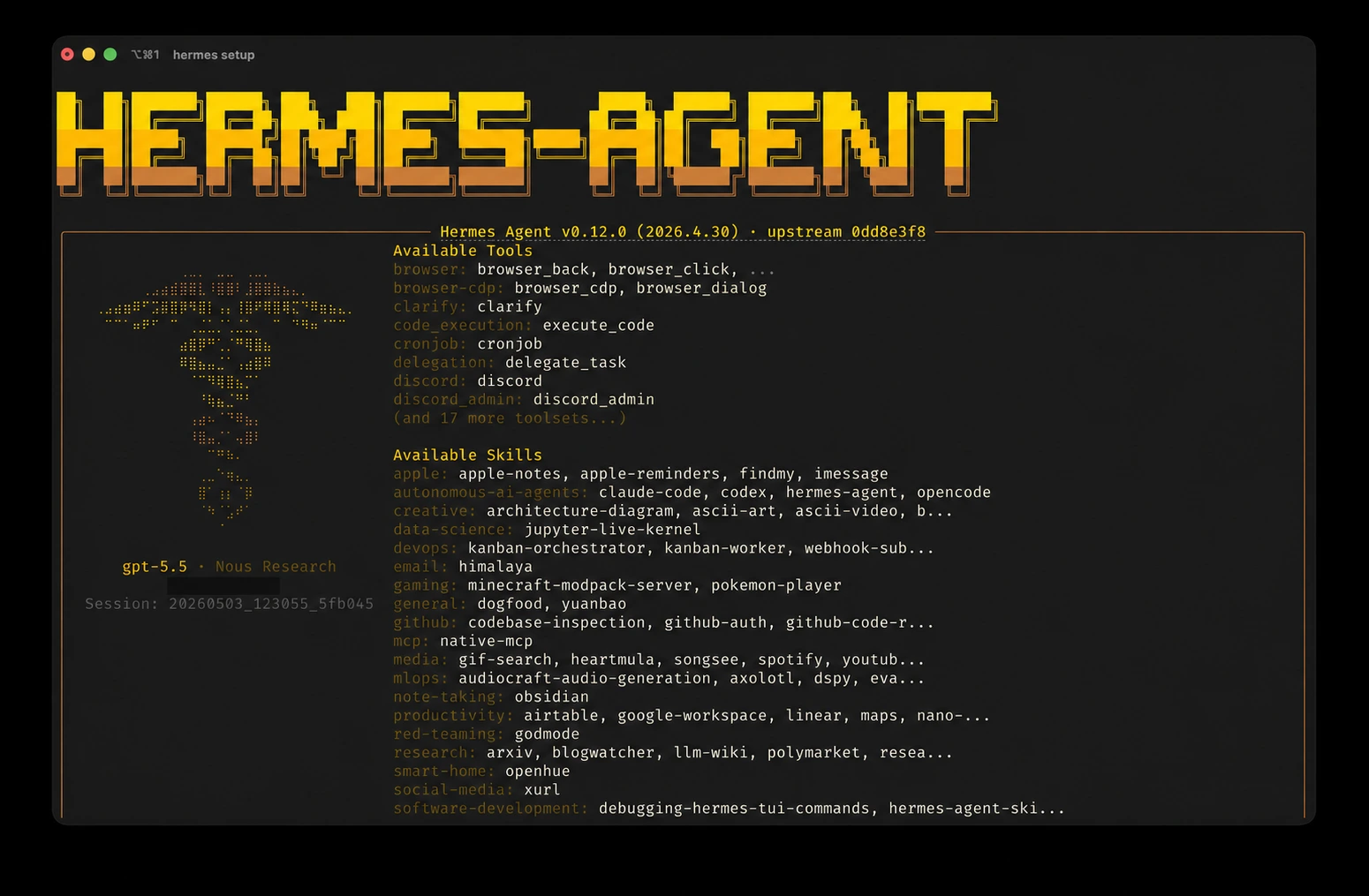
Hermes is also the strongest telemetry story in this roundup. The official FAQ states it collects no telemetry, usage data, or analytics, and everything (conversations, memory, skills) lives in a local ~/.hermes/ directory. Any OpenAI-compatible server is a first-class provider, with Ollama, llama.cpp, vLLM, and LocalAI documented and local endpoints auto-detected.
The hardware catch is context. The setup FAQ requires at least 64K and warns Ollama users to set the server's effective window accordingly. Memory and skill descriptions also occupy that window. If your GPU is tight on memory, budget for the KV cache before choosing a quantization. Our Hermes local setup guide walks through the connection.
Best for: a daily assistant that remembers your work, if your model server can sustain its 64K context.
5. Claude Code: best cloud-first coder with a local option
Claude Code is Anthropic's terminal coding agent and a strong option for hard, multi-step repository work. Its normal path runs commands on your machine and sends model requests to Anthropic or a supported cloud provider. A local model is an override, not the product's default.
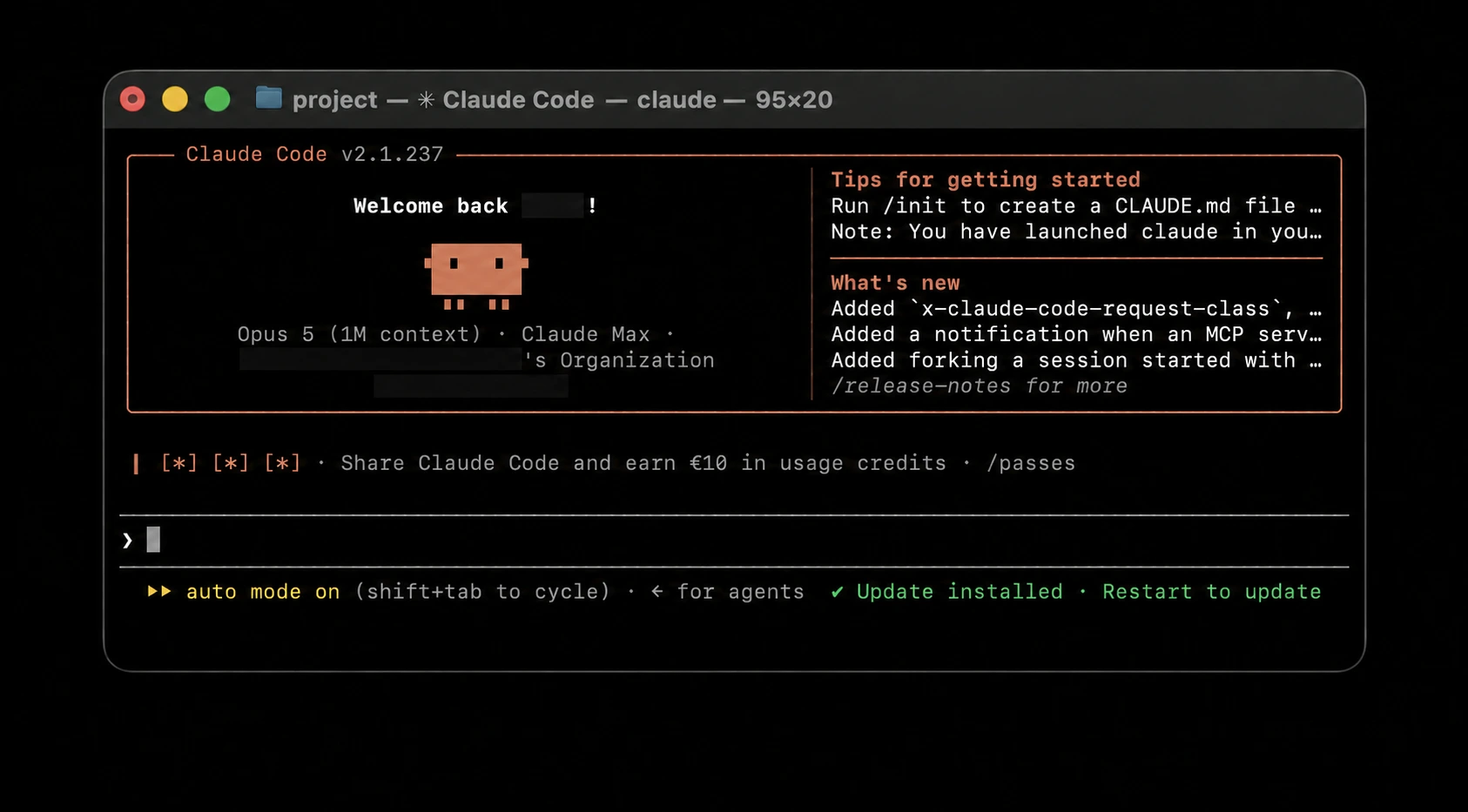
The CLI is proprietary. Local execution does not make the default inference private. Anthropic documents its data and telemetry settings, and local session transcripts are another thing to account for when working with sensitive code.
The local route works through Ollama's Anthropic-compatible endpoint. Set ANTHROPIC_BASE_URL to localhost and choose a downloaded model, not an Ollama :cloud model. Ollama documents the integration; it is not Anthropic's standard supported model path. We show the steps in our Claude Code local setup guide.
Best for: developers who want Claude Code's coding workflow and are willing to configure a local backend separately.
6. Cline: best supervised coder inside your IDE
Cline sits next to your code in VS Code. It plans a task, proposes file edits and commands, and lets you approve actions in the editor. If you want to watch every step before an agent touches your repo, that workflow is the draw.
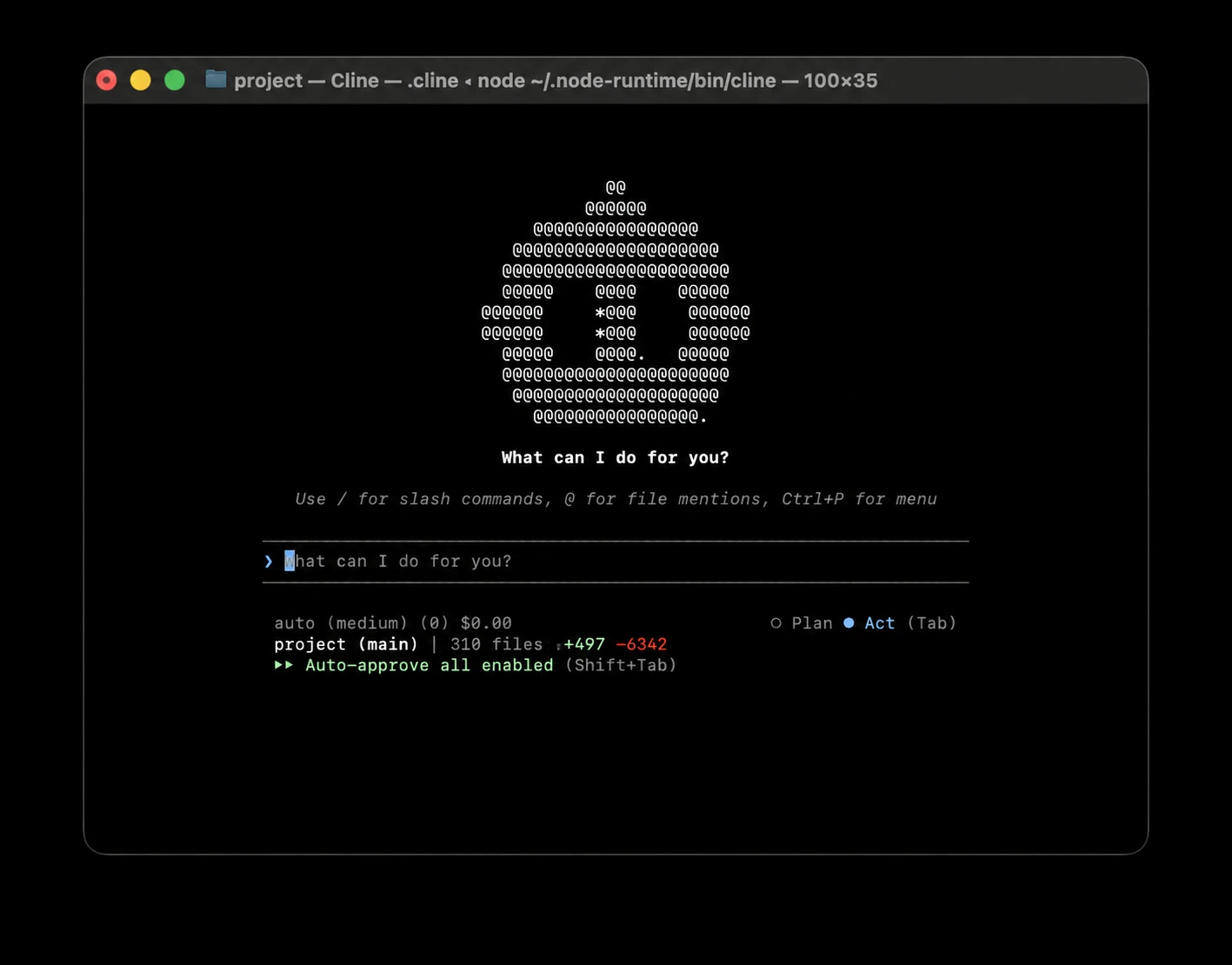
Ollama and LM Studio are built-in local providers, with compatible endpoints available too. The catch is the agent loop: a small model has to understand Cline's tools and a growing conversation at the same time. Give it a tool-capable coding model and enough context for the task.
Cline is Apache-2.0 licensed. Its local model path does not settle its analytics and other outbound settings; review those in the version you install.
Note: the agentic loop re-sends a lot of context, so on cloud APIs the bill climbs fast. That is exactly the argument for pointing it at a local model.
Best for: supervised agentic coding without leaving your IDE.
7. Goose: best desktop agent for MCP workflows
Goose began at Block and now sits in the Linux Foundation's Agentic AI Foundation. It has a desktop app and CLI, is Apache-2.0 licensed, and can handle work beyond a code editor. Its governance is one reason to choose it; your provider and extensions still decide where task data goes.
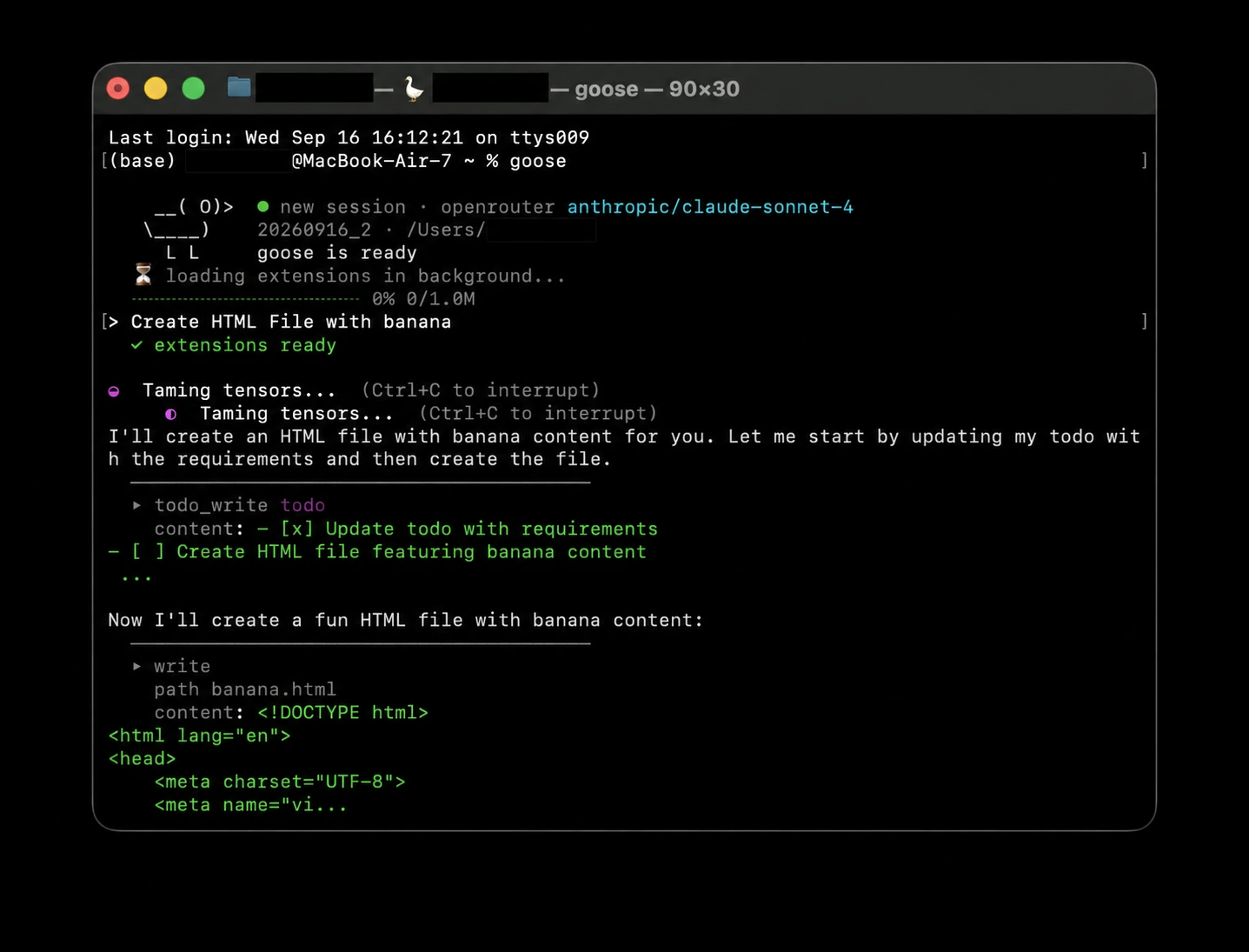
Extensions are the point. Connect MCP tools for repositories, data sources, and other workflows; use Ollama for local inference. A remote MCP service still receives whatever the agent sends to that tool. Start with the few extensions a task needs, not every connector you can install.
The tradeoff: more extensions mean more tool descriptions in the prompt and more choices for a small local model to get wrong.
Best for: general-purpose automation beyond coding, under neutral governance.
8. pool: best pairing with Poolside's open-weight models
pool is Poolside's terminal coding agent. The interesting pairing is Laguna XS 2.1: open-weight coding model, 33B parameters total and 3B active, under OpenMDW-1.1. Poolside advertises 256K context on its served API; a local quantized run needs memory for the weights and KV cache, so do not assume that full window fits on a 24GB GPU.
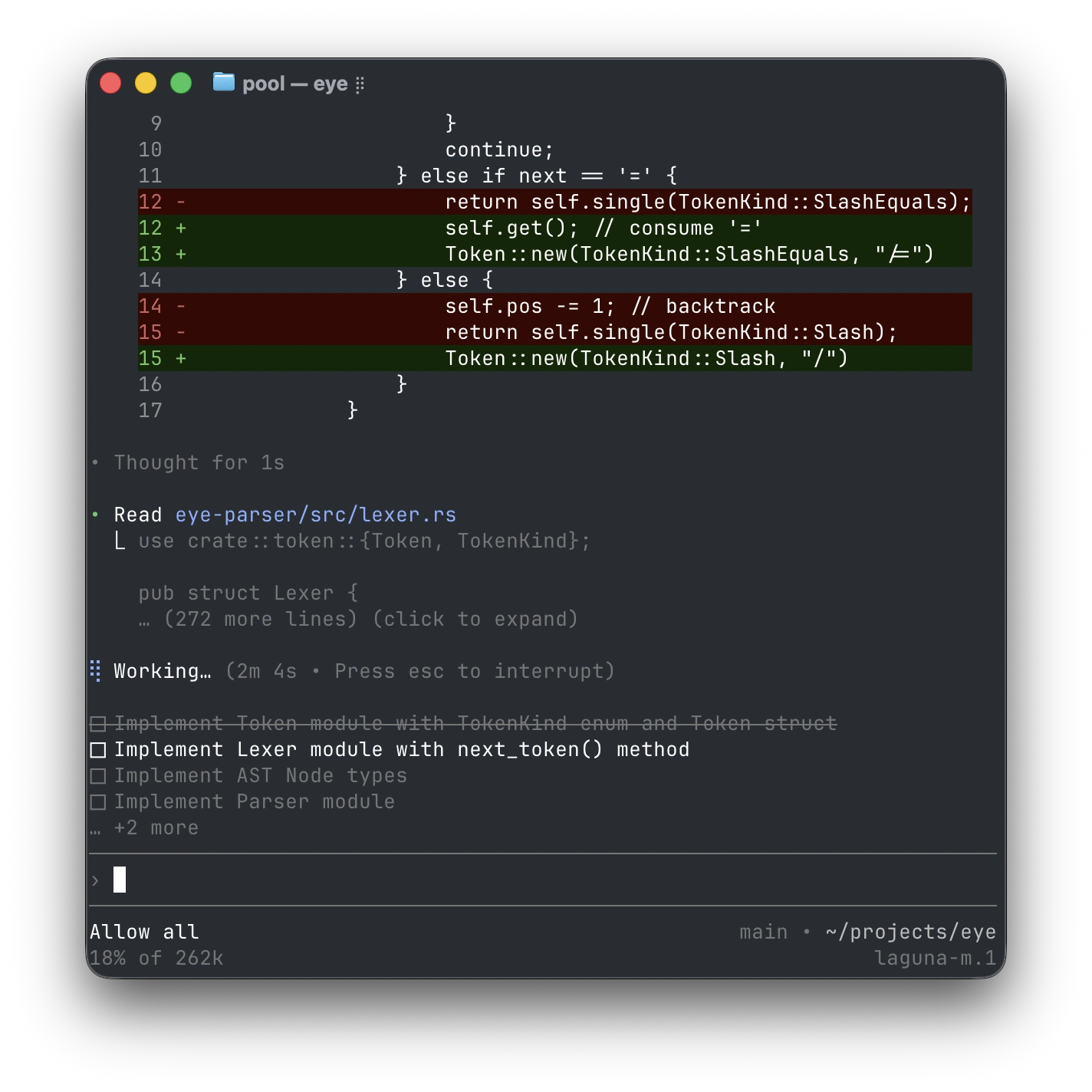
The pool README documents a terminal UI, ACP editor integration, Ollama, and a configurable OpenAI-compatible endpoint. You can use that local path instead of Poolside's hosted inference.
The license catch: pool's agent binary is proprietary. Open-weight model does not mean open-source agent, and Laguna's license is not Apache 2.0.
Best for: running an agent on open-weight models built for it.
Two big names that didn't make the cut
Older roundups still recommend both. Their current repository status changes the recommendation:
- Aider helped define terminal pair programming. Its latest listed GitHub release is v0.86.0 from August 9, 2025. It can still work, but check current model compatibility and open issues before building a new workflow around it.
- Continue pioneered local IDE assistance, but its repository is read-only and no longer actively maintained. The final 2.0.0 release removed anonymous telemetry and authentication. Existing installs are one thing; choosing an archived project for a new team is another.
When a roundup recommends either of these two without mentioning the above, check when that roundup was written.
Local AI agents compared
Compare the agent, not just the model. The model's license may differ from the agent's, and local inference says nothing about messaging traffic or update checks. These are documented paths and caveats, not a network-capture test.
| Agent | Interface | Local-model path | Agent license | Network caveat |
|---|---|---|---|---|
| Atomic Agent | CLI + TUI | Local llama.cpp server by default | MIT | Analytics and crash reports default on; update check |
| Kilo Code | IDE + CLI | Atomic Chat, Ollama, LM Studio | Open source components | Review analytics and optional cloud services |
| OpenClaw | Gateway + messengers | Ollama provider | Open source | Messenger traffic and update check |
| Hermes | TUI + messaging | OpenAI-compatible local endpoint | MIT | Messaging or configured remote tools/providers |
| Claude Code | CLI + IDE | Ollama Anthropic-compatible API | Proprietary | Anthropic-related features and account settings need review |
| Cline | IDE + CLI | Ollama, LM Studio, compatible endpoint | Apache-2.0 | Review current telemetry settings and tools |
| Goose | Desktop + CLI | Ollama provider | Apache-2.0 | Remote MCP extensions and provider choice |
| pool | CLI + ACP editors | Ollama or OpenAI-compatible endpoint | Proprietary agent | Hosted model is a separate path |
How to run any of these agents on a local model
The stack has three pieces: agent, local model server, tool-capable model. Most agents here speak to an OpenAI-compatible API. Claude Code's Ollama route uses an Anthropic-compatible API instead. Get the base URL and model name right before debugging the agent.
The path we build for is Atomic Chat: load a model, turn on its API at http://localhost:1337/v1, and use the Integrations launchers for Claude Code, Cline, Goose, OpenHands, Codex CLI, OpenCode, Droid, Copilot CLI, Kilo Code, or Zed. OpenClaw, Hermes, and pool have their own provider setup. Ollama and LM Studio are alternatives if you already serve models there.
For coding, start by testing Qwen3-Coder 30B-A3B if your hardware can hold a suitable quantization and context. The model card lists 256K native context, not a promise that a 256K KV cache fits beside the weights in 24GB VRAM. Set a smaller working window first, run a real agent task, then increase it if memory allows. gpt-oss-20b is another candidate. See the full agent setup guide and coding model comparison.
Which local AI agent should you pick?
If you want one local-first agent, start with Atomic Agent. We are part of the same ecosystem, and its default analytics need an opt-out if you require no unsolicited outbound traffic. For other workflows:
- You work across VS Code, JetBrains, and CLI: Kilo Code. Pick Cline if you prefer reviewing each proposed action inside VS Code.
- You want an assistant in your group chats: OpenClaw.
- You want an agent that remembers you: Hermes, on strong hardware.
- Hardest coding tasks, locality second: Claude Code.
- Open-weight models made for the agent: pool.
- Neutral governance and MCP everything: Goose.
FAQ
What is the best local AI agent?
Atomic Agent is our pick for a local-first runtime: grammar-checked tool calls, persistent local state, and approval gates. It is from the same Atomic ecosystem as this site. Pick Kilo Code or Cline for IDE coding, OpenClaw for messaging, or Hermes for an assistant with persistent skills. This is a workflow recommendation, not a claim that one agent wins every benchmark.
Can an AI agent run fully offline?
Yes, if both the agent and model are installed locally. Web search, remote MCP tools, messaging, updates, cloud embeddings, and analytics are separate connections. Turn those off and test with the network disconnected before you call a setup air-gapped.
What hardware do I need to run an AI agent locally?
A 24GB GPU or a 32GB Mac is a useful starting point for a quantized 20-30B-class coding model with a limited working context. Smaller models can run on less memory, but tool use on long tasks may suffer. The weights, runtime, and KV cache all need space; a model's advertised maximum context does not tell you what fits on your machine.
Can Claude Code use a local model?
Yes, through Ollama's Anthropic-compatible endpoint. Set ANTHROPIC_BASE_URL to localhost and select a downloaded model. This is Ollama's documented integration, not Claude Code's default Anthropic model path. Optional account features can still connect to the network. Our Claude Code guide has the steps.
Are local AI agents private?
Inference can be private without the whole app being offline. The model processes prompts on your hardware, while an agent may still use analytics, update checks, messengers, web browsing, remote MCP servers, or cloud tools. Check those connections before giving it secrets or sensitive repositories.
What is the best local model to power an agent?
Qwen3-Coder 30B-A3B is a good coding candidate if you can fit the quantization and working context. The 256K figure on its model card is a capability, not a hardware guarantee. Devstral Small and gpt-oss-20b are other models to try; run the same real task in your chosen agent before committing.
Do local AI agents support MCP?
Yes. Atomic Agent, Hermes, Claude Code, Cline, Kilo Code, Goose, and pool support MCP tools. A remote MCP server can receive data from the agent even when the model runs locally. Our MCP server guide explains the connection.
Are open source AI agents safe to run?
Safer to audit, which isn't the same as safe to run. Open source means you can read what an agent does before giving it shell access, but any agent executing commands can break things, and this year's scans of internet-exposed agent gateways showed how often people skip the basics. Prefer agents with approval gates and command guards, keep gateways off the public internet, and give agents access to directories you can afford to have wrong.
What's the difference between a local AI agent and a local LLM app?
A local LLM app (Atomic Chat, LM Studio) runs the model and gives you a chat window; a local AI agent adds the acting layer: tools, a loop, and autonomy to finish multi-step tasks. They stack. The app serves the model, the agent uses it. Our local LLM apps roundup covers the first half of that stack.
Conclusion
The choice is less about a universal winner than the work you want the agent to do. Atomic Agent builds around a local loop. Cline and Kilo Code live beside your code. OpenClaw lives in your chats; Goose grows through MCP tools. Claude Code and pool have local backends, though neither defaults to the same local-first workflow.
Start with Atomic Agent if that local-first design fits. Otherwise pick the interface you will actually use, serve a tool-capable model through Atomic Chat or another local server, and run one real task before connecting sensitive files or accounts.