Chat 6x Longer with TurboQuant
Long chats slowly eat your memory and eventually crash. TurboQuant makes that 6× smaller, so you can talk for hours or drop in a big document and the model still remembers the start.
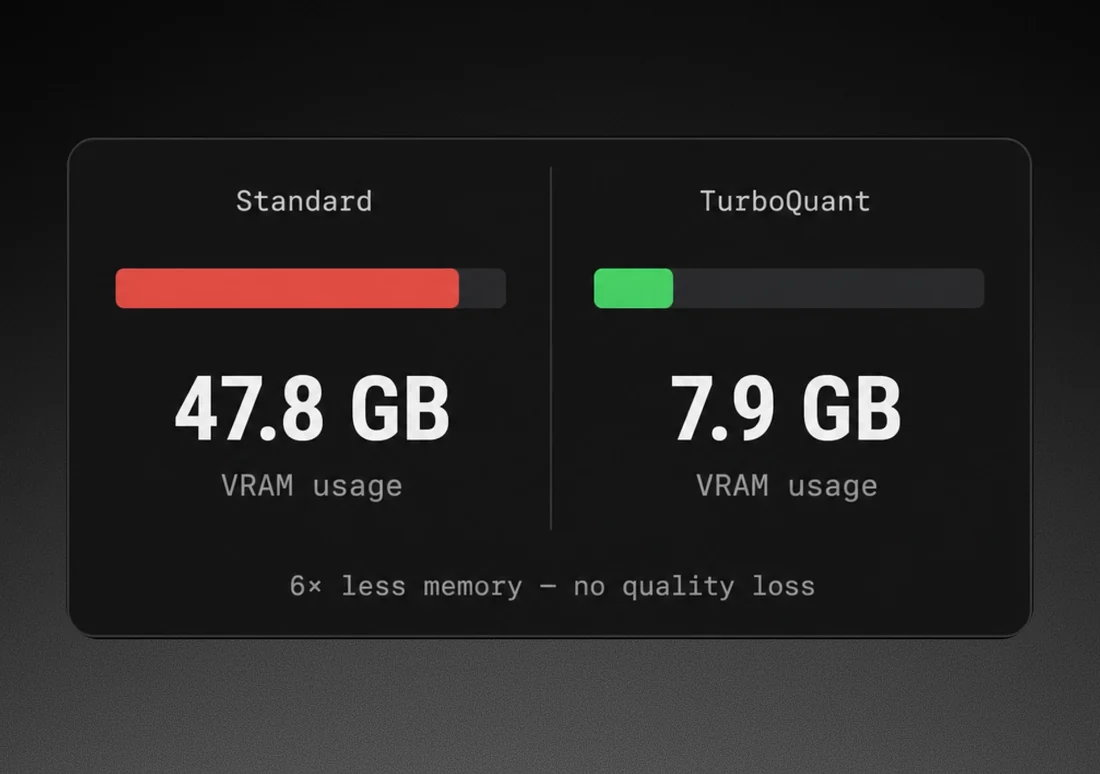
on benchmarks
Run 1,000+ models locally


Where the saved RAM goes
It doesn’t sit idle. Put it toward a bigger model, a longer conversation, or a session that runs well without a GPU.
A bigger model, a better answer
Larger models give sharper answers on hard problems. TurboQuant cuts their runtime memory, so the session runs further before hitting RAM limits.
Long context without the crash
Long documents and hours of conversation used to crash a session. TurboQuant compresses context as it builds, so it stays in RAM instead.
Runs on CPU. No GPU needed.
Your data stays put. TurboQuant runs locally, in the same process as the model.
How TurboQuant works
What fills your RAM during a long session, and why 3-bit compression fixes
it without losing accuracy.
Every conversation fills RAM
When a model generates a reply, it builds a KV cache:
a record of every token in the session. At 10,000 tokens that can add several GB on top of the model weights. Without compression, it eventually crashes. TurboQuant compresses each entry as the cache builds, so the session keeps running.
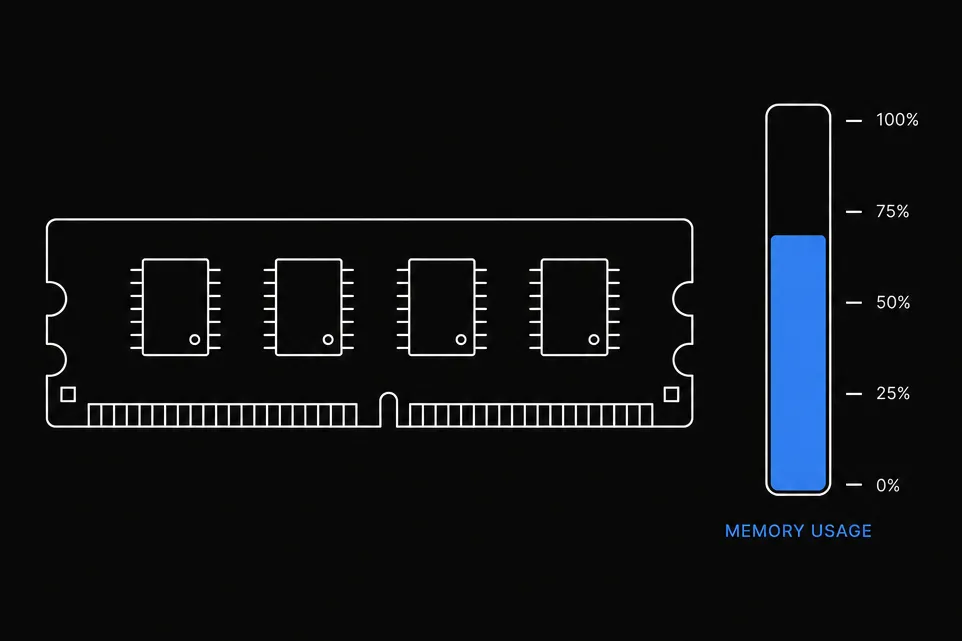
Each KV value: from 16 bits to 3
The first stage converts each stored value from a 16-bit float to 3 bits, compact but imprecise on its own. The second stage adds a 1-bit correction pass that recovers what compression loses. Peak RAM falls by 6×, output unchanged.

The full context window,
in under 2GB
Every token you add to a conversation adds to the KV cache. At 100k tokens, the cache alone can exceed your available RAM. TurboQuant compresses it by up to 6×, making long-context sessions practical on standard hardware.
Google Research paper →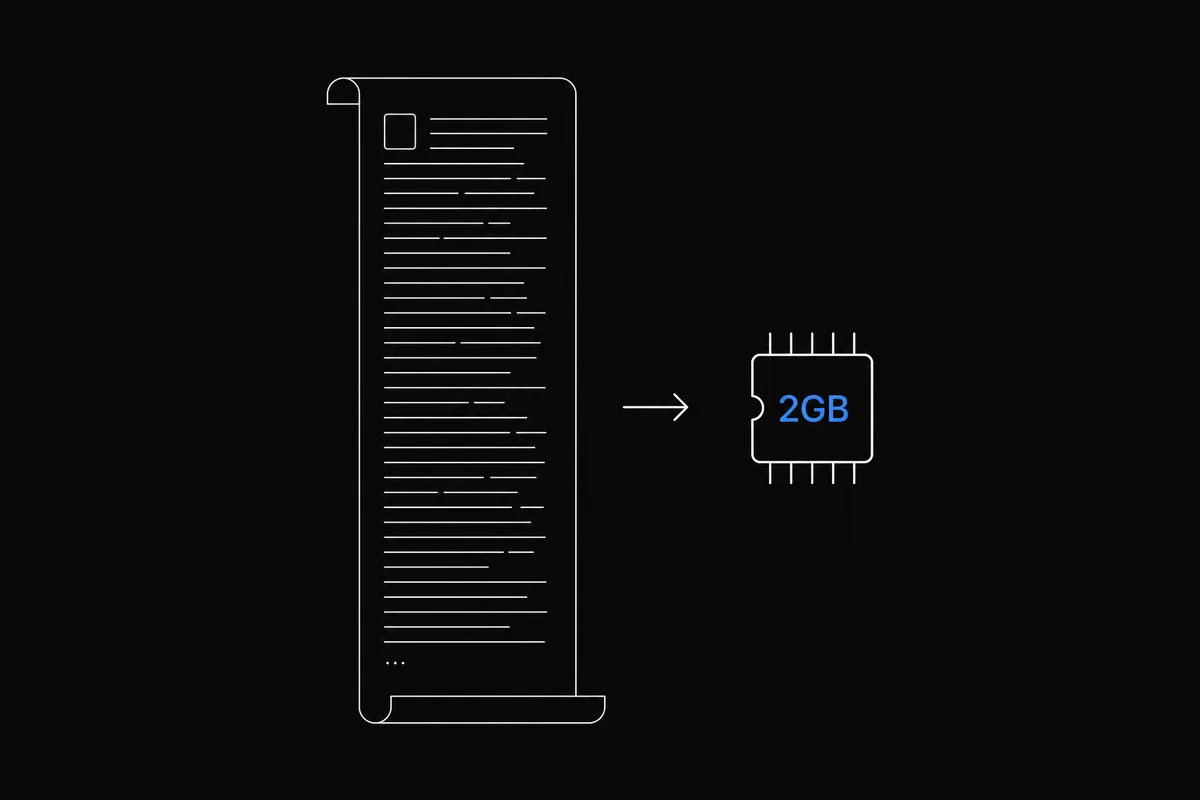
TurboQuant vs no TurboQuant
LM Studio, Ollama, and Jan support GGUF quantization. None ship KV cache compression. The gap shows when models are large or sessions run long.

- Longer sessions on any model that fits
your RAM - 128k context using 6x less RAM
- Works on any CPU, no GPU needed
- Zero accuracy loss on 5 standard benchmarks
- Larger models exceed available RAM
- Sessions get slower the longer you chat
- Session crashes when RAM runs out
- Need more RAM or a smaller model, never both
TurboQuant takes three steps
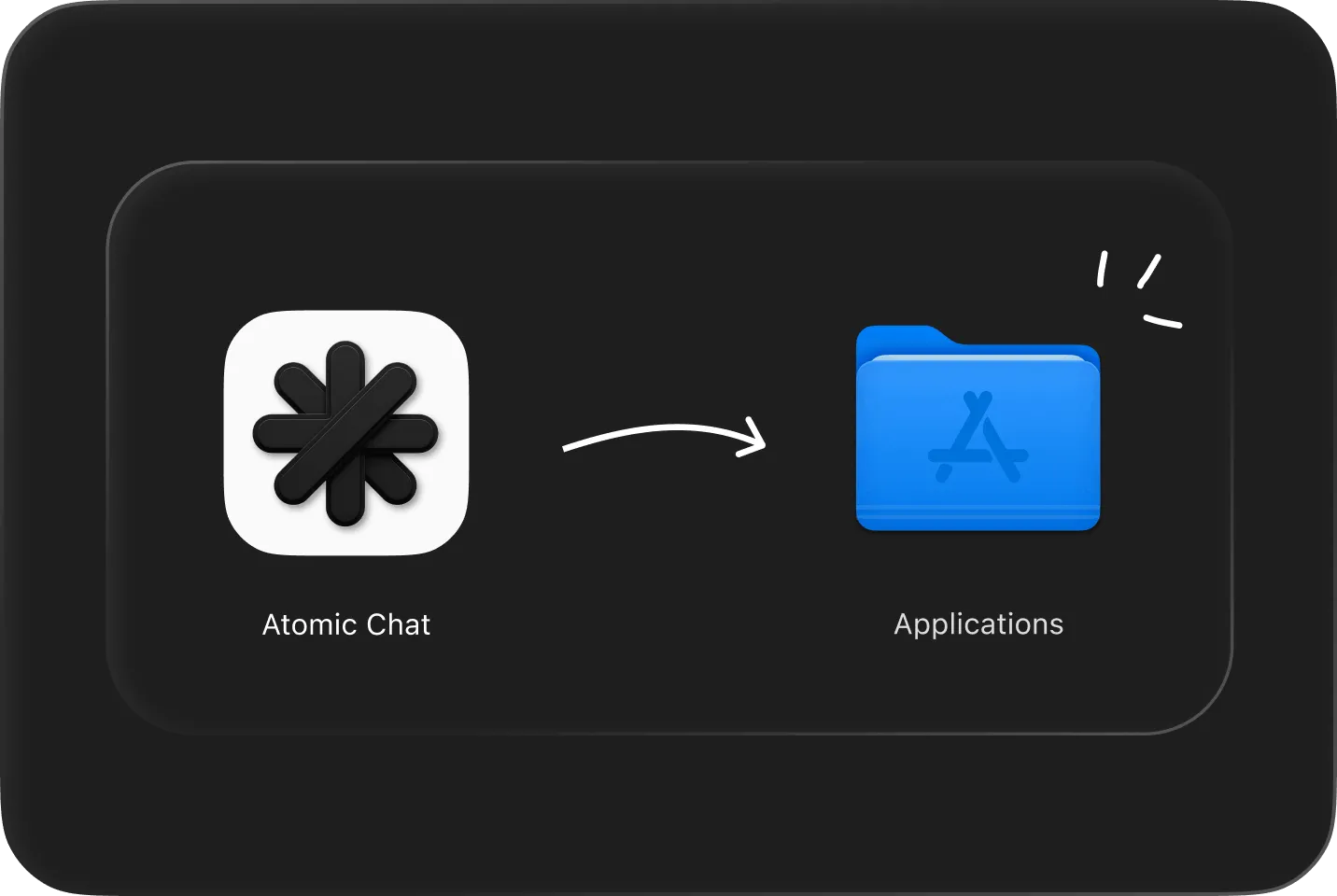
Download & install
Free for macOS, Windows and Linux. No account needed.

Pick a model
Choose from 1,000+ models. It downloads to your disk once.

Chat. TurboQuant is already on.
No toggle, no settings. KV cache compression runs from the first message.
What bigger models unlock
Analyze a 50-page contract in one session
Paste the full document and ask questions throughout. The model doesn’t lose track of clause 3 by the time you reach clause 30.
Load an entire codebase as context
Point it at a full codebase, thousands of files and the whole project. TurboQuant keeps the growing context in RAM without slowing down.
Sensitive data, capable models locally
Some data can't go to a cloud API. The workaround used to be
a smaller, weaker local model. TurboQuant keeps runtime memory in check, so a capable quantized model stays within your RAM limits.
FAQ
Everything about running larger models without changing hardware
A KV cache compression algorithm from Google Research, published at ICLR 2026. It reduces the working memory a language model uses during a conversation from 16 bits per value to approximately 3, a 6× reduction in runtime RAM. Atomic Chat applies it automatically to every model you run.
A 34B model in Q4_K_M GGUF format uses roughly 20GB for its weights. With TurboQuant keeping the KV cache compressed, a MacBook Pro or MacBook Air with 24GB handles it well. 36GB gives more headroom. For 16GB machines, models up to 13B run comfortably.
No. TurboQuant compresses the KV cache, so less data moves through memory on each token. Memory bandwidth is the main bottleneck for local LLMs, which means responses stay the same speed or get slightly faster, especially in long chats. The compression itself costs almost nothing.
No. Google tested it on LongBench, Needle-in-Haystack, ZeroSCROLLS, RULER, and L-Eval using Gemma, Llama, and Mistral. Accuracy was indistinguishable from the uncompressed baseline across all tasks.
No. GGUF quantization compresses model weights on disk, applied once when the file is created. TurboQuant compresses the KV cache at runtime while the model is generating. They solve different bottlenecks and both run simultaneously in Atomic Chat.
Nothing to set up. Atomic Chat applies TurboQuant automatically when you load any model.
Any model that runs in Atomic Chat: Qwen, Gemma, DeepSeek, Llama, Mistral and the rest. TurboQuant doesn’t modify model weights, so it applies to every GGUF model you download.
TurboQuant runs in two stages. PolarQuant maps KV vectors into polar coordinates and quantizes to 3 bits. QJL adds 1-bit error correction using a randomized Hadamard transform. The combination achieves near-lossless compression where naive 3-bit quantization would degrade output noticeably.
A 70B model in Q4 GGUF needs around 38–40GB for its weights. TurboQuant handles the KV cache on top of that, but the base weights still need to fit in RAM. For 70B you need 48GB or more of unified memory. On 64GB machines it works well.
Built in the open
Follow the project, file issues, and chat with the people building Atomic Chat.
Subscribe to our newsletter
Get Atomic updates and local AI news in your inbox.
.svg)


