Offline AI for your device
Qwen, Gemma and Llama load onto your desktop or phone and run there, so they keep answering with the internet off.
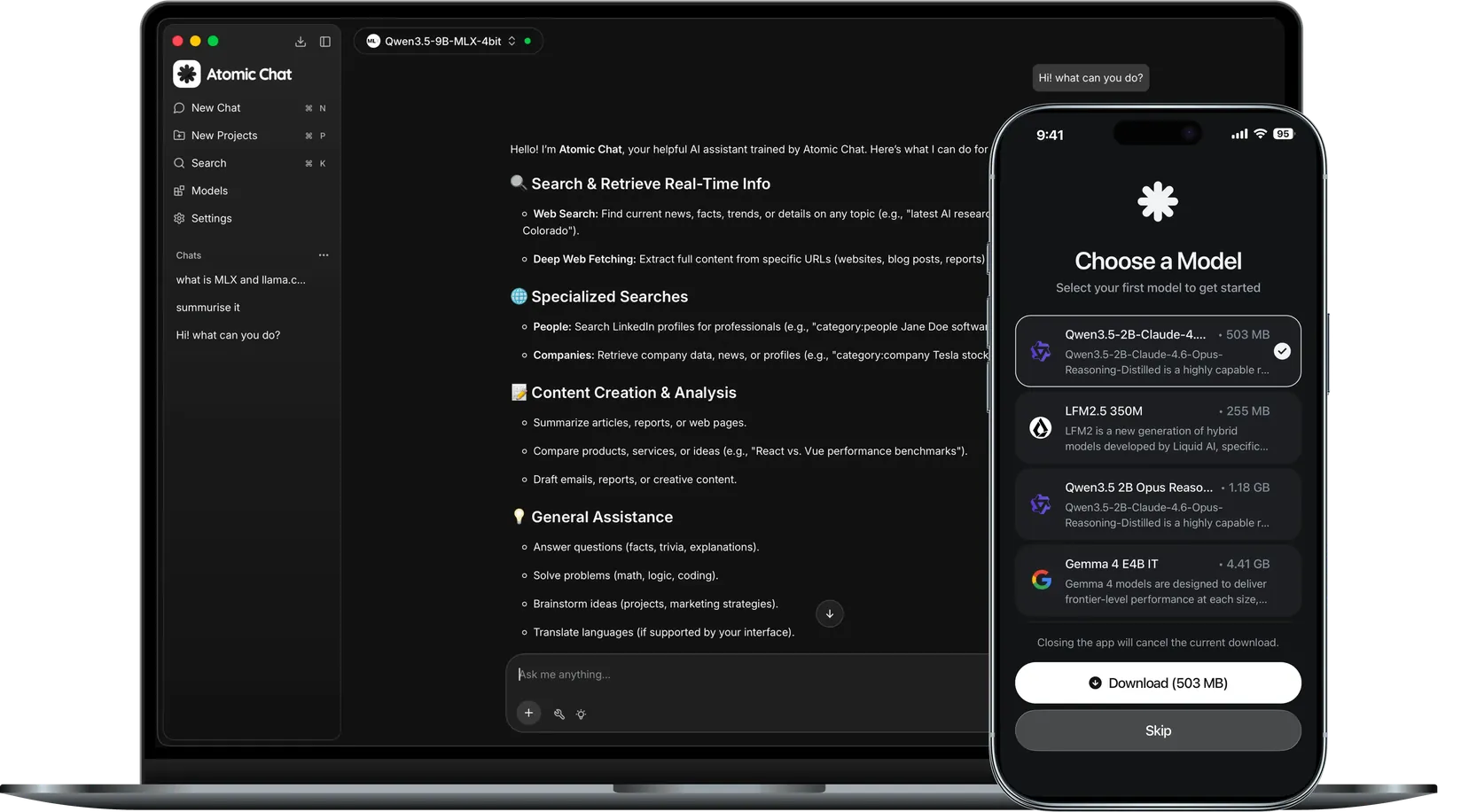
Run 1000+ models offline


What is offline AI?
It is a language model that runs directly on your own device instead of a remote server. You download a model once, then it answers with the internet off, and nothing you type ever leaves your machine.
Works offline
The model is launched on your own hardware, so there is no need to send requests to a cloud server.
Fully private
Nothing is sent to a third-party cloud server, so your files, prompts and chats stay on your device.
Free forever
Pick from 1,000+ open-source models and run any of them on your device at no cost.
How offline AI works
Every part of the model runs on your device and does the computing there, not on a cloud server.
The model is loaded onto your device
Download it once and it stays on your machine, ready to run any time, even offline.

The AI processes your request on your machine
Once downloaded, the model spreads its weights across your computer and runs them on your GPU's VRAM or your CPU.
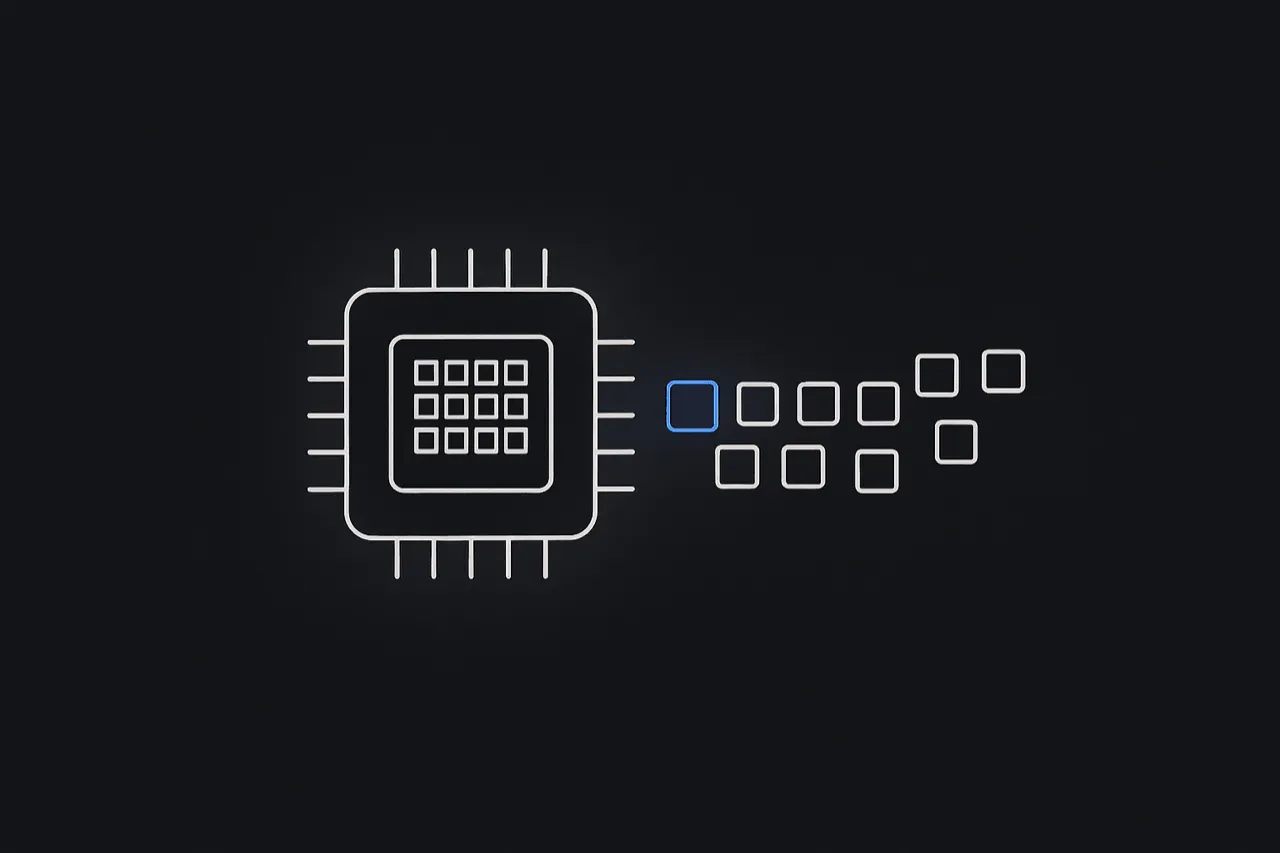
Nothing leaks out
Your prompts, files and answers never leave the machine. It all stays inside one closed system on your device.

Offline AI vs cloud AI
Own the model outright and run it private and free on your own hardware.

- Works fully offline
- Your data stays on your device
- No subscription
- No rate limits or usage caps
- Choice of 1000+ models
- Works on a plane
- Open-source (Apache-2.0)
- Free forever
- Needs a constant internet connection
- Your data is sent to their servers
- $20+/month subscription
- Rate limits and usage caps
- Locked to a few models
- Useless without a connection
- Closed-source
- Ongoing monthly cost
Running offline takes three steps
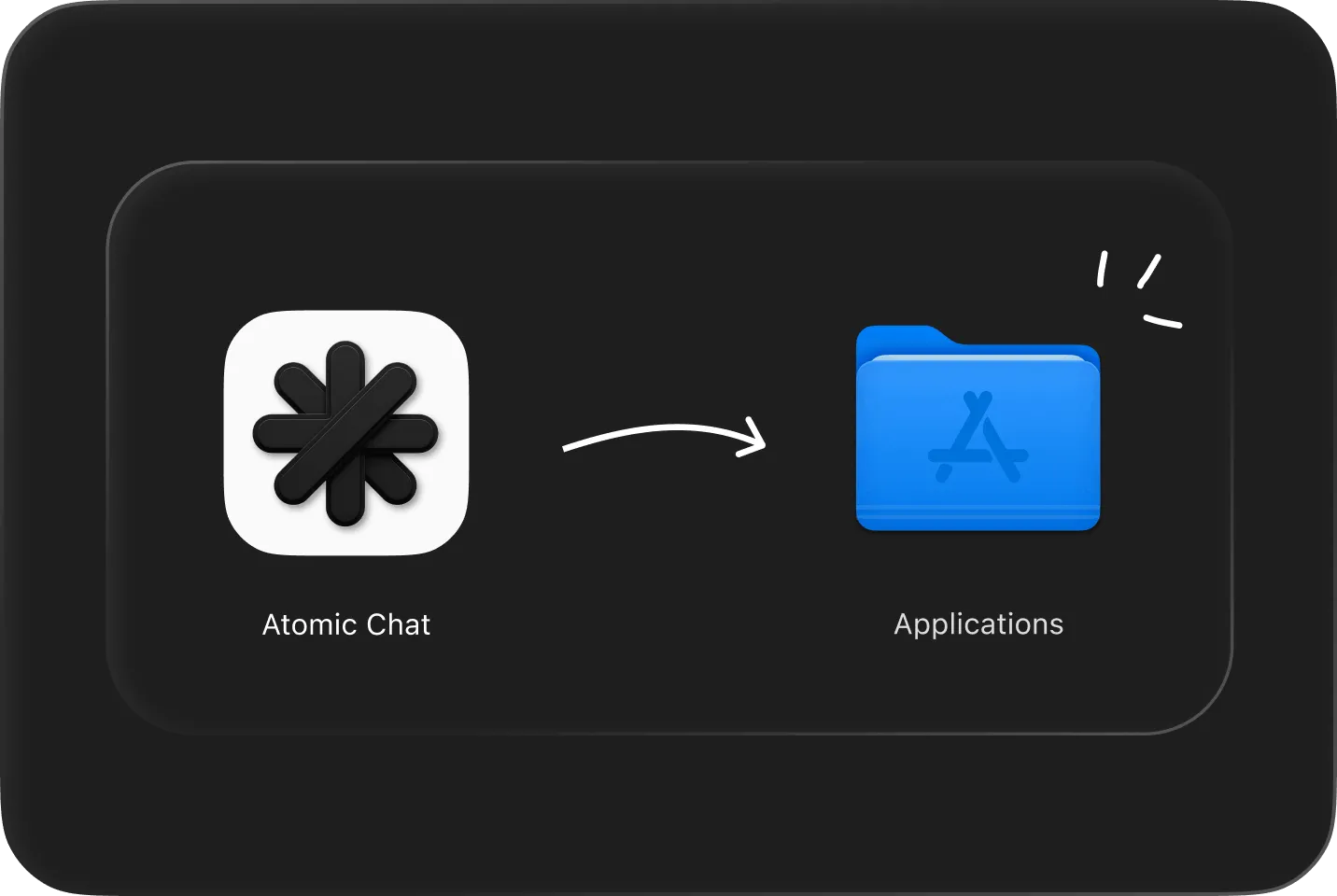
Download & install
Free on macOS, Windows, Linux, iOS and Android. No account needed.
Pick a model
Choose from 1,000+ models. It downloads to your disk once.

Start chatting
It keeps working with no connection, and your chat never leaves the device.
Atomic Chat vs other offline AI apps
Ollama and LocalAI suit developers, AnythingLLM suits documents. Atomic Chat covers all of it in one app, on every device, with no setup.



FAQ
Everything about running AI on your own device: privacy, hardware and cost.
Offline AI is a language model that runs on your own computer instead of a remote server. Once you've downloaded a model, it answers with no internet connection, and your prompts never leave your device.
Yes. After you download a model once, chatting, document analysis and the local API all run with Wi-Fi off. You only need a connection to download new models or update the app.
Completely. Because nothing is sent to a server, your prompts, files and chats stay on your disk. No account is required, and your conversations aren't logged in the cloud.
Yes. Atomic Chat is free and open-source under the Apache-2.0 license. There's no subscription, no per-message fee and no usage cap.
Yes. Drop in documents like contracts, medical records or financial files and ask questions about them. The analysis runs entirely on your device, so nothing is uploaded to a server or logged in the cloud.
Yes. Paste in proprietary code and a local model can explain, debug and refactor it with nothing leaving your machine. That helps when an NDA or company policy prevents sending code to a cloud service.
Yes. Atomic Chat exposes a local, OpenAI-compatible endpoint. Point agent tools like OpenClaw or Hermes at it to run them on-device, with no API keys and no per-token billing.
Atomic Chat runs 1000+ open models, including Llama, Qwen, DeepSeek, Mistral, Gemma and Phi. You download a model once, then switch between them freely, all on-device and free.
Most modern laptops can run small to mid-size models comfortably; larger models benefit from more memory or a GPU. TurboQuant compression lets bigger models run on everyday hardware.
Yes. Atomic Chat is available on iOS and Android, so you can run models on-device and keep chatting even in airplane mode.
Built in the open
Follow the project, file issues, and chat with the people building Atomic Chat.
Related features
Subscribe to our newsletter
Get Atomic updates and local AI news in your inbox.
.svg)


