Run Local LLM on your Linux
Choose from Qwen, Gemma, Llama and 1,000+ more models and run them on your Linux machine with TurboQuant optimization.
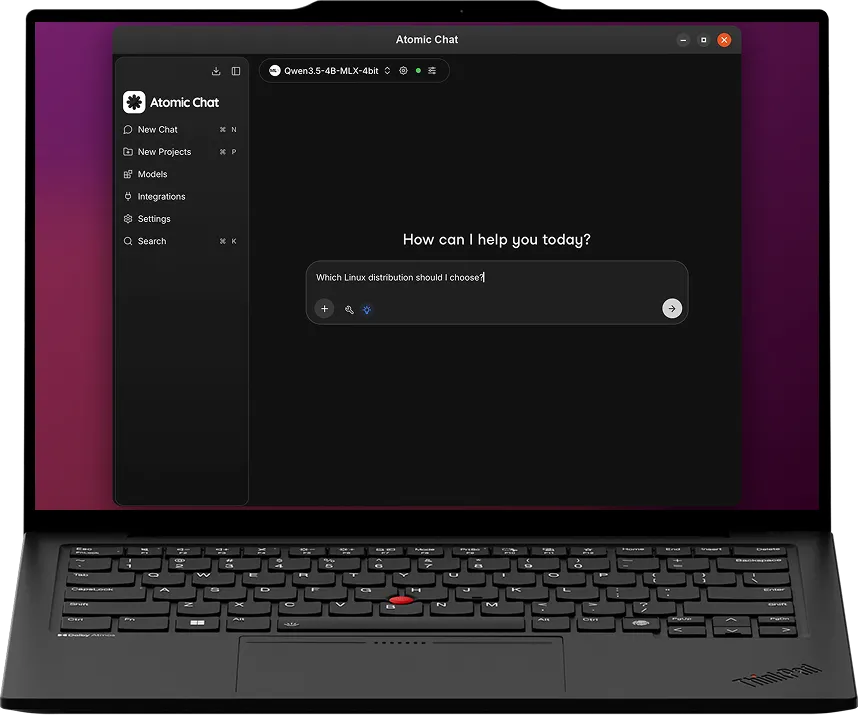


What you need to run a local LLM on Linux
A GPU is fastest, but it runs on the CPU too. With 8GB of VRAM you can run an 8B model at reading speed.
Install
AppImage
easy set up
GPU memory
8GB+
recommended
How to run an LLM on Linux
Three steps and about ten minutes, most of which is the model downloading.
Download the AppImage
One x86_64 file. Make it executable and run it. No package manager and no root access needed.
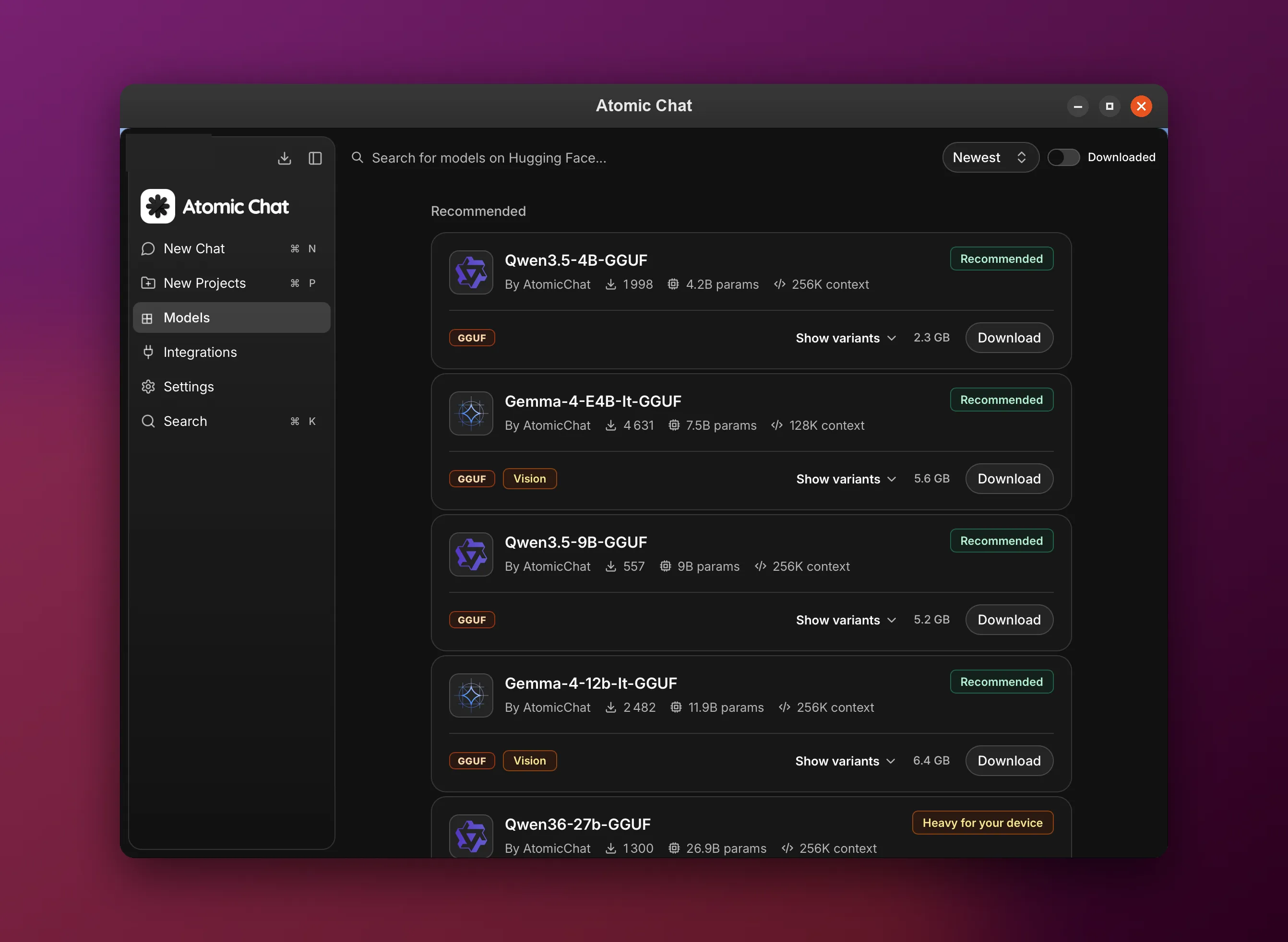
Pick a model
Browse over 1,000+ open models and pick one that fits your memory. You download it once. After that it loads from your drive and runs on your own CPU or GPU.
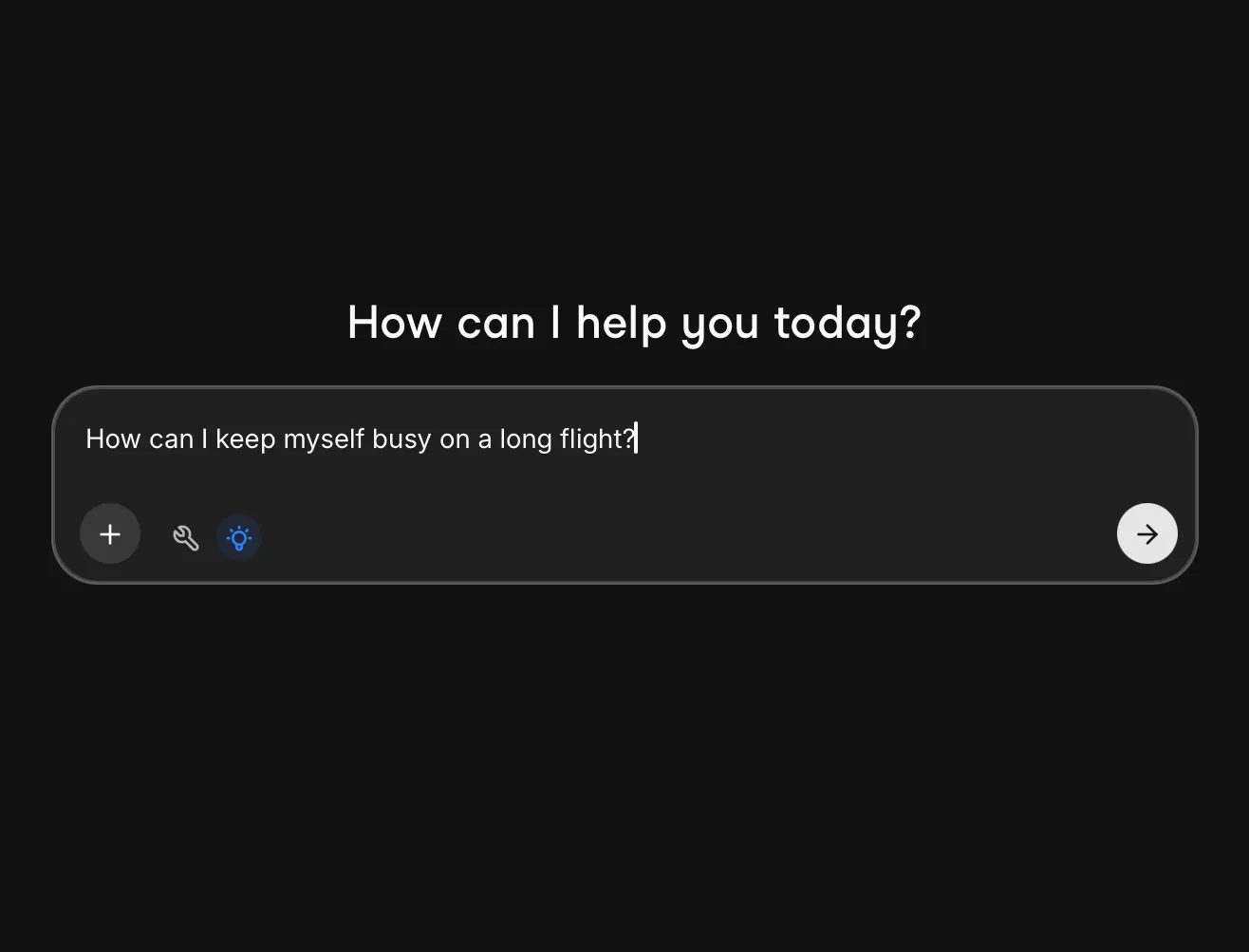
Start chatting
The model runs on your own machine, and it keeps working offline with no limit on how much you ask.
How TurboQuant works on Linux
TurboQuant changes how much context fits, so you can raise the context window without adding RAM.
Context eats the memory
The cache grows with every message and on a long conversation it can end up bigger than the model itself.
Step 1
We compress that cache
Our build stores that cache in 3 or 4 bits instead of the usual 16. That makes it up to 4.3x smaller.
Step 2
What changes on your device
You can chat for longer before memory runs out, and still keep your editor and browser open while the model runs.
Step 3
Atomic Chat vs other Linux LLM apps
Ollama on Linux has no window at all. LM Studio and AnythingLLM have one, but neither ships its desktop app as open source. Atomic Chat gives you a window, a headless server and Apache-2.0 code.
OS



macOS
Learn more in our blog

How to Run an LLM Locally
Pick a model for your hardware, understand quantization, and set it up in a few clicks.

Best Local LLM Apps in 2026
The 10 best local LLM apps compared on interface, platform reach, openness and tool support.

How to Run DeepSeek Locally
Run DeepSeek R1 offline: which distilled sizes fit your hardware, and the step-by-step setup.
FAQ
What people ask before running a local LLM on Linux.
Yes, a few. Atomic Chat, LM Studio and AnythingLLM all have a window on Linux. Ollama does not: on Linux it runs as a command-line tool and a background service, and its desktop app is macOS and Windows only.
Yes. Turn on the local server and call it over the OpenAI-compatible API. You do not need a desktop session for that.
Yes. Atomic Chat uses Vulkan, not CUDA, so AMD cards work. You need a working Vulkan driver. Without a GPU the model runs on the processor, just slower.
Anything with glibc 2.35 or newer. That covers Ubuntu 22.04+, Debian 12+, Fedora 40+, Arch, Mint and Pop!_OS.
Yes. Open a contract, a log file or a spreadsheet and ask about it. The file stays on your disk and is never uploaded.
For code, look at Qwen Coder or DeepSeek. Pick the biggest one your RAM allows. Nothing you write leaves the machine.
Yes. There is a local OpenAI-compatible endpoint. Point Kilo Code, Cline or any OpenAI SDK at it. No key and no bills.
No. It is a single AppImage file. Make it executable and run it. There is no .deb and no .rpm.
Yes. Pull the cable or block it in your firewall. Once the model is downloaded, Atomic Chat never needs the network again.
Yes, on the App Store and Google Play, for small models only. A 3B on a phone is not a 13B on your desktop. Useful offline, not a replacement.
Subscribe to our newsletter
Get Atomic updates and local AI news in your inbox.
.svg)


