Describe what you want to see and your device generates it. No credits to buy, no subscription to renew.
Benefits of local image generation
No account needed
Install the app and download a model without signing up.
No usage caps
Keep generating on your machine, with no daily limit.
Total control
The model weights are files on your disk, and you choose which ones to run.
How local image generation works
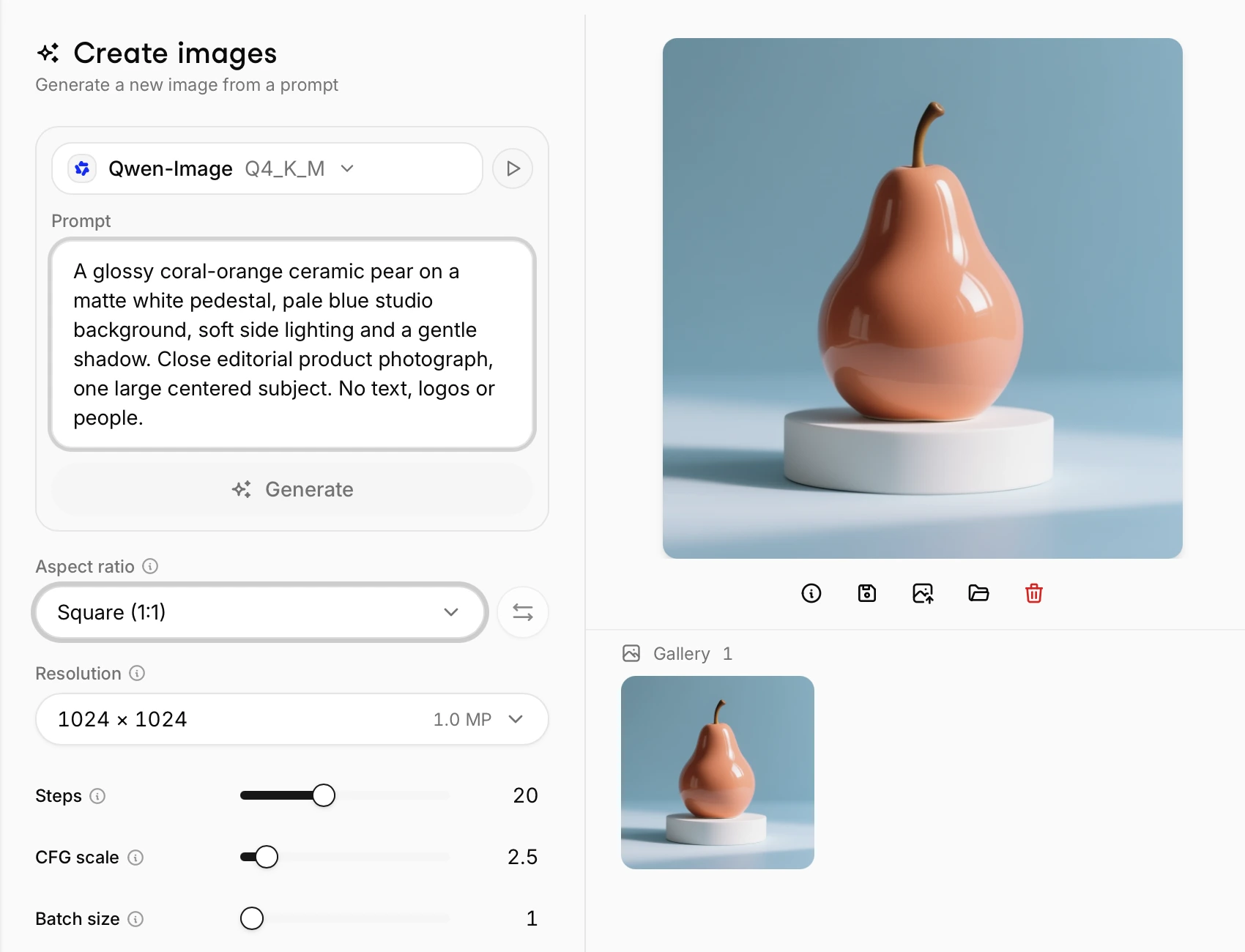
Type a prompt and the model runs on your machine. The controls below are available in the desktop app.
Make several at once
Set a batch count and compare the results from one prompt in your gallery.
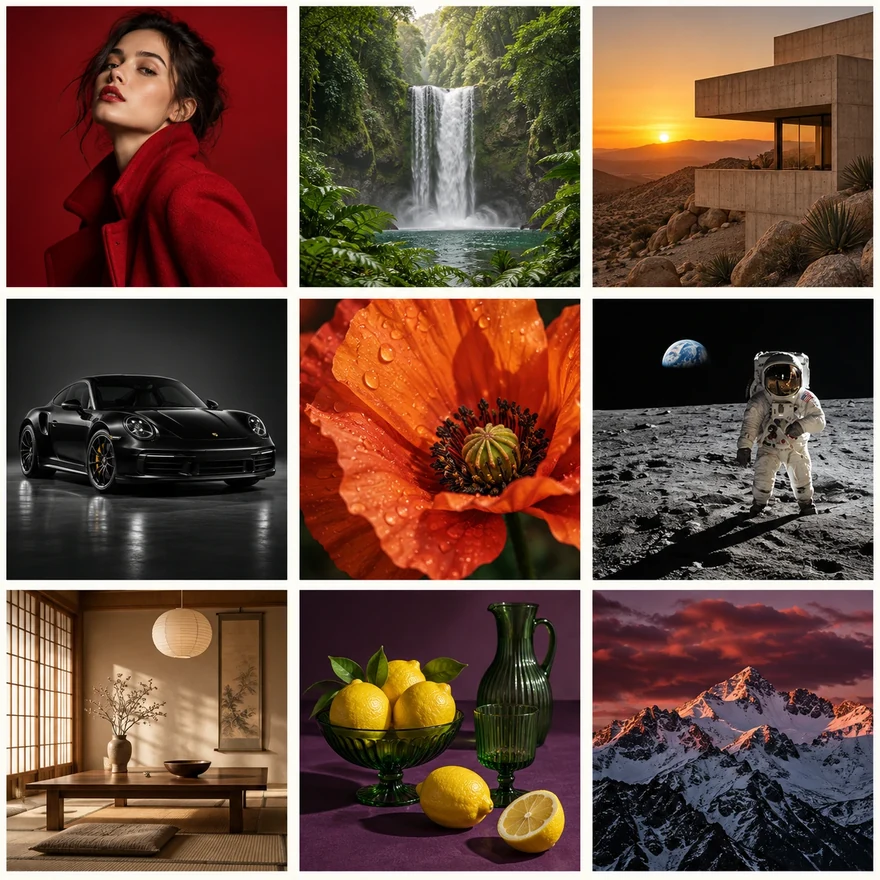
Set the dimensions
Pick an aspect ratio and resolution, from a square picture to a wide banner.
Choose from 10+ image models
Download Qwen-Image, FLUX.2 Klein or Z-Image Turbo from the catalog and run it on your computer.
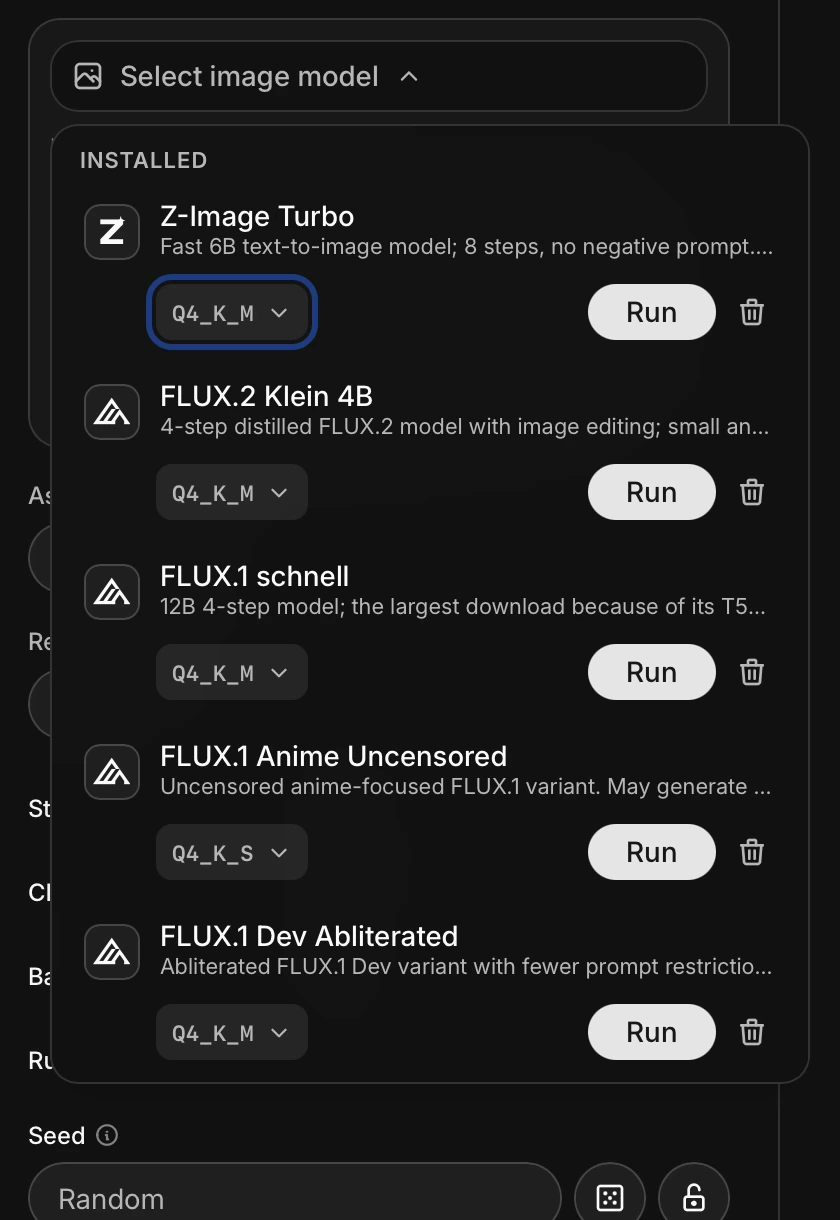
Choose your quantization
Lower-bit weights make the model smaller, but can reduce image quality.
FLUX.2 Klein 4B
| Quantization | Weight file |
|---|---|
| Q3_K_M | 2.12 GB |
| Q4_K_M | 2.60 GB |
| Q5_K_M | 3.07 GB |
| Q6_K | 3.41 GB |
| Q8_0 | 4.30 GB |
File sizes, not total RAM requirements.
Generate on mobile
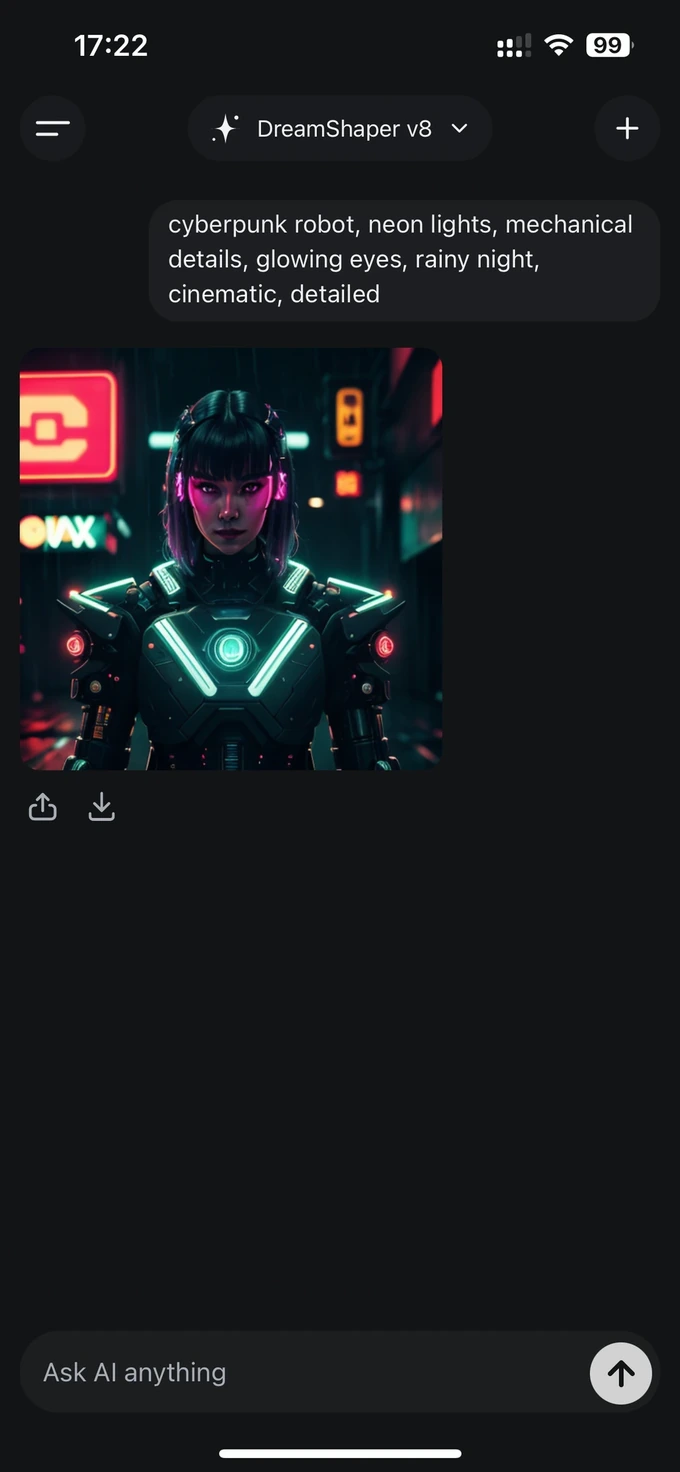
Turn a prompt into a picture on your iPhone or Android. Free to use, with no credits or subscriptions.
Get started in 3 steps
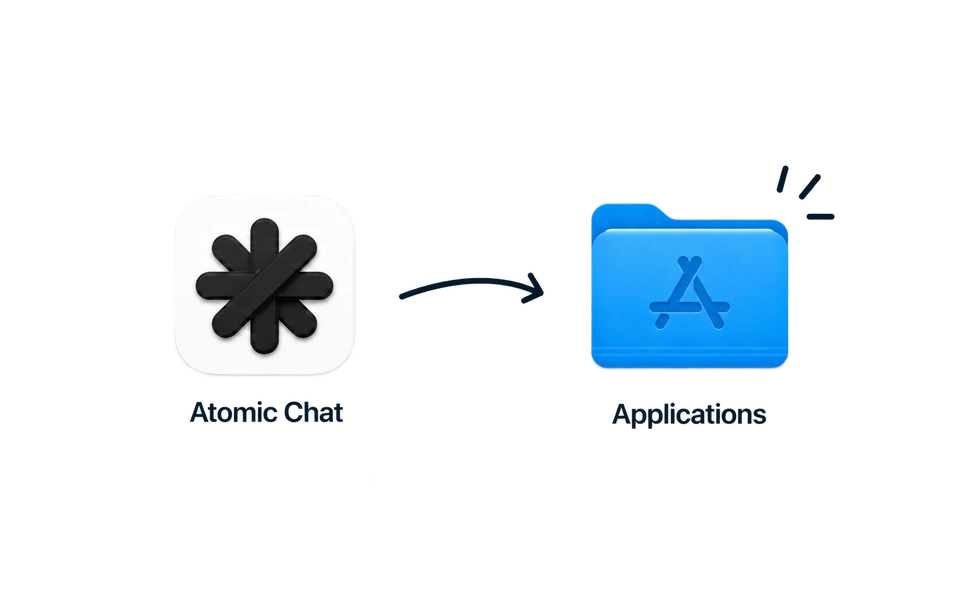
Download & install
Free for macOS, Windows, Linux, iPhone and Android.
FLUX.2 Klein 4B
Weight files
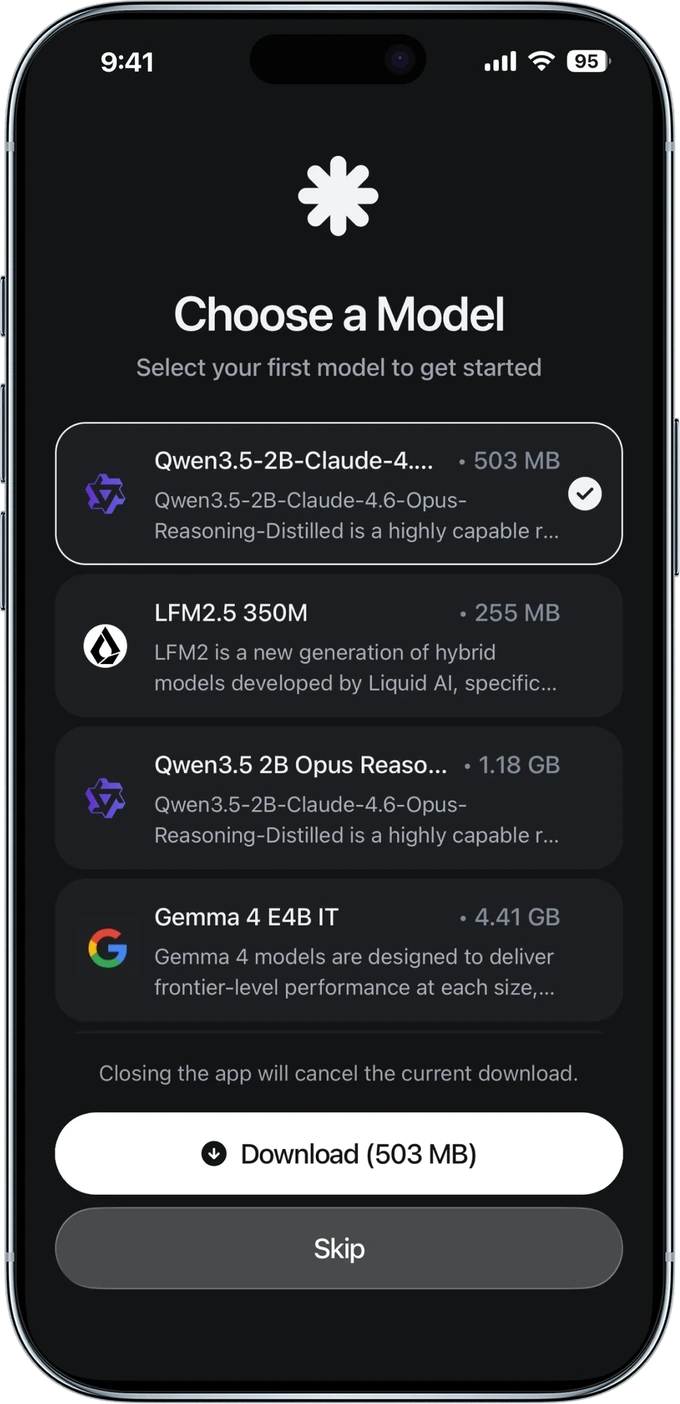
Pick a model
Choose a version and download it to your device.
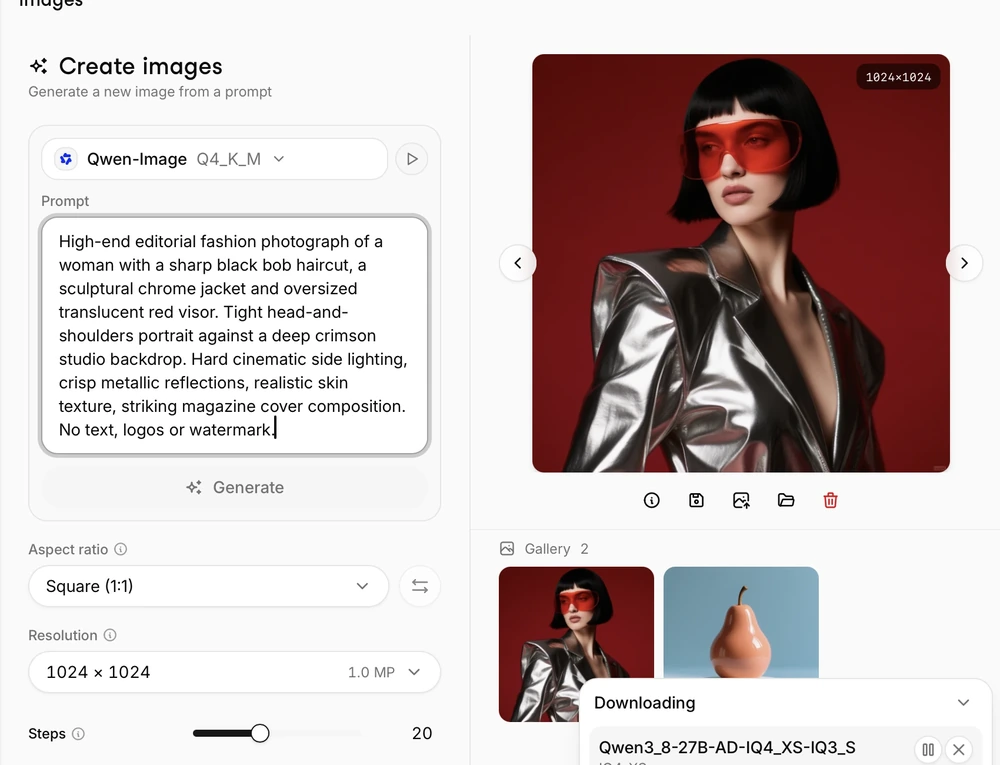
Type your prompt
Describe what you want to see and press Generate.
Download Atomic Chat
FAQ
What runs on your device and what you need to get started.
It is an app that turns a written prompt into a picture on your own hardware. You download a model once and run it without a cloud service.
Yes. Download Atomic Chat and a model first, then you can keep generating with Wi-Fi off. You only need a connection for new downloads and updates.
On desktop, you can run Qwen-Image, FLUX.2 Klein and Z-Image Turbo, among others. On iPhone, supported options include DreamShaper v8. The catalog differs by platform.
Yes, on iPhone and Android. Download a supported model and enter a prompt. The picture is generated directly on your device.
Yes. You run the model on your own hardware, with no subscription or per-image charge from Atomic Chat. Each model has its own license.
It depends on the model and picture size. Check the model’s requirements before downloading; the weight file size is not the total memory needed to run it.
No. The downloaded model processes your prompt on your own device and creates the picture there.
Check the license and usage terms of the model you use. They differ between models.
Built in the open
Follow the project, file issues, and chat with the people building Atomic Chat.
Subscribe to our newsletter
Get Atomic updates and local AI news in your inbox.
.svg)


