Describe a scene and turn it into a clip on your computer. Your prompts and videos stay on your machine.


Benefits of local video generation
No account needed
Install the app and download a model without signing up.
No usage caps
Keep trying new prompts without a daily generation limit.
Total control
Choose your model files and keep the finished clips on your disk.
How local video generation works
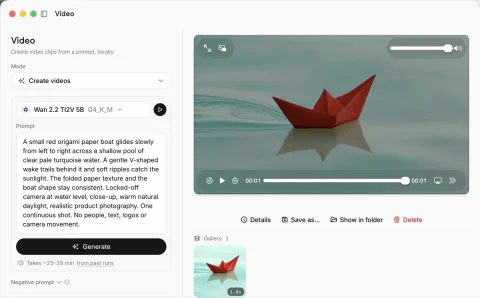
Write what happens in the scene, choose your settings and let the model run on your hardware.
Describe the motion
Tell the model what moves and how the camera should behave. A clear, focused scene gives you a place to start.
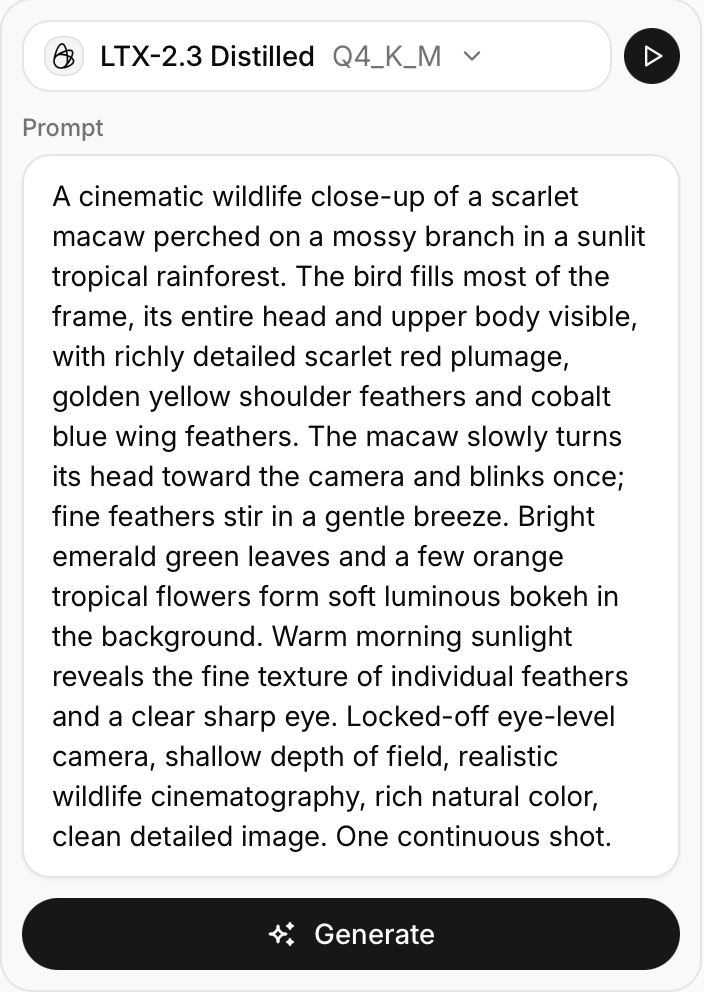
Set the length and size
Choose the duration and resolution before you generate. Shorter, smaller clips need less memory.
Pick a video model
Open the Video tab in Models Hub and download a supported option, such as Wan 2.2 5B.
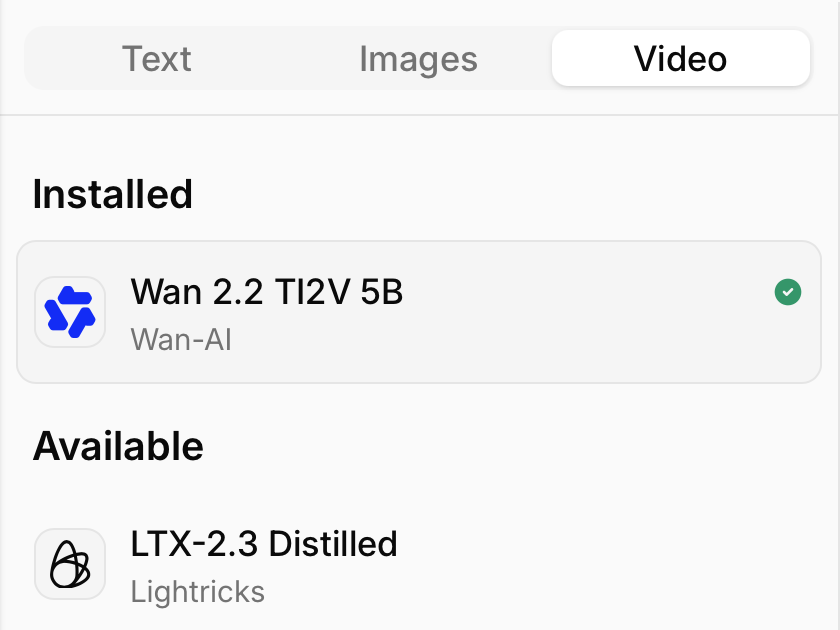
Choose your quantization
Lower-bit weights make the model smaller, but can reduce output quality.
Play back your result
Watch the finished clip and save it to your computer. Change your prompt or settings when you want another take.
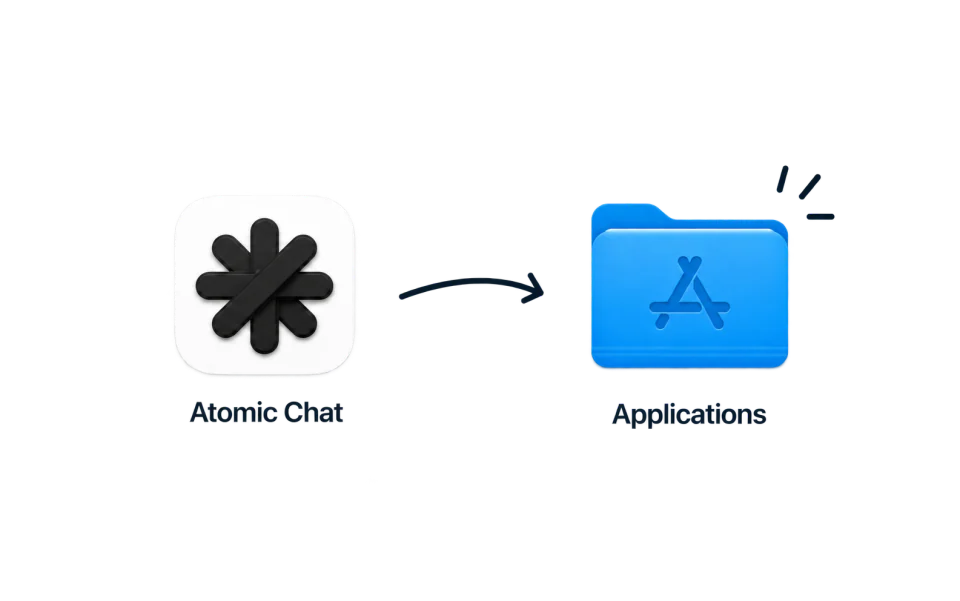
Download Atomic Chat
FAQ
What runs on your device and what you need to get started.
It is an app that turns a written prompt into a clip using a model on your own computer. The generation runs on your hardware rather than a cloud service.
Yes. Download the app and all required model files first. The local workflow then processes your prompts without a cloud generation service.
Wan 2.2 TI2V 5B is available in the Video catalog. Choose a supported download in Models Hub before starting a generation.
The workflow shown here starts from text. Describe the subject, its movement and the camera behavior in your prompt.
Atomic Chat does not charge a subscription or a fee per clip. You use your own hardware, and each model has its own license.
Memory requirements depend on the model, quantization, resolution and number of frames. Start with a short clip at a smaller size. Download size is not the total memory needed to generate.
It depends on your hardware and settings. More frames or a larger resolution require more work, and generating a clip can take much longer than playing it.
Check the license and usage terms of the model you download before using its output commercially.
Built in the open
Follow the project, file issues, and chat with the people building Atomic Chat.
Subscribe to our newsletter
Get Atomic updates and local AI news in your inbox.
.svg)


