MCP Connectors
for Local AI
Run Notion, GitHub, Google Drive and many more tools through a local model on your own hardware. Your data never leaves your device.

1,000+
Connect 1000+ tools locally
Your self-hosted AI works with the apps you already have and none of your data from them ever reaches a third-party cloud server.
Easy setup
Paste a server config in Settings once and it's live in every chat. No restart, no code.
Fully private
Your prompts go from your machine straight to the tool and never touch OpenAI or Anthropic.
Any model works
Set up a server once and it works with Qwen, Gemma, Llama and 100+ other models.
Your model links up with the app and performs actions inside it, reading a page, editing a file or running a search when you ask.
Connect the tool
Run a model in Atomic Chat and wire it to Notion, GitHub or Drive through an MCP server. Once added, the tool is there in every chat.

Type your request
You write a prompt, the model breaks it down and picks the right tool from the ones available, the one it will use to act inside the app.
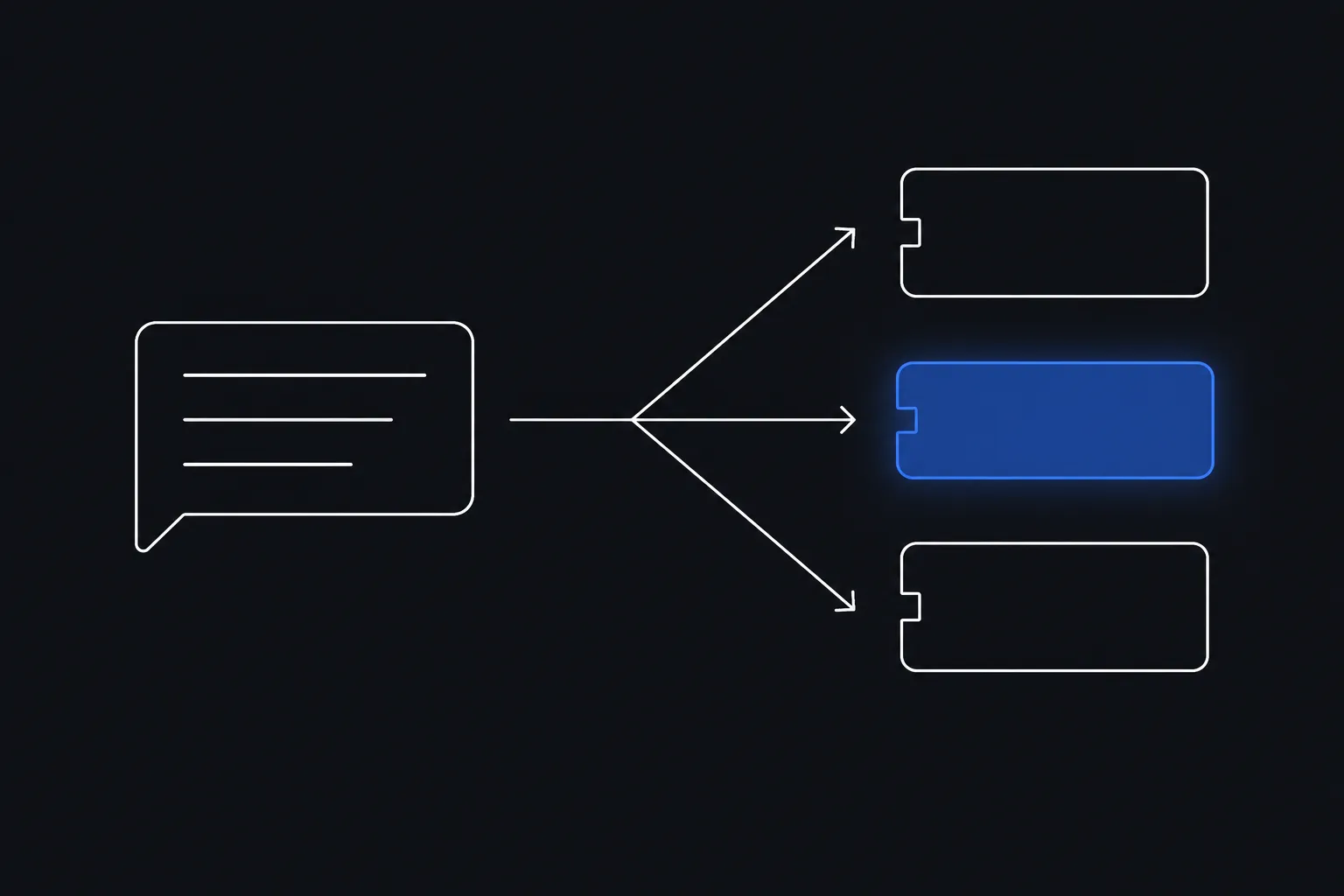
The model gets it done
The model talks to the app on its own, sending tool calls through the MCP server locally, and drops the result back in your chat.
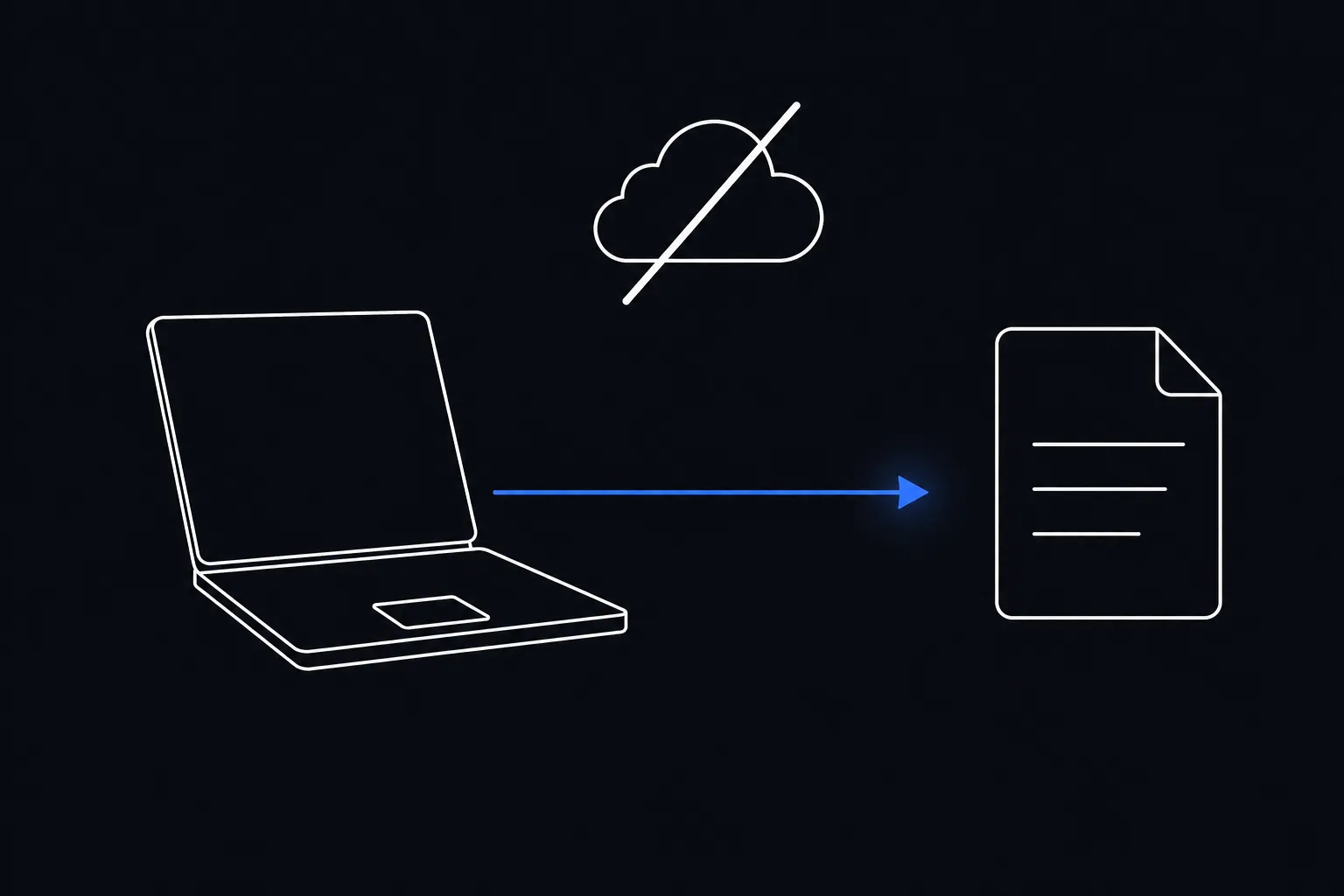
MCP connectors without cloud routing
Every part of the work runs on your hardware, done by an AI you own. Nothing gets outsourced to someone else's cloud servers.

- Tool calls run on your hardware
- Works with local models, no cloud required
- Same connectors work across all your models

- All requests route through external servers
- Locked to one provider's models
- $20/month subscription required
MCP connectors you can add today
Any MCP server from mcp.so works. These are some of the most useful ones, and what each one unlocks when you run a local model.
Notion
Search pages, read databases, pull meeting notes. Ask your local model to summarize a project page or find a decision without pasting text into a chat window.
Google Drive
Read Docs, Sheets, and files from your Drive. Ask the model to extract, compare, or draft based on documents you own, without uploading them to a cloud AI service.

Slack
Read channels, threads and messages. Ask your local model to catch up on a conversation or find a decision, without sending your team chat to a cloud AI.
GitHub
Browse repos, read issues and PRs, search code. Useful for code review or onboarding: ask a local model about your codebase without sharing it with a cloud provider.

Figma
Read your design files: frames, components and styles. Ask the model what changed in a mockup or pull specs for handoff.
Supabase
Query your Postgres database, inspect schema, run migrations. Ask in plain language instead of writing SQL. The model connects directly to your project, with no data routed through an AI provider.
1000+ more
Sentry, Stripe, Linear, Cloudflare, PostgreSQL, Obsidian, Airtable, Jira, Gmail, Redis, Kubernetes, AWS. If it has an MCP server, it works.
MCP connection takes three steps
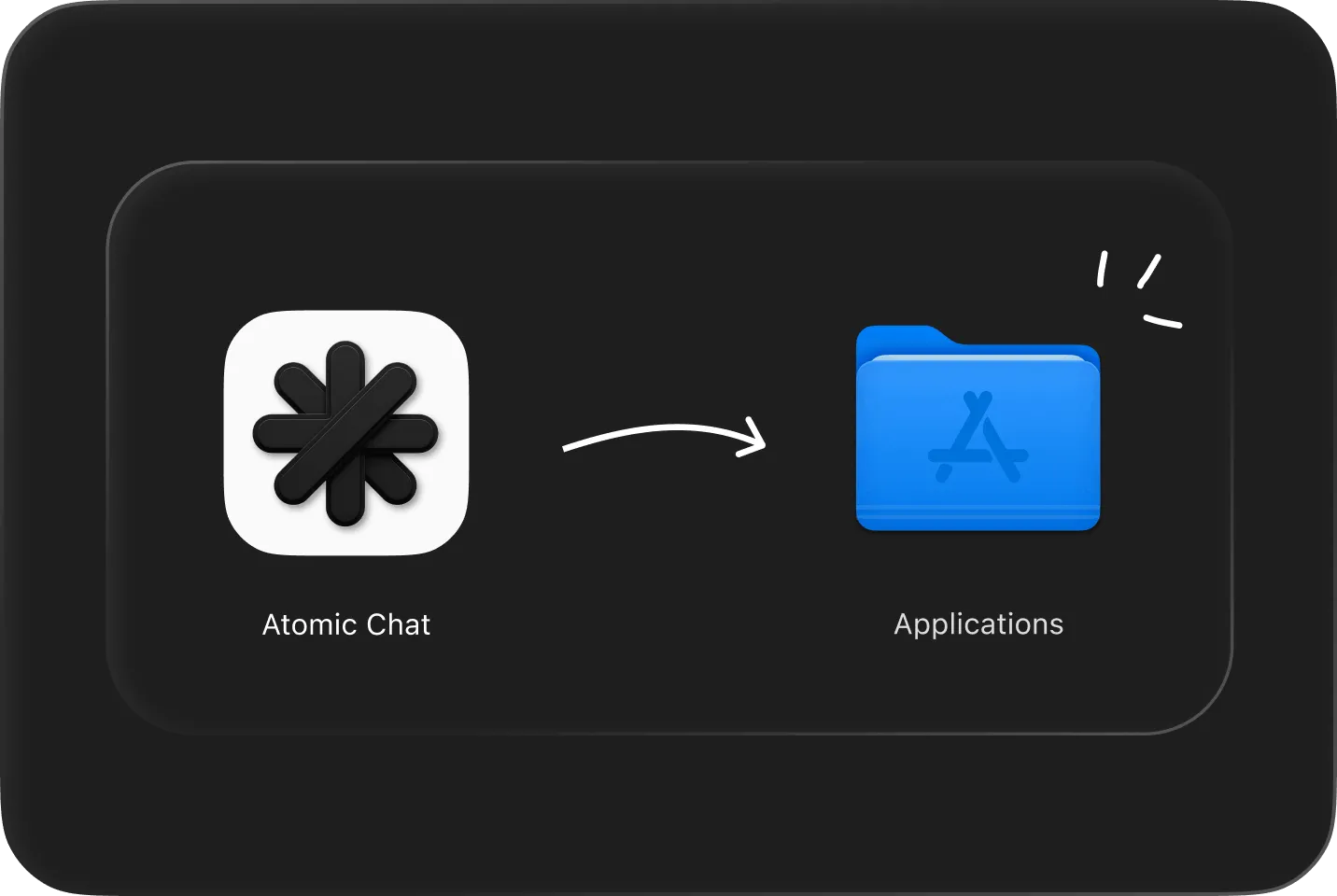
Download & install
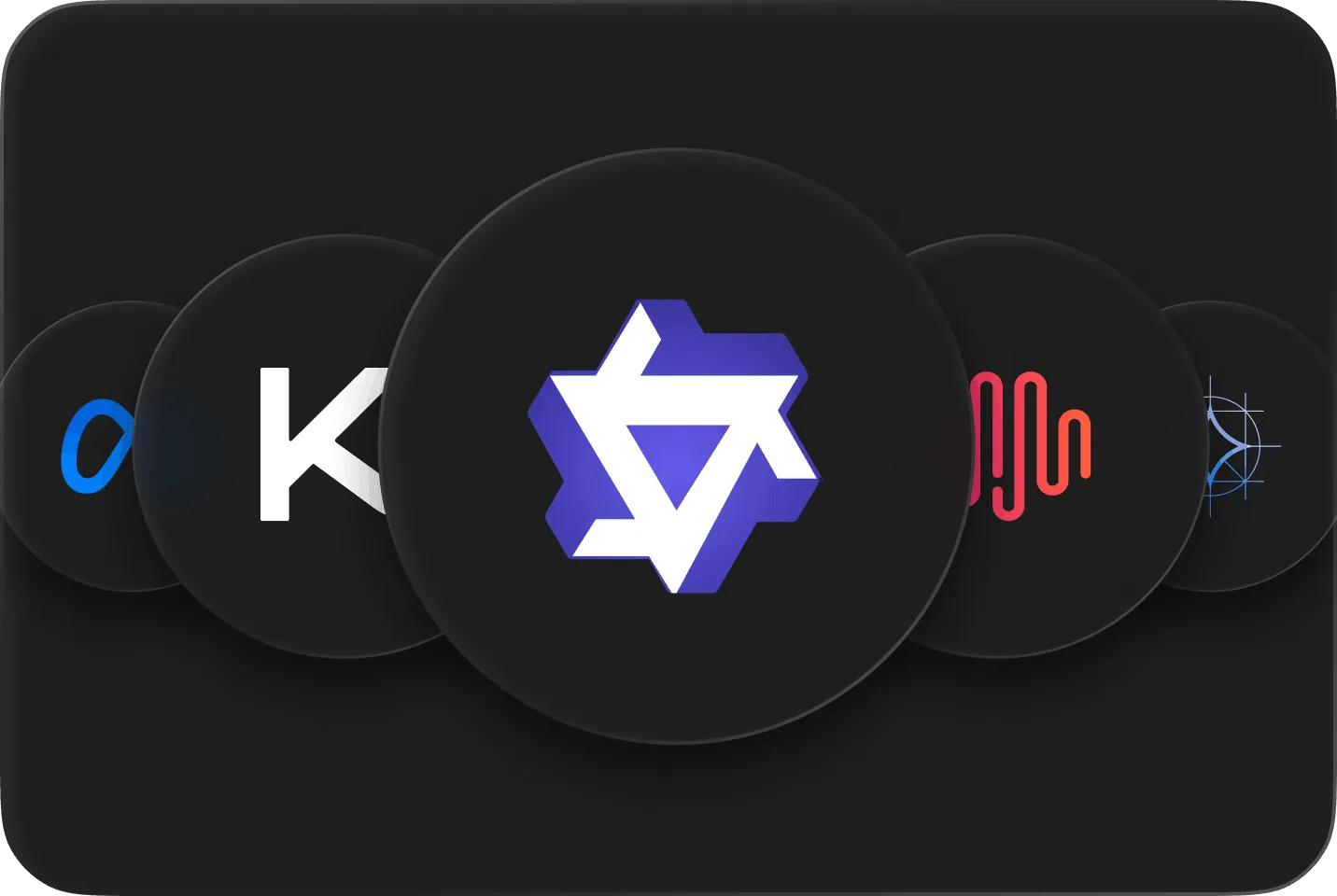
Pick a model
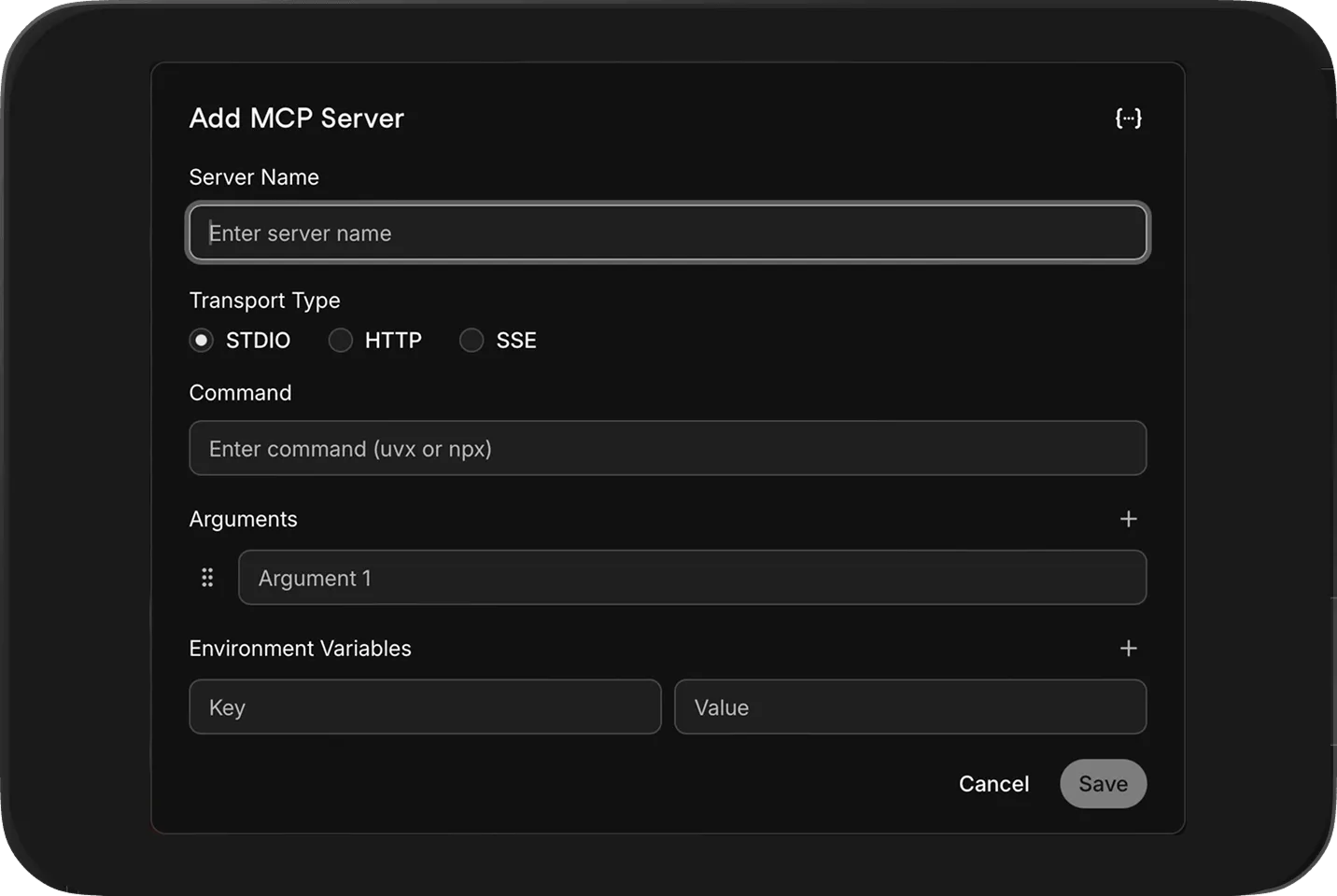
Add your MCP servers
Paste a server config in Settings and the tools are live in your chat.
FAQ
How MCP works in Atomic Chat, what’s supported, and what happens to your data
MCP (Model Context Protocol) is an open standard for connecting AI models to external tools and data. An MCP server is a small program that exposes specific capabilities, such as web search, file access or browser control. Atomic Chat is the MCP client (the host): you add a server once, and its tools become available to every model you run in the app, local or cloud.
Only when the server itself calls a web service. A filesystem server reads local files and works with no connection at all; a web search server needs internet to reach its API. The model is a separate question. Run a local model with local servers and this local AI MCP setup works fully offline, with nothing leaving your machine.
Atomic Chat supports STDIO (a local process the app starts and manages for you), HTTP, and SSE. That covers nearly every server in practice: most community servers run over STDIO on your own machine, while remote hosted servers connect over HTTP or SSE.
No. Anthropic published the MCP standard but sees none of your traffic, and Atomic Chat doesn't proxy or log tool calls; they go straight from your machine to the server you connected. The only exceptions are ones you pick yourself: a cloud model sends prompts to its provider, and a server that wraps a web API sends queries there. With a local model and local servers, nothing leaves your device.
Start with the official modelcontextprotocol/servers repository on GitHub, or browse mcp.so, which lists hundreds of community servers by category. Atomic Chat works with any server that follows the MCP spec, including ones you build yourself.
Built in the open
Follow the project, file issues, and chat with the people building Atomic Chat.
Subscribe to our newsletter
Get Atomic updates and local AI news in your inbox.
.svg)


