Run Local LLMs on your hardware
Build with Qwen, Gemma, Llama and more models fully private, offline and free.
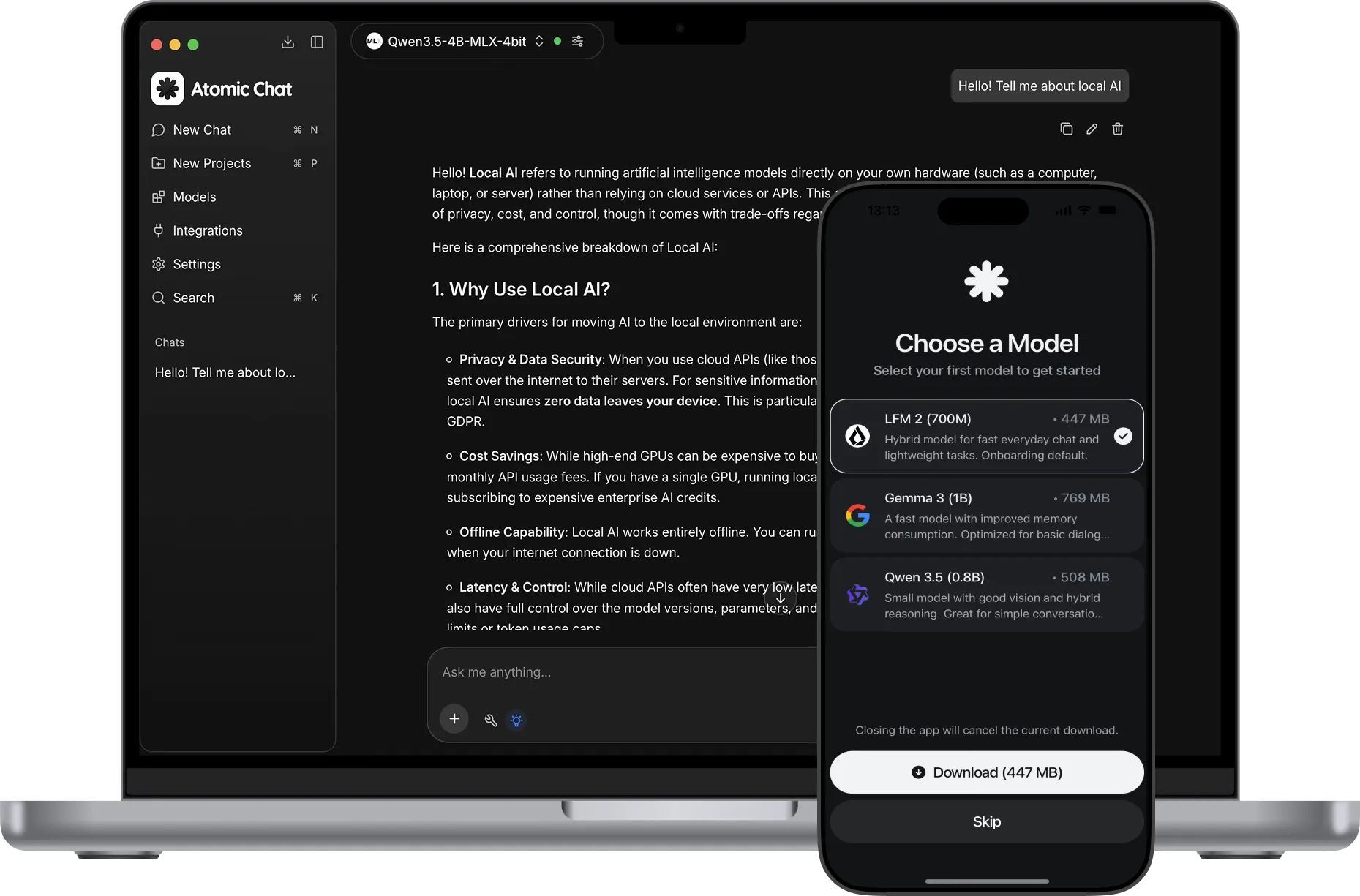
Run 1,000+ models


What is a local LLM?
A local LLM is an AI model that runs on your device, not in the cloud. A prompt never leaves your machine: the model loads into RAM and your own CPU or GPU writes the answer, the same math ChatGPT's servers do.
Private by design
Every prompt, file and chat stays yours, nothing is sent to a server or used to train on your data.
Works offline
No dependency on a cloud server or network connection. Download the model and use it without any limits.
No Censorship
Pick an uncensored model from the library and run legitimate prompts without refusals.
No Subscriptions
You don't pay a subscription or per-token fees. The community has already shipped 1,000+ open-weight models, all free to download.
No limits
There are no weekly token quotas or rate limits. The only limit is your hardware.
Customizable
Full control over your setup. Pick a model, then adjust temperature, context size, quantization and other settings.
The best local LLMs to run in 2026
The models developers actually run locally, according to Hugging Face download charts, 2026.





Atomic Chat vs Local LLM tools
The only one with a mobile app, 1-click setup and open-source code.


What you can do with Local AI
Local models are capable across a wide range of everyday tasks.
Analyze
Ask questions about reports and contracts. Files are read on-device, nothing is uploaded to the cloud.
Debug your code
Run your engineering loop without worrying about the API bill.
Run agents locally
Plug KiloCode, Cline or any agent into your local server and let it run.
Work with images
Vision models read screenshots, scans and photos locally.
Summarize
Turn long reports, papers and email threads into short summaries.
Work offline
Keep working when you are traveling or have no internet connection.
Learn more in our blog

How to Run an LLM Locally
Pick a model for your hardware, understand quantization, and set it up in a few clicks.

Best Local LLM Apps in 2026
The 10 best local LLM apps compared on interface, platform reach, openness and tool support.

How to Run DeepSeek Locally
Run DeepSeek R1 offline: which distilled sizes fit your hardware, and the step-by-step setup.
Run LLM locally in just 3 steps
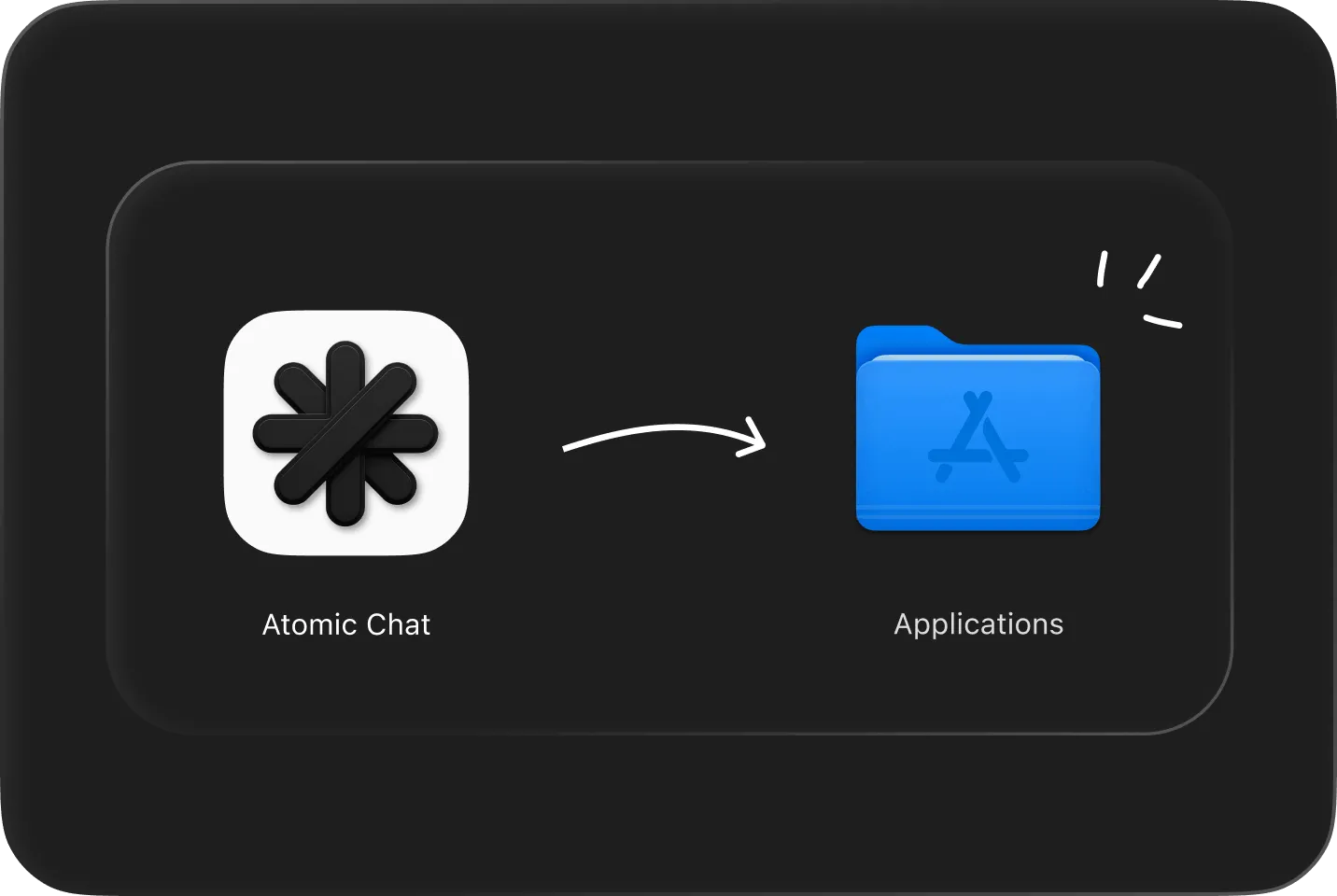
Download & install
Free for macOS, Windows and Linux. No account needed.
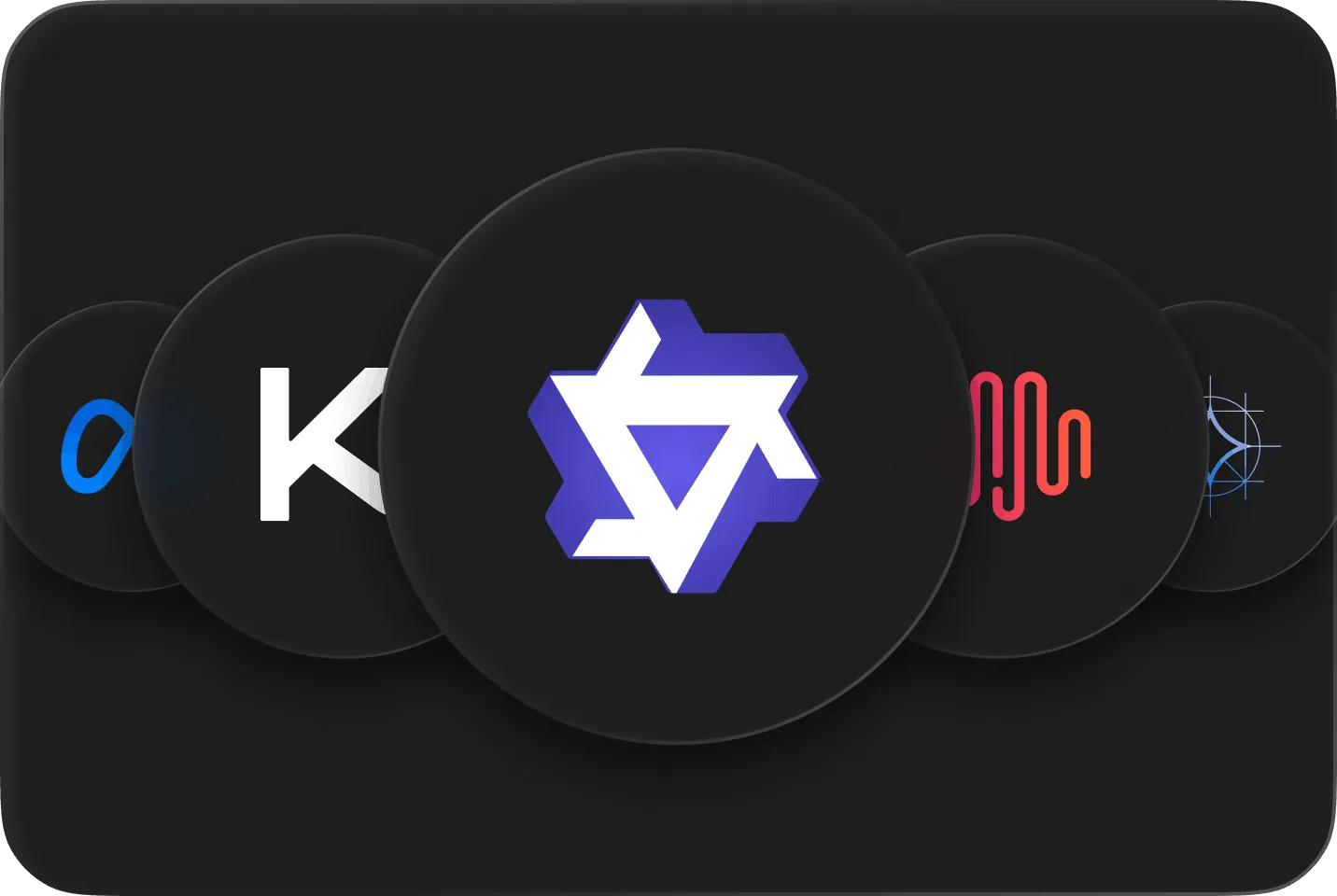
Pick a model
Choose from 1,000+ models. It downloads to your disk once.
Start chatting
It keeps working from anywhere.
Subscribe to our newsletter
Get Atomic updates and local AI news in your inbox.
Download Atomic Chat
FAQ
Everything about running a local LLM on your own device.
Instead of sending your prompt to a company's servers the way ChatGPT or Gemini do, a local LLM downloads the model onto your own machine and runs it right there. After the one-time download nothing depends on the internet, and none of your data ever reaches an outside server.
Yes. After you download a model once, chatting, document analysis and the local API all run with Wi-Fi off. You only need a connection to download new models or update the app.
Completely. Because nothing is sent to a server, your prompts, files and chats stay on your disk. No account is required, and your conversations aren't logged in the cloud.
Yes. Atomic Chat is free and open-source under the Apache-2.0 license. There's no subscription, no per-message fee and no usage cap.
Yes. Drop in documents like contracts, medical records or financial files and ask questions about them. The analysis runs entirely on your device, so nothing is uploaded to a server or logged in the cloud.
For coding, the local-AI community keeps coming back to Qwen 3.5. It runs fully on-device and can explain a function, hunt down a bug or refactor proprietary code, so nothing leaves your machine, which matters when an NDA or company policy blocks sending code to the cloud.
Yes. Atomic Chat exposes a local, OpenAI-compatible endpoint. Point agent tools like Kilo Code or Hermes at it to run them on-device, with no API keys and no per-token billing.
Atomic Chat runs 1000+ local AI models, including Llama, Qwen, DeepSeek, Mistral, Gemma and Phi. You download a model once, then switch between them freely, all on-device and free.
Most modern laptops run small to mid-size local LLMs comfortably: about 8GB of memory handles 8B models, 16GB handles 14B, 32GB handles 32B, and 64GB+ runs 70B. Efficient quantization lets bigger models run on everyday hardware.
Built in the open
Follow the project, file issues, and chat with the people building Atomic Chat.
.svg)


