

TL;DR
When you use a local LLM app, you download the entire model weights to your machine. The model processes your prompts directly on your device, and nothing gets sent to a cloud provider such as OpenAI, meaning that your data is kept completely private. Local LLM apps also work offline, so you can run LLM locally anywhere — on a plane, a train, or with no internet at all. However, because the entire model is loaded into your memory, you need a strong GPU with a lot of VRAM to run it.
- A local LLM app runs AI inference on your device — the entire model files are downloaded to disk and inference uses your local GPU to generate answers.
- Local LLM apps are free — when you use a cloud subscription the provider charges you for letting you use their servers, and the price is calculated in tokens. With a local LLM, since you're running the model independently, you don't pay anyone anything.
- Local LLM apps are well suited for working with sensitive topics, because they're inherently private.
- Local LLM apps provide a user interface for you to interact with the model. For example, an app like Atomic Chat gives you a chat window to interact with the model, manage your memory and context, install and delete models, and adjust AI settings.
- Local LLM apps are synonymous with open-source — not only are most local LLM apps open-source software, but they also run open-source models that you can download for free from platforms such as Hugging Face.
- Atomic Chat is the best local LLM app overall, because it pairs one-click setup and 1,000+ models with a custom inference engine that runs large models faster and on less memory than stock tools.
Why use a local LLM app?
Local LLM applications let you run an LLM locally, privately and directly on your machine, without sending your prompts to OpenAI, Anthropic, or Google.
A local LLM app keeps your data private. A cloud LLM sends your prompts to a company's servers, and many AI companies log your conversations and use them to train models. In contrast, a local LLM never sends your text or documents anywhere — 0 bytes of your data leave your device.
Local LLM apps are free to use. You don't have to pay for monthly subscriptions or per-token cloud APIs. The only expense is your electricity bill.
Local LLM apps enable extensive customization. With a local app, you can download different community-tuned versions of popular models, fine-tune models yourself, or keep using the models you like indefinitely without worrying that a provider will phase one out or change the tuning with an update — as we saw with the move from Opus 4.6, which the community loved, to Opus 4.7/4.8, which many people still say is a step back.
With a local app, you avoid any risk that a tool you rely on for work gets inadvertently changed and your proven workflows stop working.
Who should use local LLM apps?
A local LLM app is best for people who prioritize privacy and offline access, or who want to fine-tune their own models or use a fine-tuned model created by the community.
- Privacy-conscious users. If you regularly work with health records, legal documents, financial information, or proprietary source code, running a model locally keeps that data on your own machine.
- Developers and power users. Applications that make thousands of model calls per day can become expensive when every request goes through a cloud API. A local model eliminates per-request fees.
- People who need an offline LLM. A local offline LLM continues working on flights, in areas with unreliable internet, or on air-gapped systems where cloud services aren't an option.
- Hobbyists and AI enthusiasts. Running models locally makes it easy to compare models, test quantizations, tweak settings, and better understand how LLMs work under the hood.
One caveat worth knowing about is that local AI apps aren't for people who want to run the biggest possible models with the absolute top-of-the-line performance that rivals GPT-5.5 or Claude Opus 4.8 in benchmarks.
Even with quantization, frontier-level models are impossible to run on consumer hardware.
That said, modern local AI models are good enough that you'll get around 85% of flagship-level performance from mid-range local models.
The 10 best local LLM apps in 2026
Now that we understand what local AI apps are and why you might want to use them, here are the best local LLM apps in 2026, ranked.
1. Atomic Chat — best local LLM app overall
Atomic Chat is a free, open-source local AI app that runs open-weight models on your own device and gives you an easy-to-use interface to interact with them. It's also the app we build, so we'll be upfront about that.
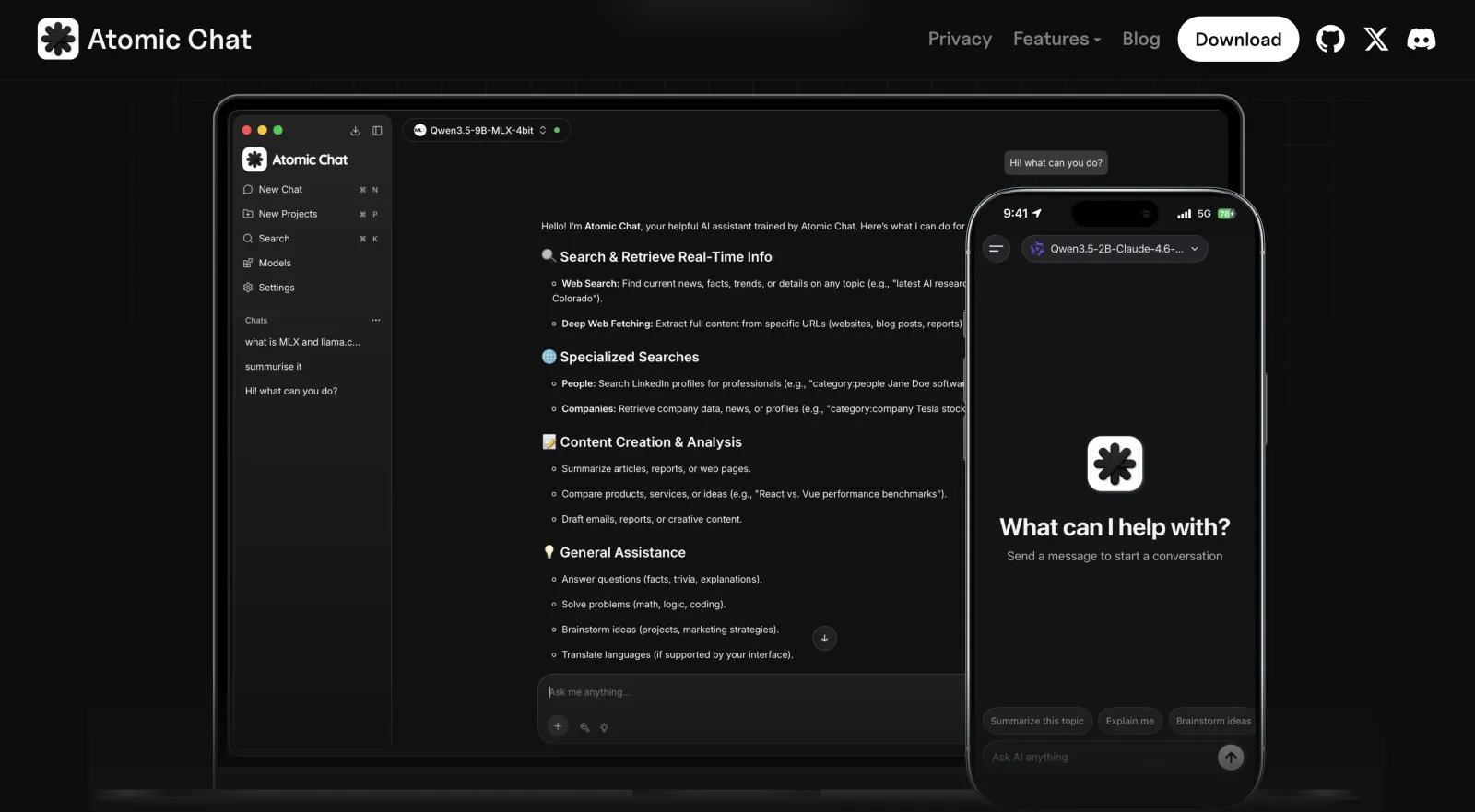
When developing Atomic Chat, we've focused on adding features that make local AI models run faster and improve their performance on local hardware. As such, Atomic Chat features our own fork of TurboQuant, an AI compression algorithm that does two things:
- 3-bit quantization shrinks the model's weights, meaning that to run a model that would normally need at least 24GB of memory you only need 6GB. This comes at a small cost in accuracy, but a 24GB model with quantization is still much smarter than a 6GB model without.
- KV-cache compression is a set of techniques that essentially allow you to utilize the available context window of the model much more effectively by reducing its overall memory footprint. The model becomes a lot more accurate on long-running tasks and forgets things less often.
Atomic Chat also has two additional features that increase the speed of model inference (how fast a model generates output tokens):
| Method | What it does | Speedup |
|---|---|---|
| Multi-Token Prediction (MTP) | Predicts several tokens per step instead of one | 30–70% faster, up to 3× on Gemma 4 |
| DFlash | Block-diffusion decoding | Up to 6× faster on Qwen 3.6, Gemma 4, Kimi K2.5 |
Together all of the above reduces the memory use by about 6× and can make the attention step — the most memory-hungry part of running a model — up to 8× faster.
We wrote the app in Rust and Tauri and released it under the Apache 2.0 license. You can run it on macOS, Windows, Linux, iPhone, and Android.
On Apple Silicon, Atomic Chat can also switch to an MLX-VLM engine for vision models, which runs on the Mac's Neural Engine.
Atomic Chat installs in one click and features a built-in model browser that you can use to pull models from Hugging Face, and install any of 1,000+ models across the GGUF, MLX, and ONNX formats. Your chat history persists with memory across sessions.
For agentic work, we also expose an OpenAI-compatible API server locally at http://localhost:1337/v1. You can point any IDE plugin or AI-powered IDE to it, like Claude Code or Cursor, and use your local model through it.
Finally, Atomic Chat fully supports the Model Context Protocol (MCP), so you can connect MCP servers to give the model file access, web search, and your own tools. It comes with built-in integrations for Gmail, Slack, Telegram, and Figma, among others.
Best for: anyone who wants the easiest path to fast, fully private local AI on any device, phone included.
2. LM Studio — best GUI for beginners
LM Studio is another desktop app for discovering, downloading, and running local models. It is available on Mac, Windows, and Linux.
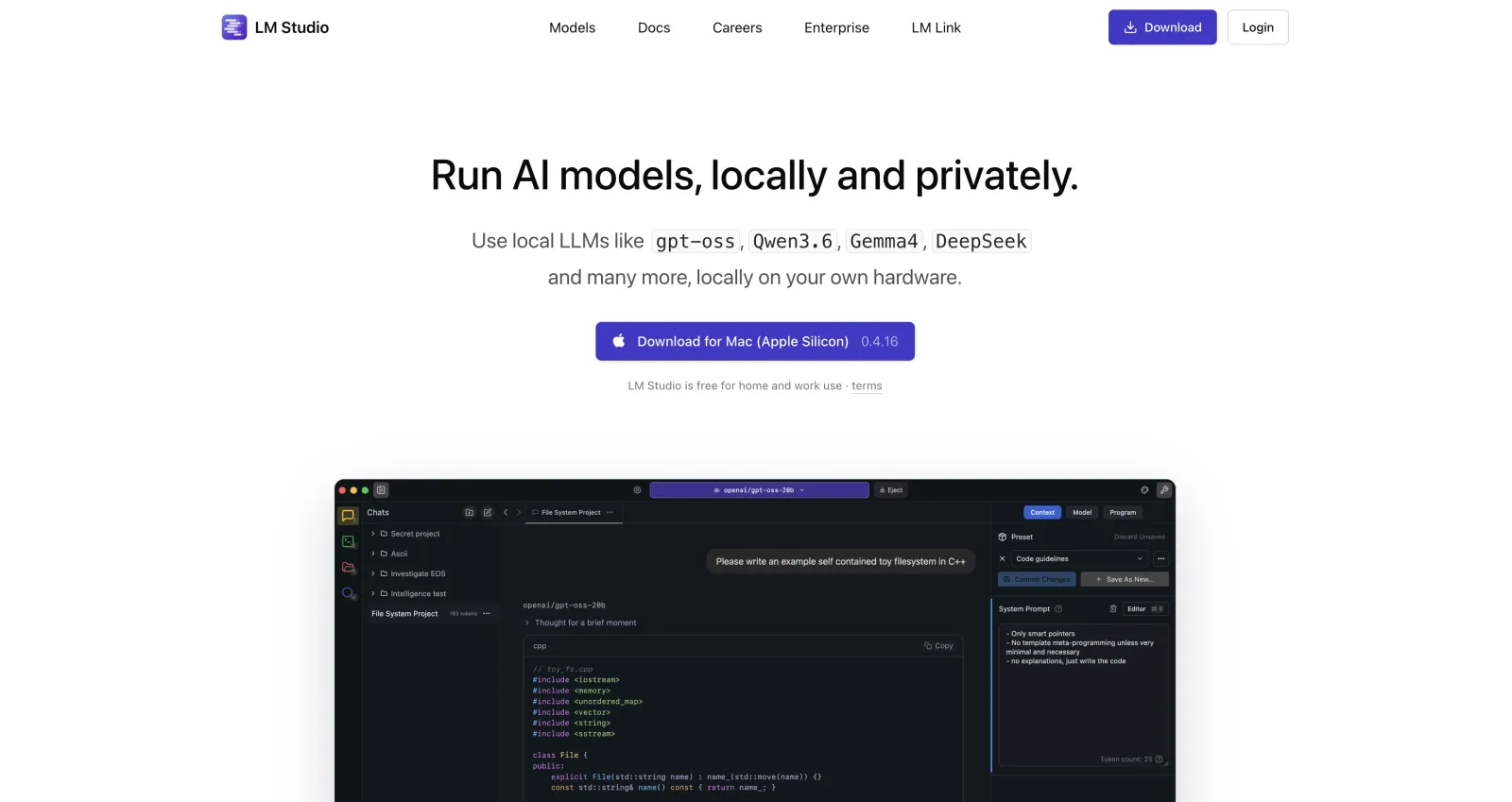
LM Studio is one of the most downloaded local AI apps, and one of the most feature-rich.
It comes with a built-in Hugging Face model browser that lets you filter by size, format, and quantization, native MLX support for fast inference on Apple Silicon, MCP tool-calling, and an OpenAI-compatible server on port 1234.
For developers, LM Studio offers TypeScript and Python SDKs plus an lms CLI for scripting.
Note: Unlike many other apps here, including Atomic Chat, LM Studio is closed-source.
We've also noticed that it switches on anonymous analytics by default — which you can always turn off in settings, but if you want to stay completely private, do keep this in mind.
Best for: first-time users who want a clean, capable desktop app and don't need open-source code.
3. Ollama — best for CLI workflows
Ollama crossed 52 million monthly downloads in early 2026, which makes it one of the most downloaded local-LLM apps in the world. Still, when we think of Ollama, we think about developer workflows. When Ollama first released it only offered a CLI tool, but they later added a GUI as well.
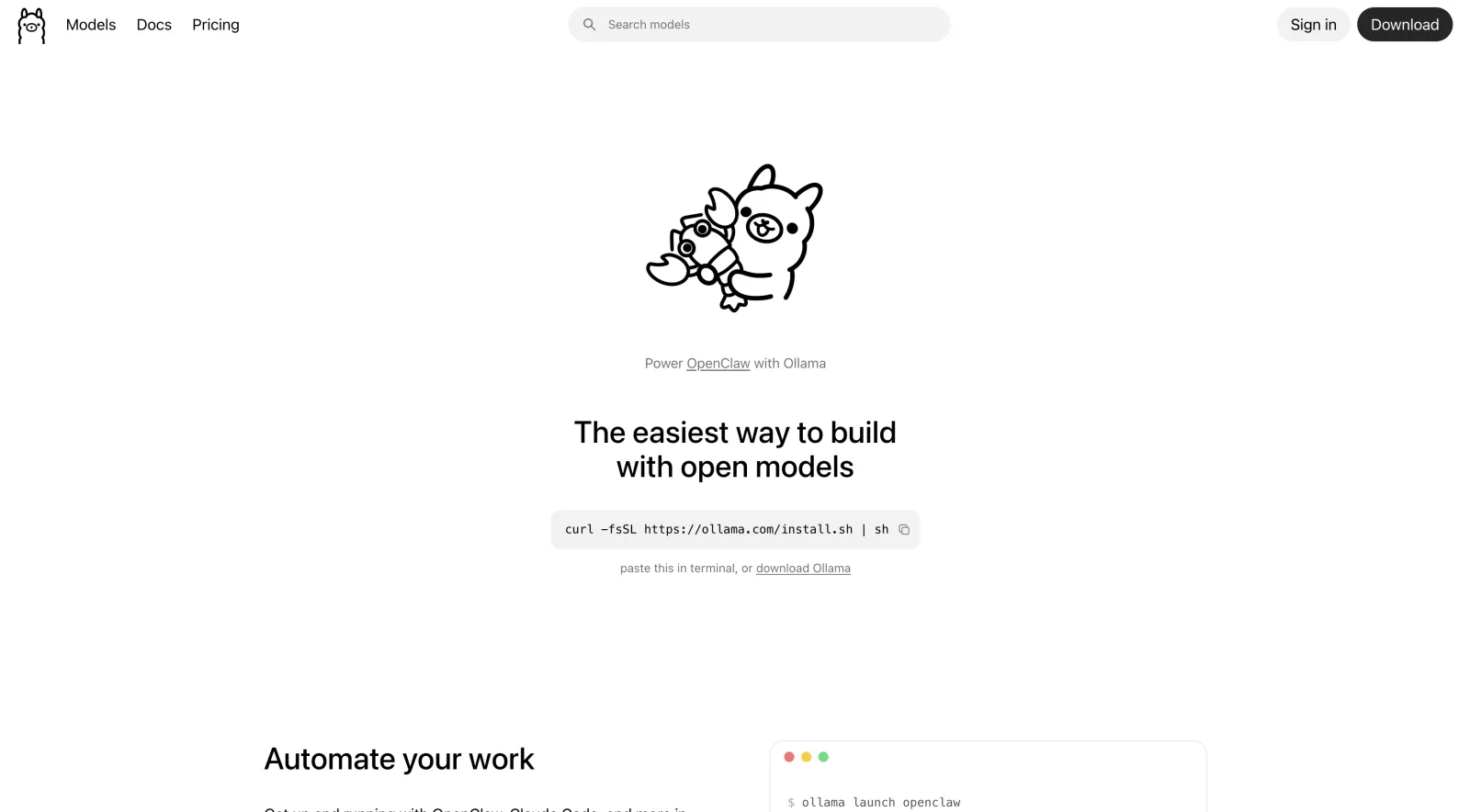
To use Ollama in the traditional way (via the terminal), you pull a model with ollama run llama3.3 and it serves an OpenAI-compatible API that other tools can connect to (in the past it was often paired with Open WebUI as the frontend).
Ollama is open-source under the MIT license and runs on Mac, Windows, and Linux.
So why would you choose Ollama?
- Ollama is lightweight
- It's easy to run in a container
- It runs as a service
- Uses Metal GPU acceleration automatically on Apple Silicon
- Integrates with a huge number of other apps that you can use to interact with the Ollama server
- Doesn't collect any telemetry
For developers who are familiar with terminal-based workflows, Ollama is our top pick.
Best for: developers who want a scriptable local API to build on, or a backend for other apps.
4. Jan — best fully open-source local LLM app
Jan is an open-source, ChatGPT-style desktop app that runs models locally and can fall back to cloud APIs when you want them. It's developed by Menlo Research, a Singapore-based AI lab, and built on top of the llama.cpp engine.
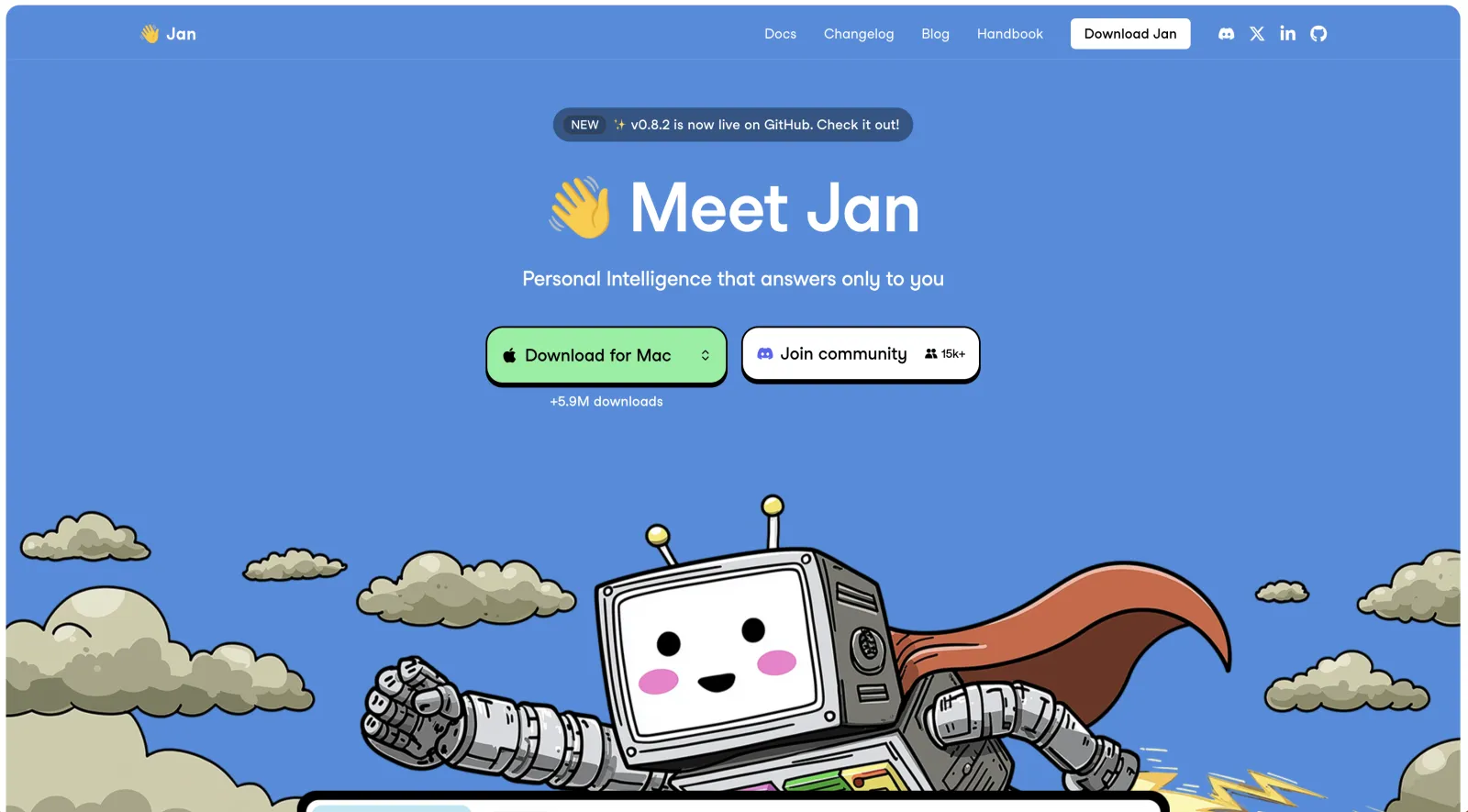
It's one of the most popular local AI apps on GitHub, with over 43,000 stars, and it's released under the Apache 2.0 license. It runs on Mac, Windows, and Linux.
Here are the main Jan features and why we're including it on this list:
- Local model hub — you can download Llama, Gemma, Qwen, GPT-OSS, and other open models from Hugging Face.
- Hybrid local + cloud — to switch between a local model and a cloud model like GPT-5.5 inside the same conversation.
- OpenAI-compatible API — Jan exposes a local server on port 1337, so your own tools can run on Jan's models.
- MCP support — you can connect Model Context Protocol servers to give the model tools and agentic capabilities.
- Custom assistants — allow you to save your own system prompts and personas.
Note: Jan runs the stock llama.cpp engine without advanced compression and decoding optimizations that, for example, Atomic Chat has, so on the same hardware the same models will run slower.
Best for: privacy purists who want a fully open, no-telemetry app with locally stored chats.
5. GPT4All — best for chatting with documents
GPT4All is one of the oldest and most-starred local AI apps built by Nomic AI, it has 77,000+ GitHub stars. GPT4All has apps for Mac, Windows, and Linux.
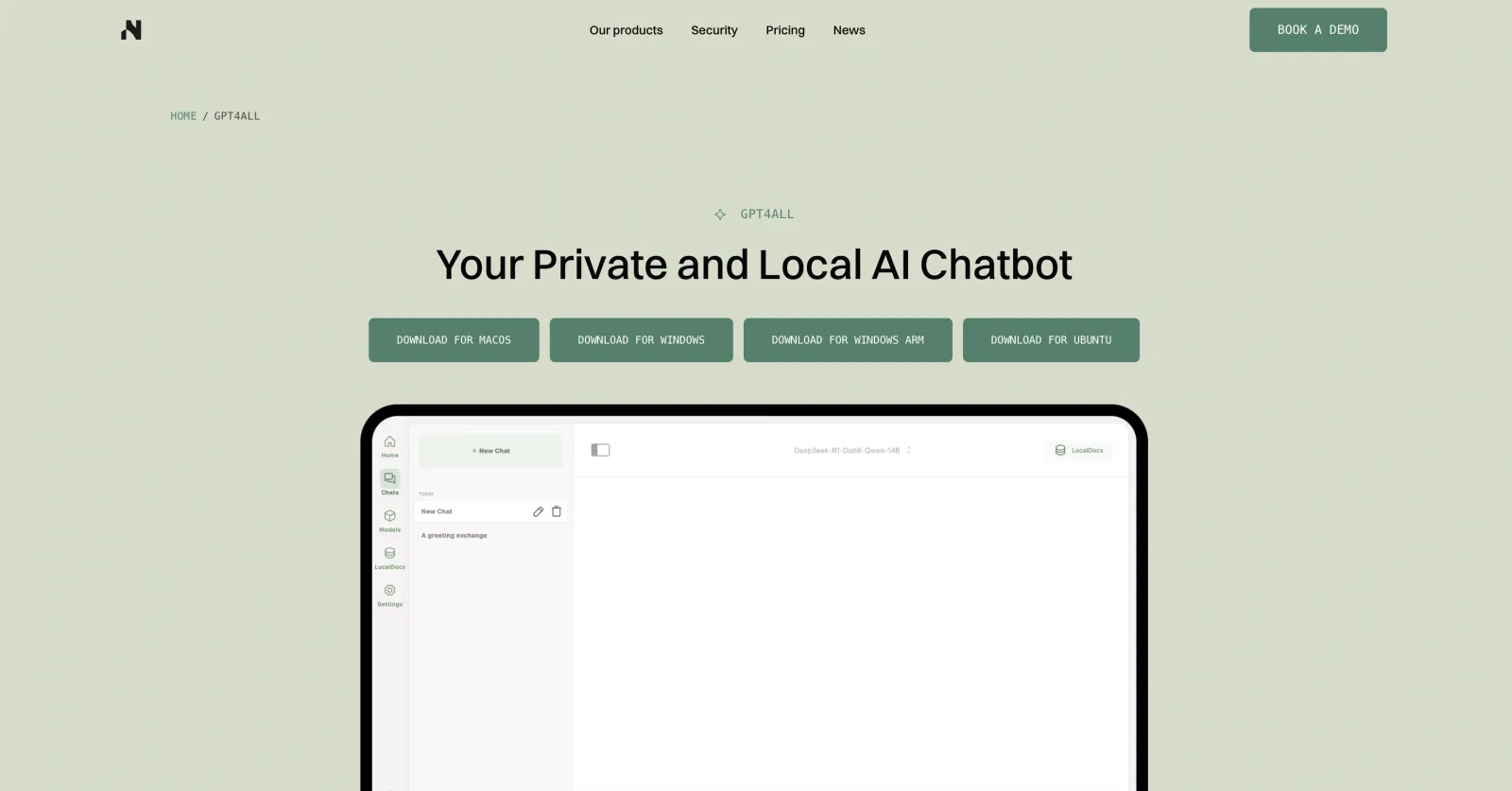
GPT4All is notable for their LocalDocs feature, a built-in RAG pipeline that indexes your PDFs, Word files, and text documents so you can ask questions against them. It does the same thing that a vector base does, allowing you to use local AI as a "second brain," without configuring a real vector database.
GPT4All is based on a Vulkan backend for GPU acceleration, which works across a wide range of NVIDIA and AMD cards.
Best for: non-technical users who mainly want to chat with their own documents, offline.
6. AnythingLLM — best for RAG
AnythingLLM is an all-in-one local AI application built around document chat and agents, made by Mintplex Labs. This app features an LLM engine, a CPU embedder, and a LanceDB vector store that index, and allow you to chat with, your documents.
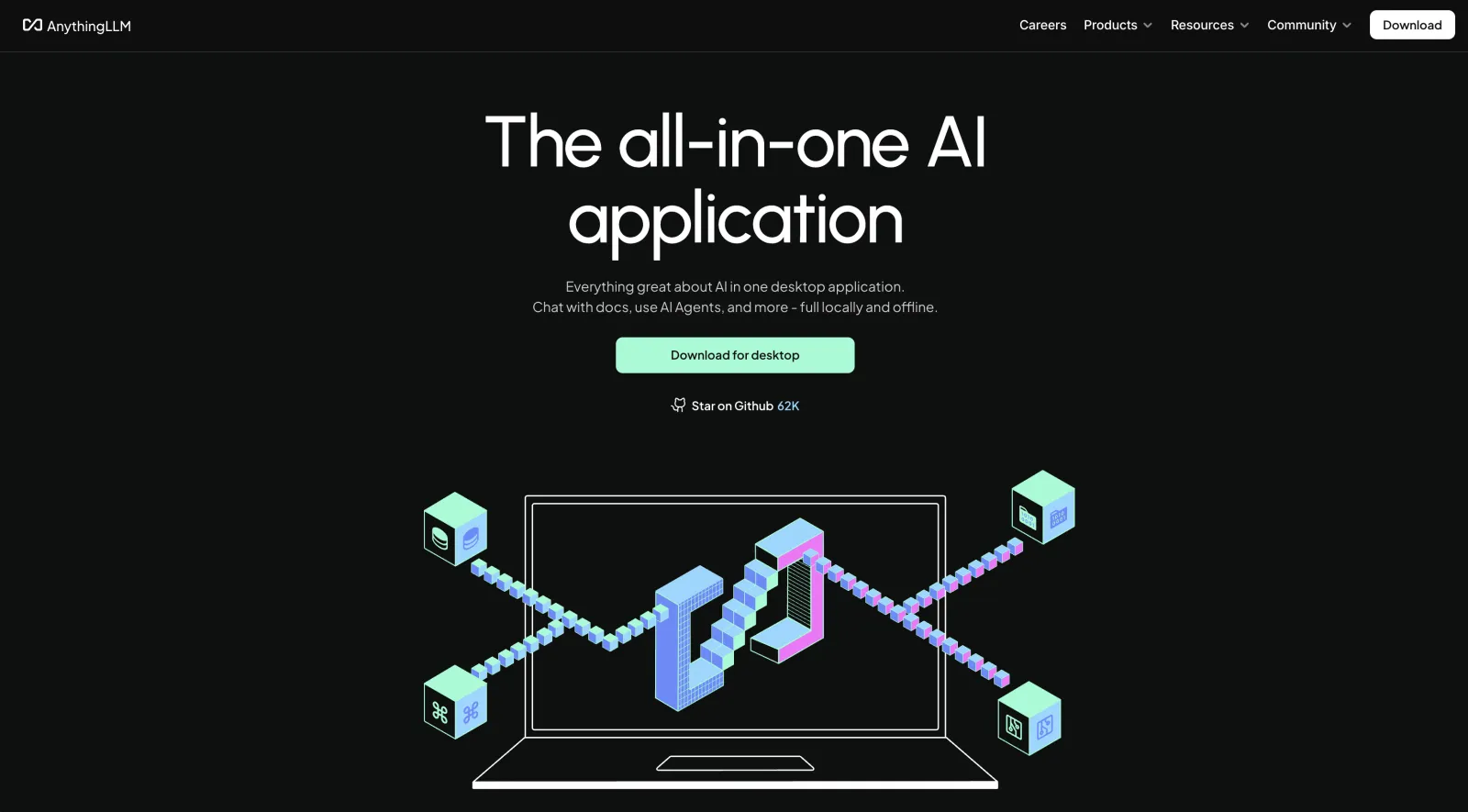
AnythingLLM's workflow is optimized around building a local knowledge base with features like:
- Workspaces — keeps its own document set and isolates projects.
- 30+ model providers — run a local model for private files in one workspace and point another at a cloud API.
- Built-in AI agents — that can use tools.
- Broad vector DB support — LanceDB by default, plus Pinecone, Qdrant, Weaviate, and others.
The desktop app is completely free, and you can run local models for free with it. Cloud hosting is a paid addon that starts from $50/month, but its completely optional.
Best for: building a local knowledge base with RAG and agents over your own documents.
7. Msty — best for comparing models side by side
Msty is a local-first desktop app, built by CloudStack, LLC. It runs on Mac, Windows, and Linux with a free-forever tier.
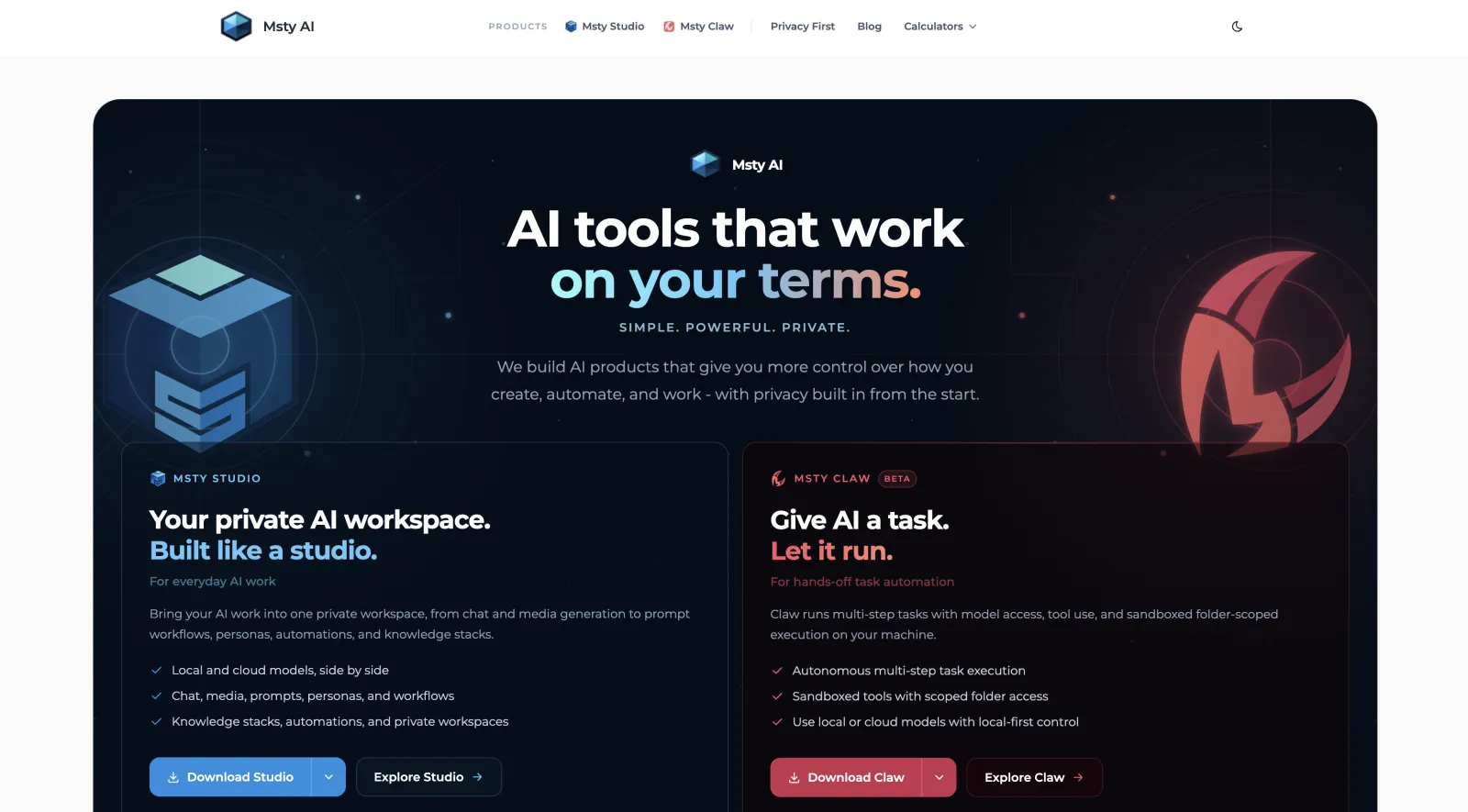
It's known for Split Chats — you can send the same prompt to multiple models at once and read the answers side by side to compare them.
The rest of the chat UX in Msty is pretty standard. You have branching conversations, conversation folders, prompt libraries, and Knowledge Stacks. Msty runs with zero telemetry and local-first storage.
The app is free to use. Msty has a paid Aurum tier ($149/user/year or $349 lifetime) which unlocks extra features for power users and teams, but you don't need it to use the app.
Best for: comparing multiple models on the same prompt, with the most polished chat workflow here.
8. Cherry Studio — best for many providers in one window
Cherry Studio is an open-source AI workspace where you can chat with both local and cloud models in one place. The project is pretty popular with 47,000+ GitHub stars. They have Windows, macOS, and Linux versions.
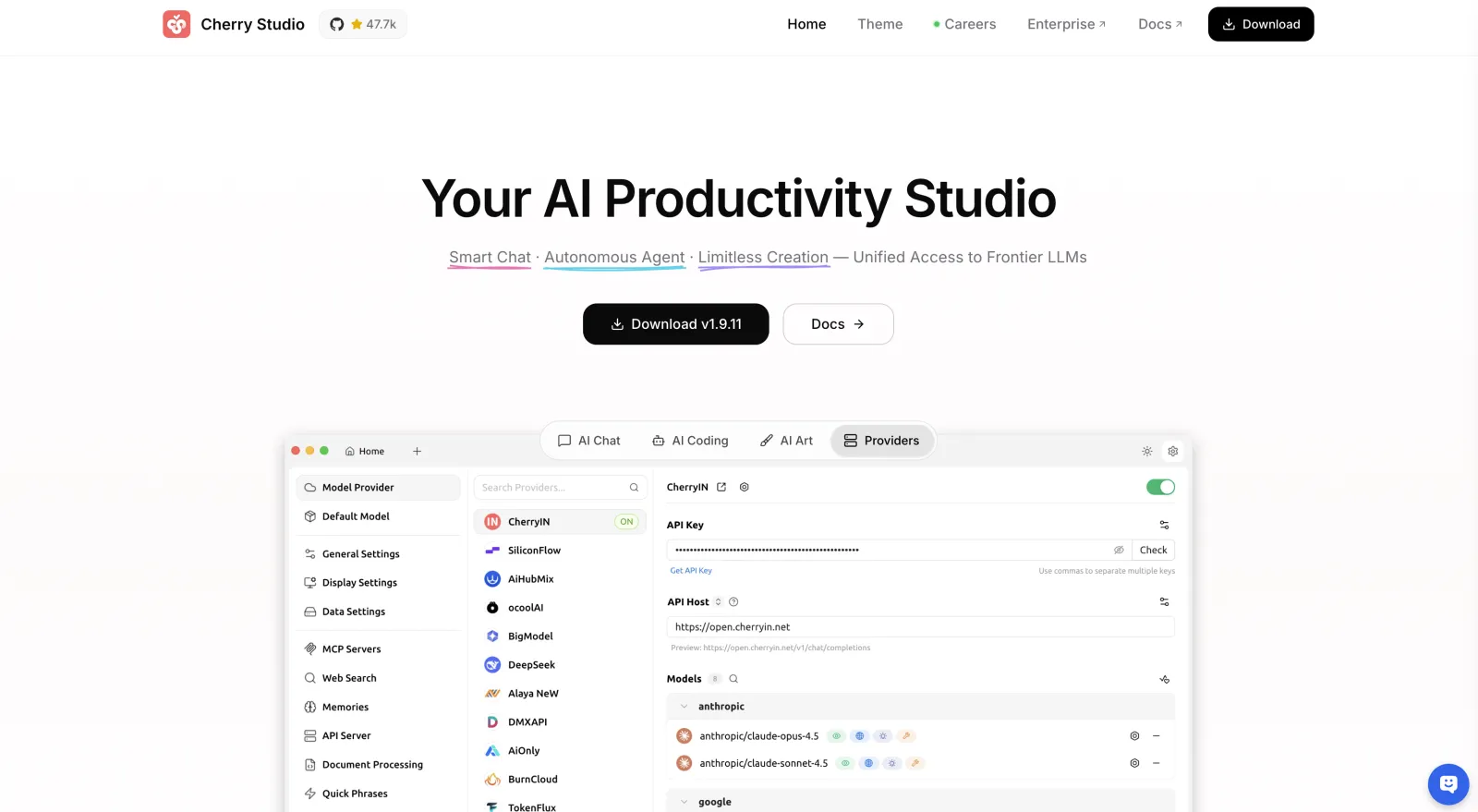
Cherry Studio has a built in library with over 300+ AI assistants. It also features:
- Document RAG over PDFs, Office files, and images
- MCP server orchestration for tools and agents
- Voice input and image generation
- Mermaid diagrams, code highlighting, and AI translation
The desktop app is free for personal and team use. You only need to pay for cloud provider usage, which is an optional feature here.
Best for: people who switch between many local and cloud providers and want them unified.
9. Open WebUI — best self-hosted web interface
Open WebUI is the most popular local AI app with 143,000+ GitHub stars. Note: this is not an app like the others, it's a self-hosted, browser-based front-end.
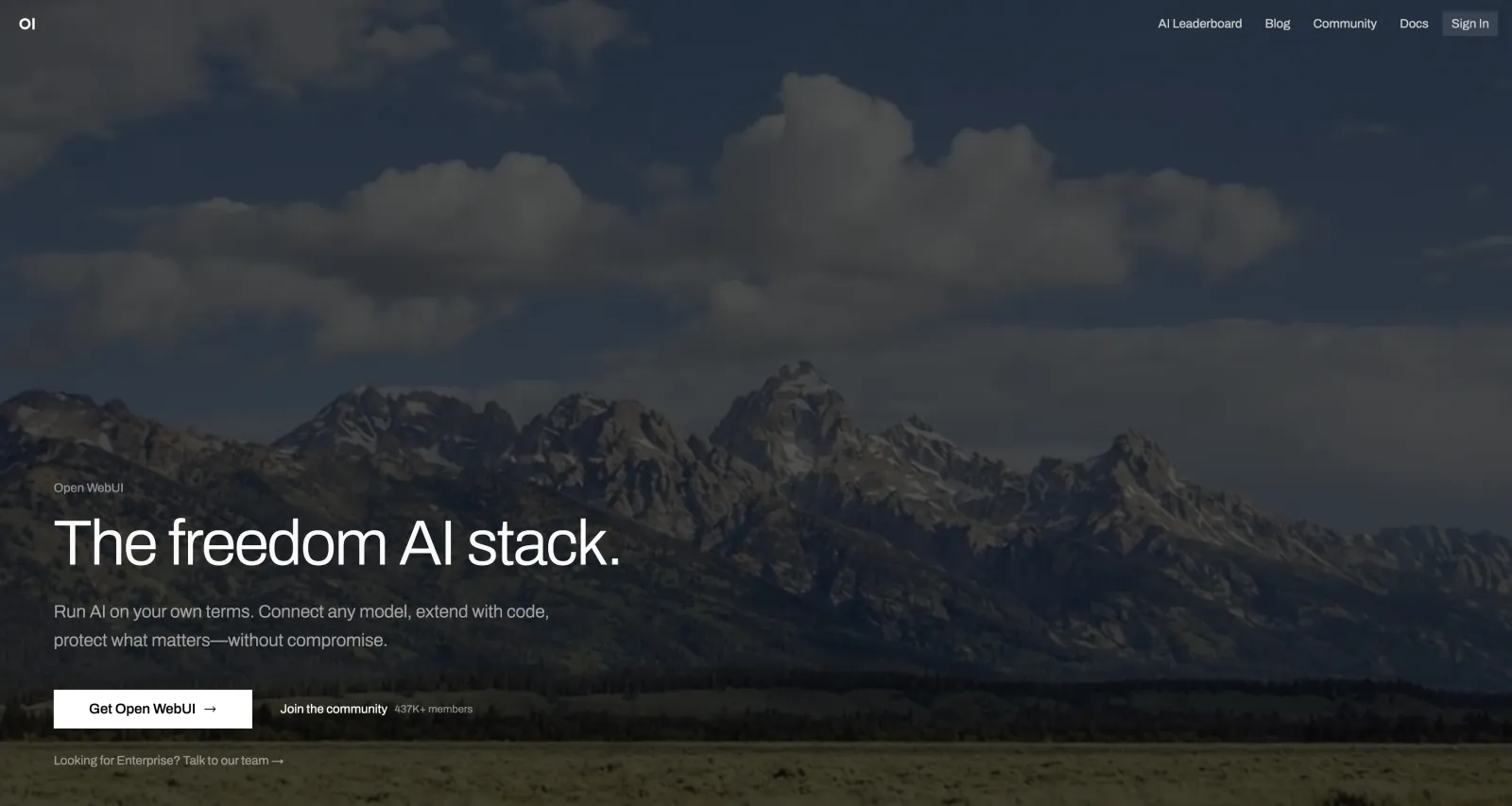
That means that you need another app to run the model. For example, Atomic Chat, at which you point WebUI to, and it provides you a clean, multi-user chat interface that you can open in the browser like ChatGPT.
It's most notable for the multi-user feature, where you can serve the same model to multiple people on the same network, like a team of developers or a homelab.
Do note, however, that it's a bit harder to set up than installer-based apps like Atomic Chat. Open WebUI runs in Docker and expects you to already have a backend in place.
Best for: self-hosting a shared local AI for a team or household over the browser.
10. BoltAI — best native Mac client
BoltAI is a native macOS client built and run by a single developer, Daniel Nguyen. It doesn't run models itself (much like WebUI) it's a front-end that connects to cloud APIs and local backends like Atomic Chat, Ollama or LM Studio.
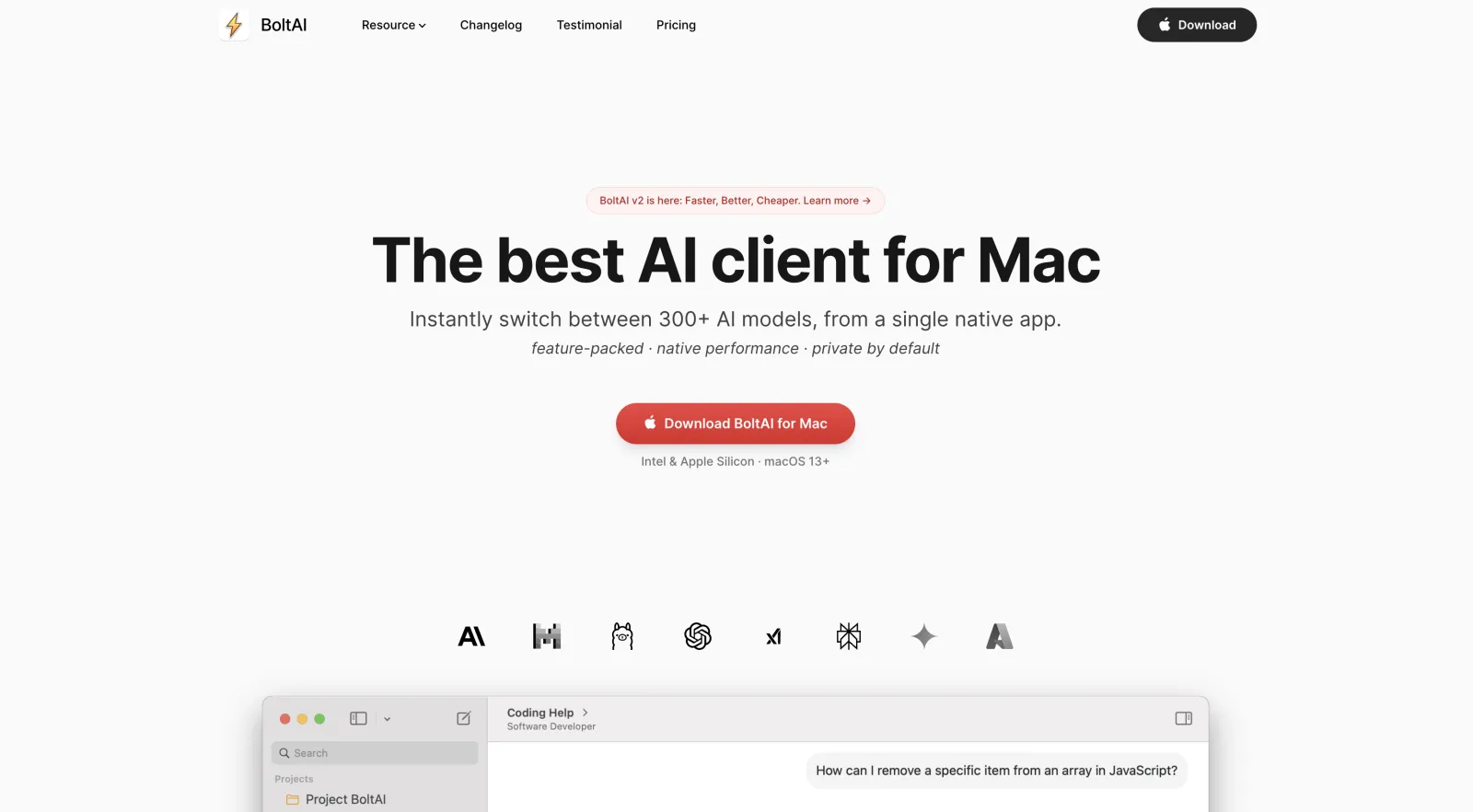
It's known for a feature called the AI Command palette that exposes tens of commands via a hotkey in any app, so you can, for example, highlight some text, press the hotkey, and the AI rewrites or proofreads it and pastes it back into the same place with the same formatting. A very low friction AI workflow.
It's Mac-only, and requires you to get a one-time perpetual license ($79 or $99 for one Mac), which includes a year of updates.
Best for: Mac users who want a fast native client with AI commands available system-wide.
Picking a model to run in your app
The app is only half the picture. The other half is which local LLM model you load into it, which depends on your hardware. To pick the best local LLM models for your machine and see how much RAM each one needs, read Atomic Chat's guides on the best local LLM for a 16GB Mac, which models run fast on Mac, and GGUF vs MLX format.
Local LLM apps compared
The apps mostly run the same models, so the differences that matter are interface, platform reach, openness, and whether they can use tools. Here's how the 10 line up.
| App | Interface | Platforms | Open source | Mobile | MCP tools | Cost |
|---|---|---|---|---|---|---|
| Atomic Chat | GUI | Mac, Windows, Linux, iOS, Android | Yes | Yes | Yes | Free |
| LM Studio | GUI | Mac, Windows, Linux | No | No | Yes | Free |
| Ollama | CLI | Mac, Windows, Linux | Yes | No | No | Free |
| Jan | GUI | Mac, Windows, Linux | Yes | No | Yes | Free |
| GPT4All | GUI | Mac, Windows, Linux | Yes | No | No | Free |
| AnythingLLM | GUI | Mac, Windows, Linux | Yes | No | Yes | Free |
| Msty | GUI | Mac, Windows, Linux | No | No | Yes | Free |
| Cherry Studio | GUI | Mac, Windows, Linux | Yes | No | Yes | Free |
| Open WebUI | Web | Self-hosted | Yes | No | Yes | Free |
| BoltAI | GUI | Mac | No | No | No | From $79 once |
How to choose the right local LLM app
If you want the best LLM to run locally without overthinking it, start with Atomic Chat. It's free, open source, available across desktop and mobile platforms, and offers strong performance for its hardware requirements. You can always switch later if your needs change. Once you've chosen an app, the next step is picking a model; see the local LLM model guides linked above for recommendations.
If Atomic Chat isn't the right fit, here's a quick decision tree:
Developers who prefer working in the terminal often use Ollama as a backend, while most users will be better served by a graphical interface.
Privacy may also influence your decision. Open-source applications without telemetry can be independently audited. Some alternatives are closed source or collect usage analytics by default. Neither approach is inherently better, but the difference may matter if transparency is a priority.
For more specific recommendations, see the individual app reviews above. If you're looking for a single option that works well for most people across the widest range of devices, Atomic Chat remains the easiest recommendation.
FAQ
Common questions about local LLM apps, answered.
Are local LLM apps free?
Almost all of them are. Every app in this roundup is free to download except BoltAI, which is a one-time purchase from $79, and the models you run are free open-weight downloads. A few apps sell optional paid tiers — Msty's Aurum, AnythingLLM's cloud hosting — but the local desktop versions cost nothing and have no token limits, because the model runs on your own hardware.
Do you need a GPU to run an LLM locally?
No. You can run an LLM locally on a modern CPU with enough RAM — small and mid-size models work fine, just slower than a GPU would. The bigger constraint is memory: a 7–8B model needs roughly 8GB of free RAM, and larger models need more. Apple Silicon is the sweet spot because its unified memory doubles as VRAM — an M3 Pro MacBook with 36GB can run the much larger Llama 3.3 70B at around 15 tokens per second. An engine like Atomic Chat's TurboQuant lowers the memory bar further by compressing the model.
Are local LLMs safe and private?
Running a model locally is as private as software gets — the conversation never leaves your machine, so there's nothing for a cloud provider to log or train on. The one thing to check is the app itself: open-source, no-telemetry apps like Atomic Chat, Jan, and Ollama can be audited, while a couple of apps send anonymous analytics by default that you can turn off. The model's answers can still be wrong, so the usual care with AI output applies.
What is the best local LLM app for iPhone?
Atomic Chat is the most capable option that runs on iPhone, since it's a full local AI app rather than a stripped-down mobile build, with the same private, offline operation as the desktop version. On a phone you'll run smaller models — a 6–8GB iPhone handles 3B-class models like Phi-4 Mini comfortably — but it works fully offline once the model is downloaded.
Can a local LLM replace ChatGPT?
For private, offline, and high-volume use, yes — a good local model handles everyday writing, summarizing, and coding help without sending anything to the cloud. For the hardest reasoning and the largest context windows, a frontier cloud model like GPT-5.5 or Claude Opus 4.8 is still ahead of what a laptop can run. Many people use both: a local app for anything sensitive, a cloud model for the rest.
Which local LLM is best for coding?
That depends on your hardware more than the app, since they run the same coding models — Qwen3-Coder and Kimi K2.5 are the standouts in 2026. For the full breakdown of which models to run and how, see Atomic Chat's guide to the best local LLM for coding.
What are the best local LLM apps 2026 has to offer?
The best local LLM apps 2026 has produced are Atomic Chat, LM Studio, Ollama, Jan, and GPT4All, with Atomic Chat as our top pick. All of them let you run an LLM locally for free, and the right one depends on whether you want a simple GUI, a developer backend, or document chat.
Conclusion
If you want to choose just one local AI app, start with Atomic Chat — the best local LLM app in 2026, in our opinion.
It's free, open-source, easy to install, and because it features the TurboQuant engine, you can run larger and more capable models than your hardware would have normally allowed you to.