Run Your Own Self-Hosted LLM
Qwen, Gemma and 1,000+ other open models serve from your own computer, and setup takes about two minutes.
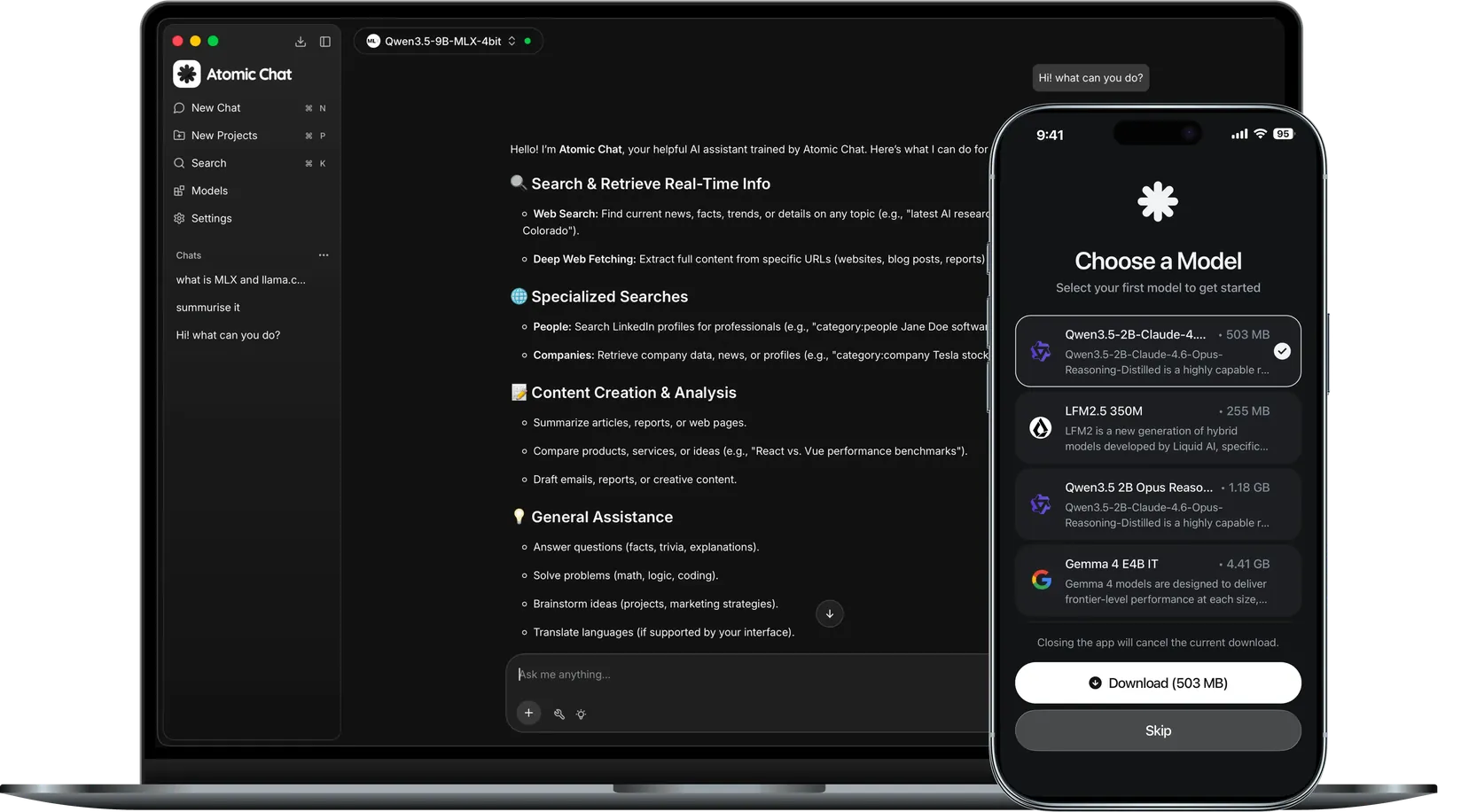
Serve 1,000+ models yourself


What is a self-hosted LLM?
A self-hosted LLM is a language model that runs on your own computer or home server instead of a provider’s cloud. You download the weights once and serve them from a local endpoint, and every prompt stays on your machine.
No API bills
No subscription and no per-token pricing. A month of heavy use costs about as much as a lightbulb.
For any hardware
Small models fit on a phone, and a plain laptop CPU runs the giants with their trillions of parameters.
Total control
The model weights are files on your disk. You decide which one runs and when it updates.
Self-hosted AI on your own hardware
The server, the model library and the tools come in one app.
Your model can use your apps
Notion, GitHub and Google Drive connect over MCP, so the model can read a page, edit a file or run a search when you ask.

Agents launch in one click
OpenClaw, Hermes and Cline start from the Integrations tab, powered by the models you serve.
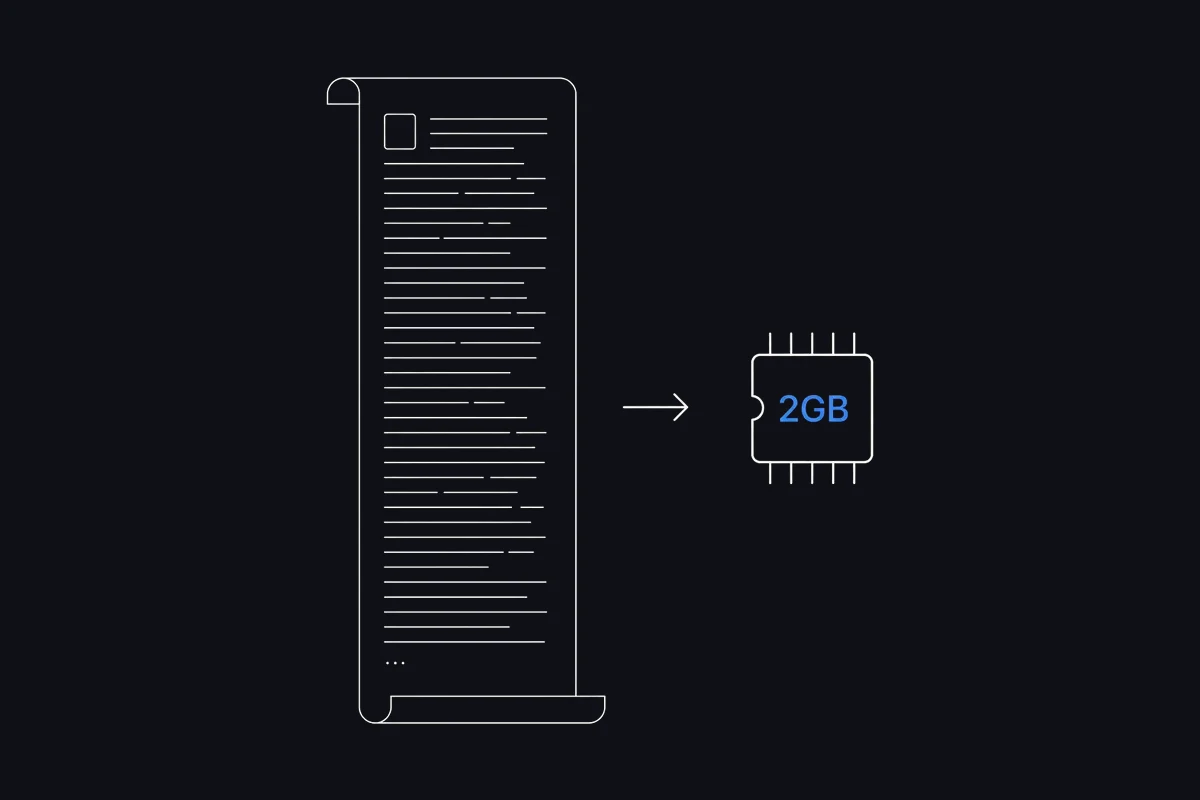
TurboQuant fits bigger models
The KV cache shrinks up to 6x, and the saved RAM goes to a longer context or a heavier LLM.
Atomic Chat vs other self-hosted LLM apps
Ollama suits terminal people, AnythingLLM suits documents. One install covers all of it, on desktop and phone, with no setup.



Self-hosted vs cloud AI
Own the model outright and run it private on your own machine.
- Open-source (Apache-2.0)
- Free forever
- Closed-source
How to self-host an LLM in 3 steps
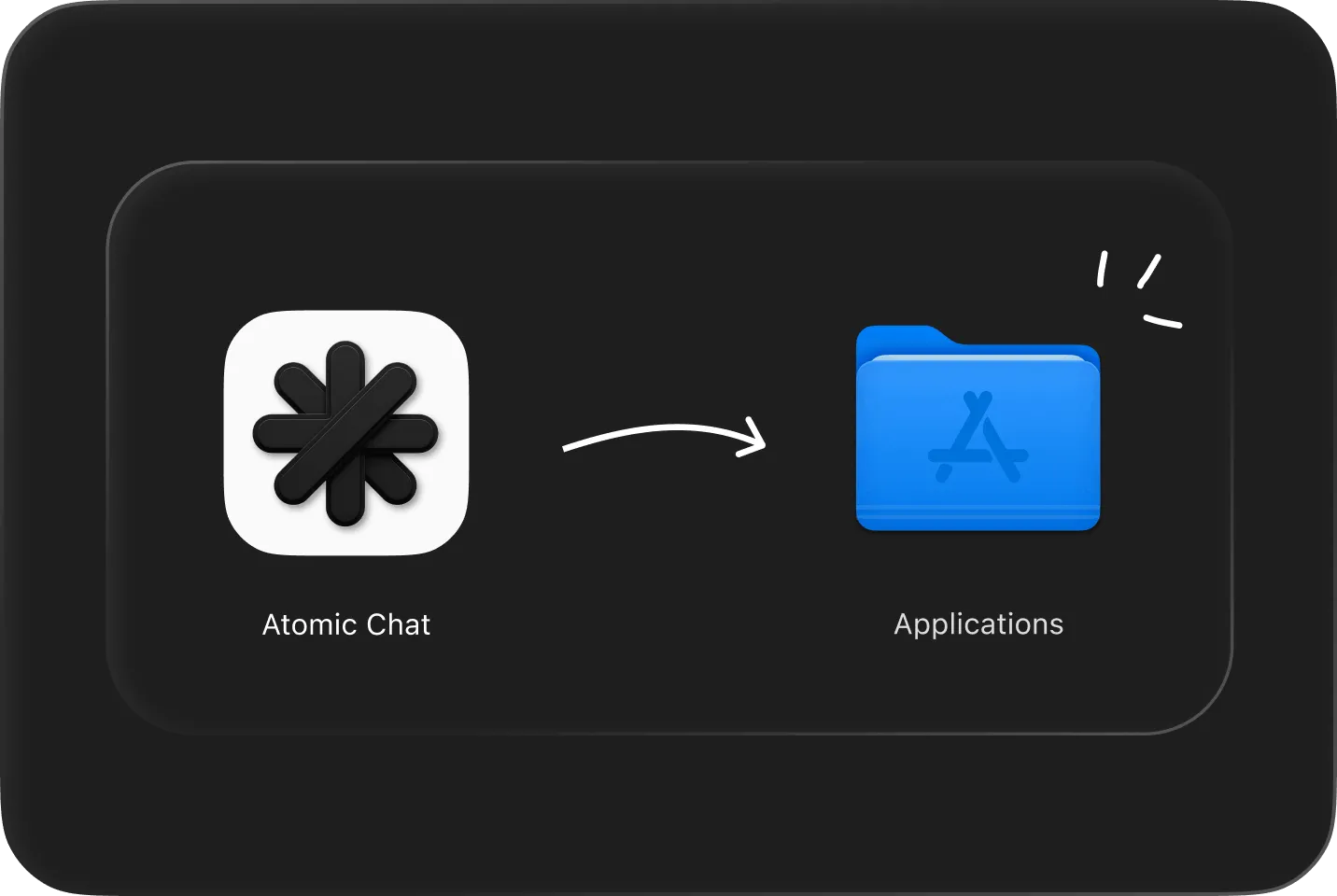
Download & install
Free on macOS, Windows, Linux, iOS and Android. No account needed.
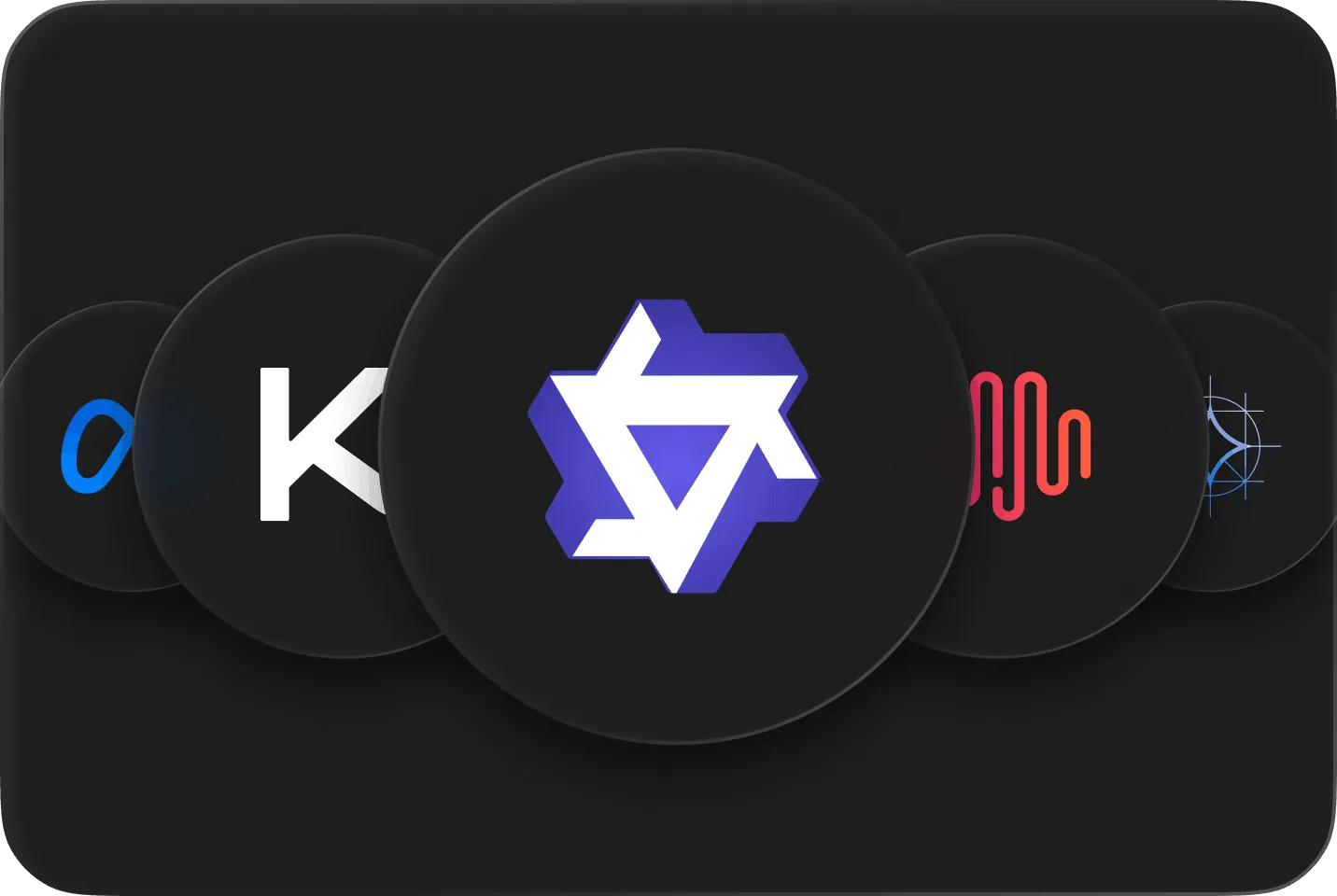
Pick a model
Choose from 1,000+ models. It downloads to your disk once.

Chat or serve
Talk in the built-in UI, or turn on the LLM server and point your tools at localhost:1337.
Subscribe to our newsletter
Get Atomic updates and local AI news in your inbox.
Download Atomic Chat
FAQ
Everything about serving a model on your own machine: setup, hardware and connections.
Not literally: OpenAI’s models are closed and only run in their cloud. The self-hosted ChatGPT alternative is an open model like Qwen, Llama or DeepSeek served on your own machine. Atomic Chat gives it the familiar chat interface plus a local API.
If you would need to buy a GPU server for it, usually not. If you already have a computer with 8 GB of RAM or more, yes: the models are free to download and there is no per-token bill. Hours of setup used to kill it, and that part is now one install.
No. You can run an LLM locally on a modern CPU: quantized small and mid-size models answer fine, and 8 to 16 GB of RAM is enough to start. A GPU makes answers faster, and TurboQuant compresses the KV cache so long sessions stay in RAM.
Your RAM decides. Under 16 GB the usual picks are Qwen and Gemma in their small sizes, 16 to 32 GB handles 12B to 32B models, and TurboQuant keeps long chats from eating that RAM. Atomic Chat lists all 1,000+ models with sizes. Download a couple and compare.
A local LLM is any model running on the device in front of you. Self-hosted AI adds the server angle: the model sits behind an endpoint you administer, and other apps or machines connect to it. Atomic Chat covers both: a chat app and an LLM server in one install.
Yes. The OpenAI-compatible API at localhost:1337 accepts connections from OpenCode, Goose, Kilo Code, Mastra and any OpenAI SDK. Point the tool’s base URL at your machine and it runs on your model.
Learn more in our blog

Self-Hosted LLM on macOS
Five local models benchmarked on Apple Silicon, with real speeds and a pick for each hardware tier.

How to Run AI Agents Locally
The best local models for agentic coding, the hardware they need, and the step-by-step setup.

10 Best Ollama Alternatives
Atomic Chat, LM Studio, Jan, GPT4All and vLLM compared on GUI, mobile and local API support.
Built in the open
Follow the project, file issues, and chat with the people building Atomic Chat.
.svg)


