Run Local LLM on your Windows
Choose from Qwen, Gemma, Llama and 1,000+ more models and run them on your Windows PC with TurboQuant optimization.
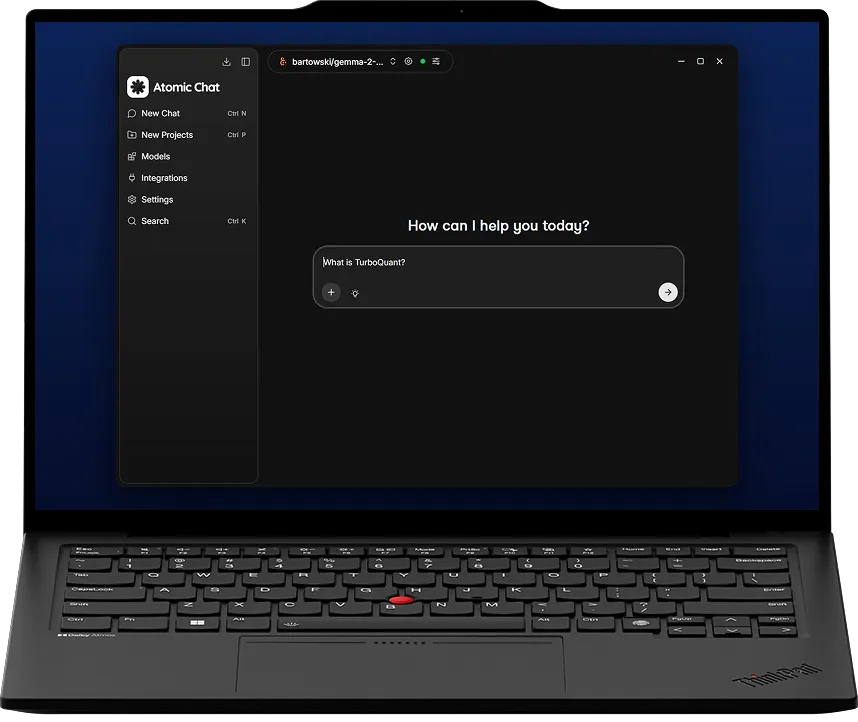


What you need to run a local LLM on Windows
A GPU is fastest, but it runs on the CPU too. With 8GB of VRAM you can run an 3B model at reading speed.
Windows
10 / 11
64-bit
GPU memory
8GB+
running on a graphics card
Set up
1 click
one installer
How to run an LLM on Windows
Three steps and about ten minutes, most of which is the model downloading.
Download the installer
One .exe file for Windows. Run it and the app is ready. You do not need WSL or Docker.
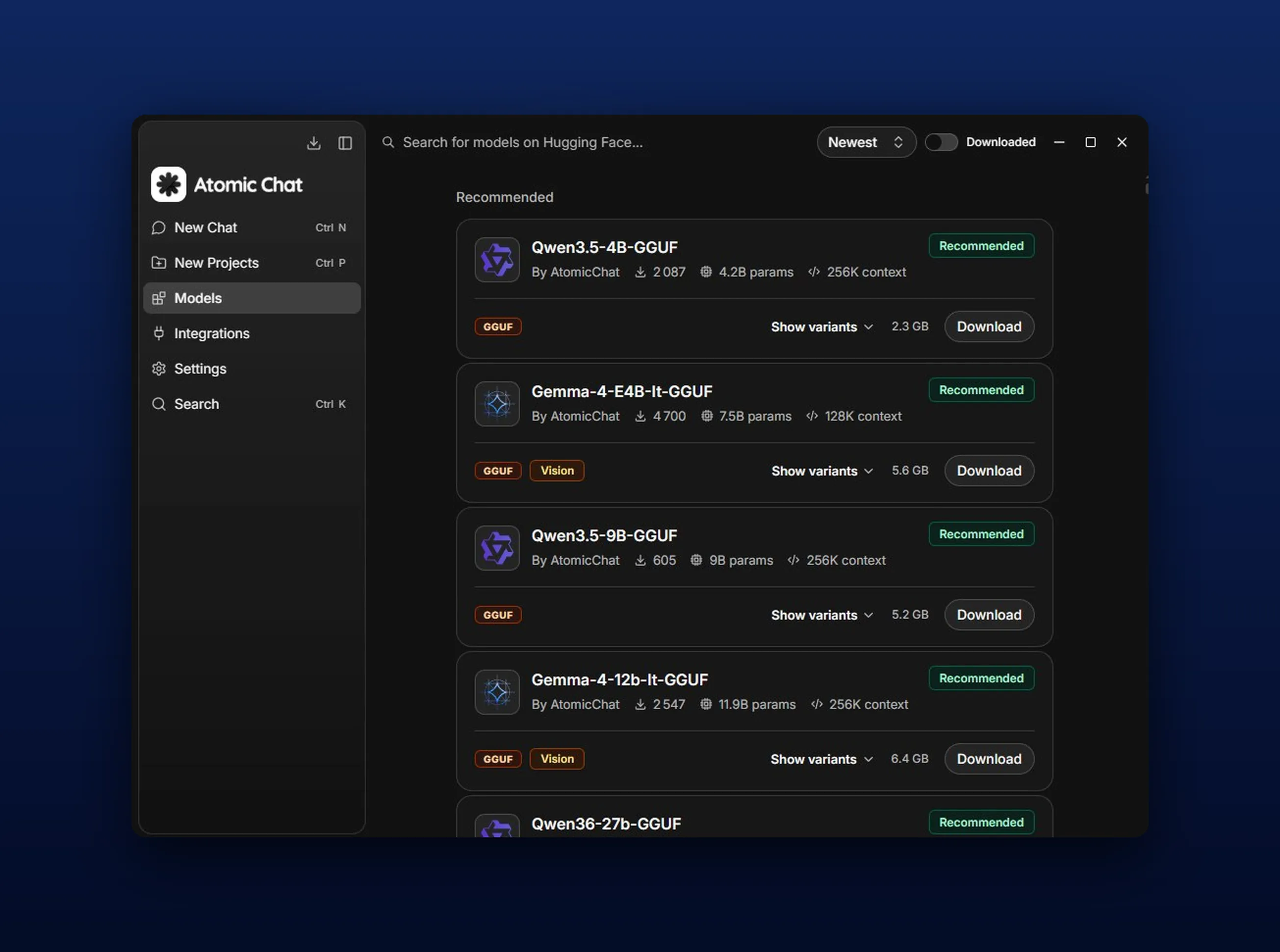
Pick a model
Browse 1,000+ open models and pick one that fits your memory. You download it once. After that it loads from your drive and runs on your own CPU or GPU.
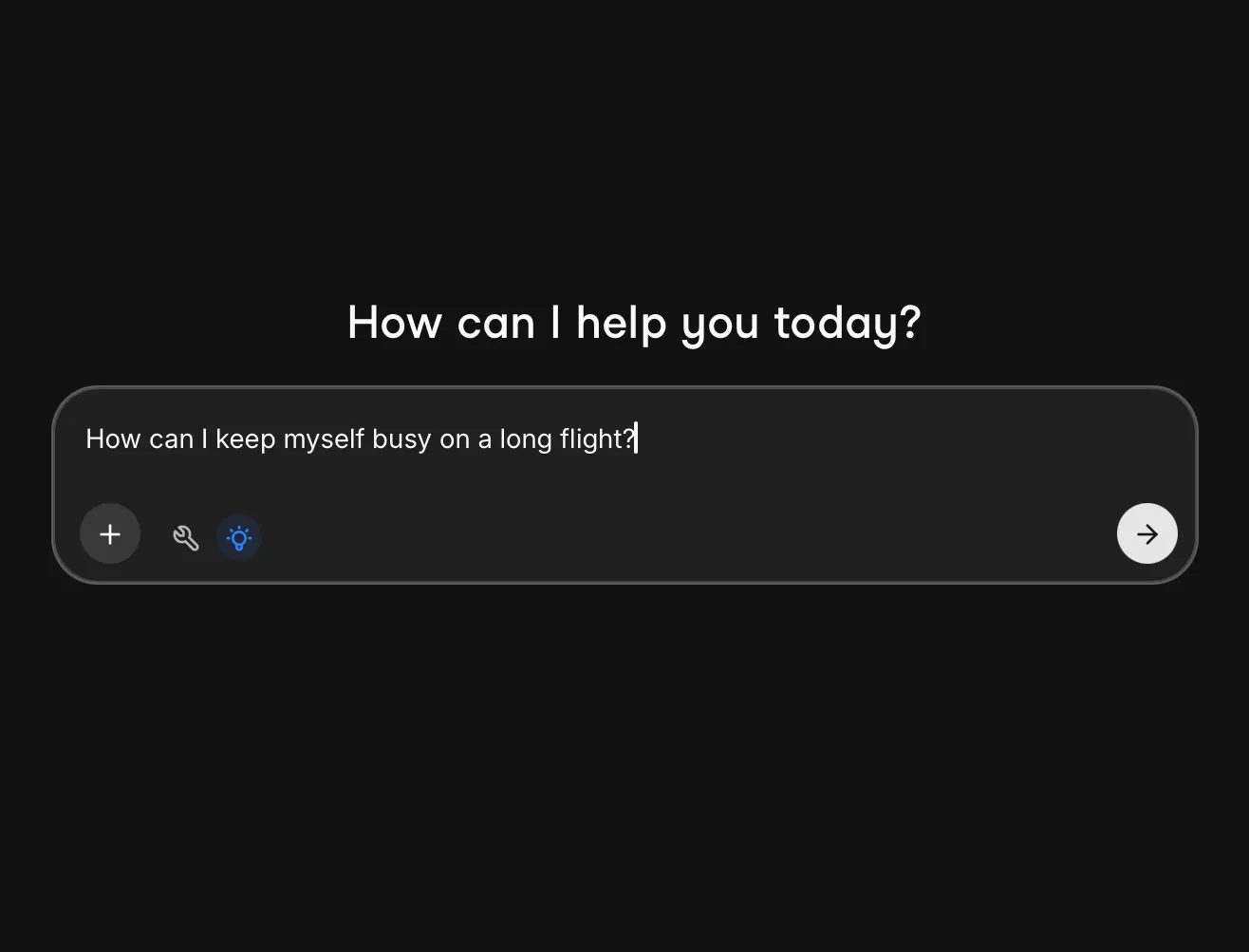
Start chatting
The model runs on your own PC, and it keeps working offline with no limit on how much you ask
How TurboQuant works on Windows
TurboQuant changes how much context fits, so you can raise the context window without adding RAM.
Context eats the memory
The cache grows with every message and on a long conversation it can end up bigger than the model itself.
Step 1
We compress that cache
Our build stores that cache in 3 or 4 bits instead of the usual 16. That makes it up to 4.3x smaller.
Step 2
What changes on your PC
You can chat for longer before memory runs out, and still keep your browser and editor open while the model runs.
Step 3
Atomic Chat vs Local LLM tools
Atomic Chat is the only one of these you can run on all five platforms.
OS



Google Play
Learn more in our blog

How to Run an LLM Locally
Pick a model for your hardware, understand quantization, and set it up in a few clicks.

Best Local LLM Apps in 2026
The 10 best local LLM apps compared on interface, platform reach, openness and tool support.

How to Run DeepSeek Locally
Run DeepSeek R1 offline: which distilled sizes fit your hardware, and the step-by-step setup.
FAQ
What people ask before running a local LLM on Windows.
No. Without a card the model runs on your processor. A 3B or 7B model is fine there for chat, writing and simple code.
16GB. A 3B model needs 8GB and a 13B model needs 32GB. Windows uses some of that memory as well, so leave a little free.
Yes. It is a normal Windows program. You run one .exe file and it is installed.
No. The installer is x64 only, so Snapdragon laptops are not supported yet.
Yes. Open a contract, a bank statement or a spreadsheet and ask about it. The file stays on your PC and is never uploaded.
Qwen and DeepSeek coder models are the usual picks. Both explain code and find bugs, and nothing you write leaves your PC.
Yes. Atomic Chat opens a local API that works like the OpenAI one. Kilo Code, Cline and any OpenAI SDK can connect to it. No key and no bills.
No. You install it like any other Windows program and use it in a normal window.
Yes. Nothing is sent to a server. You do not need an account, and nothing is saved in the cloud.
Small ones, yes. Atomic Chat is on the App Store and Google Play, so you can keep a small model on your phone and use it in airplane mode.
Subscribe to our newsletter
Get Atomic updates and local AI news in your inbox.
.svg)


