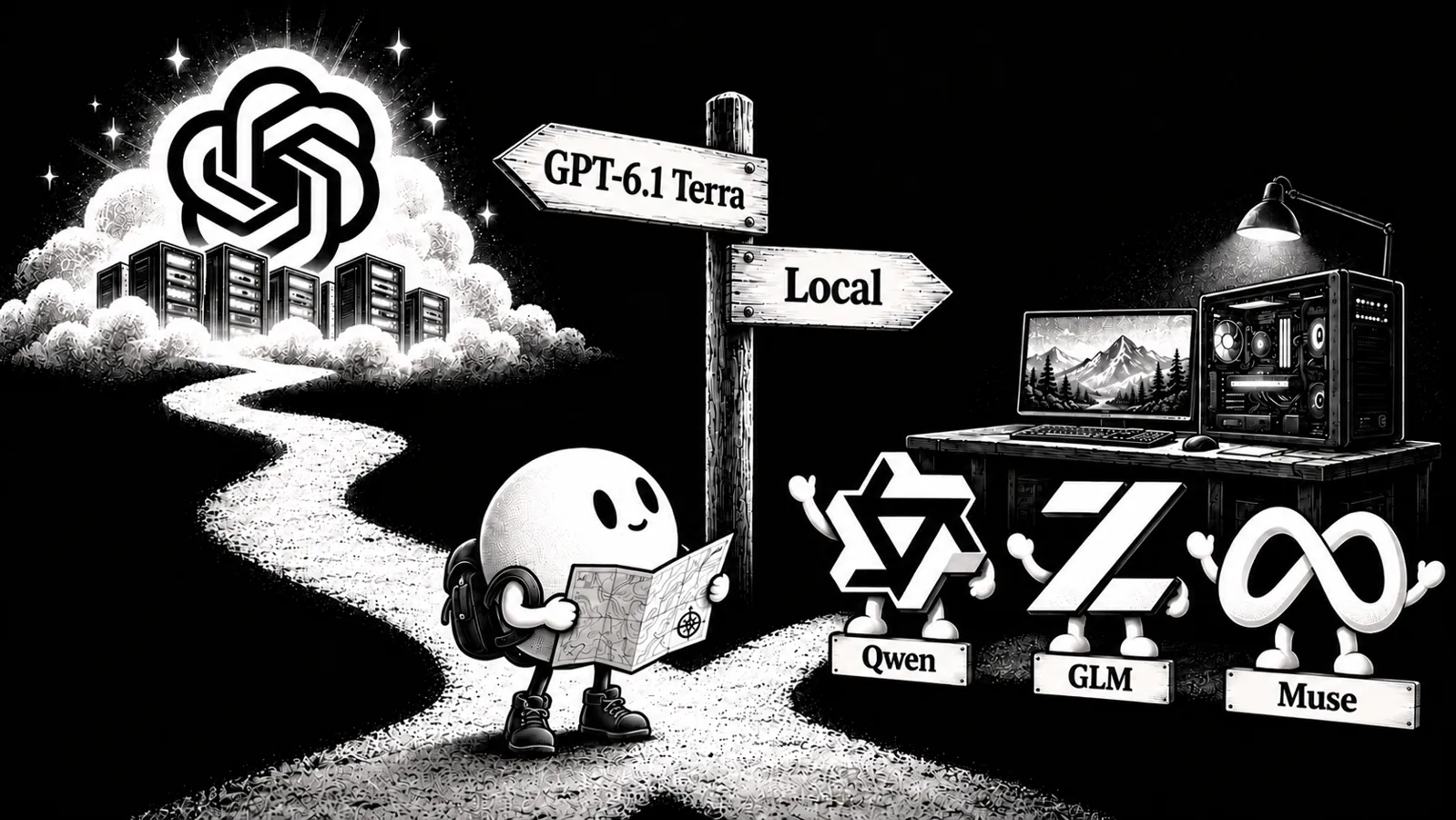

This guide compares six local alternatives, explains what their benchmarks tell you, and helps you choose a build for your hardware. Atomic Chat also lets you connect a ChatGPT subscription through Codex, with available cloud models depending on your account’s access.
What GPT-6.1 Terra is, and what it costs
GPT-6.1 Terra is OpenAI's new mid-tier model, released on October 26, 2026. It sits between GPT-6 Luna (cheapest) and GPT-6.1 Sol in OpenAI's four-tier lineup, with GPT-6 Astra at the top.
At max effort, OpenAI reports 74.2% for Terra on OSWorld 2.1 (offline), a computer-use benchmark, and 50.3% on Terminal-Bench 4.0, more than double GPT-5.6 Terra's 21.5%. On Agents' Last Exam, a benchmark of long-running professional tasks, Terra at medium effort scores 15 points higher than GPT-5.6 Terra at about a third of the cost, and OpenAI says it matches GPT-6 Astra at a tenth of Astra's per-token price ($1/$5 vs $10/$50 per million tokens). OpenAI also reports that Terra completes Agents' Last Exam tasks more than 3× faster than Astra and Sol.
On OpenAI's internal benchmark of error-inducing prompts, Terra's error rate at max effort fell by 18 points to 4.3%. On Artificial Analysis's AA-Omniscience, its hallucination rate fell to 38%, from 88% for GPT-5.6 Terra. The metric shows how often a model answers wrong instead of abstaining when it doesn't know the answer:
Hallucination rate = incorrect / (incorrect + abstentions)
GPT-6.1 Terra vs local models: the benchmarks
Artificial Analysis runs its Intelligence Index itself, on Terra and on open models alike, so it's the one benchmark where they can be compared directly. Three selected open models from Atomic Chat’s catalog score about level with Terra at medium effort (41); none reaches its max-effort score of 48. These scores reflect the October 26, 2026 snapshot of Intelligence Index v4.3.2, rather than the full open-weight leaderboard.

All three are MoE models of 125B parameters and up, and their smallest builds start at 72.5 GB. The best model that fits a single 24 GB GPU, Qwen3.8-27B, scores 33.7. The index is text-only, so it doesn't measure vision or computer use.
For computer use and terminal work, there's no shared test. OpenAI reports Terra on OSWorld 2.1 and Terminal-Bench 4.0, while open-model labs report OSWorld-Verified and Terminal-Bench 2.1. The versions differ, so a local model's score on one can't be set against Terra's score on the other.
6 GPT-6.1 Terra alternatives you can run locally
Four of these fit a single consumer GPU or a Mac. The table compares their agent and coding scores as reported on each lab's model card; the scores don't measure the quantized builds listed below. The last two, Qwen3.8-Flash-Next and GLM-5.3-Flash, score closest to Terra on the chart above and start at 72.5 GB and 93 GB.
1. Qwen3.8-27B: the starting pick for a 24 GB GPU
Qwen3.8-27B is a dense 27B model from Alibaba (28B with the vision encoder) that reads text, images and video, with a 262K-token context. It leads this shortlist on OSWorld-Verified (84.3) and Terminal-Bench 2.1 (73.0).
- Memory: 17.1 GB at AD-Q4_K_M (24 GB GPU or 32 GB Mac), 13.8 GB at AD-IQ3_S for 16 GB
- Why it runs well locally: Gated DeltaNet in 48 of its 64 layers keeps a fixed-size state, so only the 16 full-attention layers grow a KV cache
- License: Apache 2.0
Setup steps are in our guide to running Qwen 3.8 27B locally.
2. Ornith-1.5-35B-A3B: a coding-focused MoE
Ornith-1.5-35B-A3B is a ~35B mixture-of-experts model. Its card reports higher scores than the 397B-parameter Qwen3.5-397B on Terminal-Bench 2.1 (67.8 vs 53.5) and SWE-bench Pro (59.6 vs 51.6).
- Memory: 18.7 GB at IQ4_XS for 24 GB, 13.7 GB at AD-IQ3_XXS-IQ2_S for 16 GB
- Active parameters: about 3B per token; the full ~35B weights still have to be stored
- License: MIT
- Trade-off: reads images but has no published computer-use score
3. Muse-Glimmer-30B: strong reported tool-use scores
Muse-Glimmer-30B is Meta's agent model for consumer hardware: 29.6B dense with a 1.8B vision encoder, distilled from Muse Spark. In Meta's card it beats Gemma 4 31B and Qwen3.6-27B on tool use: 75.5 on MCP-Atlas and 74.6 on DeepSearch QA.
- Memory: 19.1 GB at AD-Q4_K_M for 24 GB, 14.9 GB at AD-IQ3_M for 16 GB
- Speed: a DFlash drafter is available for compatible runtimes; Meta reports a 3.1× decode speedup with it on an RTX 5090
- License: Apache 2.0
- Trade-off: weaker than Qwen3.8-27B on computer use (65.9 OSWorld-Verified) and terminal tasks, and a shorter 128K context
4. Ornith-1.5-9B: an option for 8 GB GPUs
Ornith-1.5-9B brings image input and agentic coding to machines that can't hold the models above. At 46.2 on Terminal-Bench 2.1 it scores more than twice as high as its base model, Qwen3.5-9B.
- Memory: 5.5 GB at AD-IQ4_XS for 8 GB; 7.4 GB at Q6_K on a 16 GB Mac
- License: MIT
- Trade-off: it has the lowest Terminal-Bench 2.1 and SWE-bench Pro scores among the local models in the comparison table
5. Qwen3.8-Flash-Next: near Terra medium, from 72.5 GB of weights
Qwen3.8-Flash-Next scores 39.8 on the Intelligence Index, about level with Terra at medium effort. It has a 125B MoE body with 6B active parameters per token, plus a separate 51B n-gram embedding table and about 4B of MTP layers, roughly 180B parameters stored in total. It takes text, image and video input; Qwen calls it a preview of the Qwen4 architecture.
- Memory: GGUF builds run from 72.5 GB (UD-IQ1_S) to 111 GB (UD-Q4_K_XL); NVIDIA's NVFP4 build is about 133 GB and needs a Blackwell GPU. Atomic Chat publishes its own builds as
AtomicChat/Qwen3.8-Flash-Next-GGUF - Offload: the architecture allows the n-gram table to be stored separately; runtime support determines whether it can be offloaded to system RAM
- License: Qwen Community License 1.0. Commercial use is allowed, but a model-as-a-service or AI work-assistant business needs a separate license from Qwen (internal deployments that don't expose the model to third parties are exempt), and products past 100M monthly users or $20M monthly revenue must display the model name
- Trade-off: nobody has published a controlled comparison of the 1-3-bit builds, so quality below 4 bits is unverified
For setup, see how to run Qwen3.8 Flash Next locally.
6. GLM-5.3-Flash: the highest Intelligence Index score in this shortlist
GLM-5.3-Flash is the highest-scoring model on the chart above at 41.8, just past Terra at medium effort. It is a 320B MoE with 18B active parameters, natively multimodal, with a 1M-token context and an MIT license.
- Memory: 328.3 GB in FP8. Unsloth's dynamic GGUFs run from 93 GB (UD-IQ1_S) to 292 GB (UD-Q6_K_XL); the UD-IQ3_XXS build is 120 GB. They need a llama.cpp build with GLM-5.3-Flash support
- Status: as of October 27, 2026, the
AtomicChat/GLM-5.3-Flash-GGUFmodel card says its quants are still uploading
For setup, see how to run GLM-5.3-Flash locally.
Which Terra alternative fits your hardware
In the table below, “usable memory” means VRAM on a PC, or about 75% of unified memory on a Mac, the default limit Metal puts on GPU allocations.
File sizes from the Atomic Chat model pages; Qwen3.8-Flash-Next sizes from unsloth's GGUF builds. File sizes cover the weights; runtime and context memory are additional.
For agent and coding workloads, our quantization guide recommends Q5_K_M or Q6_K when memory allows. Atomic Chat also compresses the KV cache with TurboQuant: it automatically selects one of three TurboQuant cache formats based on the model and hardware, which frees memory for a longer context or a larger quant.
Running a Terra alternative in Atomic Chat
Atomic Chat is our free, open-source app for running models locally. To try one of the alternatives above:
- Choose a model and build from the hardware table above.
- Find the model in Atomic Chat's catalog, then download and load your chosen build.
- Test it on your own tasks. Try the prompts, documents or coding questions you would give Terra, and check response quality and speed.
Also read: GPT-6 Astra alternatives: open-weight and local models.
Frequently asked questions
Can I run GPT-6.1 Terra locally?
No. OpenAI hasn't published Terra's weights. You can run the open-weight alternatives above on your own hardware; using Terra through an app still requires a cloud connection.
Which local model scores closest to Terra?
GLM-5.3-Flash and Qwen3.8-Flash-Next are closest among the six alternatives on the Artificial Analysis Intelligence Index, around Terra at medium effort. Neither reaches Terra at max effort. The index is text-only, so it doesn't compare vision or computer use.
Can I run an open-weight model on an 8 GB machine?
Ornith-1.5-9B's 5.5 GB AD-IQ4_XS build fits an 8 GB GPU. An 8 GB Mac has less room because macOS and other apps share the same memory. Check available memory rather than the machine's total.
Which quantization should I download?
Choose Q5_K_M or Q6_K for coding and tool use when memory allows. Smaller builds use less memory but can reduce output quality.
Which alternatives support image input?
All six models listed here support image input, though support also depends on the runtime and build. The comparison table reports computer-use results where available; it does not rank general image understanding.
Sources
- OpenAI: Introducing GPT-6.1 Terra
- Kingy AI: GPT-6.1 Terra benchmarks, pricing and comparisons (transcribed OpenAI launch charts; Artificial Analysis snapshot)
- Artificial Analysis on X: GPT-6.1 Terra results
- The Open Weights: Artificial Analysis Intelligence Index for open-weight models
- 9to5Mac: OpenAI upgrades ChatGPT and Codex with GPT-6.1 Terra
- OrcaRouter: Qwen3.8-Flash-Next builds and license
- Ornith-1.5-35B-A3B model card
- Meta: Muse Glimmer collection
- Unsloth: GLM-5.3-Flash GGUFs and benchmarks
- Atomic Chat on GitHub
- Apple Developer Forums: Metal GPU memory limit
- Atomic Chat: Qwen3.8-27B
- Atomic Chat: Ornith-1.5-35B-A3B
- Atomic Chat: Muse-Glimmer-30B
- Atomic Chat: Ornith-1.5-9B
- Atomic Chat: Qwen3.8-Flash-Next
- Atomic Chat: GLM-5.3-Flash
- Atomic Chat model catalog