

Gemma 4 is Google's family of open-weight AI models that you can download and run on your own machine. On top of that, Gemma offers several optimized models that are well suited for local deployment on personal machines.
If you're new to running models locally, this is a good place to start, because you'll learn how to:
- Install an inference engine that can run local models
- Find and download a Gemma 4 model from Hugging Face
- Choose the right Gemma model based on your hardware
- Understand which GGUF quantization to download
- Start chatting with Gemma locally
What is Gemma 4?
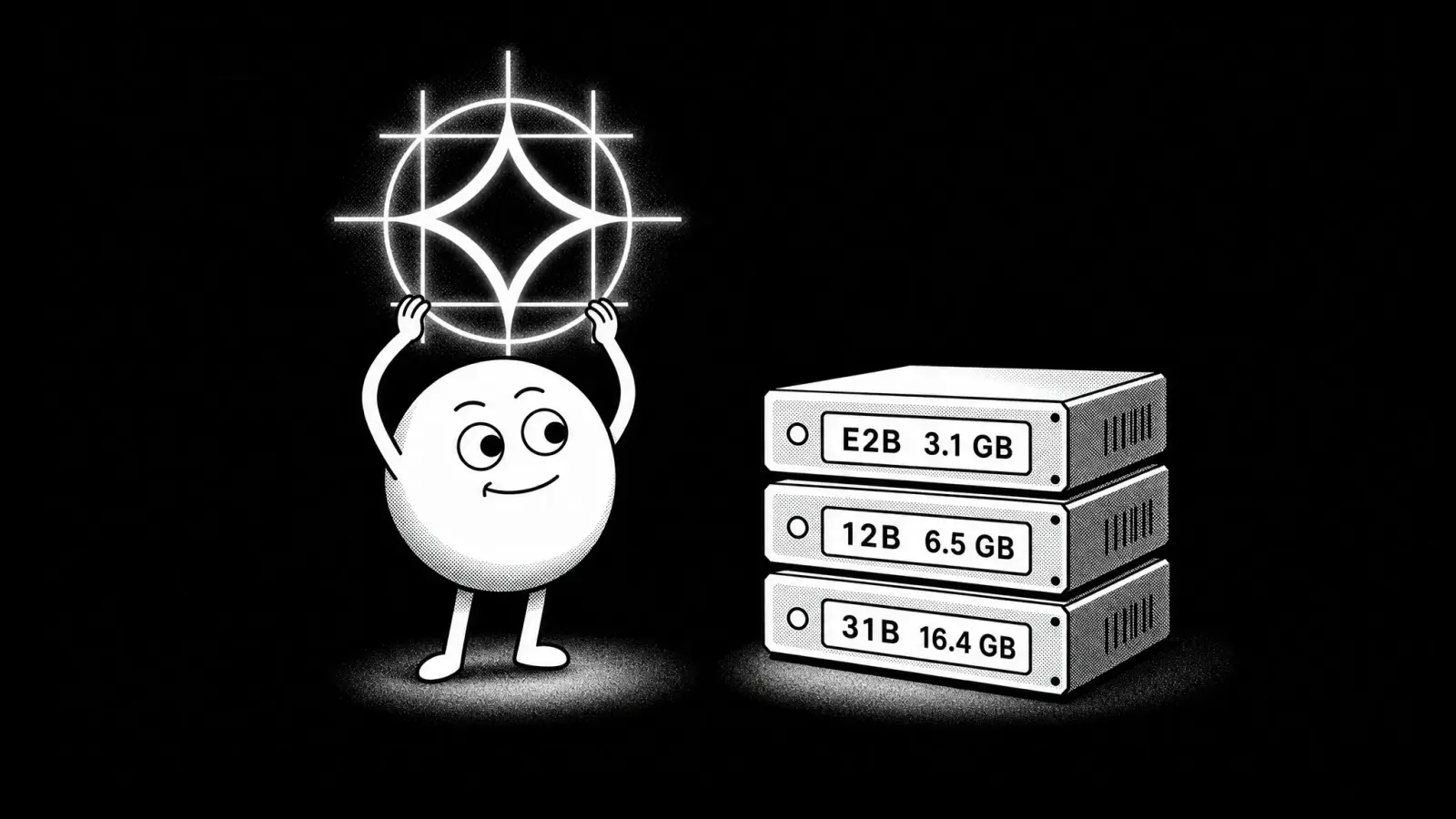
Gemma 4 is a family of open models from Google DeepMind, released in March 2026. Gemma 4 models come in the following sizes:
- E2B
- E4B
- 12B
- 26B A4B
- 31B
The number from 2 to 31 stands for billions of parameters. All Gemma models are natively multimodal, meaning they can process text and images, while E2B, E4B and 12B can also process audio and video inputs, so you can send an audio recording as input, or dictate your question and Gemma will answer.
The "E" in E2B and E4B stands for effective parameters, because those models use Per-Layer Embeddings to get more out of each parameter. The "A4B" in 26B A4B marks a Mixture-of-Experts model that only activates 4 billion parameters per token, though all 26 billion still have to be loaded into memory.
Gemma E2B and E4B feature a 128K context window, while 12B, 26B A4B, and 31B feature a 256K context window.
How to run Gemma locally
Now that we understand what Gemma is and have a general idea of the model range, let's walk through the setup process.
To run Gemma, you'll need a local AI app — a piece of software that downloads the model and provides an inference engine that runs it locally. For the purpose of this tutorial, we'll be using Atomic Chat, a free open source local AI app we've built, but you can also run Gemma using Ollama, Jan, or LM Studio.
If you want to run Gemma in Ollama or LM Studio, read our Ollama vs LM Studio comparison.
Step 1 — Install Atomic Chat
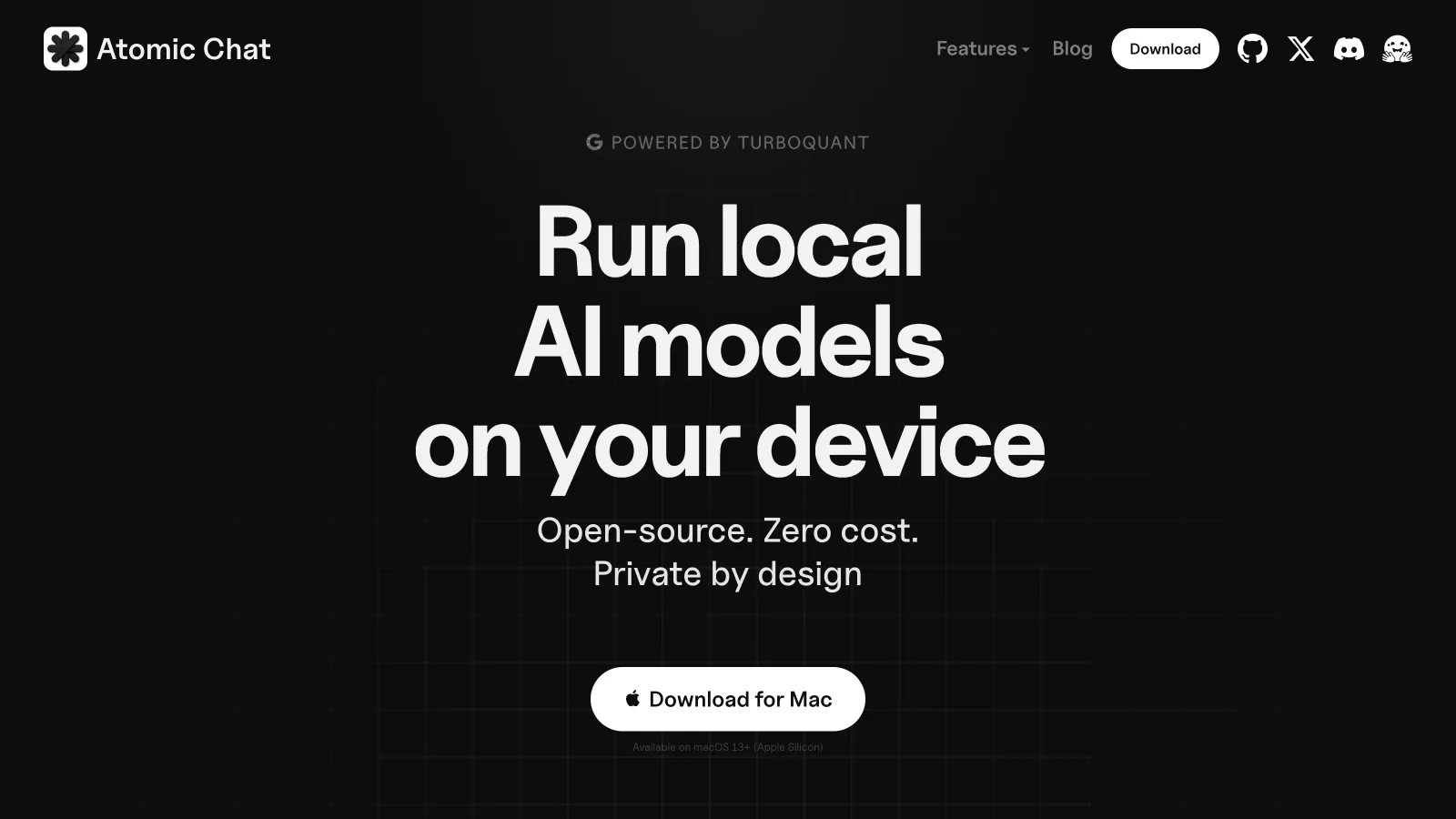
Go to atomic.chat and select the build for your platform.
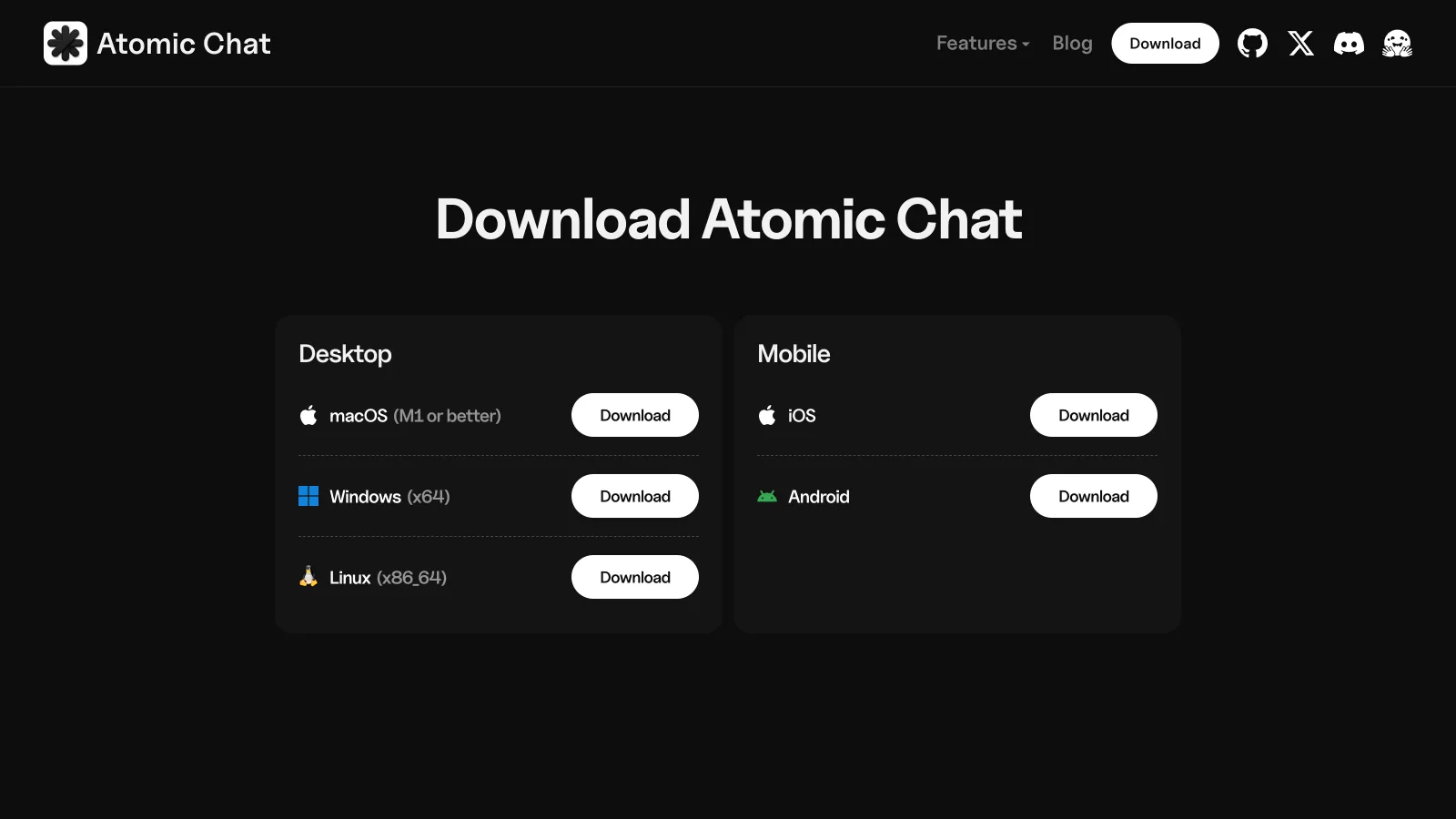
There are five ways to install Atomic Chat:
- macOS — a universal
.dmgfor Apple Silicon (M1 or later). - Windows — an
.exeinstaller for x64. - Linux — a self-contained
.AppImagefor x86_64, which needs no root. - iOS — through the App Store.
- Android — through Google Play.
On Linux, mark the AppImage executable with chmod +x and run it directly. If the app asks about FUSE on first launch, install it with sudo apt install fuse libfuse2 on Debian or Ubuntu, or sudo dnf install fuse fuse-libs on Fedora.
Step 2 — Find Gemma in the model catalog
Once Atomic Chat installs, open the Models tab — this tab shows all open-weight models from Hugging Face, the biggest repository of local models. Type gemma into the search field.
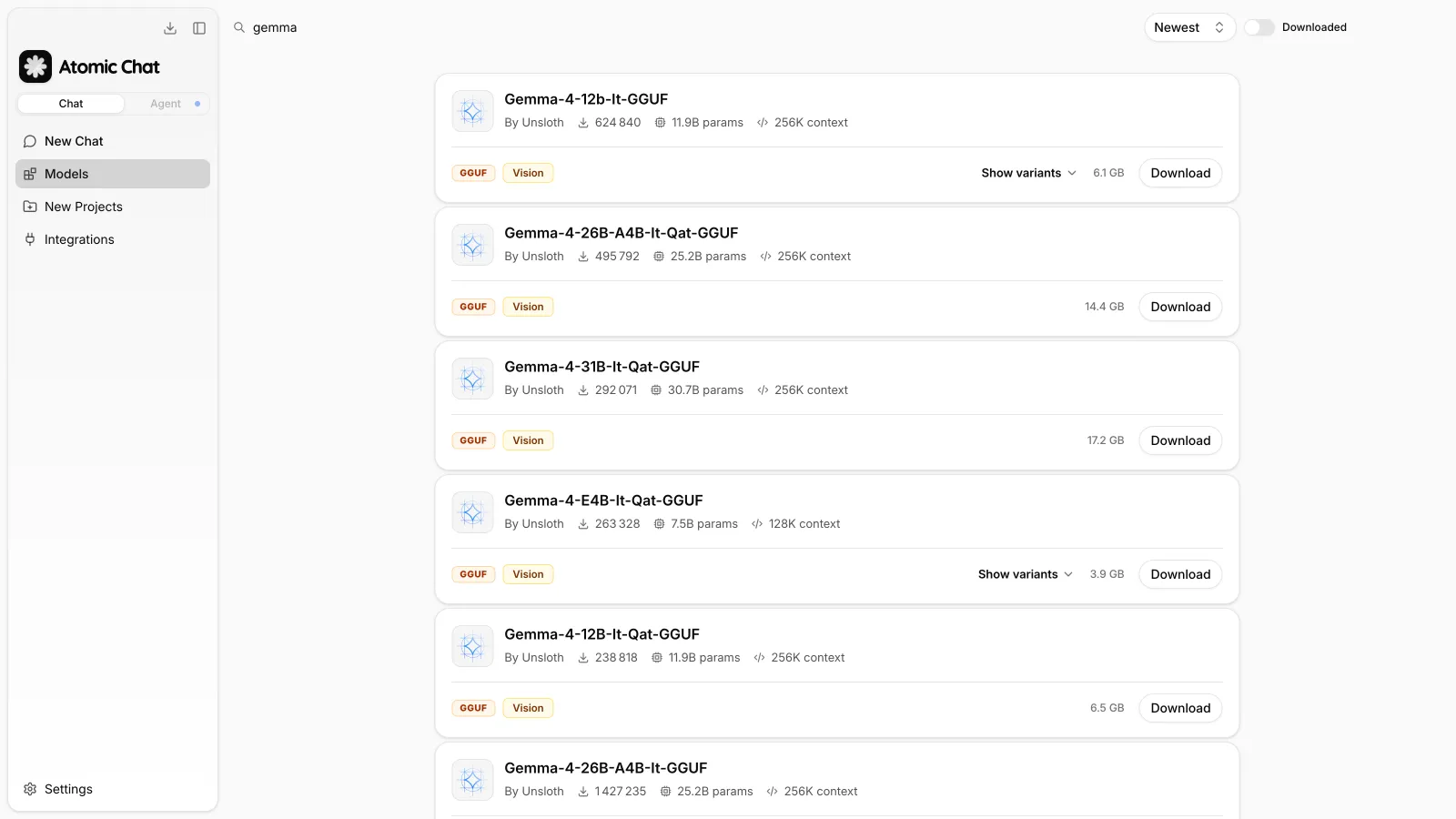
You'll see a list of Gemma models, with each entry showing:
- Parameter count — for example 11.9B for Gemma 4 12B.
- Context length — 256K on the mid-size and large models.
- Tags —
GGUFfor the file format, plusVisionwhen the model reads images. - Download size — the size of the file that will land on your disk.
Search results are sorted by newest by default, and the Downloaded toggle filters the list down to models you already have.
Step 3 — Download a Gemma 4 model
Click Download to take the default file, or open Download Options to see every quantization of that model with its exact size.
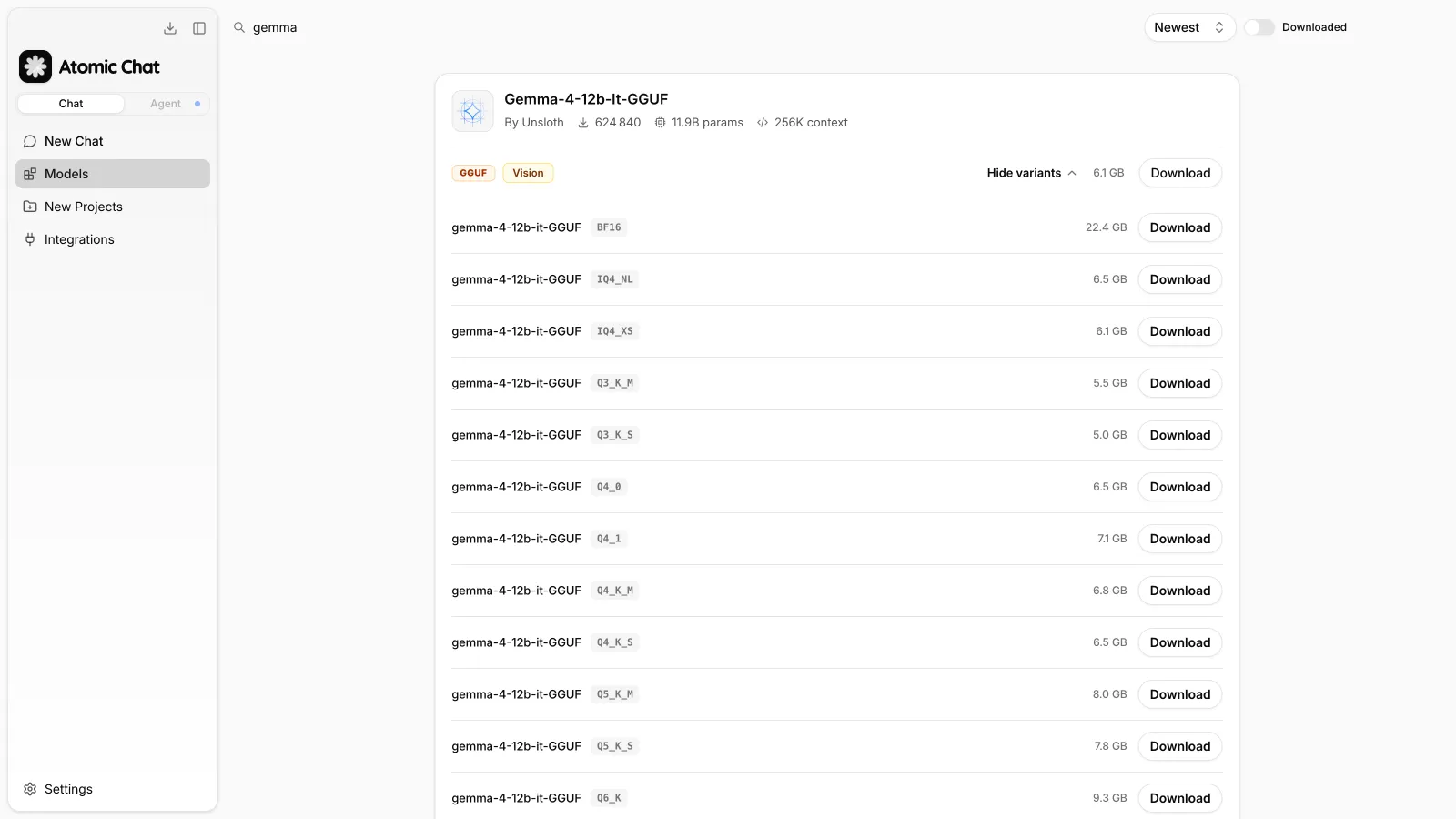
For example, for Gemma 4 12B you'll see variants like Q3_K_S that weighs 5.0 GB, Q4_K_M that weighs 6.8 GB, and BF16 that weighs 22.4 GB.
If you're unsure what all of this means, or why the same model is available at drastically different sizes, read our explainer about GGUF and quantization. Later in the article we'll also talk about selecting the right model size based on hardware.
Step 4 — Chat with Gemma locally
Atomic Chat automatically runs your Gemma model locally and provides a built-in chat interface for you to interact with the model, so you can start using it immediately:
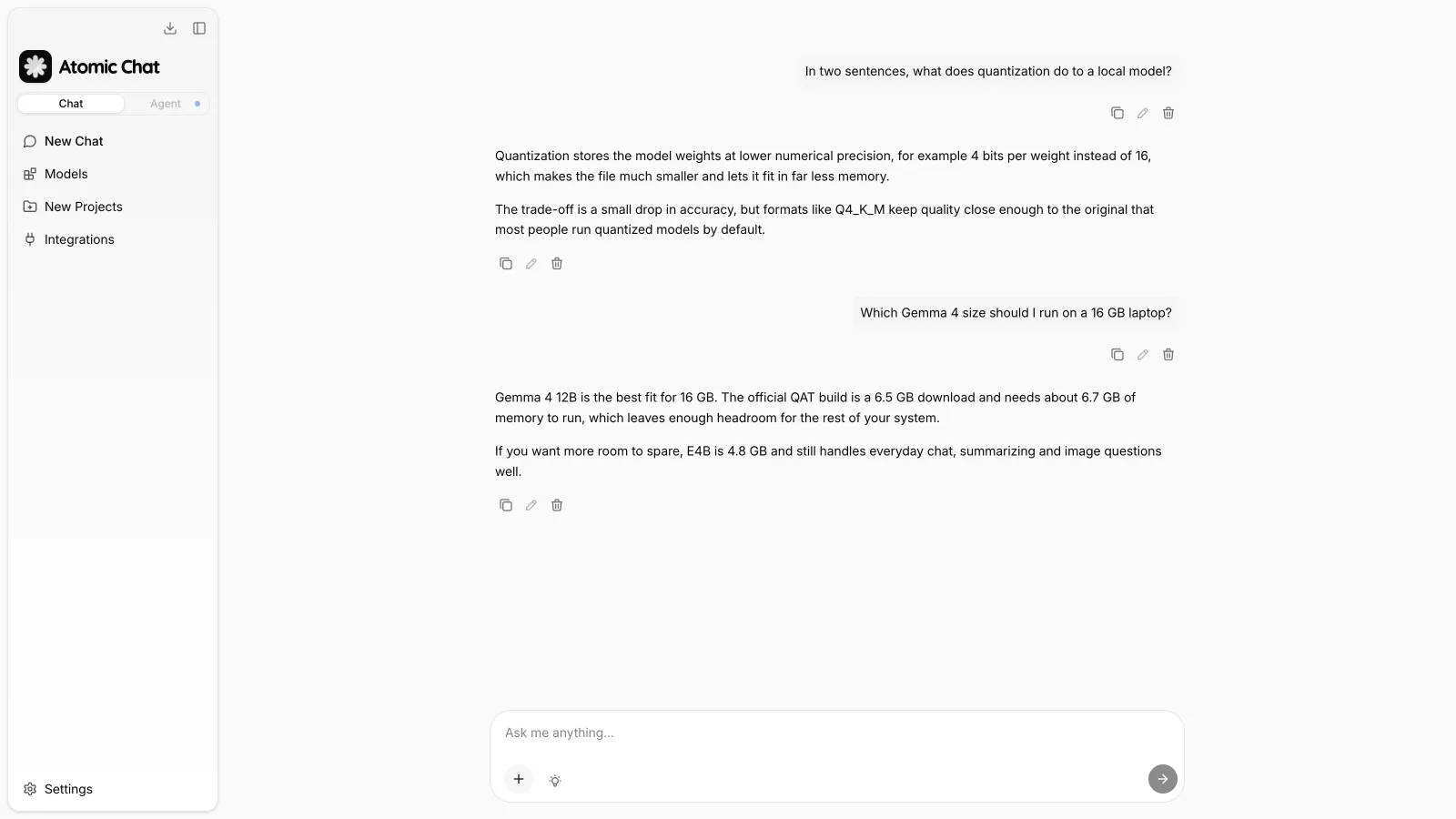
Because Gemma 4 is multimodal, you can attach an image and ask questions about it, and the E2B, E4B, and 12B models also accept audio.
And since the model runs locally, you can use it offline and for free without any usage limits, and your chats stay completely private.
Gemma 4 hardware requirements
Google publishes memory requirements for each model and precision. The table below shows how much memory you'll need to run the model at 4-bit and at 16-bit precision, including roughly 20% overhead for system processes:
| Model | Download size (QAT q4_0) | Memory to run (4-bit) | Memory at BF16 |
|---|---|---|---|
| E2B | 3.1 GB | 2.9 GB | 11.4 GB |
| E4B | 4.8 GB | 4.5 GB | 17.9 GB |
| 12B | 6.5 GB | 6.7 GB | 26.7 GB |
| 26B A4B | 13.4 GB | 14.4 GB | 57.7 GB |
| 31B | 16.4 GB | 17.5 GB | 69.9 GB |
On a Mac, the model shares unified memory with the whole system, so match it to the memory your machine shipped with:
| Mac | Unified memory | Run this |
|---|---|---|
| MacBook Air M1, M2, M3 (base) | 8 GB | E2B at Q4 |
| MacBook Air M4, MacBook Pro M4 (base) | 16 GB | 12B at Q4 |
| MacBook Pro M4 Pro | 24 GB | 12B at Q5, or 26B A4B at Q4 |
| MacBook Pro M4 Pro, M4 Max | 32 GB | 26B A4B or 31B at Q4 |
| MacBook Pro M4 Max, Mac Studio | 48 GB and up | 31B at Q6_K or Q8_0 |
On a Windows or Linux machine with a discrete GPU, what matters is VRAM, because that's where the model has to fit to run at full speed:
| GPU | VRAM | Run this |
|---|---|---|
| RTX 3050, RTX 4060 laptop | 8 GB | E2B at Q4 |
| RTX 4060 Ti, RTX 5060 Ti | 16 GB | 12B at Q4 |
| RTX 3090, RTX 4090 | 24 GB | 12B at Q5, or 26B A4B at Q4 |
| RTX 5090 | 32 GB | 26B A4B or 31B at Q4 |
| RTX 6000 Ada, dual-GPU setups | 48 GB and up | 31B at Q6_K or Q8_0 |
If the model doesn't fit in VRAM, it spills into system RAM and generation slows down sharply. In this case, it's recommended to size down a step.
Also keep in mind: The numbers above cover the weights only, and are best treated as minimum system requirements. Every token in the conversation is also cached in memory as the KV cache, and that cache grows as the chat gets longer. A long document or a codebase pushed toward Gemma's 256K limit can add several gigabytes on top of the model.
If you work with long documents, drop one size or one quantization step to account for KV cache. On a 16 GB machine that means running 12B at Q4 instead of Q5.
For most people, Gemma 4 12B is the model to start with, because it handles real work and still fits on the 16 GB machines most laptops ship with. Gemma 4 31B is worth the jump once you have 32 GB, since it's the strongest model in the family and gains the most from a higher quantization. Gemma 4 E2B stays useful even on capable hardware, because it loads fast and answers quickly for simple lookups.
Which Gemma 4 GGUF quantization should you download?
Quantization stores the model's weights at lower precision to shrink the file and the memory it needs. For example, Q4_K_M keeps 4 bits per weight, Q8_0 keeps 8, and BF16 is the uncompressed original. Our guide to GGUF breaks down the naming in more detail.
For Gemma 4 specifically, look for the QAT builds. Google trains these with quantization-aware training, which simulates 4-bit rounding errors during training so the model learns weights that survive compression. The result holds quality much closer to the original than ordinary post-training quantization, at about 72% less memory. For example, Google's 31B QAT build runs in roughly 18 GB instead of the 58 GB the full-precision model needs.
If a QAT build isn't available for the model you want, Q4_K_M is the reliable default. You can upsize to Q5_K_M or Q6_K if you have the memory.
Another thing to keep in mind — a larger model at heavier compression usually delivers better results than a smaller model at higher precision. So if you can fit a model with more parameters by giving up a step in precision, it's usually worth doing.
If you're unsure which file to download, choose the QAT release when available. Otherwise, Q4_K_M is the safest default for most systems.
Gemma 4 benchmarks
The table below shows how Gemma 4 compares to Gemini 3 Flash in benchmarks:
| Model | MMLU Pro | GPQA Diamond | Runs locally |
|---|---|---|---|
| Gemma 4 E4B | 69.4% | 58.6% | Yes |
| Gemma 4 12B | 77.2% | 78.8% | Yes |
| Gemma 4 26B A4B | 82.6% | 82.3% | Yes |
| Gemma 4 31B | 85.2% | 84.3% | Yes |
| Gemini 3 Flash | — | 90.4% | No |
MMLU Pro measures reasoning across academic subjects. GPQA Diamond asks PhD-level science questions that can't be answered from memorized facts.
Google doesn't publish benchmark scores for E2B, which is built for phones and edge devices, which is why we've omitted it.
Gemma 4 31B on benchmark performance is slightly less powerful than a 2–3 generation-old mid-sized cloud model. This is expected — on-device AI is always going to be less powerful than cloud AI, but for what it's worth, Gemma 4 12B and bigger models can power real-world coding workflows, and are more than smart enough for automation and chats.
How to run Gemma 4 with Ollama and LM Studio
Atomic Chat isn't the only way to run Gemma 4 locally, and the GGUF files covered above work the same in other apps. Ollama runs Gemma from the command line, which suits scripting and serving the model to other tools, and you'd pull it with a single command. LM Studio gives you a desktop interface built around model tinkering, with per-model parameter controls.
The trade-off is in what you get around the model. Ollama has no interface of its own, so you either use the terminal or connect a separate front end, and LM Studio is desktop-only with no mobile version.
If you're deciding between them, we compared both directly in Ollama vs LM Studio, looked at the wider field in 10 best Ollama alternatives, and explained the engine they share in Ollama vs llama.cpp.
Frequently asked questions
Common questions about running Gemma 4 on your own hardware.
What are the system requirements for Gemma 4?
Gemma 4 can run on most modern computers, and the main limiting factor is available memory. The smallest model, E2B, requires around 2.9 GB in a 4-bit quantized version, making it suitable for systems with 8 GB of RAM. The 12B model uses about 6.7 GB, so it's a good fit for 16 GB machines. The largest 31B model needs approximately 17.5 GB in 4-bit format and is most comfortable on systems with 32 GB of memory. While a GPU noticeably improves generation speed, it's optional—Gemma can also run entirely on the CPU using system RAM.
Can you run Gemma 4 on a phone?
Yes. Google specifically designed the E2B and E4B models for smartphones and other edge devices. The mobile-ready version of E2B is only about 1 GB, making it practical for local use. What's more, Atomic Chat is available on both iOS and Android, allowing you to download a compatible Gemma model and use it directly on your device without relying on an internet connection.
Is Gemma 4 free to use?
Yes. Gemma 4 is distributed under Google's Gemma 4 license, which allows commercial usage, and all official model weights can be downloaded from Hugging Face at no cost. If you run the models locally with Atomic Chat, there are no subscription fees, API charges, or usage limits.
What is the difference between Gemma 4 and Gemma 3?
Gemma 4 introduces a substantially updated model family instead of simply expanding the previous generation. It adds new E2B and E4B models based on Per-Layer Embeddings, includes a 26B Mixture-of-Experts architecture, and introduces a 12B encoder-free multimodal model. Mid-sized and larger variants now support context windows of up to 256K tokens. Another major addition is native audio and video input support for the smaller models, a capability that wasn't available in Gemma 3.
Does Gemma 4 support tool calling?
Yes. Tool calling is available in supported model variants, and the model catalog clearly indicates which ones include this capability. If you're planning to build AI agents, tool calling is an important feature because it enables models to interact with external functions and services. For a complete setup walkthrough, see our guide on how to run AI agents locally.
Bottom line
Gemma 4 offers one of the most flexible local model lineups available today. Whether you're running an 8 GB laptop or a workstation with 32 GB of memory, there's a model that fits your hardware.
Key takeaways:
- The Gemma 4 family includes five local models: E2B, E4B, 12B, 26B A4B, and 31B.
- For most users with 16 GB of RAM, the 12B model offers the best balance between quality and resource usage, with a download size of roughly 6.5 GB.
- In the model names, E stands for effective parameters, while A4B indicates that only 4B parameters are active during inference even though all 26B remain loaded in memory.
- Google's QAT Gemma 4 releases reduce memory usage by roughly 72% while preserving performance close to the original models.
- Atomic Chat searches Hugging Face directly, making it easy to compare model sizes, context windows, parameter counts, and download sizes before installation.
- Every Gemma 4 model supports image understanding, while E2B, E4B, and 12B additionally accept audio input.
- Running Gemma locally keeps all processing on your own device, so it works offline without API costs or recurring fees.