
If you want an Ollama alternative with a real GUI, the short answer is LM Studio, Jan, or Atomic Chat. If you also need it on your phone, Atomic Chat runs models on-device on iOS and Android, where Ollama has no app at all. And if you're serving in production, vLLM is the default. Below we compare ten local-LLM tools: free vs paid, open vs closed, desktop vs mobile, so you can pick the one that fits you and your workflows.
TL; DR
- Best overall (GUI + mobile + free): Atomic Chat – desktop (macOS/Windows/Linux) and live iOS/Android apps, Apache-2.0, zero cost, no message caps.
- Best for RAG / documents: GPT4All (LocalDocs), AnythingLLM, or Msty.
- Best for production serving: vLLM (Apache-2.0, OpenAI-compatible).
- Best backend for Claude Code / OpenClaw: anything with an OpenAI-compatible endpoint – Atomic Chat, LM Studio, vLLM, llama.cpp.
Why look for an Ollama alternative?
Ollama is good at one thing: pulling a model and running it from the terminal in one command. But several rough edges push developers and prosumers to look elsewhere.
No native GUI for years, and the new app still can't reach remote servers
Ollama was CLI-only for most of its life and only recently shipped a desktop app. That GUI is hardcoded to localhost:11434 and offers an "Expose Ollama to the network" toggle with no complementary way to connect to a remote instance. Alnyone running models on a server falls back to the CLI or a third-party web UI like Open WebUI.
It can be slower than running llama.cpp directly
On the same hardware and model, users report fewer tokens/sec than plain llama.cpp or LM Studio. One AMD-GPU user measured roughly 13 t/s on Ollama vs about 38 tokens/sec on LM Studio. Ollama's move off llama.cpp to its own Go engine has left it "not fully competitive" on some models.
Model management has friction
Ollama stores weights as hash-named blobs under a manifests/blobs registry instead of plainly named GGUF files, so reusing a model with another engine like llama.cpp is awkward. Its naming has also misled people: labeling DeepSeek-R1 distills simply as "deepseek-r1," implying you could run the full R1 on consumer hardware.
Claude Code compatibility is fragile, not absent
Ollama added an Anthropic Messages API in v0.14.0, but it's incomplete. An open bug shows Claude Code hitting the unsupported /v1/messages/count_tokens route, getting a 404, then driving Ollama into cascading 500s with exponentially increasing timeouts (10s, 20s, 40s, 80s+) until it needs a manual restart
The 2048-token default context silently truncates
Ollama defaults num_ctx to 2048 on every model regardless of what the weights support, and silently clips anything longer with no error. Long documents, codebases, RAG context, and multi-turn history get dropped. This is a behavior even Ollama's defenders on r/LocalLLaMA concede is "probably the only fair and legitimate criticism."
These qualities don't make Ollama a bad option for running locally, it's just not built for users who search for a friendly interface, a mobile extension, and team-work. It's more suitable for tech-enthusiasts who prefer CLI-tinkering.
Best Ollama alternatives at a glance
Each of these runs models locally and exposes (or proxies) a local API. The columns that decide your choice are: GUI, mobile, open-source, and price.
| Platforms | Best for | |
|---|---|---|
| Atomic Chat | macOS, Windows, Linux, iOS, Android | Only GUI with real iOS + Android |
| LM Studio | macOS, Windows, Linux; iOS/iPad | Fastest on Apple Silicon |
| Jan | Windows, macOS, Linux | Zero config |
| GPT4All | Windows, macOS, Linux | One-click chatbot with built-in document RAG |
| AnythingLLM | macOS, Windows, Linux, Android | Docs + agents without a serving engine |
| LocalAI | Linux, macOS, Docker, K8s | OpenAI + Anthropic + Ollama API, one host |
| vLLM | Linux-first (NVIDIA/AMD GPU, CPU) | Highest throughput, production-grade serving |
| llama.cpp | macOS, Linux, Windows, Android, iOS | Full control: quant, GPU layers, backends |
| Open WebUI | Docker, K8s, pip, desktop; mobile PWA | ChatGPT UI over Ollama, multi-user access |
| Msty | macOS, Windows, Linux | Zero-setup + side-by-side model comparison |
vLLM is marked "No" for GUI because it's a server library: you point a separate chat UI at it. Open WebUI and Msty are interfaces that often sit on top of a runner (Open WebUI proxies Ollama; Msty's local backend is Ollama plus MLX/llama.cpp), so they complement Ollama as much as replace it.
Best Ollama alternatives (deep dive)
1. Atomic Chat: free, GUI, and the only one with a mobile app
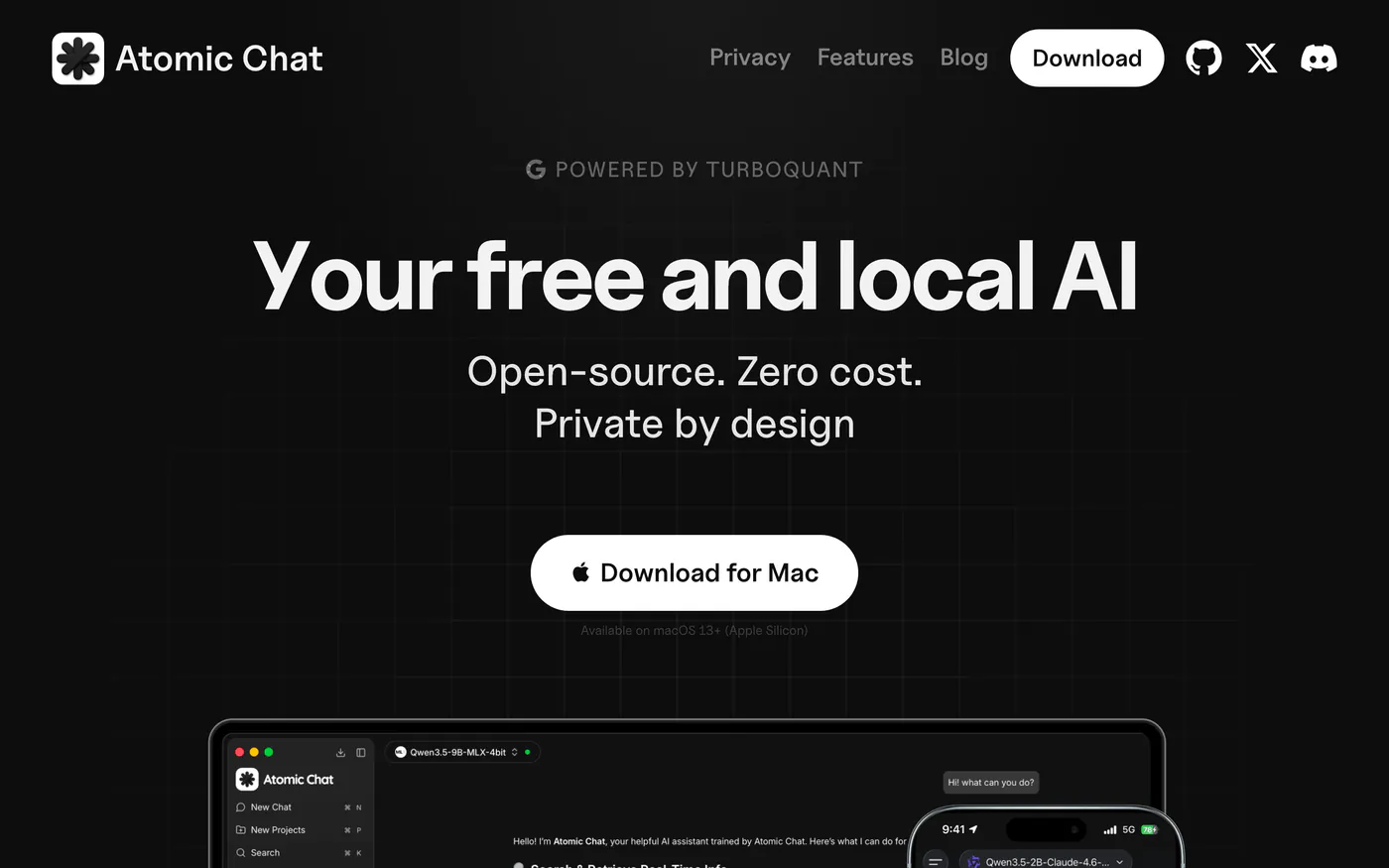
Atomic Chat website with dark background, headline "Your free and local AI. Open-source. Zero cost. Private by design.", download button for Mac, and a desktop+mobile app screenshot
This is a free, open-source local-AI app and inference engine that pairs a desktop and mobile GUI with a built-in OpenAI-compatible server — a point-and-click chat app and an API endpoint your tools can call.
Atomic Chat covers four main reasons people leave Ollama:
- GUI: full desktop chat app with a Hugging Face model browser – one-click downloads, no terminal.
- Mobile: live iOS and Android apps running models fully on-device. Ollama has no mobile app at all; this gap is real and Atomic Chat is the only tool here that fills it with a finished, store-published product.
- Free: no rate limits, no subscription, unlimited messages.
- Private: no data leaves your device, and per the README the local server is loopback-only by default.
On top of local models, Atomic Chat also supports cloud providers (OpenAI, Anthropic, Mistral, Groq, and more) via your own API key – opt-in, not the default. This means you can mix local and cloud models per chat without switching apps, while keeping sensitive work fully on-device.
Agent integrations: you can launch OpenCode and GitHub Copilot CLI in one click, connect MCP servers for tools and file access, and point OpenClaw or Hermes agents directly at the local API — Jan and LM Studio expose an endpoint and leave the rest to you.
TurboQuant
Another perk is a combination of two distinct optimizations: KV cache optimization and Multi-Token Prediction.
KV cache optimization gives you 8x faster attention, 3.8 - 6.4x KV cache compression, zero accuracy loss at 3-bit. It works like this: every time the model generates a word, it re-reads its notes on everything said so far. Those notes are stored at full precision, taking up a lot of memory, and KV cache quantization shrinks them to roughly 4–6x less space by storing them in a compressed shorthand instead. Less memory to read = faster output, and longer conversations fit on hardware that would otherwise run out of room.
Multi-Token Prediction (MTP) is architecturally separate. It's a speculative decoding variant where the model predicts multiple future tokens in parallel and then verifies them, which increases how many tokens per second the model can generate. In practice this gave Qwen 3.6 27B a jump from 51 to 117 tokens/sec on 2× RTX 5090, roughly 2.3x throughput.
Atomic Chat is best for: anyone who wants Ollama's local-and-private promise with a proper GUI, a phone app, and no terminal at zero cost.
Platforms: macOS, Windows, Linux (v1.1.95), iOS, Android.
2. LM Studio
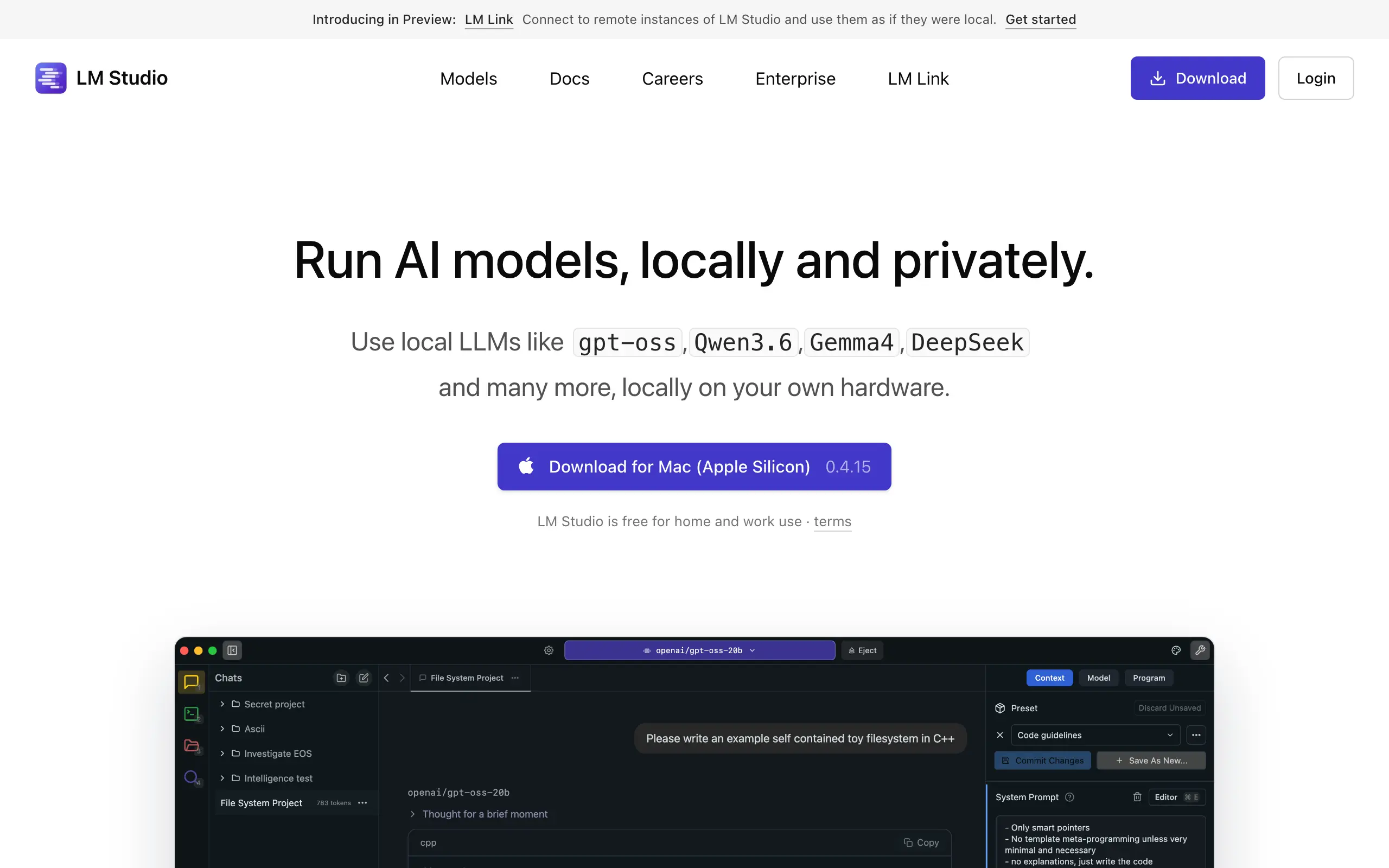
LM Studio is a desktop app to discover, download, and run LLMs locally on your own hardware, built on llama.cpp and Apple MLX. It's the most popular GUI alternative to Ollama.
LM Studio has:
- Clean GUI with a built-in model browser plus a drop-in OpenAI-compatible API: switch existing OpenAI code by changing only the base URL
- No coding needed, with a headless server mode for deployments;
- Free for home and commercial use.
The catch is the core desktop app: it is closed-source/proprietary (unlike Ollama), so you can't inspect or modify it. Only the SDKs (lmstudio-python, lmstudio-js) and the lms CLI are MIT-licensed. If auditability matters, this is a hard line.
Choose LM Studio if you're a GUI-first user who wants the most widely-used local LLM app and doesn't need auditable code.
Platforms: macOS (Apple Silicon), Windows (x64/ARM64), Linux (x64). As of April 2026 LM Studio acquired "Locally AI," an on-device iPhone/iPad/Mac app; there's no official Android app.
3. Jan
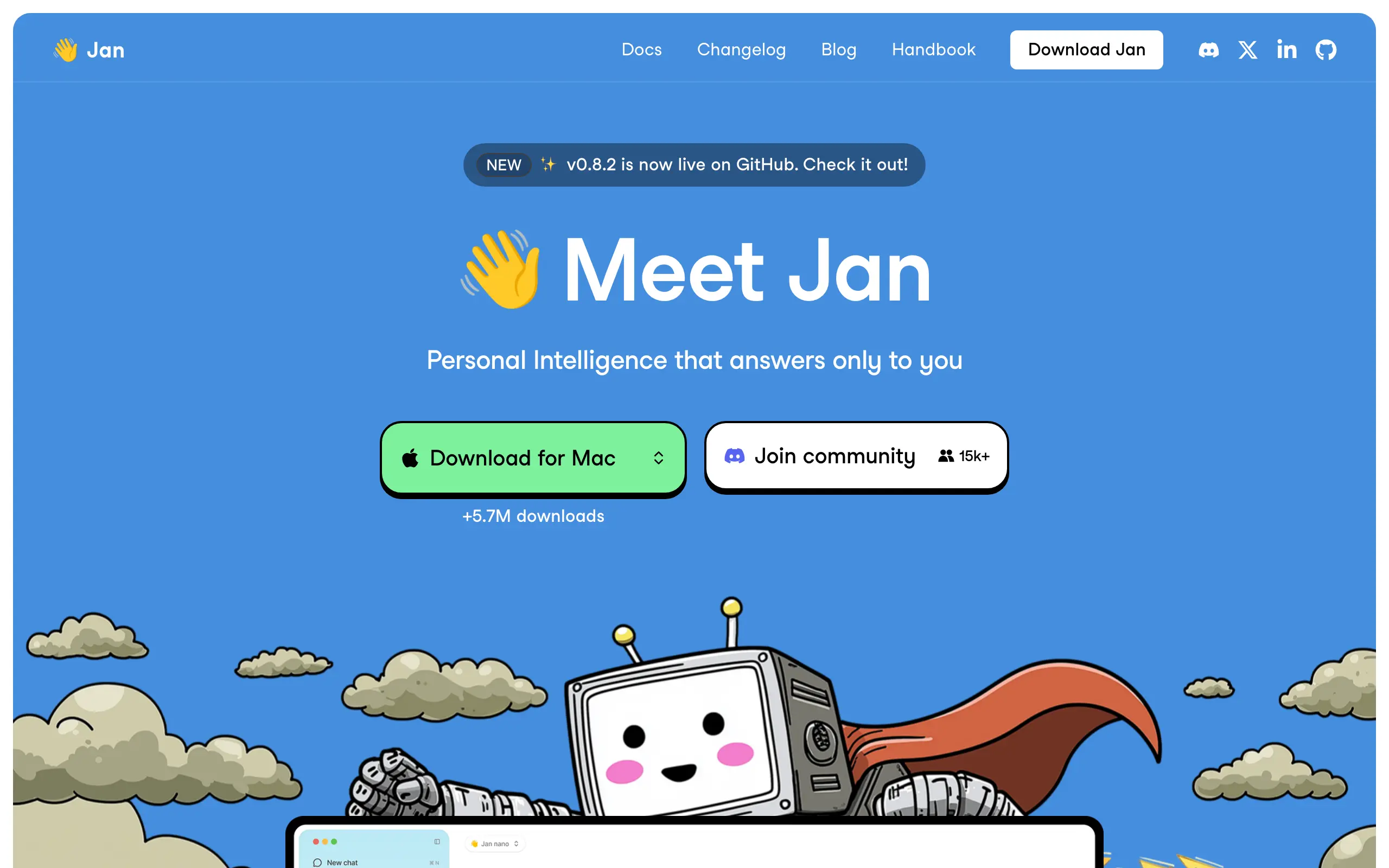
An open-source, privacy-focused desktop app that runs LLMs 100% offline (powered by llama.cpp), positioned as a ChatGPT alternative.
Jan's Pros:
- Ships a desktop GUI plus an OpenAI-compatible local API in one app.
- Truly open-source (Apache-2.0), free
It's straightforward and fully auditable, but the simplicity means it has:
- No mobile app.
- No documented Anthropic-API compatibility (OpenAI format only).
- Smaller library and ecosystem and less established than Ollama's.
Jan is best for: non-CLI users who want a working, open-source offline chat app.
Platforms: Windows 10+, macOS 13.6+, Linux (deb, AppImage, Arm64).
4. GPT4All
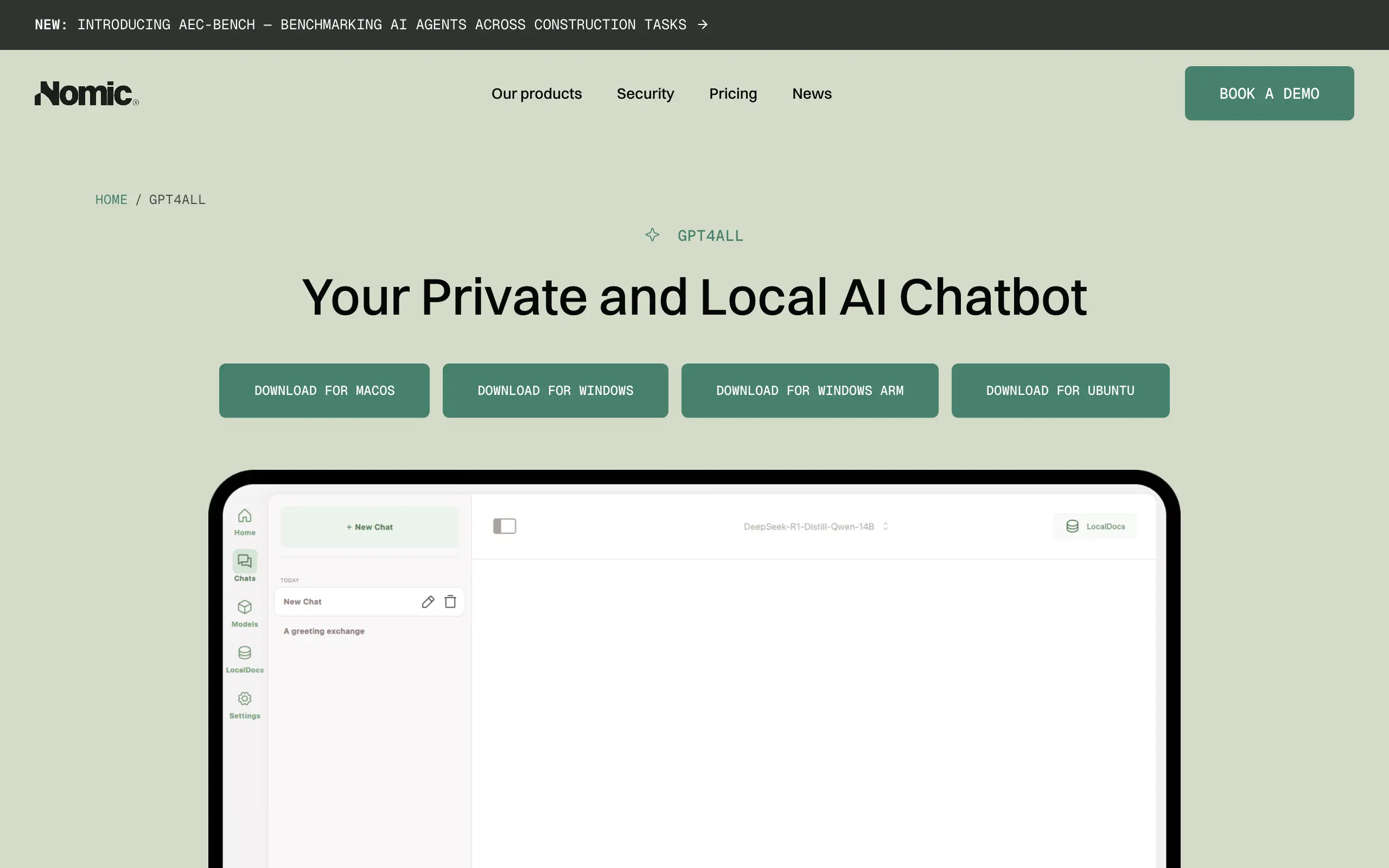
GPT4All from Nomic is the lowest-friction local LLM desktop app here. Runs easily on everyday laptops, with no data leaving the machine.
GPT4All’s pros:
- A full graphical app with a built-in model downloader: handles the "download, install, open, chat" process for you.
- The built-in LocalDocs feature lets you point it at a folder and ask questions over your own documents without any extra setup.
- Free, MIT.
However, it is less developer/automation-oriented than Ollama. The OpenAI-compatible API is off by default (Settings → Application → Advanced) and tied to the desktop app, and it lacks Ollama's first-class CLI, Modelfile/registry workflow, and broad integrations. Mobile app is also not provided.
Best for: GUI-first users who want a one-click private chatbot with document chat rather than a daemon.
Platforms: Windows (x86-64, ARM/Snapdragon), macOS (12.6+, Apple Silicon), Linux (Ubuntu, Flathub).
5. AnythingLLM
AnythingLLM is all-in-one, local-first AI desktop app for chatting with your documents (RAG) and running agents on top of any LLM, fully private: no signup, not SaaS.
AnythingLLM’s pros:
- More than a model runner: one-click local LLM + document ingestion + agents + a sleek UI + an OpenAI-compatible local API.
- All capabilities are offline.
- Open-source (MIT) and free.
For private "chat with your documents" plus agentic workflows, it works well.
The important caveat: AnythingLLM is an app layer, not a raw serving engine. It wraps a runner — Ollama is commonly its local backend — so you're often replacing Ollama-the-experience while Ollama still runs underneath. Its own OpenAI-compatible API has had documented spec gaps
Treat it as a private, local "chat with your documents" plus agents: an application layer, but not a runner for several models.
Platforms: macOS, Windows, Linux; Android Google Play + APK, no iOS.
6. LocalAI
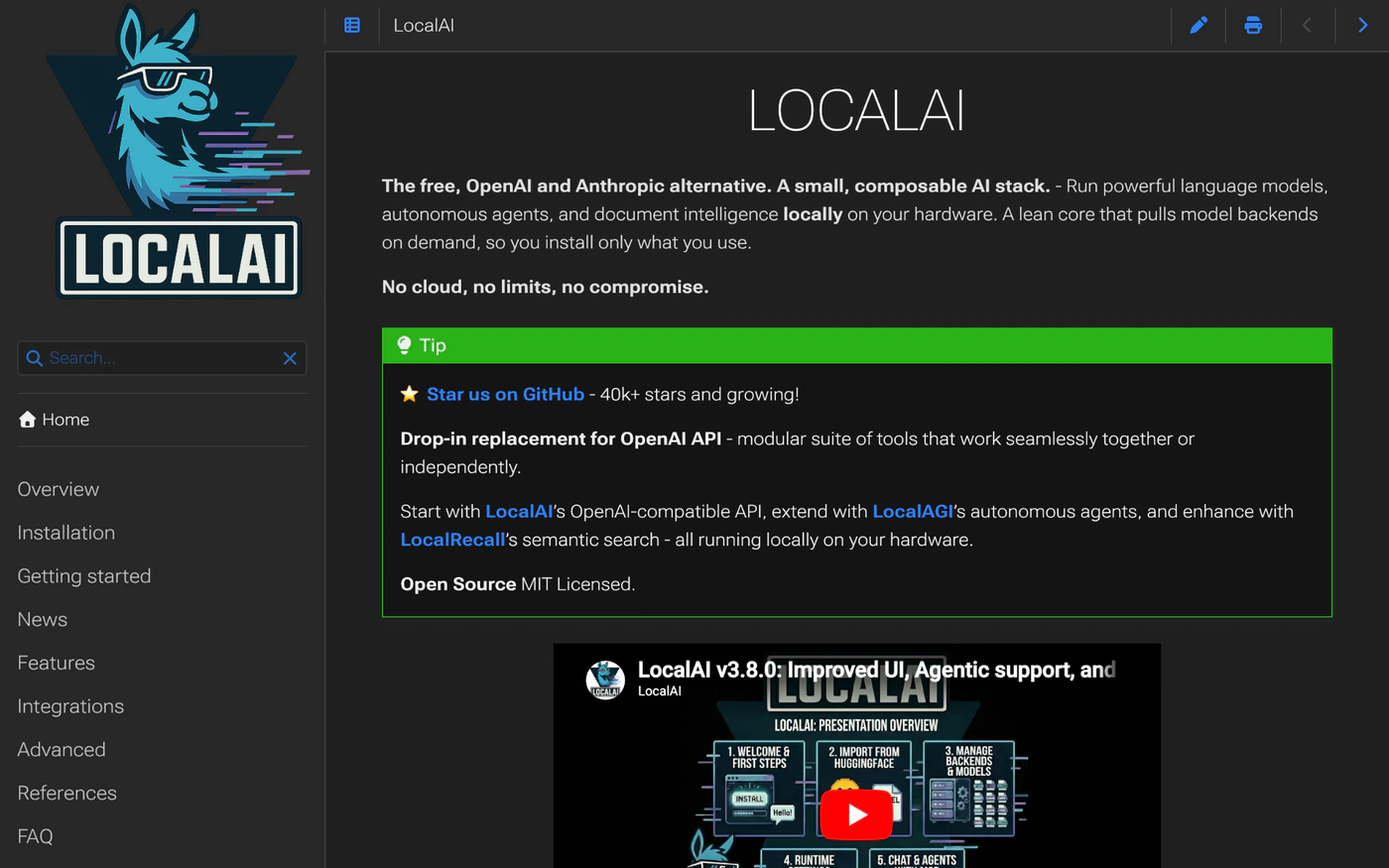
LocalAI is an open-source inference server built to be a drop-in replacement for cloud APIs. It speaks OpenAI, Anthropic, and Ollama from a single self-hosted instance, and handles vision, voice, and image generation alongside text. No GPU required.
Local AI’s pros:
- Multi-modal scope in one CPU-capable engine.
- Open-source (MIT) and free.
- With an integrated React WebUI at localhost:8080.
The tradeoff is complexity (it's more complicated than Ollama itself): multiple backends, Docker-centric configuration, YAML model setup. Getting it running takes the most work.
If your goal is swapping cloud API calls at the infrastructure level without changing application code, that complexity pays off.
If you are searching for "pull and chat" flow, especially for your phone, it's not a perfect match.
Best for: self-hosting a private OpenAI-compatible endpoint to swap out cloud APIs without code changes.
Platforms: Linux, macOS (native app), Docker/Podman, Kubernetes. Windows via Docker (no mobile).
7. vLLM
An open-source, high-throughput library and server for serving LLMs, using PagedAttention and continuous batching for efficient GPU inference.
vLLM’s pros:
- High throughput and efficient GPU memory use: can serve several users simultaneously without each request waiting for the previous one to finish.
- OpenAI-compatible (and supports an Anthropic Messages API and gRPC), so it drops into existing tooling; 200+ model architectures
- Free (Apache-2.0).
vLLM’s cons:
- Heavier and more complex to set up since there is no GUI
- GPU/Linux-oriented with a weak consumer-Windows/Mac story → not a one-click desktop app for casual local use.
- No mobile app
Best for: high-throughput production serving with many concurrent requests.
Platforms: Linux-first (NVIDIA/AMD GPUs, x86/ARM/PowerPC CPUs, TPU/Gaudi/Apple Silicon plugins). Windows via WSL/Docker, no mobile.
8. llama.cpp
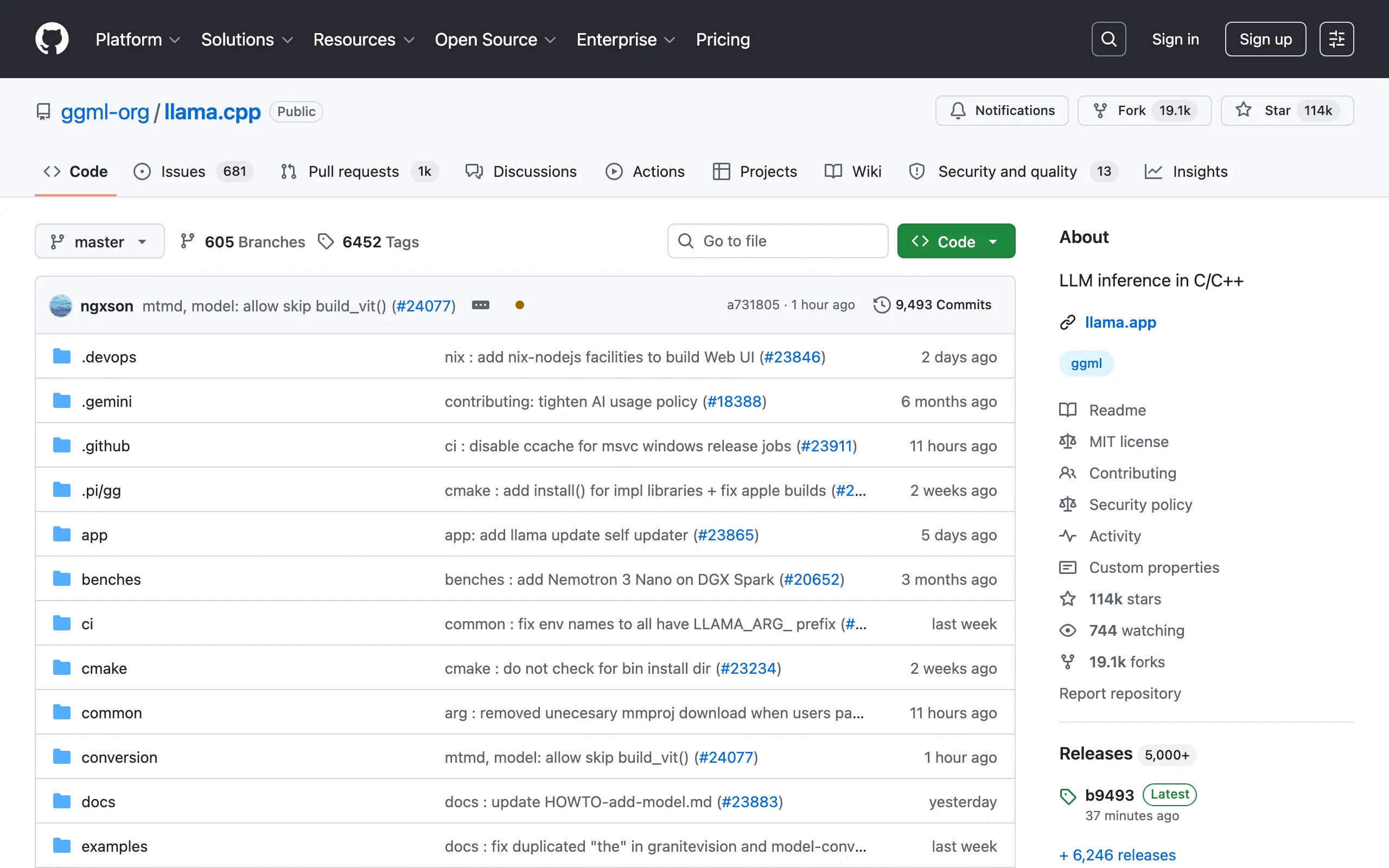
The open-source C/C++ inference engine for running LLMs locally. The lower-level engine Ollama itself is built on.
llama.cpp’s pros:
- Most configurable local engine: you control context size, GPU layers, quantization level, and which hardware backend handles inference.
- Wide hardware and quantization (GGUF) support.
- llama-server bundles an OpenAI-compatible HTTP server plus a basic in-browser web UI.
- MIT and free.
The downside: you have to manage GGUF files yourself and pass flags manually.
There's no "pull and run": you download weights, point the binary at them, and configure context size, GPU layers, and quantization by hand.
Mobile support doesn't include packaged app, and exists only as developer examples (an Android app and an iOS XCFramework).
9. Open WebUI
A self-hosted, offline-capable web AI platform with a ChatGPT-style UI that runs local LLMs via Ollama or any OpenAI-compatible backend.
Open WebUI’s pros:
- Familiar ChatGPT-style interface – easy to navigate.
- Built-in RAG and granular multi-user permissions: you can index your own documents for search and control who in your team can access which models or conversations.
- Free and self-hostable.
Open WebUI’s downside: steeper setup, not a “one-click” one. You have to manually obtain and manage GGUF files and pass flags.
Best for: users, who need a multi-user web interface over Ollama or other local models.
Platforms: Docker, Kubernetes, pip, native desktop, bare metal; mobile via PWA.
10. Msty
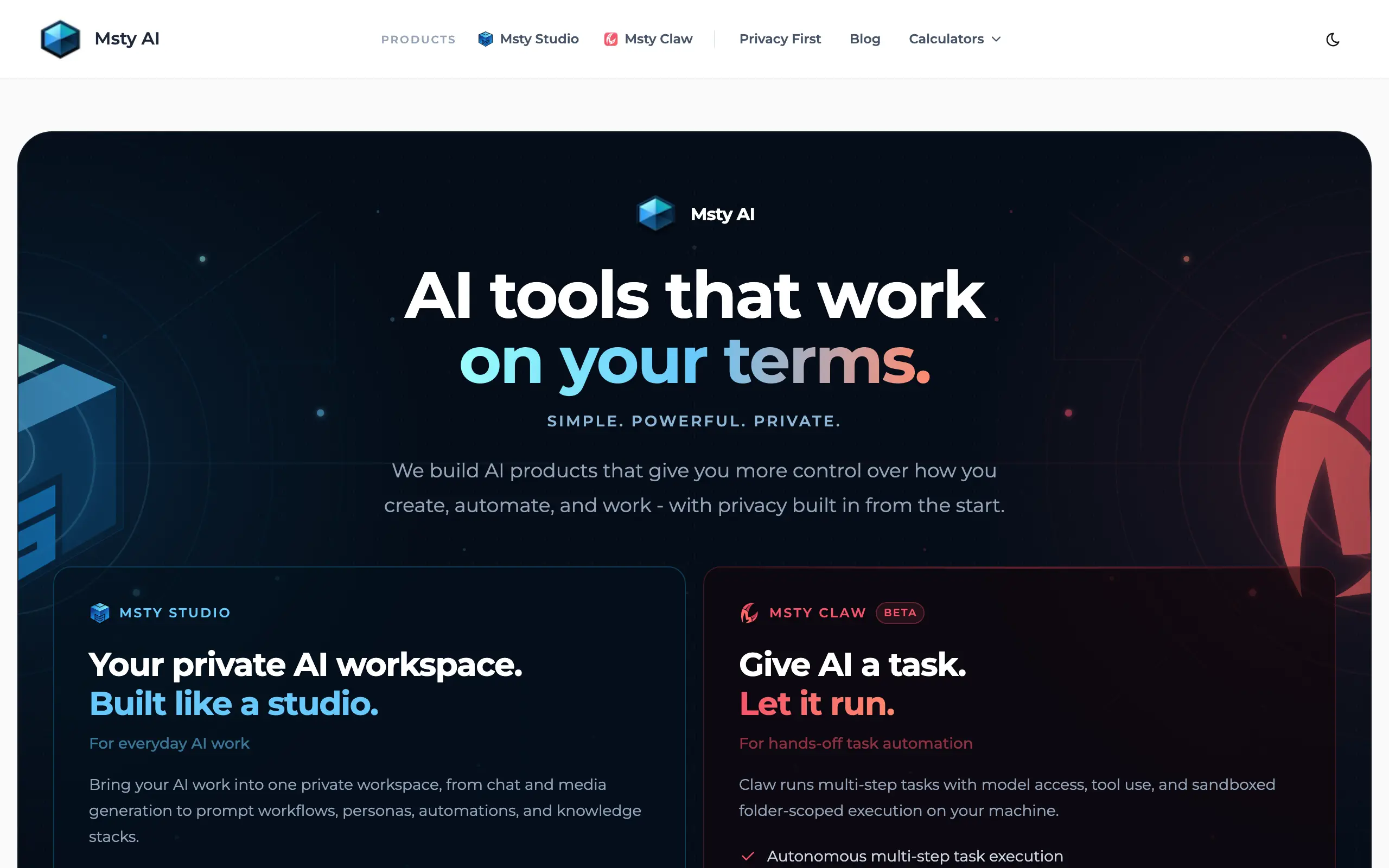
A desktop app and workspace for chatting with LLMs (local + cloud), with split-screen model comparison, conversation branching, and document/RAG "Knowledge Stacks."
Msty’s pros:
- Easy local setup: the GUI installs and manages the local engine for you.
- Side-by-side multi-model comparison if you’re not sure which model to choose.
- Provides a local OpenAI-compatible server that can be used by external apps like Continue, Roo Code, and Copilot.
Msty’s cons:
- Msty's local backend is Ollama, with MLX and llama.cpp as additional engines. You're just getting a better interface over Ollama, not an independent alternative.
- Not fully free: the free plan covers chat, personas, agents, and web search. Power features (Forge Mode, cloud providers, web/network access) require a paid tier: fees start from $149.
- The codebase is proprietary.
Best for: non-technical users who want the least-friction local LLM setup with model comparison.
Platforms: macOS, Windows, Linux. No mobile.
Best Ollama alternative by use-case
With user-friendly interfaces (GUI)
Atomic Chat, LM Studio, Jan
All three run on Windows, macOS, and Linux without a terminal, for free.
Atomic Chat took the best of all: it’s easy to set up and run like Jan and it’s fast on new GGUF variants and model architectures like LM Studio. And like no one else: It has a mobile app, Multi-Token Prediction with less token consumption thanks to TurboQuant and agent integrations – for users who need more abilities, control, predictability, and smaller checks.
On Android and iPhone
Atomic Chat, llama.cpp
Ollama has no mobile app. Atomic Chat runs models fully on-device on both iOS and Android for free, with live store listings. llama.cpp supports Android and iOS as developer examples, not packaged apps. For a phone experience that works out of the box, Atomic Chat is the practical pick: start with a 1.5B-3B model for usable speed.
Open-source
Atomic Chat, Jan, GPT4All, llama.cpp, Local AI.
Fully auditable options: Atomic Chat (Apache-2.0), Jan (Apache-2.0), GPT4All (MIT), llama.cpp (MIT), LocalAI (MIT). LM Studio is free but proprietary, and Msty is closed-source: neither is open-source despite being free or freemium. Open WebUI is open under a custom non-OSI license.
For RAG and documents
GPT4All, AnythingLLM, Msty
GPT4All (LocalDocs, built-in, no plumbing), AnythingLLM (document ingestion + agents, most agent-oriented), Msty (Knowledge Stacks, plus side-by-side comparison). GPT4All is the simplest to start.
For production
vLLM
For many concurrent requests, vLLM is the safest default. PagedAttention and continuous batching give it throughput built for production scale. LocalAI is a lighter self-hosted option if you need broad API compatibility (OpenAI + Anthropic + Ollama) on CPU. Ollama is built for local single-user use, not production load.
As a backend for Claude Code, OpenClaw and Hermes Agent
Atomic Chat, LM Studio, vLLM, and llama.cpp
OpenClaw accepts any OpenAI-compatible endpoint, so Atomic Chat, LM Studio, vLLM, and llama.cpp – point the base URL at the local server and you're done.
Claude Code expects Anthropic's format; llama.cpp, vLLM, and LM Studio typically need a LiteLLM proxy to translate. Ollama added native Anthropic Messages support in v0.14.0, though the implementation remains incomplete (see the count_tokens bug above).
Atomic Chat exposes an OpenAI-compatible server its README calls "a drop-in replacement for the OpenAI SDK" and ships one-click launchers for OpenCode and GitHub Copilot CLI, plus integrations for OpenClaw, Goose, Hermes, and nanobot.
How to switch from Ollama to Atomic Chat
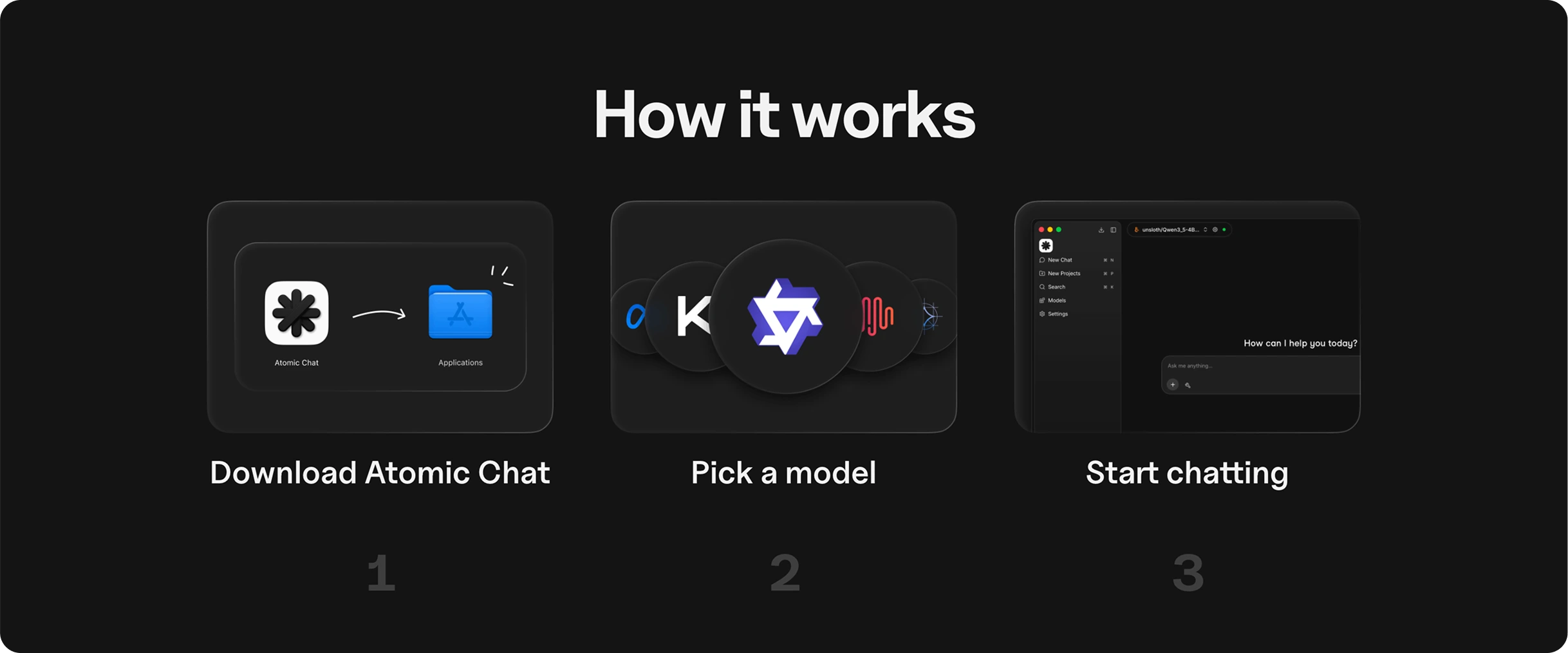
Switching is mostly re-pulling your models and re-pointing your code. No terminal step for the basics.
- Install the app
Download the free binary for macOS, Windows, or Linux (or grab the iOS/Android app). One-click install — the GUI manages the local engine for you.
- Pull the same models
Use the built-in Hugging Face browser to download the same open-weight models you ran on Ollama (Llama, Qwen, DeepSeek, Mistral, Gemma, and more) with one click.
GGUF, MLX, and ONNX are supported, so your formats carry over.
- Re-point your API clients
Atomic Chat exposes an OpenAI-compatible local server the README calls a "drop-in replacement for the OpenAI SDK," documented at http://localhost:1337/v1.
Anything that speaks the OpenAI API (agent, CLI, or IDE plugin) works by changing the base URL to that endpoint. Confirm the port in the app's Integrations tab, as it can change between versions.
- Wire up your agents
Launch OpenCode or GitHub Copilot CLI in one click from the Integrations tab, connect MCP servers for tools/file access/web search, or point OpenClaw at the OpenAI-compatible endpoint.
Same models, a GUI, a phone app, and no message caps.
FAQ
Is there a free Ollama alternative?
Yes. Several are completely free: LM Studio, Jan (Apache-2.0), GPT4All (MIT), llama.cpp, and Atomic Chat (Apache-2.0, no message caps). All run models locally using your own hardware.
Atomic Chat is one with the richest perks: local models are chosen and run in the app (you don’t need to go to HuggingFace), less token usage, multi-token prediction and integration tab – launch the OpenCode, GitHub Copilot CLI agents, OpenClaw and Hermes in one click, backed by the local API server.
→ Run Atomic Chat on macOS
→ Run Atomic Chat on Windows
→ Run Atomic Chat on Linux
What's the best Ollama alternative with a GUI?
LM Studio with a built-in model browser and local API server. Jan is a comparable open-source alternative. Atomic Chat adds mobile apps and agent integrations on top of the same GUI basics. All three run on Windows, macOS, and Linux.
Is there an Ollama alternative for Android and iPhone?
Ollama has no mobile app. Atomic Chat runs models fully on-device on iOS and Android for free. Start with a 1.5B-3B model for usable speed on mobile hardware.
→ Run Atomic Chat on iOS
→ Run Atomic Chat on Android
Is there an open-source alternative to Ollama?
Ollama is MIT-licensed, and so are several alternatives: Atomic Chat (Apache-2.0), Jan (Apache-2.0), GPT4All (MIT), llama.cpp (MIT). For fully auditable code, any of these work — they're all open-source with permissive licenses.
Can I use an Ollama alternative as a backend for Claude Code or OpenClaw?
OpenClaw accepts any OpenAI-compatible endpoint, so Atomic Chat, LM Studio, vLLM, or llama.cpp work directly — point the base URL at the local server and you're done. Claude Code expects Anthropic's format: llama.cpp, vLLM, and LM Studio typically need a LiteLLM proxy to translate.
Atomic Chat exposes an OpenAI-compatible server and ships one-click launchers for OpenCode and GitHub Copilot CLI, plus integrations for OpenClaw, Goose, Hermes, and nanobot.
Conclusion
Ollama is a great CLI daemon for quick local runs. But if you want a GUI, a phone app, fully open-source code, document RAG, or production throughput, there's a better-fit tool for each: LM Studio and Jan for GUI-first work, GPT4All and AnythingLLM for RAG, vLLM for production, llama.cpp for raw control.
And if you want most of those in one free, open-source package — a desktop GUI, live iOS and Android apps, no message caps, and a local OpenAI-compatible API — that's where Atomic Chat fits, with the honest caveat that it's newer and smaller than Ollama today.
Download Atomic Chat free for macOS, Windows, Linux, iOS, or Android. Own your AI, keep it local, and pull the same models you already run.