
Ollama and llama.cpp are among the most popular local LLM apps, and people often like to compare them. Except there's some confusion around that, because both belong to completely different categories.
If you're wondering which you should use, "Ollama vs llama.cpp," in this article we'll break that down, explain how they compare on speed and ease of use, and go over the best llama.cpp-based alternatives.
TL;DR
Quick answer: llama.cpp and Ollama are actually different types of apps. llama.cpp is the low-level engine that runs a large language model. It is written in C/C++, and it does the math of generating tokens, using GGUF quantization to compress models and improve performance. Ollama is a wrapper on top of that engine. It works like Docker for models and gives users an easy-to-use graphical interface to simplify downloading and interacting with LLMs. In short: llama.cpp is the engine that powers Ollama.
Here's what you need to know:
- llama.cpp is faster than Ollama — usually 3–10% more tokens per second on a GPU, since it's the bare engine with no layer on top.
- Ollama is easier to setup and use than llama.cpp — one command installs a model and starts chatting; llama.cpp wants you to compile it and manage model files by hand.
- Ollama and llama.cpp share the same core, so the model quality is identical.
Update: For most of its life, llama.cpp had no app of its own — it was a pure CLI tool. However, they've recently released an official app, the llama App and a new built-in WebUI, so llama.cpp is no longer strictly command-line only.
What is llama.cpp vs Ollama?
llama.cpp is an inference engine written in C and C++. Developer Georgi Gerganov released it in March 2023 as a port of Meta's LLaMA model that could run on a regular laptop instead of a data-center GPU.
The project took off because it made local AI practical. llama.cpp runs on almost anything — Apple Silicon, NVIDIA and AMD GPUs, or plain CPU — with minimal dependencies and a fast startup.
The team behind llama.cpp also created the GGUF file format that nearly every local-AI tool now uses. (On a Mac, GGUF isn't always the fastest choice — we cover that in GGUF vs MLX.)
Ollama is a tool built on top of llama.cpp that makes running models simple. Jeffrey Morgan started it in 2023, and it's often described as "Docker for LLMs": it enables users to download and run models with one command.
Everything that used to be fiddly about llama.cpp (at least before they released their own app) Ollama handles automatically. Ollama has roughly 52 million users as of early 2026.
So, the most important thing to take away from this: Ollama uses llama.cpp under the hood.
| llama.cpp | Ollama | |
|---|---|---|
| What it is | Inference engine (C/C++) | Wrapper built on llama.cpp |
| Created by | Georgi Gerganov | Jeffrey Morgan |
| Interface | Command line, compiled binary | One-line CLI + desktop app |
| Setup | Compile or download a binary, manage flags | Install, then ollama run |
| Model download | Manual (find and fetch GGUF files) | Automatic from Ollama's library |
| Speed | Fastest — the raw engine | Slightly slower (thin layer on top) |
| Control | Full (every flag, custom builds) | Sensible defaults, less tuning |
| API | Built-in server (llama-server) | OpenAI-compatible server |
| Best for | Tinkerers, max performance, custom setups | Quick start, developers, everyday use |
But then, why are people asking which is better, llama.cpp or Ollama?
Well, there are actually reasons to run LLama.cpp without ollama, and we'll cover them below.
Ollama vs llama.cpp: which is faster?
llama.cpp is faster. Because Ollama runs the same engine behind its own Go server layer, that extra layer adds overhead and costs a few tokens per second.
The gap is real but usually small. The table below shows measured throughput for the same model and quantization on the same hardware:
| Hardware | Model | llama.cpp | Ollama | Difference |
|---|---|---|---|---|
| RTX 4090 | Llama 3.1 8B Q4_K_M | 186 tok/s | 170 tok/s | 9% |
| RTX 4090 | 7B Q4 | 104 tok/s | 98 tok/s | 6% |
| Apple M3 Max | 70B Q4 | 15 tok/s | 14 tok/s | 4% |
On average, llama.cpp is about 3–10% faster than Ollama. llama.cpp can also push a larger context window on the same machine, since it isn't holding back memory for the convenience layer.
Ollama vs llama.cpp setup and ease of use
When it comes to setup, Ollama takes only two commands to get started with, while for llama.cpp most users spend 10–30 minutes to just get it running.
We won't get into specific setup instructions here, as that's a topic for another article, but to give you some idea:
You need only two commands to run Ollama:
curl -fsSL https://ollama.com/install.sh | sh
ollama run llama3
To run llama.cpp, you need to compile it for your hardware, download a GGUF model file from Hugging Face by hand, then point the binary at it with the right flags:
cmake -B build -DGGML_CUDA=ON && cmake --build build
./llama-cli -m model.gguf -p "Hello"
However, because you build llama.cpp tuned for your exact CPU or GPU, choose the quantization, and set things like context size yourself, you can squeeze even more performance or make the models behave like you want them to.
vLLM vs Ollama and llama.cpp: what's the difference?
If you've been researching Ollama vs llama.cpp, you've also probably seen that they're sometimes compared to vLLM. This is actually not entirely correct, as they're not in the same category. Let us quickly clear this up.
vLLM is a production inference server built for GPUs serving many users at once. It was created at UC Berkeley and is optimized for throughput under concurrent load, using a technique called PagedAttention to manage memory efficiently across requests.
Benchmarks show that vLLM can deliver around 2.3× the throughput at 8 concurrent users, and that gap can extend 16–20× under heavy traffic.
However, this is a moot point for most users running local LLM models, as vLLM for this purpose is overkill and not worth an even more complex setup than llama.cpp.
Ollama vs llama.cpp: which is better in 2026?
The Ollama vs llama.cpp debate is hard to settle by saying which one is better, because they're genuinely meant for different use cases and don't directly compete. As a rule of thumb:
- Ollama is better for ease of use
- llama.cpp is better for maximum speed
We'd say that for people who want to get started with local AI quickly, Ollama is better most of the time.
Here's who each one suits:
| Pick llama.cpp if you… | Pick Ollama if you… |
|---|---|
| Want the maximum tokens per second | Want to be running in two commands |
| Compile and tune for your exact hardware | Prefer sensible defaults over flags |
| Run on tight or unusual hardware | Are prototyping or scripting |
| Are building a custom inference setup | Want a model behind a clean API |
You can also use both — for example, use Ollama for everyday work, and llama.cpp for demanding long-horizon tasks where you want to squeeze out every bit of speed.
What's more, both llama.cpp and Ollama have different alternatives that are better at certain things. Most of them are llama.cpp wrappers that add their own flair on top of the engine.
Best llama.cpp alternatives
The table below shows 8 of the best llama.cpp and Ollama alternatives:
| Tool | Type | Open source? | Platforms | Best for |
|---|---|---|---|---|
| Atomic Chat | Desktop + mobile app | Yes (Apache 2.0) | Mac, Win, Linux, iOS, Android | Easiest fast, private local AI on any device |
| Ollama | CLI + app | Yes | Mac, Win, Linux | Developers scripting models into code |
| LM Studio | Desktop app | No (free) | Mac, Win, Linux | Beginners who want a GUI |
| Jan | Desktop app | Yes | Mac, Win, Linux | Privacy users who want open source |
| GPT4All | Desktop app | Yes | Mac, Win, Linux | Modest hardware, fully offline |
| KoboldCpp | Single binary | Yes | Mac, Win, Linux | Writing and roleplay |
| text-generation-webui | Web UI | Yes | Mac, Win, Linux | Power users and fine-tuning |
| llamafile | Single file | Yes | Mac, Win, Linux, BSD | Running a model as one portable file |
Let's look at each app in more detail below. For a wider roundup, see our guide to the best local LLM apps in 2026.)
Atomic Chat
Atomic Chat is a free, open-source local AI app that runs open-weight models on your own device and gives you an easy-to-use interface to interact with them. It's also the app we build, so we'll be upfront about that.
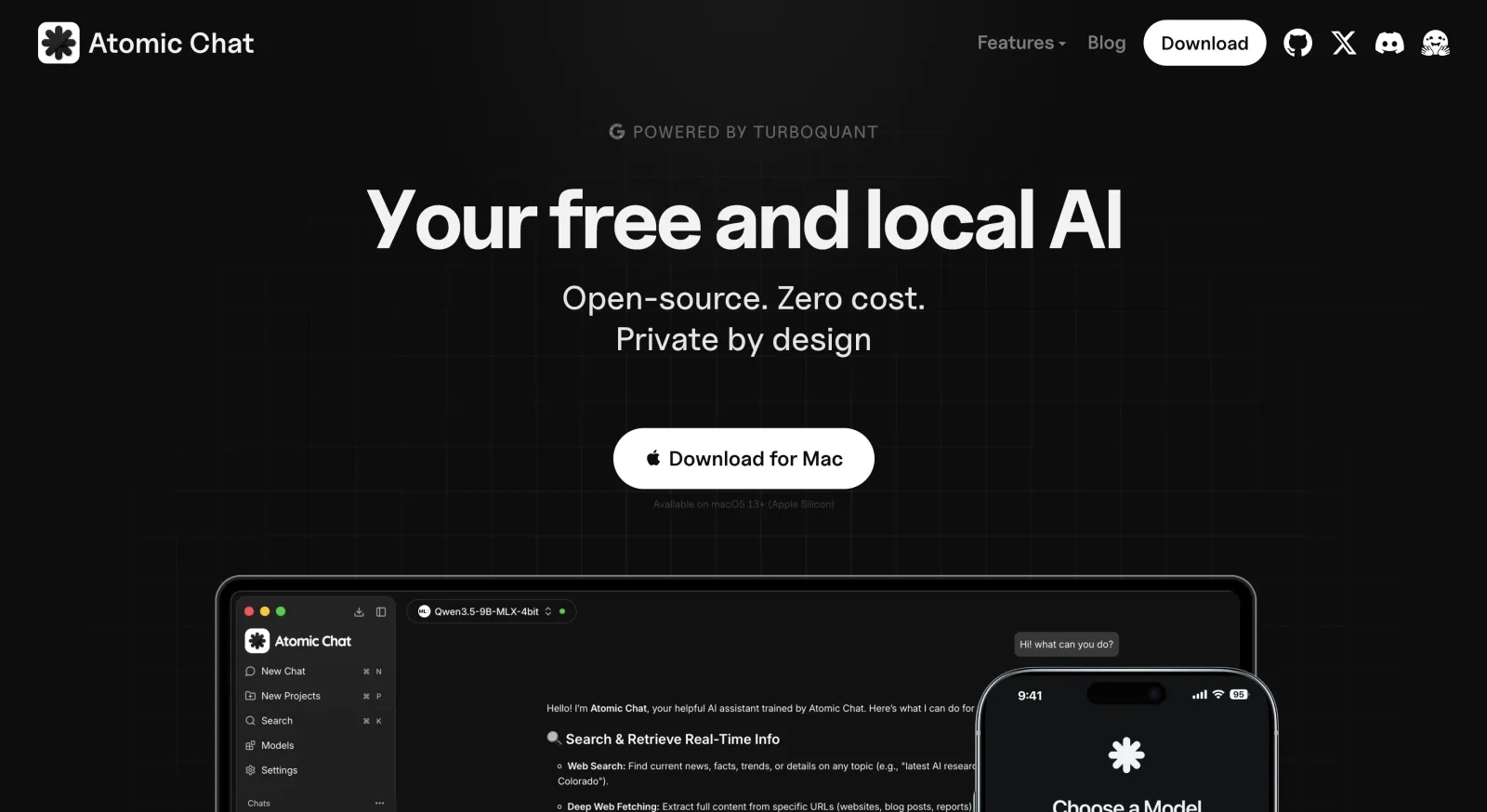
Where most wrappers simply pass models through to llama.cpp, Atomic Chat ships its own fork of an inference engine tuned to make models run faster and lighter on local hardware. That fork, TurboQuant, does two things:
- 3-bit quantization shrinks the model's weights, so a model that would normally need 24GB of memory runs in about 6GB. There's a small accuracy cost, but a 24GB model quantized down is still far smarter than a 6GB model at full size.
- KV-cache compression lets the model use its context window far more efficiently by cutting its memory footprint, so it stays accurate on long tasks and forgets less.
Two more features speed up inference — how fast the model generates output:
| Method | What it does | Speedup |
|---|---|---|
| Multi-Token Prediction (MTP) | Predicts several tokens per step instead of one | 30–70% faster, up to 3× on Gemma 4 |
| DFlash | Block-diffusion decoding | Up to 6× faster on Qwen 3.6, Gemma 4, Kimi K2.5 |
Together, these cut memory use by about 6× and make the attention step — the most memory-hungry part of running a model — up to 8× faster.
The app is written in Rust and Tauri and released under the Apache 2.0 license, and it runs on macOS, Windows, Linux, iPhone, and Android. On Apple Silicon, Atomic Chat can switch to an MLX-VLM engine for vision models, which runs on the Mac's Neural Engine.
Atomic Chat installs in one click and has a built-in model browser for pulling any of 1,000+ models from Hugging Face across the GGUF, MLX, and ONNX formats. Chat history persists across sessions.
For agentic work, Atomic Chat exposes an OpenAI-compatible API at http://localhost:1337/v1, so you can point an IDE plugin or AI IDE like Claude Code or Cursor at your local model. It also fully supports the Model Context Protocol (MCP), with built-in integrations for Gmail, Slack, Telegram, and Figma.
Best for: anyone who wants the easiest path to fast, fully private local AI on any device, phone included.
Ollama
Ollama is the most popular llama.cpp wrapper — it passed 172,000 GitHub stars in 2026 and grew to tens of millions of monthly downloads.
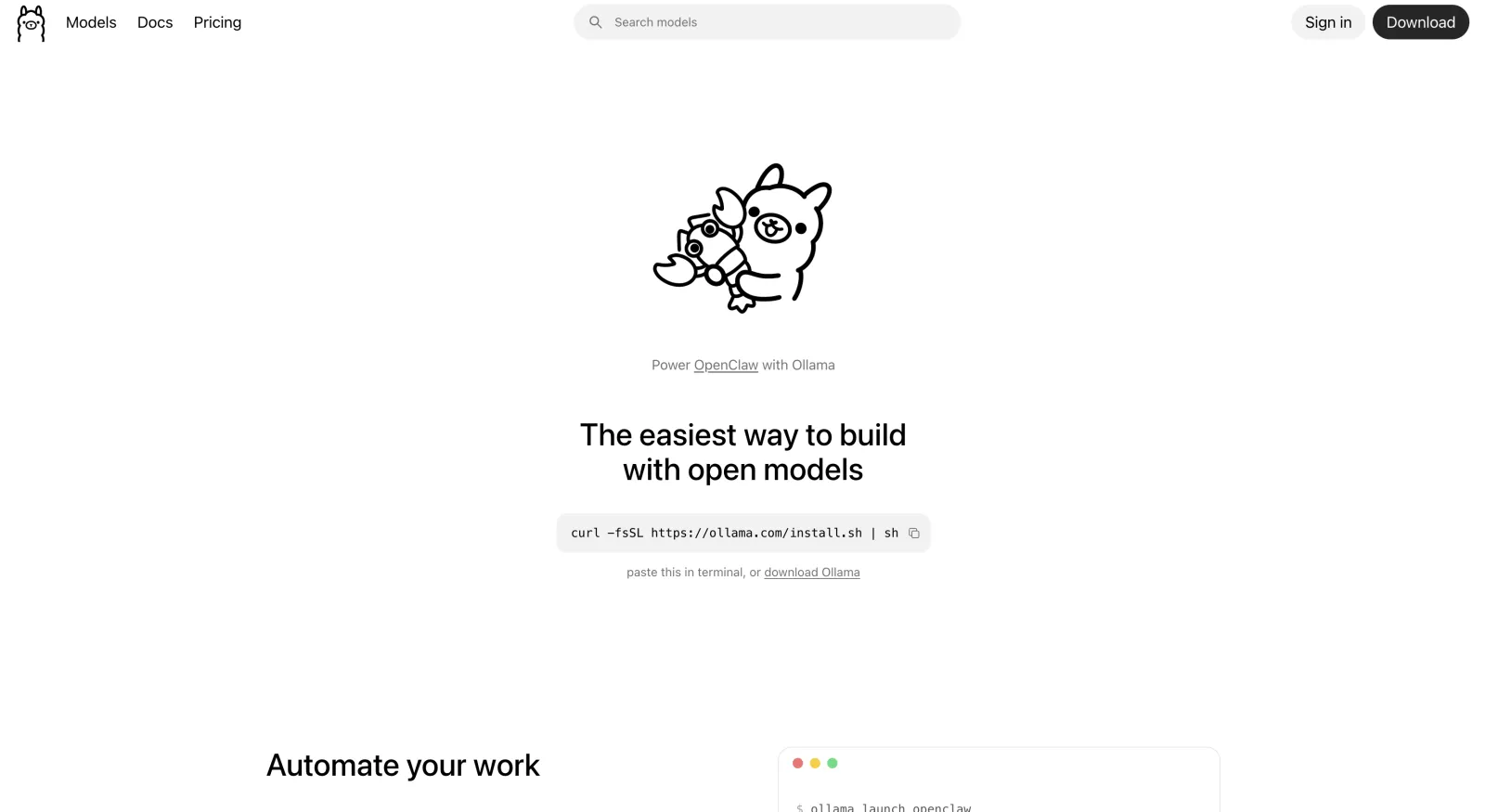
Ollama key features:
- Docker-style CLI (
pull,run,serve) - Automatic model downloads from Ollama's own library
- OpenAI-compatible API server for apps and scripts
- A native desktop app added in 2025 for non-terminal users
For a deeper look at how Ollama stacks up against a GUI tool, see our guide on Ollama vs LM Studio.
Best for: developers who live in the terminal and want to embed a model into code.
LM Studio
LM Studio is a free desktop app for running local models, built by Yagil Burowski and launched in 2023.
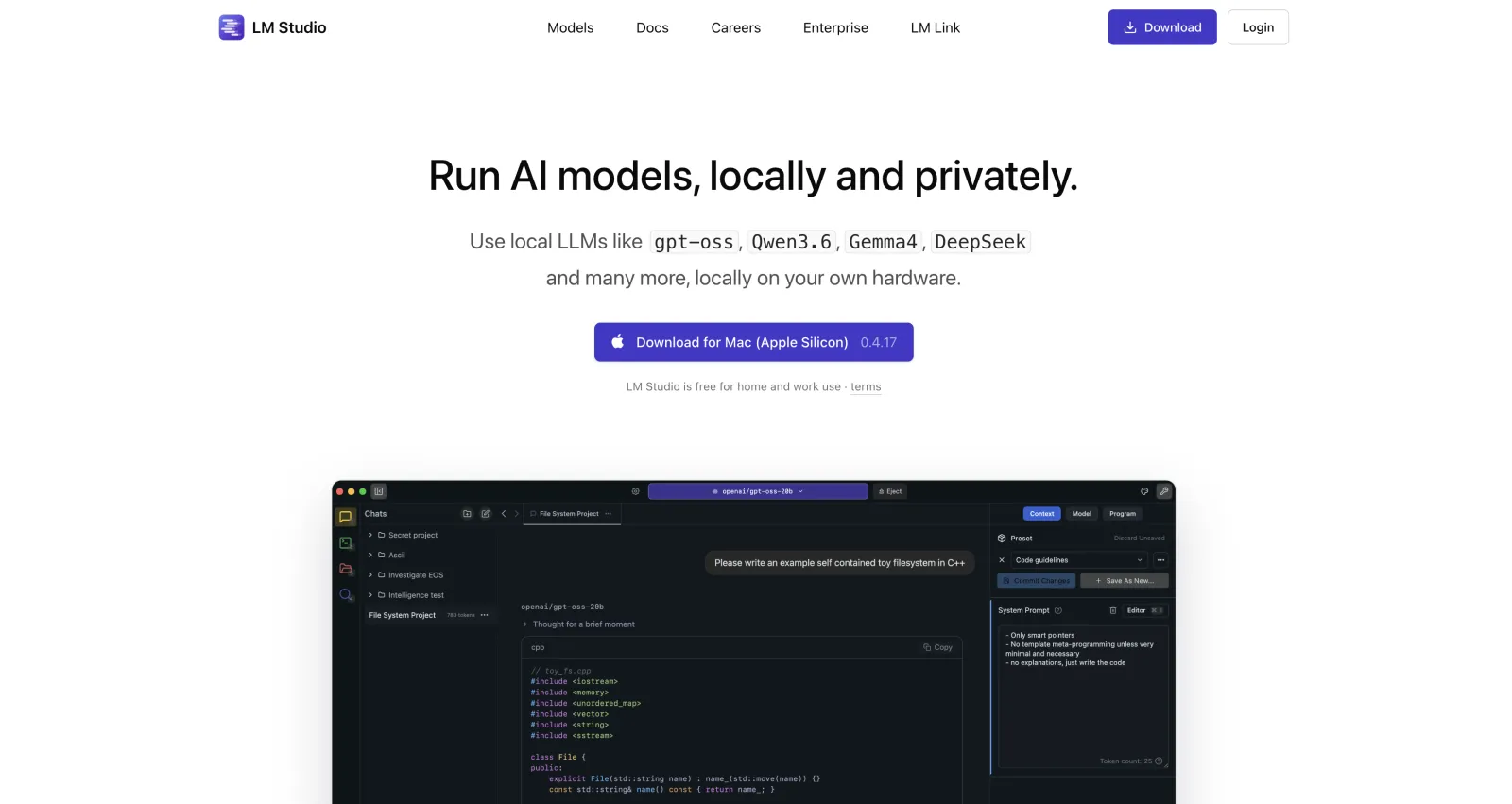
Note: the app is closed-source but free for personal use.
LM Studio's reputation is as the most beginner-friendly option. It has a polished GUI, integrated Hugging Face model browser, and a chat application.
Best for: non-technical users who want a clean desktop app with model search built in.
Jan
Jan is an open-source desktop app built by Menlo Research (formerly Homebrew Computer Company) and positioned as an open alternative to LM Studio. Jan heavily leans on privacy focused features — it ships with no telemetry by default, for example. Menlo also trains its own small models, like the compact Jan-Nano built for research tasks, and Jan has strong Model Context Protocol support for agent tools.

Best for: privacy-minded users who specifically want open-source.
GPT4All
GPT4All, released by Nomic AI in March 2023, is built to run small models on the CPU.
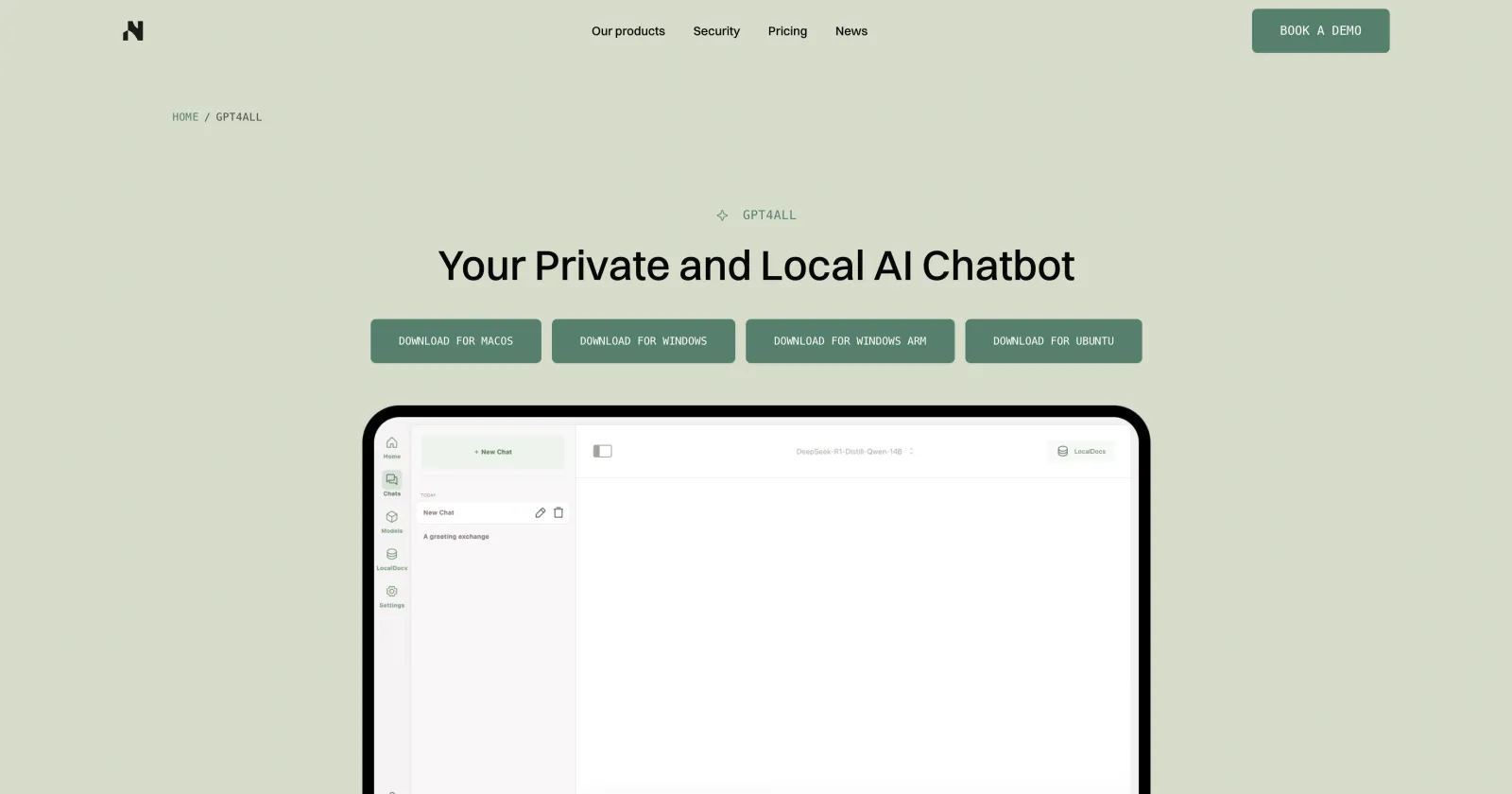
GPT4All is optimized to run 3–13B models on a regular laptop or desktop with no GPU at all, which is what made it an early on-ramp for people without dedicated hardware.
Its standout feature is LocalDocs, a built-in RAG system which allows you to point it at a folder, and it indexes your files using Nomic's embedding models so the model can answer questions from your own documents, entirely offline.
GPT4All also runs an OpenAI-compatible API server, and Nomic open-sourced the code to train your own models on top.
Best for: users on modest hardware
KoboldCpp
KoboldCpp is a single-binary tool built directly on llama.cpp by a developer who goes by LostRuins (or Concedo). Started in March 2023, it has around 10,700 GitHub stars and a devoted following in the creative-writing scene.
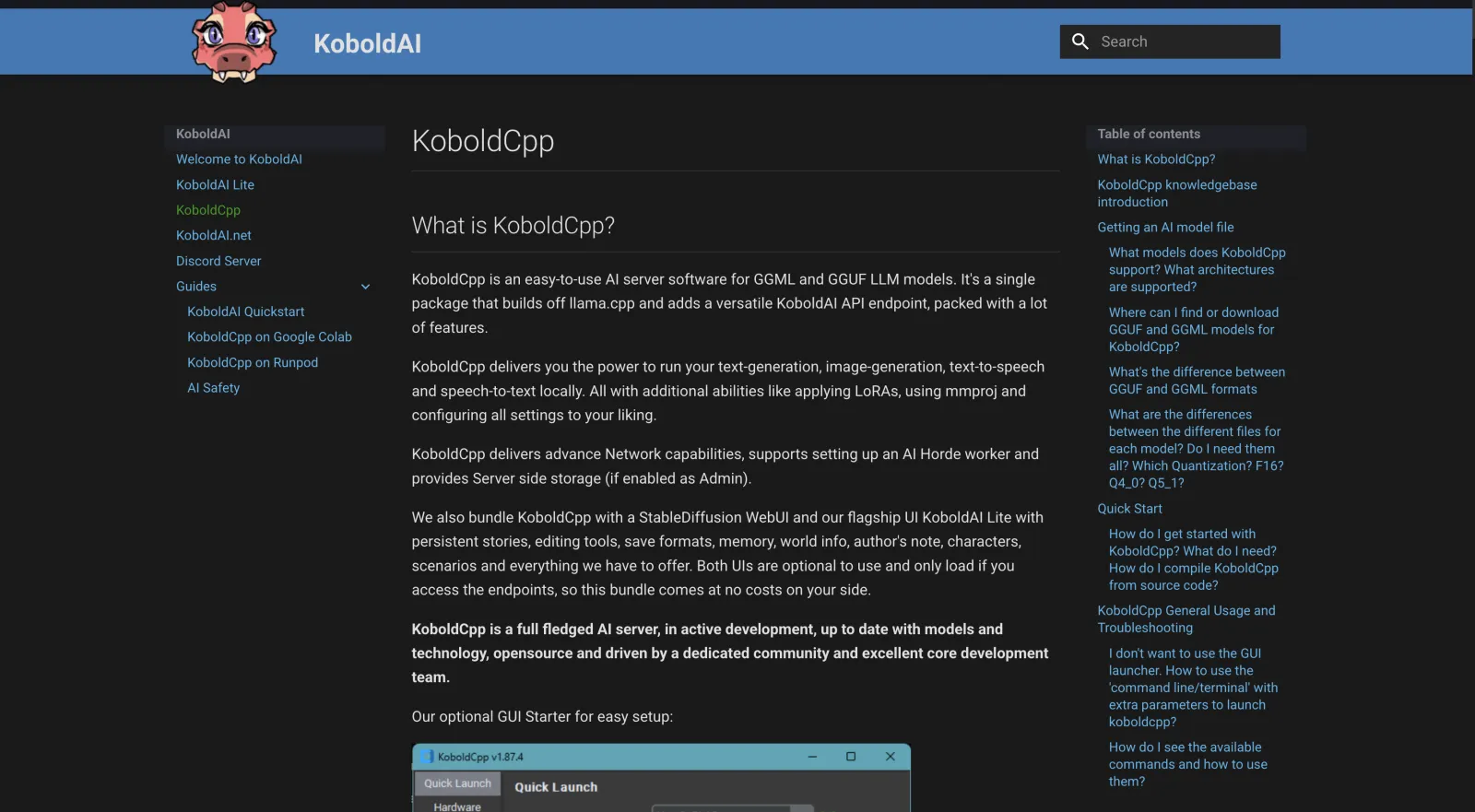
KoboldCpp's niche is fiction and roleplay, but it packs in far more than a chat box. The single executable bundles the KoboldAI Lite UI — with memory, world info, author's note, characters, and scenarios — and adds image generation via StableDiffusion.cpp, plus Whisper voice input and text-to-speech, all running locally.
It also handles context differently. Its context-shifting lets you push the window past a model's official size, and it still reads legacy GGML files alongside modern GGUF, which keeps older models working.
KoboldCpp key features:
- One executable, zero install, with the KoboldAI Lite writing UI
- Memory, world info, author's note, and character/scenario tools for stories
- Built-in image generation (StableDiffusion.cpp) and Whisper speech-to-text
- Context-shifting past the model's limit, plus legacy GGML and GGUF support
Best for: writers and roleplayers who want a no-install creative-writing setup.
text-generation-webui
text-generation-webui (better known as oobabooga) supports llama.cpp, Transformers, ExLlamaV2, AutoGPTQ, ExLlama, AutoAWQ, and several other text generation interfaces.
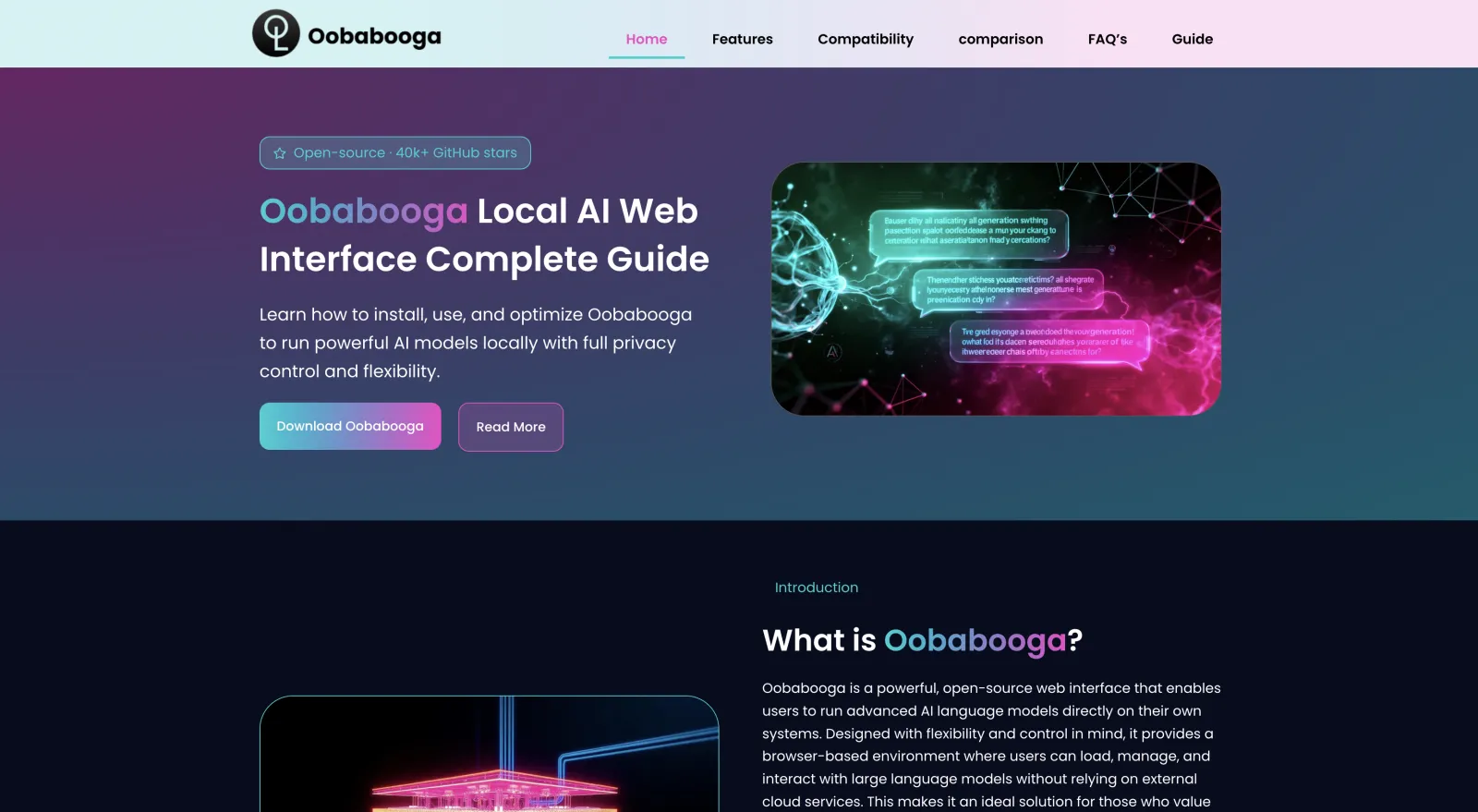
Why would you want that? It essentially maximizes the number of models you can run using one app.
In text-generation-webui, users can manage models, create reusable prompt templates, organize character profiles, browse conversation history, expose an OpenAI-compatible API, and extend functionality through a large plugin ecosystem.
text-generation-webui also includes built-in support for LoRA fine-tuning, enabling lightweight training workflows without relying on external tools.
Best for: advanced users who want a highly configurable web interface for experimenting with different inference backends, model formats, and lightweight fine-tuning workflows.
llamafile
llamafile is an app that can pack a model and the llama.cpp engine into a single executable file — think about it like a .zip archiver but for large languate models.
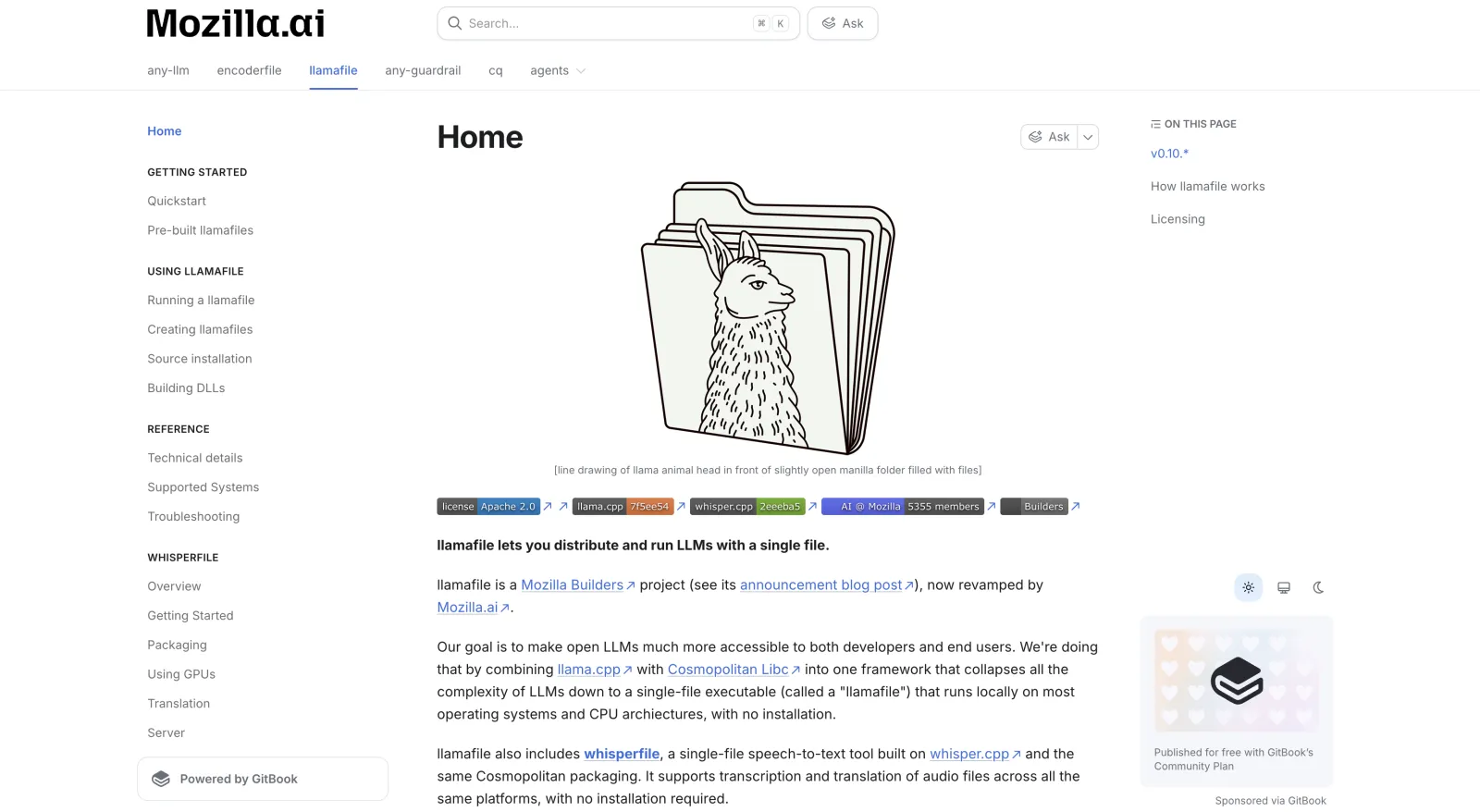
When you dowload a llamafile and run it, the model gets installed and you can use it instantly.
The project was built by Justine Tunney and released through Mozilla in November 2023.
llamafile key features:
- A single executable containing both the model and the engine
- Runs unmodified on six operating systems via Cosmopolitan Libc
- No install, no dependencies, no separate model file
- Backed by Mozilla's open-source group
Best for: sharing or running a model as a single portable file with zero setup.
Frequently asked questions
What is Ollama?
Ollama is a free, open-source tool for running large language models locally. It wraps the llama.cpp engine in a simple command-line workflow and a background server, so one command downloads a model and another runs it, with quantization and model management handled automatically.
What is llama.cpp?
llama.cpp is an open-source inference engine written in C and C++ that runs large language models on ordinary hardware, from laptops to phones. Created by Georgi Gerganov in 2023, llama.cpp is the engine most other local-AI tools — including Ollama — are built on, and it created the GGUF model format used across the ecosystem.
Does Ollama use llama.cpp?
Yes. Ollama runs on llama.cpp under the hood — llama.cpp is the engine that actually generates the text. Ollama adds automatic downloads, a clean command-line tool, and an API on top, so you get llama.cpp's performance without compiling or configuring it yourself.
Why are people comparing Ollama vs llama.cpp?
People compare Ollama vs llama.cpp because, from the outside, both let you download a model and chat with it locally. The comparison is really about layers, though: llama.cpp is the engine, and Ollama is a wrapper around it. The practical question isn't which is better but whether you want raw speed and control (llama.cpp) or convenience (Ollama).
Is llama.cpp faster than Ollama?
Yes, llama.cpp is faster than Ollama, because Ollama runs the same engine with a management layer on top. The gap ranges from a few percent in light use to llama.cpp being 13–80% faster in some benchmarks — one test measured 161 tokens per second for llama.cpp versus 89 for Ollama. For most local use the difference is small.
When should you choose llama.cpp, and when Ollama?
Choose llama.cpp when you want maximum speed and control — compiling for your exact hardware, tuning settings, or running on tight hardware. Choose Ollama when you want to start fast and don't need to optimize, like prototyping or wiring a model into a script. Many people keep both for different jobs.
What is the best llama.cpp alternative?
Atomic Chat is the best llama.cpp alternative for most people who want speed without the setup. It runs the same kind of models behind a one-click app on any device, including phones, and adds its own TurboQuant engine to run larger models in less memory. Ollama and LM Studio are strong alternatives too — Ollama for developers, LM Studio for a beginner-friendly desktop GUI. We rank more of them in 10 best Ollama alternatives.
The bottom line
In short, Ollama and llama.cpp are often compared, but they are not the same thing. In reality, llama.cpp is an engine that powers Ollama.
While you can run llama.cpp without Ollama — and there is some merit in doing so, mostly in terms of a 10–13% performance boost — it is much harder to set up and configure. Until recently, you also needed a UI to interact with the model. However, llama.cpp has now released their own Llama App.
With that in mind, here are the key takeaways from this article:
- llama.cpp is a C/C++ inference engine for running GGUF models locally. It provides low-level control over model loading, quantization, GPU offloading, sampling, batching, and memory management.
- Ollama builds on top of llama.cpp (while adding its own runtime and tooling), exposing a simplified CLI, REST API, model library, and lifecycle management.
- llama.cpp offers the most control and typically the best raw performance for single-user inference. You choose the model files, compilation options, GPU backend (CUDA, Metal, Vulkan, HIP, SYCL, etc.), runtime parameters, and update schedule. That flexibility comes at the cost of a more hands-on setup.
- Ollama prioritizes developer experience. Installing models, updating them, serving an API, and managing prompts can all be done with a few commands.