

LM Studio is one of the best-known applications for running AI models locally. As a local LLM GUI, it's optimized for chatting with local models and testing new ones, making it a popular choice for beginners and enthusiasts alike. However, depending on your needs, it may not be the best fit.
In this guide you'll learn:
- Why you might want to consider an alternative to LM Studio
- The best LM Studio alternatives for running AI models offline, including open-source and cross-platform options for Mac, Windows, and Linux
- Which alternative is the best choice for your specific use case
TLDR
The biggest reasons to consider an alternative to LM Studio are its relatively limited support for older hardware, lack of optimization for AMD GPUs, and whether its desktop GUI workflow fits your needs. LM Studio also supports GUI-free operation through llmster, so headless, scriptable, and agentic workflows should be compared by their supported features. (If you're new to this, our guide on how to run an LLM locally covers the basics.)
There's also the open source factor. Local AI models and tooling are among the most active open source ecosystems today, while LM Studio remains proprietary and closed source, and that by itself is a reason to consider an alternative for some people.
So, what are the best LM Studio alternatives? Our top picks are (in no particular order):
- Atomic Chat. A local AI app we developed. Atomic Chat lets you run over 1,000 local AI models from Hugging Face on your machine, serves an OpenAI-compatible interface to headless models for agents like OpenClaw, Hermes, and Kilo, and supports TurboQuant, which offers up to ~4x performance boost through KV optimization.
- Ollama. A lightweight local AI runtime and backend for building applications. Ollama makes it easy to download, manage, and serve language models through a simple API.
- Jan. An open-source desktop app that is perfect if you just want to download a model and chat. It has one of the most user-friendly UIs, perfect for creating an offline ChatGPT experience.
- llama.cpp. An inference engine that, run without a wrapper, provides fast, efficient CPU and GPU inference for GGUF models.
- AnythingLLM. A local AI workspace focused on documents and retrieval-augmented generation (RAG). It lets you chat with your files, connect knowledge sources, and build assistants backed by your own data.
- Open WebUI. A polished web interface for local and hosted AI models. It supports multi-model chat, agents, tools, and workflows, though, despite the name, it is no longer fully open source.
- Text Generation WebUI. A comprehensive interface for running, testing, and fine-tuning local language models. It supports multiple inference backends and remains one of the few desktop tools with built-in fine-tuning capabilities.
- Lemonade. A local inference engine designed for AMD hardware. It is currently the only major local AI runtime with support for running models on NPUs, in addition to CPUs and GPUs.
LM Studio alternatives compared
Here's how the alternatives stack up across the features that matter most when picking a local LLM GUI or backend.
| Project | Open source | Inference engine | MCP | Headless/API server | Load your GGUF files | Built-in model browser | Mobile | Account required | Main use case |
|---|---|---|---|---|---|---|---|---|---|
| LM Studio | No | llama.cpp, MLX (Apple Silicon) | Client + server | Yes | Yes | Yes (Hugging Face integration) | No | No | Polished desktop local AI app |
| Atomic Chat | Yes | llama.cpp | Yes | Yes | Yes | Yes | Yes | No | Cross-device local AI chat |
| Ollama | Yes | Ollama runtime (based on llama.cpp components) | No | Yes | Import only | Yes | No official app | No | Developer backend and local API |
| Jan | Yes | llama.cpp, Nitro | Yes | Limited | Yes | Yes | No | No | Open-source LM Studio alternative |
| llama.cpp | Yes | llama.cpp | Experimental | Yes | Yes | No | No | No | Low-level inference engine |
| AnythingLLM | Yes | Backend agnostic (Ollama, LM Studio, llama.cpp, vLLM, etc.) | Yes | Yes | Via backend | Yes | No | No | RAG and document chat |
| Open WebUI | Source-available | Backend agnostic | Yes | Yes | Via backend | Yes | No | Local login usually required | Web interface for local models |
| Text Generation WebUI | Yes | Transformers, llama.cpp, ExLlamaV2, others | Yes | Yes | Yes | Yes | No | No | Power users, research, fine-tuning |
| Lemonade | Yes | ONNX Runtime | MCP server | Yes | Limited (managed model directory) | Yes | No | No | AMD hardware and NPU acceleration |
Desktop AI apps
Desktop AI apps are the most direct alternatives to LM Studio. Each is a local LLM GUI in its own right, giving you a graphical interface to download, manage, and chat with models, with its own unique features on top.
Atomic Chat
Atomic Chat is an open-source local AI application built by us, that allows you to:
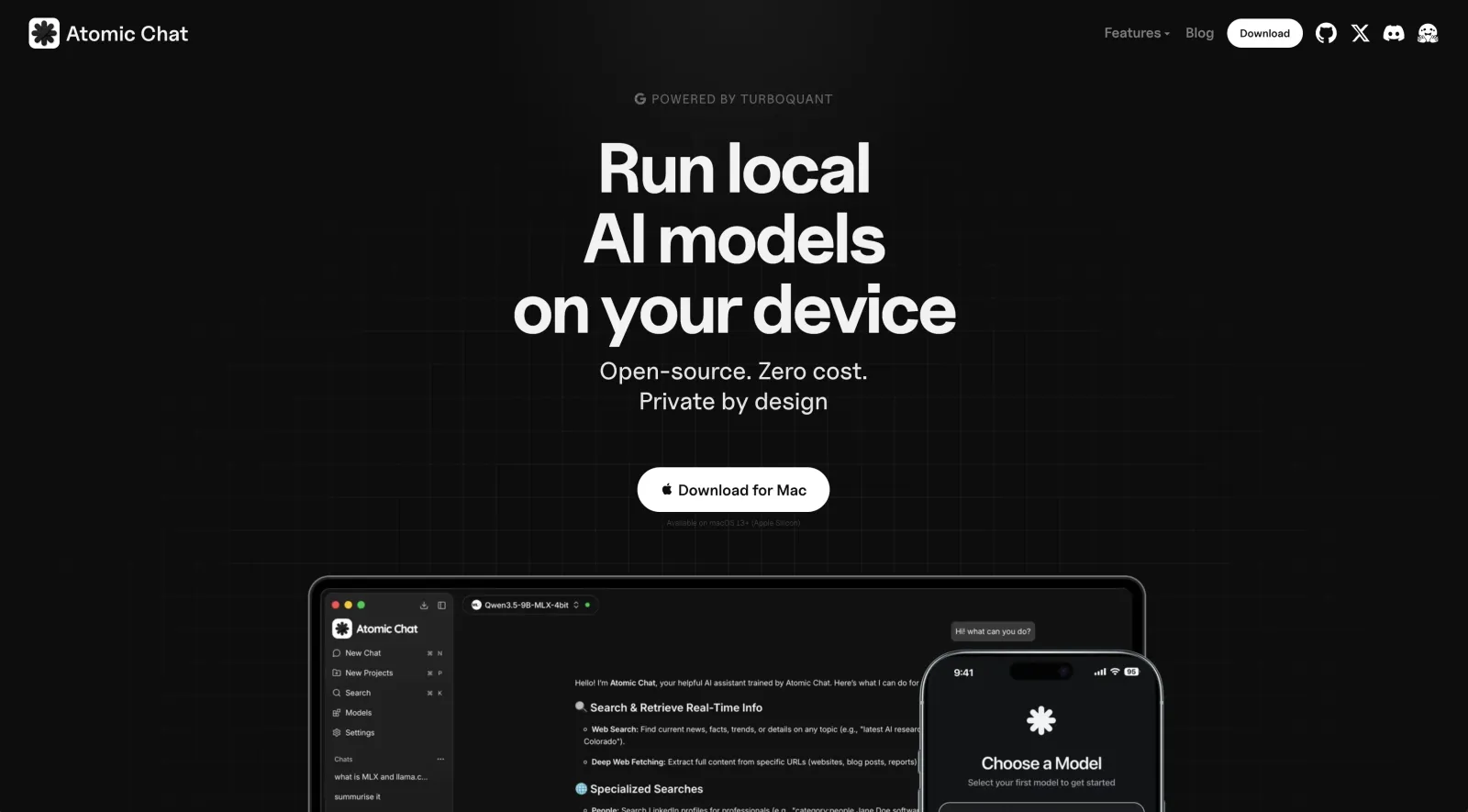
- Easily run AI models locally
- Run offline AI on desktop and mobile devices
- Easily connect local models to modern AI tooling such as coding agents and MCP servers
Atomic Chat does not require an account and does not rely on a mandatory cloud service, so it runs fully offline and is 100% free. The app features an integrated Hugging Face browser, making it very easy to find, download, and run local models.
Key features of Atomic Chat:
- Mobile apps: Atomic Chat is one of the few local AI applications with native apps for both desktop and mobile. Small local models can run directly on phones and tablets, and with Atomic Chat, you can take advantage of offline AI even on the go. (We round up the field in offline AI apps for iPhone and Android.)
- Agent and MCP support: Atomic Chat includes support for MCP (Model Context Protocol), allowing local models to connect with external tools and services. It also includes one-click launchers for popular coding agents, including Claude Code, Codex CLI, Cline, OpenCode, Droid, Goose, OpenHands, Copilot CLI, Kilo Code, and Zed.
- Multiple inference backends: Atomic Chat supports multiple inference engines depending on the hardware and model type: a customized llama.cpp fork with TurboQuant optimizations, upstream llama.cpp, and MLX-VLM for vision models on Apple Silicon. We use a different backend depending on your hardware configuration. For example, on ARM Macs the MLX backend can deliver up to 4x faster inference.
- TurboQuant memory optimization:TurboQuant is designed to reduce the memory required for the KV cache, a component used to store previous context during generation, providing up to a 4.3× reduction in KV-cache memory footprint on CPU and GPU workloads.
- Specific performance optimizations: Atomic Chat also uses MTP (Multi-Token Prediction), which focuses on increasing generation speed by predicting multiple tokens ahead, and DFlash, which uses speculative decoding techniques to accelerate certain models.
- OpenAI-compatible local API: Atomic Chat provides a local OpenAI-compatible API server running on localhost:1337, which you can point your AI agents or apps at.
Atomic Chat is best suited for… users who want a single local AI application that works across desktop and mobile, supports local models from Hugging Face, and integrates directly with modern agent workflows. It is less focused on being a minimal backend or a low-level inference toolkit.
Jan AI
Jan is an open-source desktop AI application designed as a local-first alternative to tools like LM Studio. It provides a graphical interface for downloading and running local models, while also exposing APIs that allow other applications to connect to them.

Unlike Ollama, which focuses primarily on being a backend runtime, Jan aims to provide a complete desktop experience with model management, chat, extensions, and developer features built into one application.
Key features of Jan:
- Open-source desktop app: Jan is released under the Apache-2.0 license. The entire application stack is publicly available, making it possible to inspect, modify, and contribute to the project.
- Multiple inference engines: Jan supports local inference through llama.cpp and its own Nitro engine. This allows it to run GGUF models while providing a higher-level interface for everyday users.
- Model management: Jan includes an integrated model browser and downloader, allowing users to find and install models without manually managing files. Existing GGUF models can also be imported.
- MCP support: Jan includes Model Context Protocol support, allowing local models to connect with external tools and services through a standardized interface.
- OpenAI-compatible API: Jan can expose local models through an OpenAI-compatible API, allowing it to act as a local replacement for cloud AI providers in compatible applications.
Jan limitations: Jan is primarily a desktop application rather than a headless server. While it can provide API access, it generally requires the desktop application to be launched first, making it less suitable for always-on server deployments compared with Ollama or llama.cpp.
Jan is best suited for… users who want an open-source LM Studio alternative with a polished desktop interface, local model management, and support for modern AI integrations such as MCP. It is less focused on server deployments or being a minimal inference backend.
Local AI backends
Local AI backends give you a way to run offline AI models in headless mode and serve them to other apps that use AI, or to power coding agents like OpenClaw, Kilo, and Cline.
Ollama
Ollama is designed primarily as a backend. It runs models locally and provides an API that other applications, scripts, and AI agents can connect to. Because of this design, it became the de facto developer standard for local inference. (For a runtime-vs-engine breakdown, see Ollama vs llama.cpp; for a head-to-head with LM Studio, see Ollama vs LM Studio.)
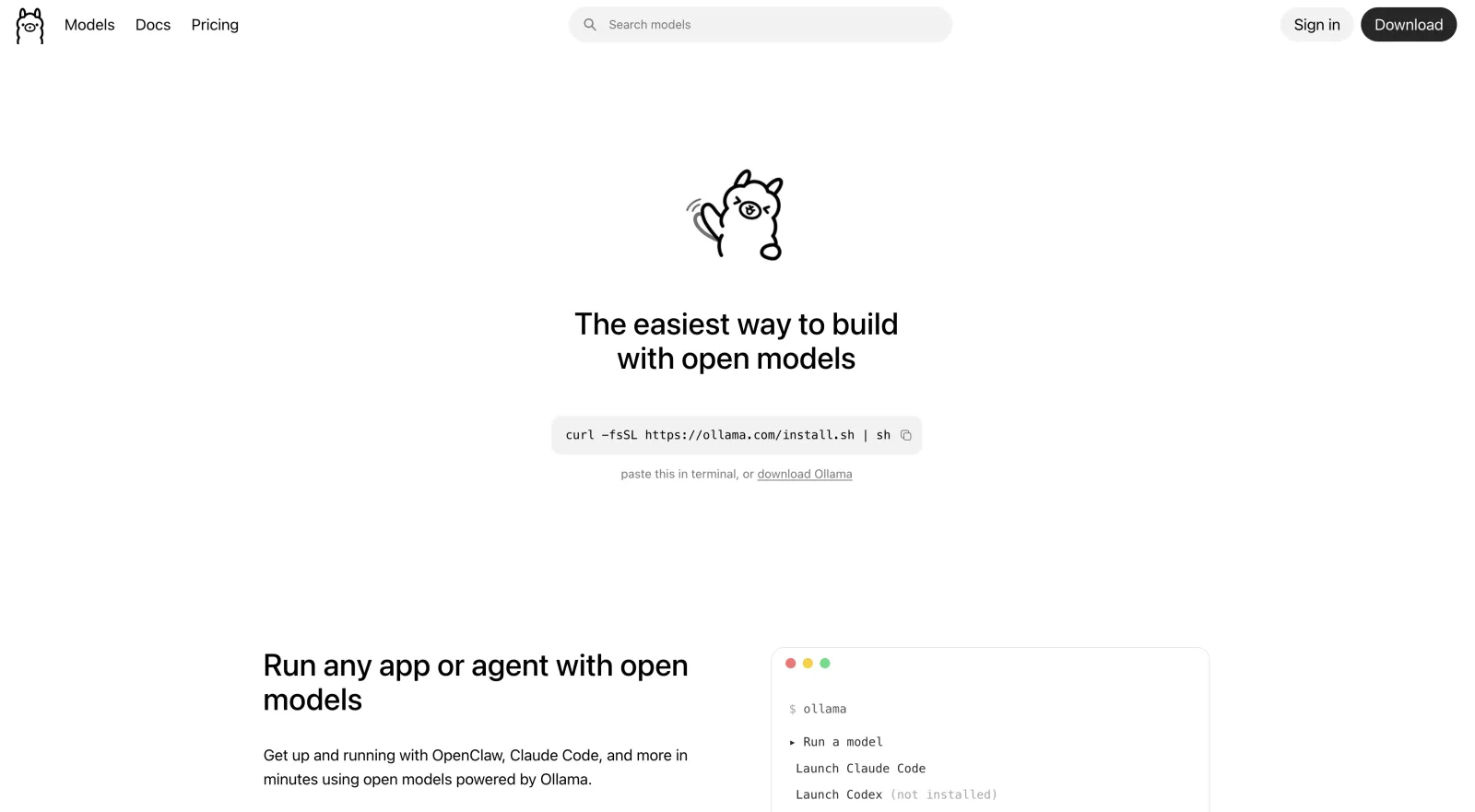
Key features of Ollama:
- Open-source runtime: Ollama is released under the MIT license. The desktop application was initially developed separately, but its source code was later merged into the main open-source repository.
- Multiple inference backends: Ollama uses a combination of its own runtime components, llama.cpp-based execution, and MLX support for Apple Silicon.
- Agent tooling: Ollama includes built-in tools for agent workflows, including command execution, file access, web tools, approval controls, context management, and an Anthropic-style Skills system.
- Built for deployment: Ollama can run as a background service, inside Docker containers, or as a headless server. This makes it a common choice for developers building applications on top of local models.
- API compatibility: Ollama supports OpenAI-compatible APIs and also provides compatibility with Anthropic-style workflows, making it easy to connect with existing AI tools.
Ollama limitations: Notably, Ollama does not support MCP (Model Context Protocol) natively. Instead, it has developed its own agent tooling ecosystem rather than adopting MCP as the integration layer. Model management is also different from many desktop AI apps. Ollama stores models in its own managed storage system instead of allowing users to directly browse arbitrary folders of GGUF files. Existing models usually need to be imported through a Modelfile workflow, which may require additional disk space during migration.
Ollama is best suited for… developers who need a reliable local AI backend for applications, scripts, automation, and AI agents. If Ollama isn't quite right, we compare the field in 10 best Ollama alternatives.
llama.cpp
llama.cpp is a low-level inference engine — unlike GUI apps like Atomic Chat, LM Studio, or Jan, llama.cpp doesn't offer a complete user interface or model manager. Instead, it offers an incredibly lightweight engine designed to run large language models efficiently across CPUs, GPUs, and different operating systems. Because of its performance, portability, and broad hardware support, many local AI applications use llama.cpp as their underlying engine.
While you usually wouldn't run llama.cpp without a wrapper, there are situations when that becomes advantageous, such as when you need absolute control over hardware resource allocation, minimal memory overhead for constrained environments, or direct integration into custom automated scripts.
Key features of llama.cpp:
- Open-source inference engine: llama.cpp is released under the MIT license and is one of the most widely used projects for local LLM inference.
- Broad hardware support: llama.cpp supports CPU inference and acceleration through multiple backends, including CUDA for NVIDIA GPUs, Metal for Apple Silicon, Vulkan, and other hardware acceleration layers.
- Runs almost anywhere: llama.cpp can run as a command-line application, local server, embedded library, or as the inference backend inside other applications.
- Advanced optimization: llama.cpp includes extensive performance optimizations such as quantization support, GPU offloading, Flash Attention support, speculative decoding, and other techniques designed to reduce memory usage and improve generation speed.
llama.cpp limitations: llama.cpp is a low-level inference engine. It does not provide a built-in model marketplace, polished chat interface, mobile apps, document management, or agent workflows.
llama.cpp is best suited for… developers, researchers, and advanced users who want maximum control over local model execution, hardware acceleration, and deployment.
Lemonade
Lemonade is an open-source local AI runtime focused on hardware acceleration, especially on AMD systems and modern AI PCs with NPUs. Unlike general-purpose applications such as LM Studio or Jan, Lemonade is designed around making local inference efficient on hardware that is often overlooked by mainstream AI tools.

Its main goal is to provide a unified way to run local models using available accelerators, including AMD GPUs, Ryzen AI NPUs, and other supported hardware.
Key features of Lemonade:
- Hardware acceleration: Lemonade is designed around AMD and NPU-based systems, making it one of the few local AI projects specifically targeting hardware outside the NVIDIA ecosystem. It uses optimized runtimes to take advantage of available compute resources instead of relying only on CPU inference.
- AMD-focused support: Many local AI applications prioritize NVIDIA CUDA or Apple Silicon. Lemonade focuses on improving the experience for AMD users, where software support has historically been more fragmented.
- Local model management: Lemonade provides access to supported models through its own model catalog and management system rather than requiring users to manually manage individual model files.
Lemonade limitations: Lemonade is more hardware-focused than user-interface focused. It is not designed to replace applications like LM Studio for general chatting, model exploration, or a polished desktop experience.
Lemonade is best suited for… users with AMD GPUs, Ryzen AI systems, or NPUs who want better local AI acceleration and a runtime designed around their hardware.
AI workspaces and specialized tools
These apps are highly optimized for specific AI use cases, such as information retrieval and chatting with documents. Sometimes, you'll use them with desktop AI apps, such as Atomic Chat or LM Studio, which run the actual model. This allows you to do more with the model.
AnythingLLM
AnythingLLM is designed to connect models to documents, knowledge bases, and business data through retrieval-augmented generation (RAG) and chatting with documents.
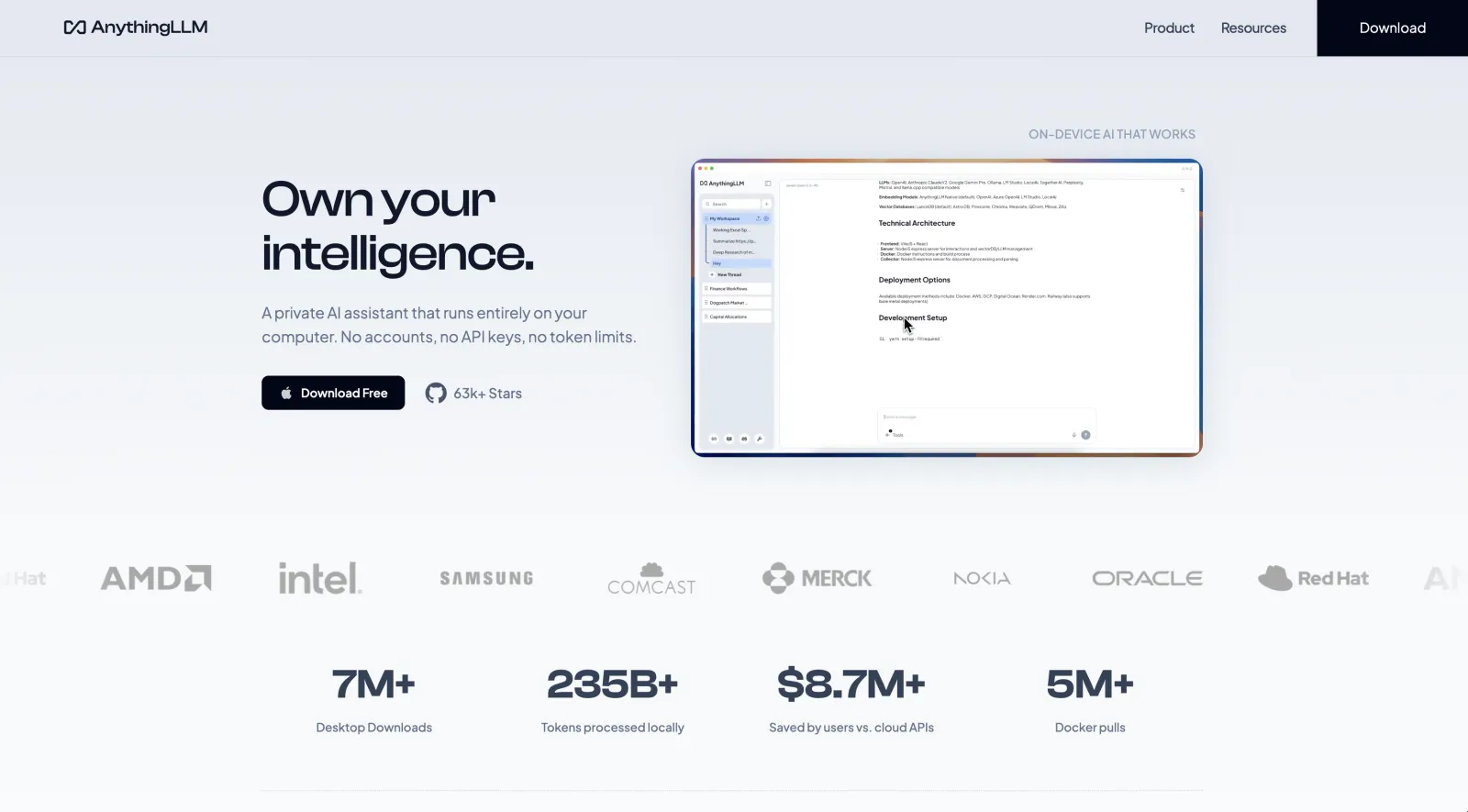
It works as a frontend that can connect to many different AI backends, including Ollama, LM Studio, llama.cpp-based servers, and cloud providers.
Key features of AnythingLLM:
- Document AI and RAG: AnythingLLM's main focus is allowing users to chat with their own files. Documents can be uploaded, processed, and converted into searchable knowledge bases that local models can reference during conversations.
- Agents and tools: AnythingLLM includes AI agents that can use tools, interact with connected services, and perform tasks beyond simple chat. It also supports MCP integrations for connecting models with external tools.
- Server deployments: AnythingLLM can be deployed as a self-hosted web app, making it suitable for teams.
AnythingLLM limitations: AnythingLLM is a knowledge and workflow layer. You'll still need a compatible backend to run models locally, meaning performance and hardware support depend on the selected model runtime.
AnythingLLM is best suited for… users who want to build private AI assistants around their own documents, notes, and internal knowledge.
Open WebUI
Open WebUI is a self-hosted AI interface designed to provide a ChatGPT-like experience for local and remote models. It doesn't run models, but instead focuses on creating a rich environment to interact with them. To use it, you'll need an engine like Atomic Chat, LM Studio, or Jan.
Key features of Open WebUI:
- Can talk to models running on different backends: Including Atomic Chat, Ollama, OpenAI-compatible APIs, llama.cpp servers, and other local inference backends.
- ChatGPT-style interface: Open WebUI looks a lot like a local version of ChatGPT.
- Document chat and RAG: Open WebUI includes support for retrieval-augmented generation, allowing users to upload documents and query them with local models.
- Multi-user support: Open WebUI is designed for shared deployments as it includes user accounts, permissions, administration controls, and can be hosted as an internal AI service.
- Self-hosted deployment: Open WebUI can run through Docker or directly on a server, making it suitable for always-on deployments rather than occasional desktop use.
Open WebUI limitations: The main limitation is that Open WebUI is not an inference engine — it's a frontend, so you'll need another app to run the model that will expose its output to Open WebUI. This makes it slightly more complex than LM Studio or Jan, as you'll need to set up a server, manage accounts, and configure the backend.
Open WebUI is best suited for… users who want a self-hosted AI platform with a web interface, multiple users, document workflows, and support for many model backends.
TextGen (Text Generation WebUI)
TextGen (formerly known as Text Generation WebUI) is a powerful open-source interface for running and experimenting with local language models. It's aimed at advanced users who want access to different inference engines, model formats, extensions, and fine-tuning tools, and is often used by enthusiasts, researchers, and developers who need control over how models are loaded and optimized.
Key features of Text Generation WebUI:
- Support for many inference backends: Text Generation WebUI supports Transformers, llama.cpp, ExLlamaV2, AutoGPTQ, and other backends, and you can manually choose between them.
- Support for unique model formats: Beyond GGUF, Text Generation WebUI supports safetensors and other formats optimized for NVIDIA GPUs and transformer-based workflows, for example.
- Fine-tuning support: One of the biggest advantages of TextGen is built-in support for model training workflows, including LoRA fine-tuning.
- Extensions and customization: Text Generation WebUI has a large extension ecosystem that adds features such as additional tools, custom interfaces, multimodal capabilities, and integrations.
- Advanced controls: TextGen allows you to tune generation parameters, memory settings, quantization options, and context length to customize how the model behaves. This customization depth makes it perfect for advanced users, but can also overwhelm.
Text Generation WebUI limitations: Compared with Atomic Chat, LM Studio, Jan, or Ollama, TextGen is much less user friendly when it comes to setting up and configuring it, especially when selecting the correct backend and model format. TextGen is designed to experiment with models, so when it comes to providing an API or simply asking models questions, it is not as streamlined as Ollama or Atomic Chat.
Text Generation WebUI is best suited for… advanced users who want maximum control over local models, experimentation, and fine-tuning.
FAQ
Is LM Studio open source?
No. The LM Studio desktop application is proprietary and its source code is not publicly available on GitHub. Users cannot independently audit the app or modify its core components. However, LM Studio uses many open-source components for its core: the lms command-line interface, the MLX-based runtime components for Apple Silicon, and the official JavaScript and Python SDKs are available under permissive licenses such as MIT.
Is LM Studio free?
LM Studio can be used for free with no usage limits on local inference. However, the app also has paid features that are related to cloud services. For example, LM Studio launched Bionic, an AI agent that connects to LM Studio Secure Cloud, which requires an account and billing.
Can I use LM Studio for work or commercial projects?
Yes. The post-July 2025 license permits use for personal and internal business purposes. The restrictions mainly apply to redistribution, resale, and offering LM Studio itself as a hosted service.
What are LM Studio's system requirements?
LM Studio recommends at least 16 GB of RAM for general use. OS software requirements:
- macOS: Apple Silicon Macs running macOS 14 or newer. Intel-based Macs are not supported.
- Windows: x64 and ARM versions are supported. x64 systems require AVX2 CPU instructions.
- Linux: Distributed mainly as an AppImage package, supporting Ubuntu 20.04 and newer environments.
Which LM Studio alternative is best for running AI models in headless mode?
For headless operation, the main LM Studio alternatives are Ollama and llama.cpp. Both of these apps are designed around command-line and server-based workflows.
What's the best free alternative to LM Studio?
If your work centers around chatting and running AI agents powered by local models, Atomic Chat and Jan are the closest like-for-like LM Studio replacements.
Bottom line
While LM Studio remains one of the easiest ways to run AI models locally, especially if you just want a simple desktop app for downloading models and chatting with them, it isn't the best fit for every use case. Its limitations become clear if you need to audit the source code, chat with your local AI models from mobile devices, or get the best performance on AMD graphics cards. For GUI-free operation, LM Studio itself also supports llmster. Here are the key takeaways:
- LM Studio is still one of the simplest ways to run local models. It provides a polished interface, integrated model discovery, and a beginner-friendly experience without requiring command-line tools.
- Atomic Chat offers the most direct LM Studio alternative, delivering the same core functions, plus performance optimizations through TurboQuant, MTP (Multi-Token Prediction), and DFlash, while also offering mobile apps for running local AI models on smartphones and tablets.
- There are different types of local AI software: desktop apps, inference engines, AI workspaces, and developer backends.
- LM Studio isn't open source. If you want to audit its source code or clone it, you can't, while you can do that with most of the other apps we've looked at, such as Atomic Chat, which we developed, Ollama, and others.
- You can keep using LM Studio alongside another AI app: for example, it's common to use Open WebUI as a frontend, and AnythingLLM as a RAG engine.
- Beyond the alternatives covered here, other local LLM GUIs worth a look include GPT4All and KoboldCpp, though for most users the options above cover the common desktop, backend, and workspace needs.