
What is a KV cache?
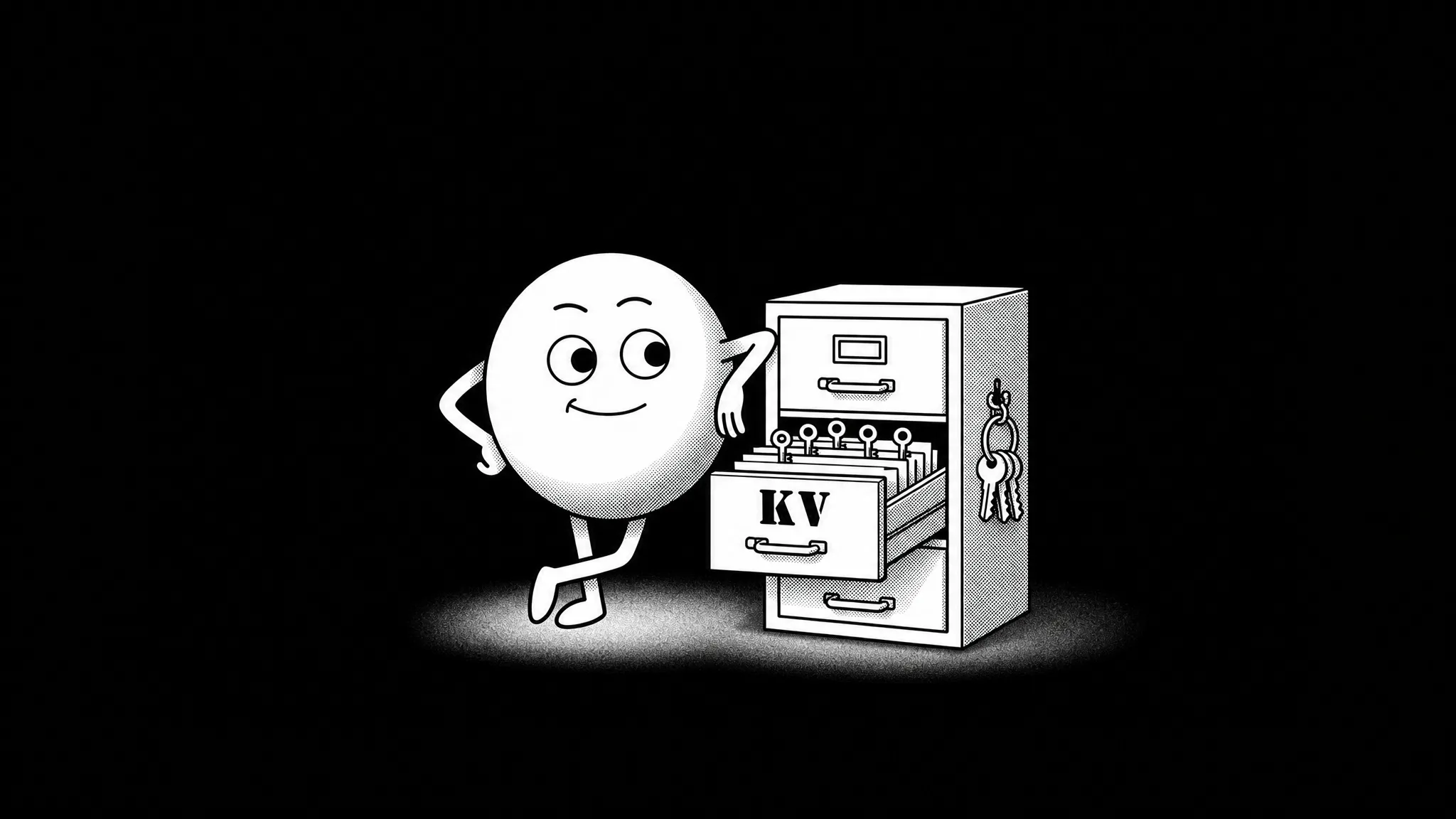
A KV cache is the attention data a language model keeps while generating text. It contains the key and value vectors already calculated for the tokens in the prompt, conversation history, and response.
An LLM generates a response one token at a time. Before producing the next token, its attention layers determine which parts of the existing context are relevant. For each attention operation:
- the query (Q) describes the information needed at the current step;
- each earlier token has a key (K) used to measure its relevance to that query;
- its value (V) carries the information that can contribute to the result.
The model compares the current query with the earlier keys, then combines the corresponding values according to those relevance scores. The keys and values calculated for earlier tokens remain useful at every later step, so the model keeps them in memory and adds a new pair after each generated token.
That stored collection of key and value tensors, maintained separately at every transformer layer, is the KV cache. Queries are used for the current attention step; keys and values are retained for future steps.
How KV caching works
Suppose a user sends the model a prompt containing 1,000 tokens. Before the model can continue the sequence, it first processes the prompt and then begins generating its response:
- The model first processes the prompt. Each attention layer calculates a key and value for all 1,000 tokens. These entries form the initial KV cache.
- Then it generates the first output token. The model uses the attention results from the processed prompt to produce token 1,001.
- It extends the cache. The new token is passed through the model, its key and value are added, and the cache grows to 1,001 entries per layer.
- The model continues generation. The model reuses the expanded cache to produce the next token. Each additional token adds one more key and value at every layer.
How KV caching improves performance
KV caching primarily speeds up the generation stage. Without it, the model rebuilds the keys and values for the growing sequence before every new token. With it, the model reuses that work and calculates only the new token’s representations.
A Hugging Face demonstration measured the difference with a specific model and GPU:
| Model and test | Without KV cache | With KV cache | Reported speedup |
|---|---|---|---|
| SmolLM2-1.7B, up to 300 new tokens on an NVIDIA T4 | 61 s | 11.7 s | 5.21× |
Why the KV cache can fill your memory
The performance gain comes with a memory cost: the saved keys and values must remain available in RAM or VRAM for as long as their tokens stay in the context.
Prompt:        tokens 1 ... 1,000
KV cache:      [K1 ... K1000] + [V1 ... V1000]

After one generated token:
KV cache:      [K1 ... K1001] + [V1 ... V1001]
Every retained token adds a key and value at every transformer layer. With the other settings unchanged, twice the context requires approximately twice the KV-cache memory.
Context length determines how many entries the cache holds. Three other factors determine how much memory those entries require:
- Active sequences: simultaneous conversations or requests normally maintain separate caches.
- Model architecture: models with more layers or more KV heads store more data per token.
- Cache format: FP16, 8-bit, and lower-bit formats store each value using different amounts of memory.
The KV cache is separate from the model weights. Weights occupy a mostly fixed amount of memory after the model loads; the cache starts with the prompt and grows during the session. A model can therefore fit at a 4,096-token context but run out of memory at 32,768 or 131,072 tokens even though its GGUF file has not changed.
The calculator below combines these factors to estimate the cache size for a specific model and context.
KV cache memory calculator
If you’re wondering how much memory to allocate for KV cache, you can use the interactive KV cache calculator below:
Note: the calculator shows memory required for the KV cache alone, not the total memory required to run the model. For example, a 4 GiB result means that the cache may need about 4 GiB in addition to the model weights, runtime buffers, the operating system, and other applications. For hybrid and sliding-window models, the estimate covers the layers whose cache grows with context, using each model’s published configuration.
If the estimate is too large for your hardware, you have three main options:
- shorten the context;
- run fewer sequences at the same time;
- use a lower-precision KV-cache format.
Lowering cache precision requires more care than shortening the context: compression can affect both model quality and generation speed. TurboQuant is designed to reduce that trade-off.
TurboQuant and KV-cache compression
TurboQuant is an online vector-quantization method introduced in the 2025 study TurboQuant: Online Vector Quantization with Near-optimal Distortion Rate. Its authors — Amir Zandieh, Majid Daliri, Majid Hadian, and Vahab Mirrokni — were affiliated with Google Research, Google DeepMind, and New York University.
Conventional low-bit KV-cache quantization reduces memory by representing keys and values with fewer bits. At very low precision, however, a small number of unusually large values can increase quantization error. TurboQuant first rotates each vector so its information is distributed more evenly across coordinates, then applies scalar quantization. The aim is to use fewer bits while preserving the inner products on which attention depends.
So what is the practical effect of TurboQuant?
The table below summarizes the results relevant to long-context generation based on the evaluation of KV-cache compression on an NVIDIA A100 using Llama 3.1 8B Instruct and Ministral 7B Instruct models:
| Benchmark | Model and setup | Full-precision cache | TurboQuant | Difference |
|---|---|---|---|---|
| Needle-in-a-Haystack recall | Llama 3.1 8B Instruct, 4K–104K context; compressed cache at 25% of the full-cache memory | 0.997 | 0.997 | 0.000 |
| LongBench-E average | Llama 3.1 8B Instruct, 3.5 bits per channel | 50.06 | 50.06 | 0.00 |
| LongBench-E average | Llama 3.1 8B Instruct, 2.5 bits per channel | 50.06 | 49.44 | -0.62 |
| LongBench-E average | Ministral 7B Instruct, 2.5 bits per channel | 49.89 | 49.62 | -0.27 |
In these experiments, the 3.5-bit configuration matched the full-precision aggregate score, while the more aggressive 2.5-bit configurations produced small declines. Read the full study for more details. A separate kernel test reported by Google Research measured up to an 8× speedup in attention-logit computation for 4-bit TurboQuant on an NVIDIA H100, relative to optimized 32-bit JAX keys.
In practical terms, a smaller KV cache reduces the amount of data the GPU must read for every generated token. The effect becomes more important as the context grows: less data has to move from GPU memory, so attention can be computed faster.
TurboQuant in Atomic Chat
Atomic Chat uses a modified llama.cpp engine with TurboQuant-based KV-cache formats with paths for Metal, CUDA, Vulkan, HIP/ROCm, and CPU with three TurboQuant cache formats:
| Cache type | Documented size relative to F16 | Repository guidance |
|---|---|---|
turbo2 | Approximately 6.4× smaller | Most aggressive compression; maximum context headroom |
turbo3 | Approximately 4.3× smaller | Recommended balance |
turbo4 | Approximately 3.8× smaller | Higher-accuracy fallback |
The best KV-cache compression level in Atomic Chat is selected automatically for any given system and model combination.
To isolate the performance cost of KV-cache compression on Apple Silicon, we tested two Qwen 3.6 models on a MacBook Pro with a 40-core M4 Max GPU and 48 GB of unified memory. Each run used Metal and generated one response at a time. The table below shows the results:
| Model | Output length | F16 base (tokens/s) | turbo3 base (tokens/s) | turbo3 change |
|---|---|---|---|---|
| Qwen 3.6 27B dense | 128 | 21.3 t/s | 19.7 t/s | -7.5% |
| Qwen 3.6 27B dense | 512 | 20.8 t/s | 18.7 t/s | -10.1% |
| Qwen 3.6 35B-A3B MoE | 128 | 70.1 t/s | 61.8 t/s | -11.8% |
| Qwen 3.6 35B-A3B MoE | 512 | 69.6 t/s | 62.0 t/s | -10.9% |
In these runs, turbo3 generated 7.5–11.8% fewer tokens per second than F16. The full benchmark matrix and harness details are available in the Atomic repository.
FAQ
What is a KV cache in an LLM?
A KV cache is a collection of key and value tensors that an LLM retains for previously processed tokens. Reusing these tensors during generation avoids recalculating the same attention data before every new token, reducing repeated computation at the cost of additional RAM or VRAM.
How does KV caching improve LLM inference speed?
KV caching speeds up decoding by calculating the keys and values for each token once and reusing them. In a Hugging Face demonstration, SmolLM2-1.7B generated up to 300 new tokens on an NVIDIA T4 in 11.7 seconds with caching, compared with 61 seconds without it—a reported 5.21× speedup.
Why does KV-cache memory grow with context length?
Each retained token adds one key vector and one value vector at every transformer layer. If the model, number of active sequences, and cache format remain unchanged, doubling the context length approximately doubles KV-cache memory.
How much RAM or VRAM does a KV cache use?
KV-cache memory depends on context length, active sequences, model architecture, and cache precision. As a reference point, one 131,072-token sequence for Llama 3.1 8B requires an estimated 16 GiB with an FP16 cache or 3.72 GiB with Atomic turbo3. These figures exclude model weights and runtime overhead.
How can you reduce KV-cache memory use?
You can reduce KV-cache memory by shortening the context, running fewer sequences at the same time, choosing a model with fewer KV heads or layers, or using a lower-precision cache format. KV-cache quantization preserves the context length while storing each key and value with fewer bits.
Is KV-cache quantization the same as GGUF quantization?
No. GGUF quantization usually compresses the model weights, whose memory use is mostly fixed after loading. KV-cache quantization compresses the temporary attention data created during inference, which grows with the active context. Both methods can be used together.
What is TurboQuant?
TurboQuant is a low-bit vector-quantization method that can compress an LLM’s KV cache. It rotates key and value vectors before quantization so their information is distributed more evenly, allowing them to be represented with fewer bits and less distortion.
Does TurboQuant affect model quality?
TurboQuant preserved the full-precision aggregate score at 3.5 bits per channel in the paper’s Llama 3.1 8B LongBench-E test. At 2.5 bits, the reported aggregate scores declined slightly. The quality impact therefore depends on the compression level, model, and task.
Does TurboQuant make LLM generation faster?
TurboQuant can accelerate attention by reducing the amount of KV-cache data read from memory, particularly at long contexts. Total generation speed also depends on the quantization kernels and hardware: Google reported up to 8× faster attention-logit computation on an H100, while Atomic’s M4 Max benchmark measured turbo3 generation 7.5–11.8% slower than F16.
Bottom line
KV caching makes token-by-token generation practical by storing attention data that the model would otherwise recalculate repeatedly. This speeds up generation, especially when the model is handling long contexts. However, as the context grows, the KV cache uses more of the RAM or VRAM available to your system. KV-cache quantization, such as TurboQuant in Atomic Chat, can reduce this memory usage.
Key takeaways:
- A KV cache is the attention data a language model keeps while generating text.
- KV cache contains the key and value vectors already calculated for the tokens in the prompt, conversation history, and response.
- KV cache speeds up text generation because the model reuses attention calculations from earlier tokens.
- The KV cache gets larger as the prompt or conversation gets longer. With the same model and cache format, increasing the context from 8,000 to 16,000 tokens requires approximately twice as much cache memory.
- Atomic’s
turbo3TurboQuant format uses approximately 4.3× less cache memory than F16. In our M4 Max tests, it also produced 7.5–11.8% fewer tokens per second.