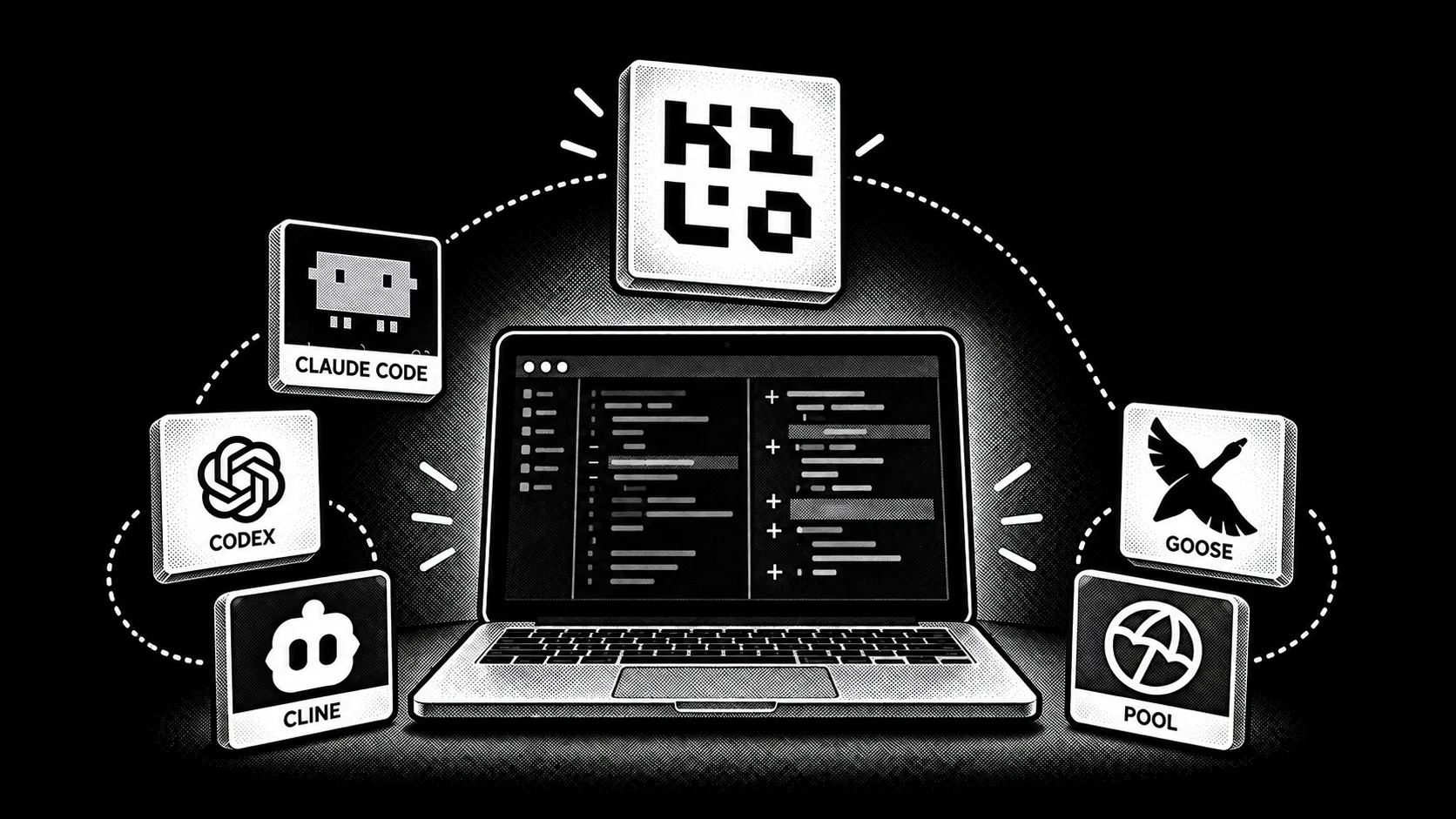


Start with OpenCode if you want a terminal agent that feels familiar. Pick Kilo Code if you move between an editor and a CLI or switch models often. Codex gives you a defined sandbox; Cline puts file changes in front of you for approval. The remaining four suit different workflows, from browser-based development to ACP-connected editors.
A local model does not make every agent fully offline. Update checks, web tools, package installs, remote MCP servers, and telemetry can still use the network. Check each tool's settings before using it with sensitive code.
How we compared them
Each pick has a documented path to a local model. The differences that matter day to day are where you work, which actions need approval, and whether you can inspect the agent's code. We used product documentation for those checks; this is a workflow comparison, not a benchmark of eight agents on the same coding task.
OpenCode, Kilo Code, Codex, Cline, Goose, Qwen Code, and OpenHands publish source under open-source licenses. pool is proprietary. A local model can avoid model-API charges, but your machine, electricity, and any enabled cloud services still have costs.
At a glance
Scroll horizontally to compare all columns.
| Agent | Where you work | Local-model route | Best reason to pick it |
|---|---|---|---|
| OpenCode | Terminal, desktop, editor | Atomic Chat (documented provider and one-click launcher); other local servers | A familiar terminal workflow with provider choice |
| Kilo Code | VS Code, JetBrains, CLI | Atomic Chat or a custom local provider | One coding agent across editor and terminal |
| Codex CLI | Terminal, scripts | Atomic Chat launcher; --oss for Ollama or LM Studio | Sandboxed work and non-interactive runs |
| Cline | VS Code, JetBrains, CLI | Atomic Chat launcher; other local providers | Reviewing changes before they land |
| Goose | Desktop, terminal | Atomic Chat launcher; other compatible providers | Tasks that extend beyond editing files |
| OpenHands | Browser-based Agent Canvas | Atomic Chat launcher; other documented local servers | A visual coding workspace with a local backend |
| Qwen Code | Terminal, editor | Atomic Chat via custom provider configuration | A terminal agent for Qwen and other models |
| pool | Terminal, ACP-compatible editor | OpenAI-compatible endpoint, configured manually | ACP as a client and a server |
The 8 best Claude Code alternatives you can run locally
1. OpenCode: closest to Claude Code's terminal workflow
OpenCode keeps the terminal-first coding loop: give it a task, inspect its work, and continue in the same session. OpenCode has a dedicated Atomic Chat section in its provider documentation. Load a model in Atomic Chat and launch OpenCode from Integrations; the agent connects to that local model. You can use a hosted provider in the same tool when a task calls for one.
The project is open source, and its permission rules let you decide which tools run automatically and which ask first. If you are coming from an approval-heavy setup, check those rules before pointing OpenCode at a real repository. Best for: developers who want a familiar CLI with more provider choice.
2. Kilo Code: best for coding across editor and terminal
Kilo Code is the strongest pick here for day-to-day coding across tools. It works in VS Code, JetBrains, and the terminal, so you can stay with one agent as you move from an inline edit to a larger repository task. Its open-source project supports hundreds of hosted models and lets you bring your own provider.
Local models are a first-class route: Kilo has a dedicated Atomic Chat setup guide, and Atomic Chat can launch Kilo against the model you have loaded. For code work, that combination is especially useful: keep the editor workflow you already know, use a local model when the repository should stay on your machine, and switch models without switching agents. Best for: developers who want one coding assistant in the editor and CLI.
3. Codex CLI: a clear sandbox for autonomous work
Codex CLI is built for terminal coding tasks and scripted runs. Its documented sandbox and approval controls let you set what the agent can read, edit, or access over the network. That makes it a useful choice when you want to hand off a well-scoped task and inspect the result.
Atomic Chat launches Codex against the model you have loaded. Codex also has an --oss path for Ollama and LM Studio; custom servers need to support the Responses API. The ChatGPT subscription route applies to supported hosted Codex use; a local model follows the local server's setup instead. Best for: bounded autonomous tasks, terminal workflows, and automation.
4. Cline: review changes in your editor
Cline brings the agent into VS Code or JetBrains. Its Plan and Act workflow separates deciding what to do from doing it, while its approval settings let you review individual actions or authorize categories you trust.
Atomic Chat launches the Cline CLI against the model you have loaded. Cline also supports other local model servers. The visible diffs make it a good fit for code you want to review as the task unfolds. Best for: developers who want the agent inside the editor and control over file changes.
5. Goose: coding tasks that reach beyond the repository
Goose is useful when a coding task also needs setup, tests, documentation, or a tool outside the repository. Its desktop and CLI apps support MCP extensions. Atomic Chat can launch Goose against a model on your machine; Goose also accepts OpenAI-compatible local endpoints.
You can connect the tools a task actually needs, then run the task against the model you loaded. Review the enabled extensions and its execution mode before giving it access to external systems. Best for: development workflows that involve more than editing and running code.
6. OpenHands: a visual workspace for coding agents
OpenHands gives you a browser-based coding workspace rather than another terminal clone. Its Agent Canvas can work with local project files, and the official local-LLM guide covers Atomic Chat and other local servers. It separates where the agent runs from where model inference runs, which makes the setup easier to reason about.
The source is available in the OpenHands repository. If you run its backend in a container, configure access to the host model server and keep that server private to your machine or trusted network. Best for: developers who prefer a visual agent workspace and want a documented local-model setup.
7. Qwen Code: a terminal agent with flexible model routing
Qwen Code is an open-source terminal agent from the Qwen team. Its provider configuration supports several API protocols and custom endpoints, including a local model server.
If you already use Qwen models, it is a natural place to start. The provider flexibility also lets you compare a local model with a hosted one without changing your coding interface. A local endpoint needs manual configuration; Atomic Chat does not list a one-click Qwen Code launcher. Best for: Qwen users who want a CLI agent with custom provider routing.
8. pool: an ACP-connected agent
pool is Poolside's terminal agent. Its documentation shows it working with the Agent Client Protocol (ACP), so an ACP-compatible editor can connect to it. It can also connect to a local model through Ollama or an OpenAI-compatible endpoint.
pool is proprietary, so it is an option for its ACP workflow, not for someone seeking inspectable agent code. Best for: teams already using ACP-compatible editors or Poolside tooling.
How to run a coding agent on a local model
You need three parts: a coding agent, a model server, and a model that can handle tool calls and code edits. Start with the agent whose workflow fits you, then follow its documented local-provider route.
- Load a coding model in Atomic Chat, Ollama, or LM Studio. Choose a size your machine can run with enough context for the task.
- Start the model server and copy its exact model ID and endpoint.
- Connect the agent using its local-provider setting. In Atomic Chat's Integrations tab, OpenCode, Kilo Code, Codex, Cline, Goose, and OpenHands have launch paths; Qwen Code and pool need their provider settings.
- Run a small task in a test repository. Check the resulting diff, test output, approval settings, and any network calls before moving to sensitive work.
There is no useful universal RAM number for “a coding agent.” Model size, quantization, context length, and server settings all change memory use. See our local coding model guide for model selection.
Keep Codex available after your laptop sleeps with Atomic Bot. It provisions and maintains a cloud instance that runs the agent 24/7. Use the local-model setup above when you want inference on your own machine; Atomic Bot is the always-on cloud route.
FAQ
Do these agents work offline?
The model can run locally, but full offline operation depends on the agent configuration and the task. Disable cloud providers, telemetry, update checks, web tools, and remote MCP connections as needed. A task that fetches packages or pushes code still needs network access.
What is the best Claude Code alternative?
OpenCode is the closest general replacement for a terminal-first workflow. Kilo Code is the better fit if you write code in an editor and want the same agent available in a CLI. Choose Cline for visible approval of changes, or Codex for sandboxed autonomous work.
Are there free Claude Code alternatives?
Yes. Several tools here are open source and free to install. A local model avoids a per-token model API bill, but uses your hardware and electricity. Hosted models, managed services, or optional paid features have their own prices.
Which alternative feels closest to Claude Code?
OpenCode has the most similar terminal-first workflow among the recommended open-source alternatives. Your project rules and approval settings still need a quick review when you switch.
Can Claude Code itself use a local model?
It can be connected to a local server through a compatible endpoint, though that is separate from Anthropic's standard hosted model path. Our Claude Code local setup guide covers the endpoint, model ID, and launch steps.
Which of these can I launch from Atomic Chat?
Atomic Chat documents launchers for OpenCode, Kilo Code, Codex, Cline, Goose, and OpenHands. Qwen Code and pool can connect through a compatible local endpoint with manual provider configuration.
Bottom line
For a direct switch from Claude Code, start with OpenCode. For coding across VS Code, JetBrains, and the terminal, start with Kilo Code. The rest have clear uses: Codex for a bounded sandbox, Cline for change-by-change review, Goose for tool-rich tasks, OpenHands for a visual workspace, Qwen Code for custom model routing, and pool for ACP.
Test your choice with the model you will actually run. The agent interface matters, but model quality, context length, permissions, and enabled network tools determine how the setup behaves on your code.
Next: run an agent on a local model, or compare the best local models for coding.