オフラインAIを、あなたのデバイスで
Qwen、Gemma、Llamaをデスクトップやスマートフォンに読み込んで、その場で実行します。インターネットを切っても答え続けます。


Benefits of local video generation
No account needed
Install the app and download a model without signing up.
No usage caps
Keep trying new prompts without a daily generation limit.
Total control
Choose your model files and keep the finished clips on your disk.
How local video generation works
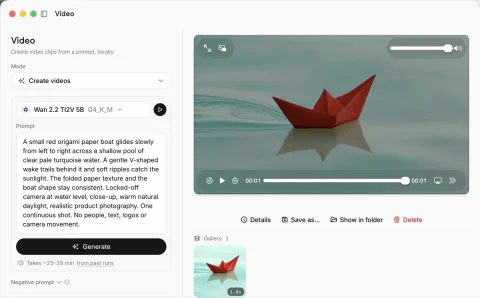
Write what happens in the scene, choose your settings and let the model run on your hardware.
Describe the motion
Tell the model what moves and how the camera should behave. A clear, focused scene gives you a place to start.
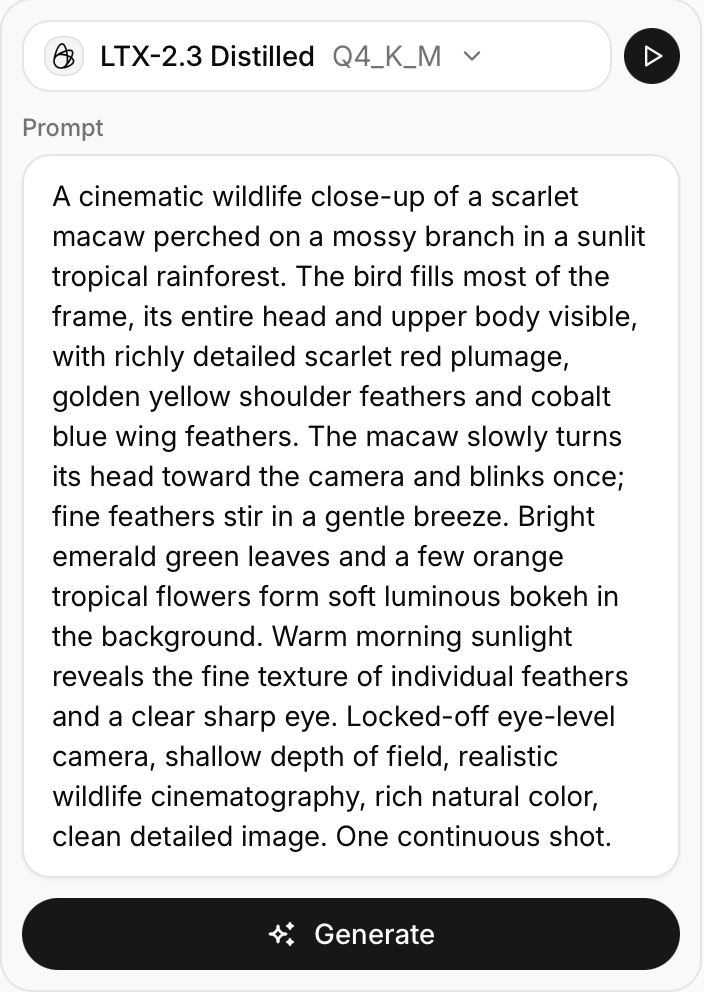
Set the length and size
Choose the duration and resolution before you generate. Shorter, smaller clips need less memory.
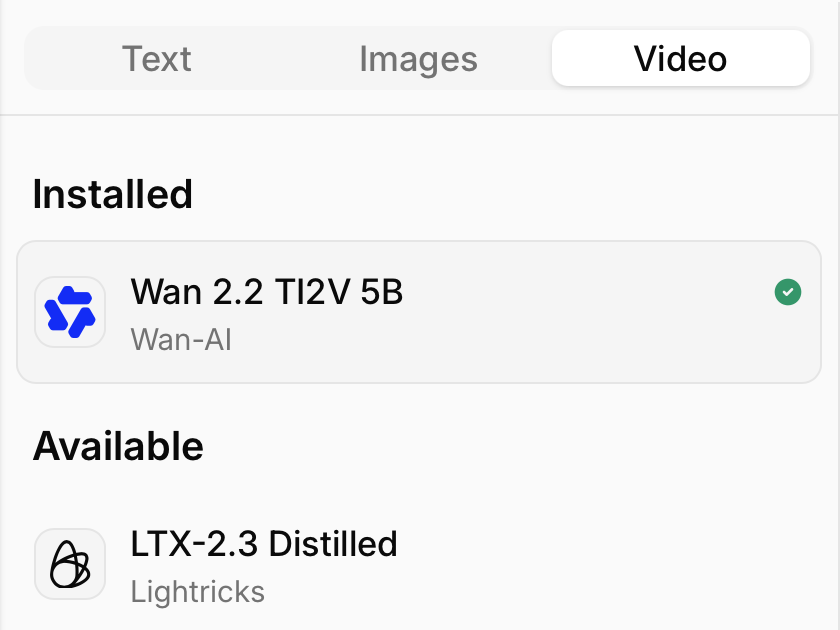
Pick a video model
Open the Video tab in Models Hub and download a supported option, such as Wan 2.2 5B.
Choose your quantization
Lower-bit weights make the model smaller, but can reduce output quality.
Play back your result
Watch the finished clip and save it to your computer. Change your prompt or settings when you want another take.
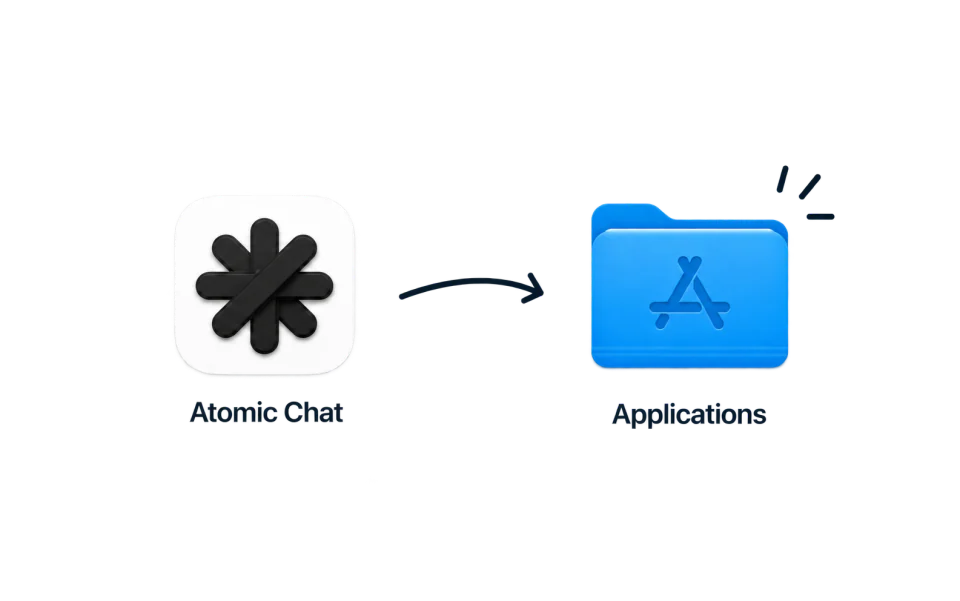
Download Atomic Chat
よくある質問
自分のデバイスでAIを動かすときのプライバシー、ハードウェア、費用について解説します。
オフラインAIとは、リモートサーバーではなく手元のコンピューターで動く言語モデルのことです。モデルを一度ダウンロードすれば、インターネット接続なしで応答します。プロンプトがデバイスの外に出ることはありません。
はい。モデルを一度ダウンロードすれば、チャットもドキュメント分析もローカルAPIも、Wi-Fiを切ったまま動きます。接続が必要なのは、新しいモデルをダウンロードするときとアプリを更新するときだけです。
完全にプライベートです。サーバーには何も送信しないため、プロンプトもファイルもチャットも自分のディスク上にとどまります。アカウントは不要で、会話がクラウドに記録されることもありません。
はい。Atomic Chatは無料で、Apache-2.0ライセンスのオープンソースです。サブスクリプションも、メッセージごとの課金も、利用上限もありません。
はい。契約書や医療記録、財務ファイルなどをそのまま読み込ませて、内容について質問できます。分析はすべてデバイス上で実行されるため、サーバーにアップロードされることも、クラウドに記録されることもありません。
はい。社外秘のコードを貼り付ければ、ローカルモデルが解説、デバッグ、リファクタリングを行います。マシンの外には何も出ません。NDAや社内規定でクラウドサービスにコードを送れない場合に役立ちます。
はい。Atomic ChatはOpenAI互換のローカルエンドポイントを公開しています。OpenClawやHermesなどのエージェントツールをそこに向ければ、APIキーもトークン単位の課金もなしにデバイス上で動かせます。
Atomic Chatは、Llama、Qwen、DeepSeek、Mistral、Gemma、Phiを含む1000以上のオープンモデルを動かせます。モデルを一度ダウンロードすれば、あとは自由に切り替えられます。すべてデバイス上で、無料です。
開発はすべてオープンに
プロジェクトをフォローし、Issueを立て、Atomic Chatを作っている人たちと話せます。
ニュースレターを購読
Atomicの最新情報とローカルAIのニュースをメールでお届けします。
.svg)


